The Physics of Night Flash Motion Blur: Why Generic Blur Prompts Fail
Understanding how physical flash exposure decouples foreground subject sharpness from ambient background shutter drag prevents AI models from blurring faces.
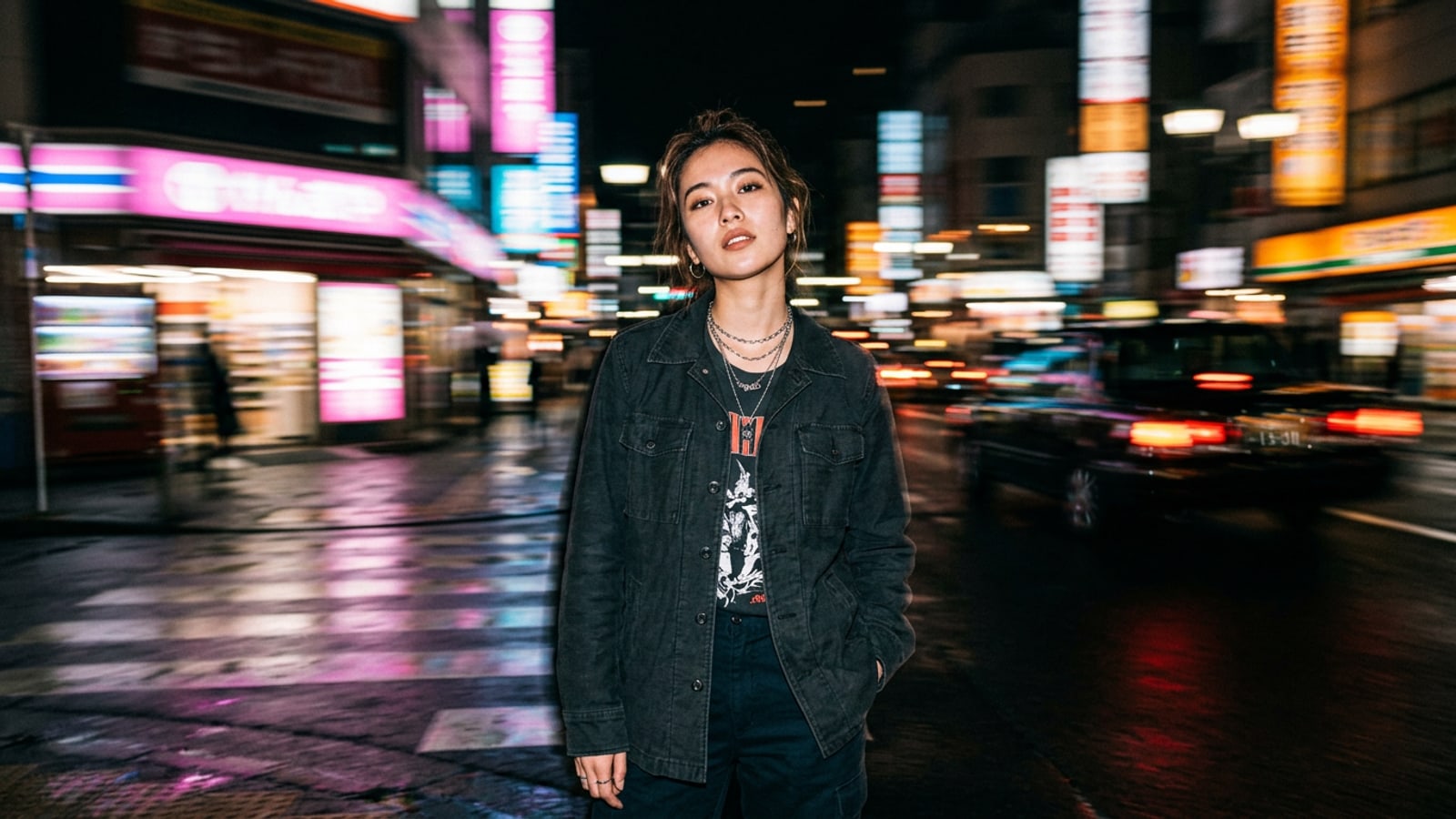
When creators ask AI image tools for a 'blurry night street photo,' the result is almost always disappointing: eyes, skin, and clothing smear together into a muddy smudge. In optical camera mechanics, achieving a crisp portrait against dynamic motion blur relies on exposure decoupling. A camera's direct flash fires for a microsecond fraction of a second—often around 1/1000s—freezing the foreground subject in razor-sharp clarity before the shutter closes.[1][3]
During slow shutter speeds ranging from 1/15s to 1/4s, ambient city lights and background neon continue registering on the sensor while the camera experiences subtle handheld camera shake. This optical principle, known as flash shutter drag or rear-curtain synchronization, creates energetic light trails while keeping the subject perfectly static.[2][3]
Generative AI models require prompt instructions that mimic this two-part exposure physics. When you write unspecific prompts like 'motion blur street portrait,' the diffusion model averages the velocity vector across the entire frame. To keep facial features locked while background neon streaks away, you must explicitly separate direct flash lighting tokens from ambient shutter drag parameters.[1][3]
- Microsecond flash duration (~1/1000s) freezes foreground subjects and maintains sharp facial textures.[1]
- Extended shutter drag (1/15s to 1/4s) captures handheld camera shake and background light trails.[2][3]
- Decoupled prompt parameters prevent AI diffusion models from smearing foreground subjects.[3]
Deconstructing the Modular Motion Blur Prompt Blueprint
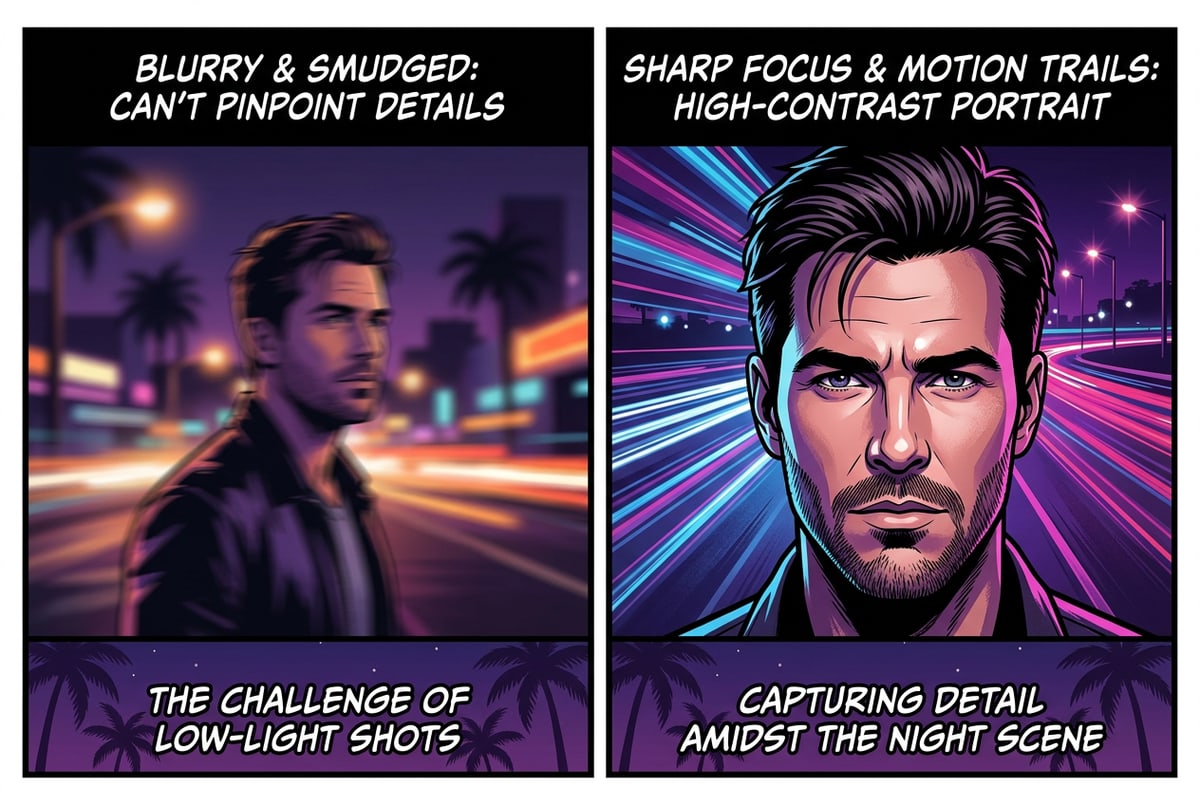
A 5-part structured prompt formula isolates facial sharpness using direct flash mechanics while streaking surrounding streetlights.
To build photorealistic night portraits on iPhone, construct your text prompts using a modular framework. By breaking the prompt into five distinct structural tokens, you guide conversational AI tools like CARA Agent to treat foreground lighting and background velocity independently.
The core of this blueprint is the subject anchor and exposure contrast. Direct flash tokens establish high-contrast illumination on the face and clothing, which signals to the AI model that foreground pixels must remain high-frequency and sharp. Simultaneously, environmental motion tokens dictate how background light sources streak across the frame.[1][3]
- Subject & Pose Anchor: Define the person, clothing textures, and candid gaze (e.g., 'candid vertical portrait of a young person in a leather jacket on a dark sidewalk').
- Foreground Flash Token: Specify microsecond direct illumination (e.g., 'hard direct camera flash, crisp skin detail, high contrast subject exposure').[1]
- Shutter Velocity Token: Define the motion blur mechanics (e.g., '1/15s shutter drag, handheld camera shake streaks').[2][3]
- Ambient Environment: Detail the night background and light sources (e.g., 'rain-slicked Tokyo street, glowing red taillights and neon sign reflections').
- Aesthetic & Rendering Quality: Lock in camera style without synthetic artifacts (e.g., 'raw low-fi mobile photography, 35mm lens perspective, natural film grain, no digital smoothing').
Copyable Prompt Library for iPhone Street Aesthetics
Ready-to-use prompt blueprints tailored for Y2K handheld direct flash, neon panning light trails, and rain-slicked city streets.
Below are tested prompt blueprints you can copy and adapt in CARA's AI Photo Creation or conversational Agent. Each prompt balances sharp subject definition with atmospheric motion blur.
Whether you want a nostalgic Y2K point-and-shoot vibe or a modern cinematic night street look, these prompts leverage natural camera movement principles to produce authentic low-fi aesthetics.[2]
- Y2K Digicam Night Flash: 'Candid 9:16 vertical street portrait of a woman standing on a city pavement at night. Direct harsh digicam flash freezes her face with sharp eye details and realistic skin texture. Background streetlights and distant traffic trail horizontally into soft camera-shake motion blur. Nostalgic early 2000s handheld aesthetic, high contrast.'[1][2]
- Neon Light Trail Panning: 'Dynamic night portrait of a guy on a dark crosswalk. Bright direct flash lights up the subject with razor-sharp clothing fold textures and crisp facial details. Behind him, intense neon storefront signs and car taillights stretch into smooth light streaks from slow shutter drag. Raw mobile street photography.'[2][3]
- Rain-Slicked Asphalt Motion: 'Moody handheld night street photo of a young adult looking directly at the camera. Harsh direct speedlight flash isolates the subject in crystal clarity. Background wet pavement and reflective store windows blur into kinetic motion streaks. Low-fi flash street aesthetic, damp atmosphere.'[1][3]
Step-by-Step Workflow in CARA on iOS
How to execute text-to-image creation and conversational refinements using CARA Agent on iPhone.
Creating night motion blur street portraits on iOS is straightforward with CARA's native generative tools. You can generate new photos from scratch using AI Photo Creation or refine existing images conversationally with CARA Agent.
When generating photos, selecting a modern diffusion model like Nano Banana 2 ensures fine detail preservation under high-contrast flash conditions.
- Open CARA and Choose Your Tool
Launch CARA on your iPhone or iPad. Navigate to 'Home > AI Photo' to generate a photo from a text prompt, or tap 'Home > Agent' to open the conversational chat interface.
- Select AI Generation Model & Resolution
In AI Photo Creation, select your preferred image model such as Nano Banana 2 and set your resolution to 1K or 2K for sharp detail.
- Refine via Conversational Agent Chat
If the initial result has too much background blur or slight facial softness, type follow-up natural-language instructions in CARA Agent, such as: 'Keep the subject's face completely sharp with direct flash, but increase the motion streak on the red background lights.'[1]
- Clean Up Background Distractions with AI Eraser
If an unwanted background reflection or object breaks the composition, use CARA's built-in AI Eraser tool to select and remove it cleanly.
Troubleshooting AI Night Photo Artifacts
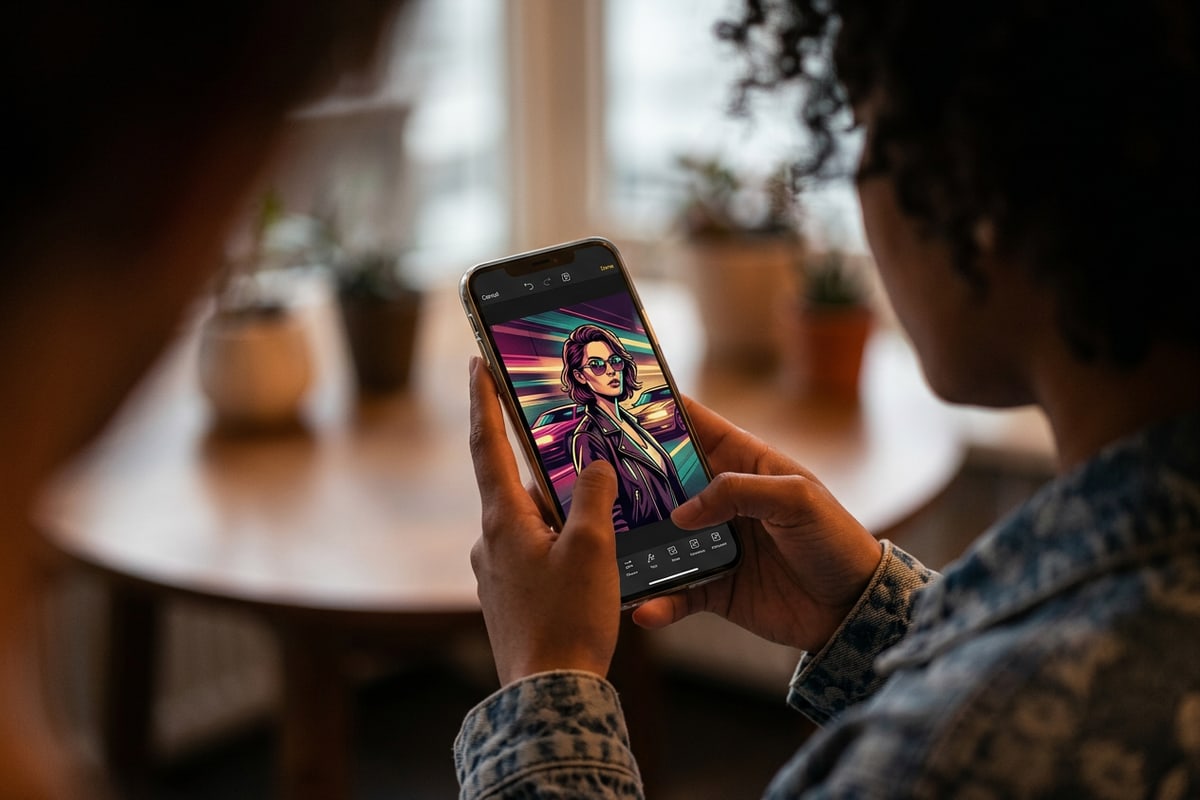
Fix common generative failure modes like washed-out skin tone, blurry eyes, and artificial light halos.
Night photography prompts involving flash optics can sometimes trigger rendering artifacts in generative AI models. Identifying the root cause allows you to apply targeted prompt corrections in conversational chat.
By adjusting specific lighting contrast words and explicitly constraining facial motion, you can eliminate unwanted glow halos and blurred facial features.[3]
- Symptom: Blurry eyes or smeared facial features. Cause: AI applied motion vectors across the entire image. Fix: Add 'crisp sharp eye detail, zero motion blur on face, frozen foreground exposure'.[1][3]
- Symptom: Overexposed, blown-out skin from flash prompt. Cause: Excessive direct flash weighting. Fix: Modify token to 'balanced fill flash, natural skin color tones under directional light'.[1]
- Symptom: Unnatural edge halos around hair and shoulders. Cause: Harsh cutout effect between subject and moving background. Fix: Prompt 'natural shutter drag optical blend around subject silhouette, authentic camera shake'.[3]
- Symptom: Synthetic Gaussian blur instead of camera shake light trails. Cause: Generic 'blurry' vocabulary. Fix: Replace 'blur' with '1/15s shutter drag light streaks, handheld movement lines'.[2][3]