Why Modern iPhone Cameras Struggle with the Y2K Direct Flash Look
Computational photography pipeline mechanics flatten direct flash contrast, hiding the distinctive visual signature of early 2000s point-and-shoot digicams.
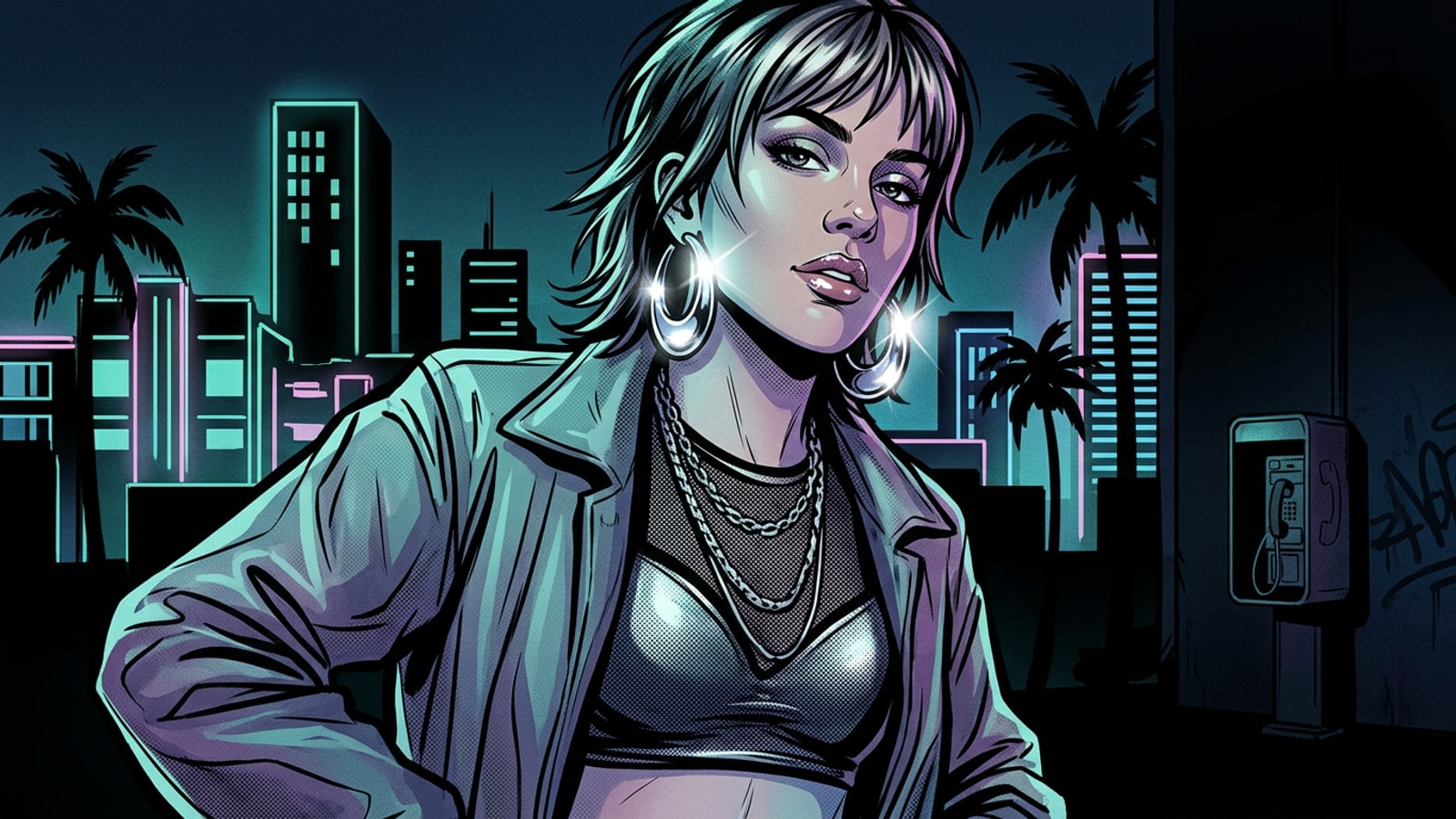
The viral resurgence of early 2000s point-and-shoot aesthetics is defined by unrefined lighting physics rather than digital grain or low resolution. Early digital cameras (digicams) relied on small CCD sensors paired with harsh, un-diffused on-camera flash bulbs mounted inches from the lens. This direct frontal light source created intense specular highlights on skin and glossy fabrics, alongside hard-edged background cast shadows and rapid light falloff.[1][3]
Modern iPhone cameras are built to prevent precisely these characteristics. Advanced computational photography pipelines use multi-frame exposure merging to lift dark shadows, soften highlights, and deliver balanced ambient tone mapping. While ideal for clean everyday photography, these dynamic range algorithms actively suppress the high-contrast snap and cool-toned color science that make Y2K direct-flash imagery so visually captivating.[1][7]
- Hard Frontal Illumination: Un-diffused flash beams strike subjects directly from the lens axis, washing out ambient room light.[1]
- Rapid Background Falloff: Light intensity drops sharply beyond the subject, plunging dark backgrounds into near shadow.[1][5]
- Cool CCD Color Balance: Early sensors exhibited cool-to-neutral white balance with high saturation in primary colors.[3]
Preparing Your Base Photo for AI Flash Transformation
Selecting base photos with appropriate lighting and material textures ensures the most natural generative direct-flash results.
Generative image modification in CARA Agent yields the highest fidelity when the original base photo provides clean geometric boundaries and specular targets. Direct flash simulation relies heavily on high-contrast surface reflections, meaning your base image choice directly impacts the realistic rendering of light hotspots.[1][2]
Avoid starting with flat, overcast outdoor shots or images with heavy pre-existing color casts. Indoor snapshots, dim ambient rooms, or simple studio lighting give the AI agent clear contrast boundaries to re-illuminate from a virtual frontal light source.[2]
- Prioritize Reflective Textures: Outfits with vinyl, leather, metallic satin, or chrome hardware provide natural anchors for bright flash highlights.[2][4]
- Emphasize Glossy Makeup: High-shine lip gloss and dewy cheek highlights catch simulated flash beams with authentic pop aesthetics.[3][4]
- Maintain Background Clearance: Position your subject a few feet away from a rear wall so the AI can render a crisp cast shadow.[1]
Step-by-Step Tutorial: Recreating Y2K Flash Contrast in CARA Agent
A practical mobile workflow using Conversational Photo Editing on iOS to apply harsh flash lighting while protecting facial details.
CARA's Conversational Photo Editing allows iOS creators to modify photo lighting physics directly through natural language instructions. Rather than applying static post-capture photo overlays, CARA Agent re-synthesizes light interaction, casting authentic shadows based on your text prompt.[1][4]
- Open CARA and Enter Agent Mode
Launch CARA on your iPhone, select Conversational Photo Editing, and upload your chosen base photograph.
- Append Identity Preservation Constraints
End your prompt with explicit subject protection instructions (e.g., 'keep my exact facial features, expression, skin tone, and pose unchanged').[4]
Copyable Prompt Matrix for Y2K Flash Styles
Tested prompt formulas engineered for nightlife snapshots, vintage mirror selfies, and high-fashion pop portraits.
Generic phrases like 'vintage 2000s filter' often produce muddy yellow tinting instead of true direct-flash contrast. To achieve sharp digicam aesthetics, your prompts must describe explicit optical characteristics, including flash proximity, surface sheen, and cool color balance.[1][3]
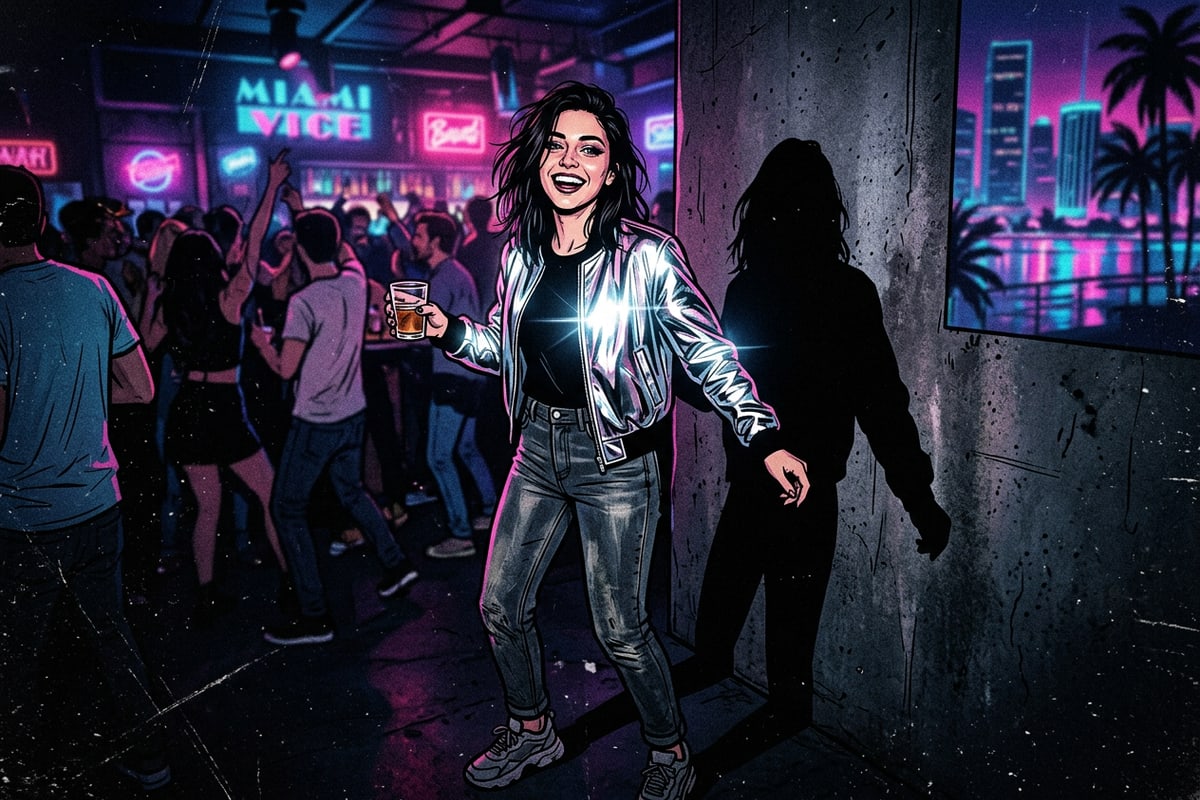
- Nightlife Party Snapshot: 'Re-illuminate this image with a harsh un-diffused on-camera frontal direct flash. Deep dark background falloff, high-contrast cool-toned CCD color balance, crisp dark shadow cast directly behind subject. High specular shine on glossy makeup. Keep facial features and subject identity identical.'[1][4]
- Mirror Selfie Digicam Glow: 'Transform the photo lighting to simulate an early 2000s compact camera flash popping in a dark room. Bright blown-out specular highlights on silver metallic surfaces, vibrant primary color saturation, cool neutral tone, soft ambient noise. Do not alter face shape or expression.'[3][4]
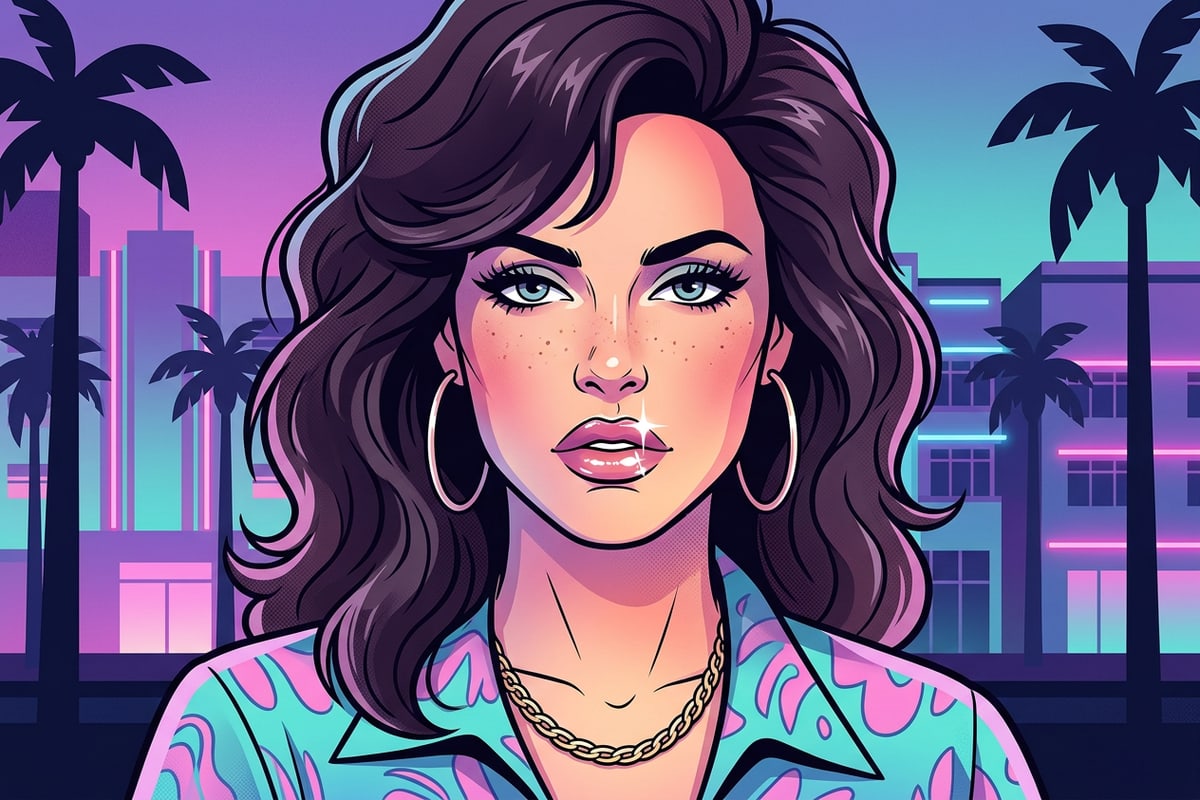
- High-Fashion Pop Beauty: 'Apply crisp frontal direct flash photography lighting. Punchy foreground contrast, glossy lip sheen with sharp light reflections, high specular hotspots on skin and chrome jewelry, dark moody background falloff. Preserve subject identity and facial structure completely.'[1][3]
Advanced Refinement: Combining AI Replace with Flash Prompts
Leverage AI Replace on iOS to introduce Y2K fashion accessories before executing your final flash lighting prompt.
The 2000s direct flash look works best when surrounded by authentic Y2K styling details. If your base photo features modern streetwear, you can use CARA's AI Replace tool to swap wardrobe elements or add reflective accessories prior to re-illuminating the shot.[1][4]
Simply highlight an area on your iPhone photo—such as an outfit or accessory—and prompt AI Replace to generate Y2K staples like silver rimless sunglasses, a metallic jacket, or chunky chrome hoop earrings. Once these reflective objects are added, the direct flash prompt will generate realistic specular highlights across the newly added surfaces.[1][4]