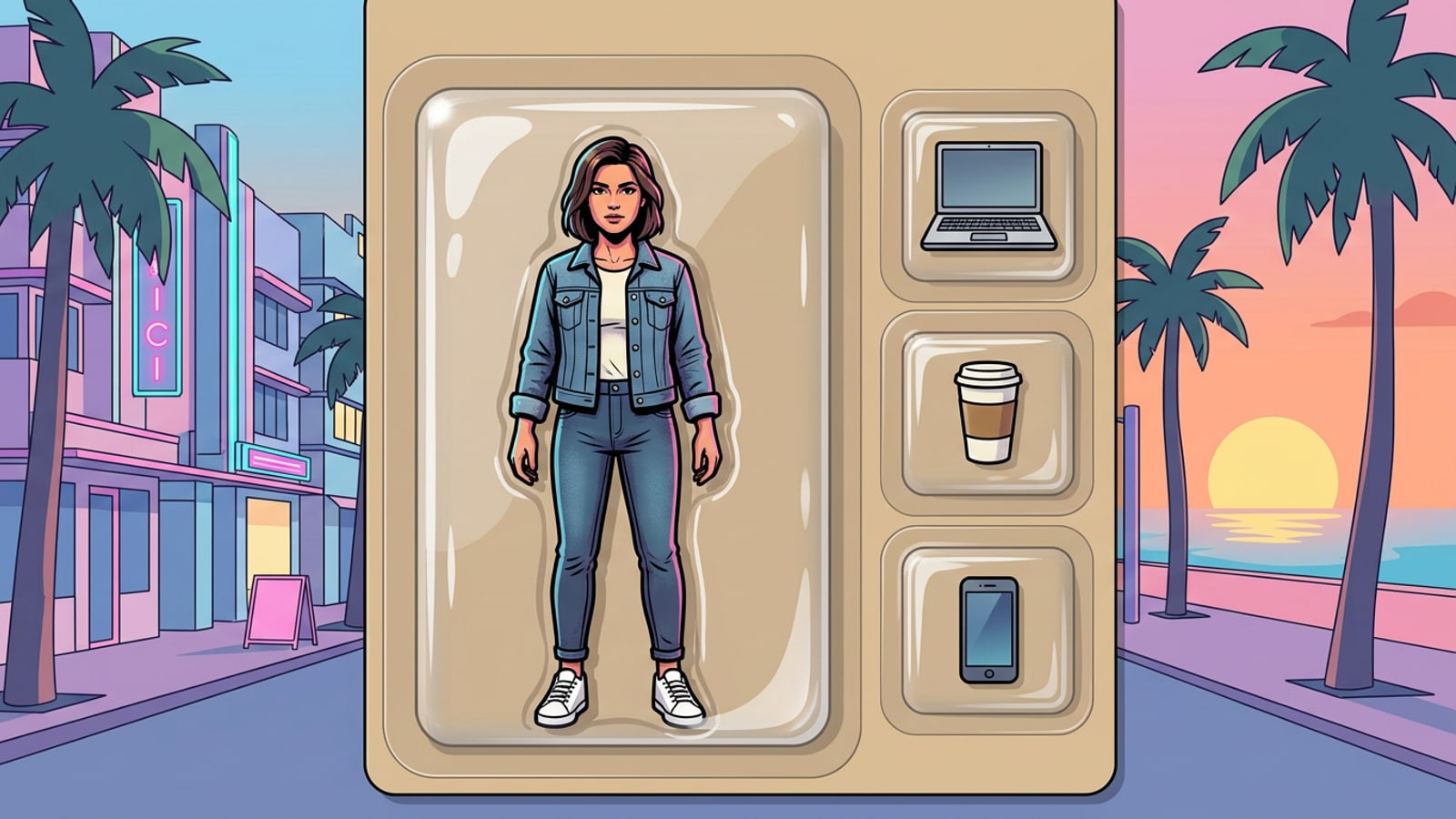
Turn Yourself into a 3D AI Action Figure Toy Box on iPhone
Understand the mechanics behind the viral 3D figurine toy box photo trend and how conversational AI simplifies mobile generation.
The 3D AI action figure trend has dominated social media feeds, transforming everyday portraits into collectible miniature figurines enclosed in vintage blister-pack packaging. Replicating this detailed retail look on an iPhone requires orchestrating multiple complex visual layers, including glossy plastic reflections, molded figurine materials, printed cardboard typography, and distinct accessory compartments.[1][2]
Instead of relying on generic single-button filters, creators achieve photorealistic outcomes by leveraging text-to-image models and conversational photo editing in CARA. By opening Cara Agent via Home > Agent, you can issue natural language directives to build and refine custom collectible toy box compositions step by step.[1][3]
- 3D Molded Figurine: Realistic plastic or vinyl proportions styled after your clothing, hair, and posture.[2]
- Clear Blister Shell: Curved, transparent plastic clamshell housing with studio lighting highlights.[3]
- Cardboard Backer: Textured matte paperboard with custom header titles and branding elements.[2]
- Compartmentalized Accessories: Dedicated cutout trays containing miniature items suited to your character persona.[3]
The 4-Block Prompt Architecture for Realistic Toy Box Packaging
Master the explicit 4-part prompt structure that prevents AI models from blending accessories into the main figure.
Single-sentence prompts often collapse realistic toy box renders because image models struggle to distinguish where the plastic bubble ends and the character begins. The 4-Block Prompt Architecture solves feature blending by explicitly isolating four structural components into structured descriptions.[2][3]
By explicitly declaring the boundaries for the figure, the outer plastic bubble, the card stock header, and the side accessories, you instruct the AI model to generate distinct spatial layers in a single pass.[2]
- Block 1 (Subject & Style): Specify a 3D molded plastic action figure, outfit details, pose, and physical characteristics based on your selfie reference.[2][5]
- Block 2 (Packaging & Plastic): Define a clear vacuum-formed plastic blister pack sealed over a matte cardstock backer, complete with studio light glints on the curved plastic shell.[3][7]
- Block 3 (Cardboard Typography): State explicit capitalized header text inside quotes, specifying font style, background cardboard color, and placement on the top panel.[2][3]
- Block 4 (Accessories Layout): Describe 2 to 4 distinct molded plastic trays placed to the side of the main figure containing miniature persona items.[3][8]
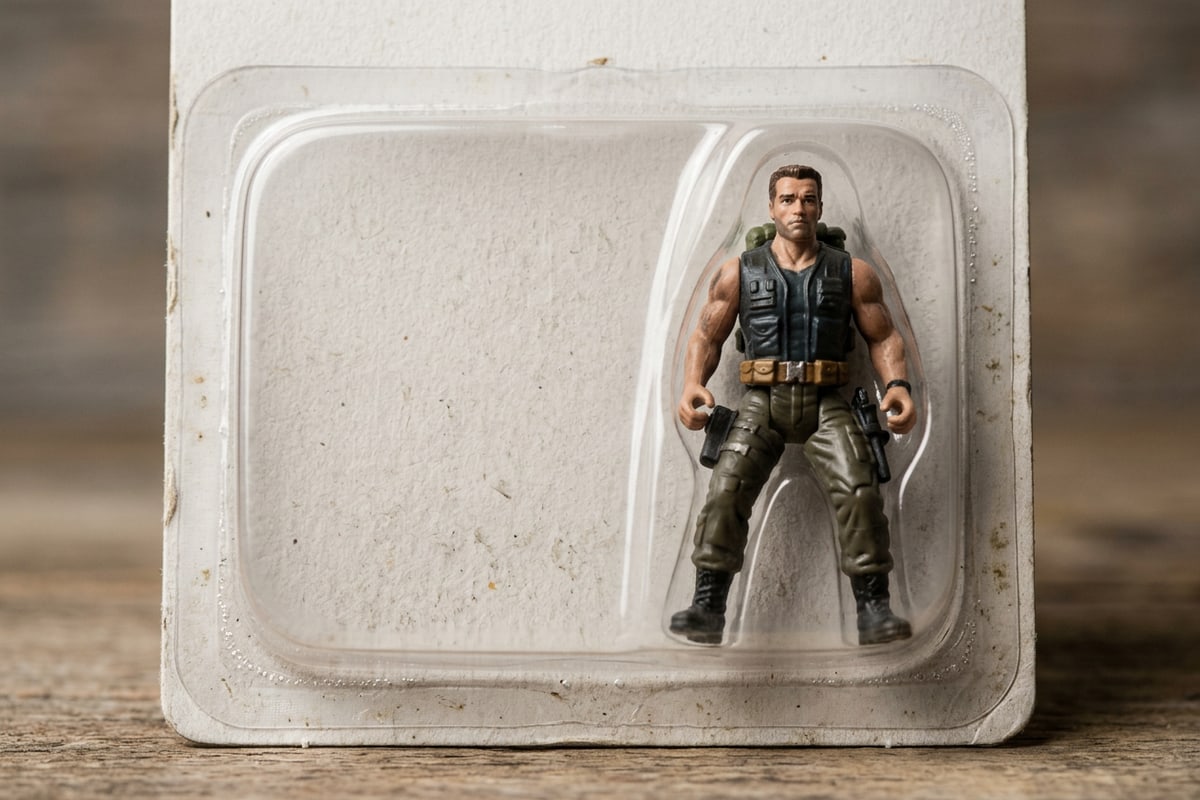
Step-by-Step Tutorial: Generating and Refining Your Toy Box in Cara
Follow a practical workflow in CARA on iPhone to create, clean up, and expand your action figure image for social sharing.
Creating a high-quality action figure photo requires sequential generation followed by micro-editing to fix small visual glitches. Similar to workflows used when creating professional AI headshots or assembling aesthetic photo collages, targeted adjustments ensure your final artwork looks clean and intentional.[1][3]
Once your core toy box render is complete, CARA provides dedicated tools like AI Replace and AI Eraser to refine garbled typography or unwanted plastic artifacts without re-generating the entire character.[1]
- Initiate Prompt in Cara Agent or AI Photo Creation
Open CARA on iOS and navigate to Home > Agent or Home > AI Photo. Input your structured 4-block prompt along with your reference photo.[1]
- Select AI Generation Model
Choose a high-fidelity rendering model such as GPT Image 2 or Nano Banana Pro to maximize text accuracy and plastic shine details.[1]
- Outpaint to 9:16 Frame using Image Extender
Navigate to Home > AI Editing > Image Extender to expand a 1:1 square image into a 9:16 vertical canvas for Instagram Stories or TikTok posts at a cost of 30 points.[1]
Choosing AI Models and Point Pricing in Cara
Evaluate model trade-offs in CARA to balance visual detail against credit costs.
CARA operates on a points system where different AI image models carry varying costs based on resolution and processing complexity. Choosing the correct model depends on whether your priority is exact text accuracy or credit efficiency.[1]
For initial prompt drafts, lower-cost options allow rapid experimentation. For final renders requiring crisp cardboard typography and high-definition plastic reflections, premium models deliver superior visual results.[1]
- GPT Image 2: Best for crisp cardboard text and complex blister geometry. Available in 1K (150 points), 2K (400 points), and 4K (800 points).[1]
- Nano Banana Pro: High-detail subscriber model offering strong text consistency and plastic surface shaders at 100 points (1K/2K) or 200 points (4K).[1]
- Nano Banana 2: Balanced option for fast iteration with resolution options ranging from 40 points (512px) to 110 points (4K).[1]
- Nano Banana / Nano Banana 2 FAST: Standard budget options priced at 30 points per generation for preliminary composition tests.[1]
Frequently Asked Questions
Address common generation challenges such as packaging text rendering, accessory isolation, and aspect ratio formatting on iPhone.
When generating custom toy packaging on mobile, creators often encounter specific AI rendering quirks ranging from garbled text on cardboard headers to fused accessory compartments. Understanding how to diagnose and correct these common generation hurdles ensures consistent studio-quality results.[2][3]
Below are answers to the most frequently asked questions regarding identity preservation, custom accessory placement, and canvas extension on iOS.[1][2]