The Business Case: Why Executive Portraits Drive Career Velocity
Explore how professional profile photos affect recruiter engagement and why identity preservation is critical for long-term career trust.
Your digital portrait serves as the primary visual anchor for your professional identity on hiring platforms, executive search networks, and corporate websites. In competitive hiring markets, first impressions occur in fractions of a second. Data shows that LinkedIn profiles featuring clear, high-quality headshots receive up to 21 times more profile views and prompt significantly higher recruiter outreach than profiles without updated visuals.[1]
Eye-tracking studies demonstrate that hiring managers spend approximately 19% of their initial profile evaluation time examining the candidate's portrait photo before reading resume credentials or work history. However, the rise of automated 1-click headshot generators has introduced a major trust vulnerability. Full-face generative generators frequently alter subtle eye shape, jawline structure, and skin undertones, producing uncanny portraits that recruiters flag as artificial red flags when cross-referenced against live video interviews.[1][2]
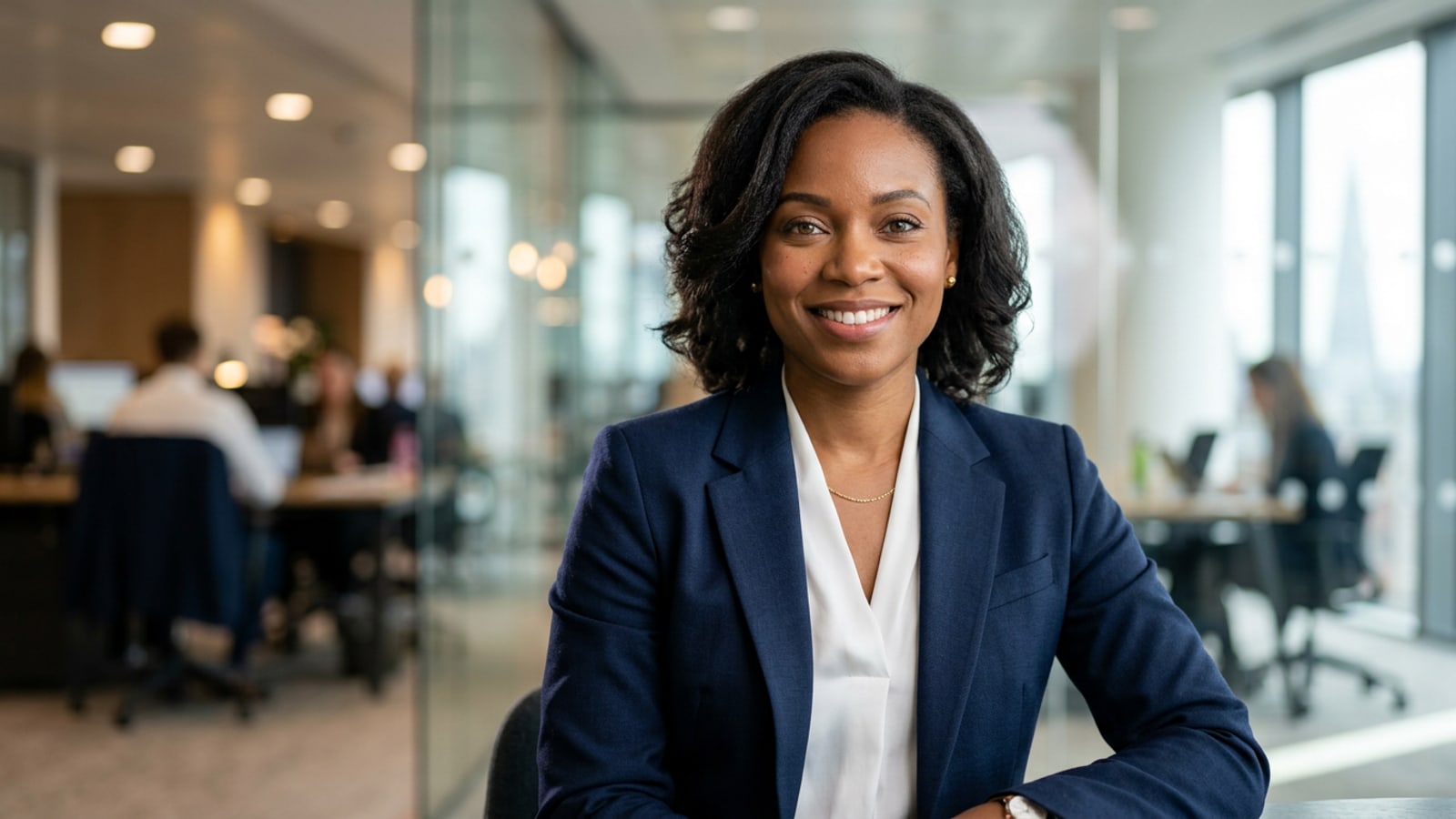
Achieving executive career velocity requires a modular enhancement approach rather than full facial synthesis. By preserving your true facial geometry while upgrading external variables such as wardrobe framing, background setting, and studio lighting balance, you project professional competence without compromising authentic identity.[2]
- Measurable Recruiter Reach: High-fidelity executive portraits substantially increase search click-through rates and connection request acceptance.[1]
- Likeness Verification: Retaining actual facial structure avoids awkward discrepancies between digital profile photos and real-time video calls.[2]
- Contextual Upgrading: Enhancing context like attire and lighting achieves studio quality without synthetic facial reconstruction.[3]
Base Photo Preparation: Capturing a High-Fidelity Mobile Source
Learn how to capture an ideal raw smartphone portrait that preserves your natural facial structure before applying AI adjustments.
The success of a modular AI headshot workflow depends directly on the optical quality of your initial source photo. Generative tools work best when provided with uncompressed facial geometry, natural catchlights, and even shadow distribution across your features.[3]
Avoid taking close-up selfies with high vertical angles or wide-lens distortion near your nose. Instead, position your iPhone near an open window with indirect daylight, keeping the camera lens parallel to your eye line at approximately arm's length.[3]
Maintain a natural posture by angling your chest 30 to 45 degrees relative to the camera while turning your face directly toward the lens. This creates a dimensional shoulder angle without distorting facial proportions.[3]
- Illumination: Face a large window to establish soft, natural key lighting and natural eye catchlights.[3]
- Alignment: Keep your iPhone camera at eye level to eliminate chin elongation and perspective distortion.[3]
- Expression & Posture: Wear a relaxed, confident smile with neutral facial muscles and dropped shoulders.[3]
- Clean Camera Optics
Wipe your iPhone camera lens with a microfiber cloth to prevent smudges and lens flare haze.[3]
- Position Facing Diffused Light
Stand 3 to 5 feet from an unshaded window during daylight hours so light softly illuminates both sides of your face.[3]
- Capture Unfiltered Raw Portrait
Take multiple shots using standard camera focus without applying aggressive beauty filters or portrait mode blurs.[3]
The CARA Mobile AI Pipeline: Step-by-Step Corporate Transformation
Master a modular mobile workflow using Image Extender, AI Replace, and CARA Agent to upgrade composition, attire, and studio backdrops.
Rather than relying on template portrait generators that replace your identity, CARA on iOS offers focused creative editing tools designed to refine existing photos layer by layer. This identity-preserving approach gives you complete control over composition, attire, and environmental lighting while keeping your natural face completely intact.[3]
The first step in transforming a casual mobile capture into an executive headshot is adjusting photo proportions. Tight selfies shot close to the face lack the shoulder frame necessary for professional avatar circles. Using Image Extender in CARA on iOS outpaints the photo borders, expanding the canvas around your head and torso to establish balanced head-and-shoulders composition.[3]
Next, address your wardrobe. You do not need a suit for your initial photo. By using AI Replace in CARA on iOS, you simply brush over casual clothing items like t-shirts or hoodies and enter a natural text prompt for a tailored business blazer or corporate suit. Finally, open CARA Agent to describe your ideal studio backdrop, adding soft background bokeh and subtle rim lighting through conversational chat prompts.[3]
- Canvas Outpainting: Expand tight selfie boundaries using Image Extender to achieve traditional head-and-shoulders corporate framing.[3]
- Targeted Wardrobe Swap: Brush over clothing using AI Replace to introduce tailored blazers, suits, or executive casual tops.[3]
- Conversational Backdrop Control: Use CARA Agent to generate blurred architectural glass or neutral slate backgrounds with balanced studio rim light.[3]
- Outpaint Borders with Image Extender
Open your base photo in CARA on iOS, select Image Extender, and expand the side and bottom borders to create room for corporate shoulder framing.[3]
- Replace Wardrobe with AI Replace
Select AI Replace, brush over your casual shirt area, and enter a prompt such as 'tailored navy wool corporate suit blazer over a crisp white shirt'.[3]
- Refine Environment via CARA Agent
Open the CARA Agent chat experience and prompt: 'Add a softly blurred modern office interior background with subtle studio rim lighting on shoulders.'[3]
- Clean Background Details with AI Eraser
Use AI Eraser if any unwanted object or edge artifact remains near your shoulder outline to ensure smooth background separation.[3]

Industry-Specific Prompt Recipes for CARA Agent
Deploy copy-paste natural language prompts tailored for executive, tech, creative, and finance roles to achieve authentic studio aesthetics.
Corporate expectations for visual headshots vary significantly across market sectors. A venture-backed technology founder benefits from approachable, daylight-lit smart casual imagery, whereas a managing director in corporate finance or legal requires classic suit tailoring with neutral, structured backgrounds.[3]
When prompting CARA Agent or using AI Replace on iOS, precision in descriptive terminology yields superior results. Specify fabric textures, color schemes, lighting directions, and depth-of-field blurring to guide the AI without introducing weird visual artifacts.[3]
By selecting prompt elements designed for your specific industry archetype, you ensure your updated headshot aligns naturally with recruiter expectations while preserving your authentic facial identity.[3]
- Executive Leadership: 'Tailored dark charcoal wool suit blazer, crisp white collared shirt, subtle studio rim lighting, neutral dark slate background with soft bokeh.'[3]
- Tech & Startup Founders: 'Tailored navy blazer over a premium neutral crewneck shirt, warm natural window lighting, modern glass architectural office backdrop with shallow depth of field.'[3]
- Creative & Design Consultants: 'Unstructured dark olive linen blazer, soft ambient studio lighting, warm neutral concrete wall backdrop with subtle textured shadows.'[3]
- Finance & Legal Professionals: 'Classic double-breasted midnight blue suit, crisp white dress shirt, symmetrical key studio lighting, softly blurred executive boardroom background.'[3]
- Identify Target Sector Archetype
Choose the prompt recipe above that best corresponds to your career discipline and seniority level.[3]
- Apply AI Replace for Garments
Mask your clothing area in CARA and paste the attire section of your chosen recipe to generate tailored clothing.[3]
- Instruct CARA Agent for Lighting & Depth
Use CARA Agent conversational prompts to apply matching rim light and background bokeh consistent with your selected style.[3]
Quality Control & Recruiter Verification Checklist
Audit your final headshot against circular framing rules, lighting alignment, and likeness preservation benchmarks before publishing.
Before publishing your updated portrait to professional platforms, execute a thorough quality control check. Recruiters inspect profile photos both in high-resolution detail and as small circular thumbnails in search feeds. Your headshot must remain clear and believable across all viewing contexts.[2][3]
Verify that your facial features match your real-life appearance. Check that eye shape, nose structure, beauty marks, and skin undertones have not been altered by background or clothing prompts.[2]
Inspect edge boundaries between your hair, collar line, and the generated background. Lighting direction on your face should logically match key light angles present in the backdrop.[3]
- Circular Crop Rule: Ensure your face fills approximately 60% of the circular frame with balanced space above your head.[3]
- Identity Verification: Confirm side-by-side with your original selfie that zero generative distortion has occurred on your eyes, nose, or face shape.[2]
- Lighting & Edge Coherence: Ensure shoulder lines cut cleanly against the background without smudged pixels or mismatched directional light.[3]
- Test Circular Avatar Preview
Crop a square export into a circular crop tool to verify head centering and shoulder balance.[3]
- Perform Identity Cross-Check
Place your edited image beside your raw capture to ensure 100% facial feature accuracy.[2]
- Clean Cluttered Reflections or Glare
If your original photo had messy reflections, refer to our guide on how to remove window glare and glass reflections on iPhone with AI for clean final adjustments.[3]