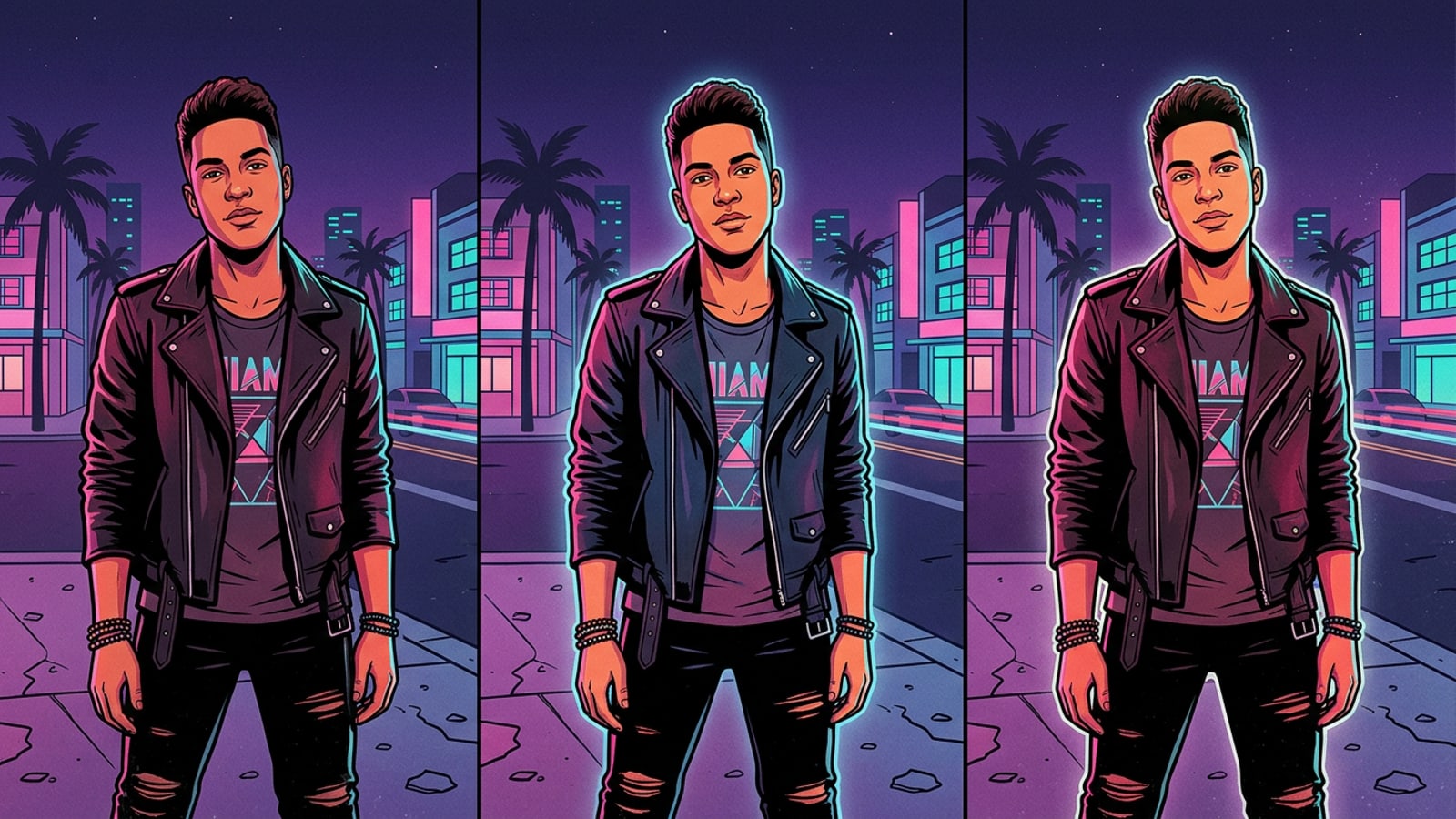
Why the 2016 Direct Flash Digicam Aesthetic is Dominating Social Feeds
The resurgence of 2016 direct flash photography represents a cultural shift away from hyper-processed mobile HDR shots toward raw, high-contrast party camera visuals.
Social media feeds are experiencing a clear aesthetic transformation away from pristine, perfectly exposed smartphone HDR photography.
Creators are increasingly turning toward the unpolished visual style of mid-2010s digital point-and-shoot cameras, defined by sharp frontal flash beams, crushed background shadows, and vivid foreground color pop.
While rising secondhand demand for legacy compact cameras shows a clear appetite for this look, carrying extra camera hardware on night outs is often inconvenient compared to mobile software workflows.
- Harsh frontal light beams that instantly pop the foreground subject out from dark surroundings.
- Rapid light fall-off that drops background elements into unrecovered dark shadows.
- Saturated skin tones and punchy contrast characteristic of 2010s compact camera sensors.
How iPhone Smart HDR Kills Low-Light Flash Shots (And How AI Fixes It)
Multi-frame computational processing on modern iPhones brightens dark backgrounds automatically, directly opposing the dramatic shadow fall-off required for authentic 2016 flash shots.
Modern iPhone camera architecture relies heavily on multi-frame Smart HDR to optimize low-light captures.
When taking night shots, computational pipelines automatically lift background shadows and balance extreme dynamic ranges across the frame.
While this shadow compensation improves scene legibility, it neutralizes the severe directional illumination contrast that makes 2016 direct flash photography compelling.
Conversational photo editing in CARA Agent on iOS resolves this conflict post-capture by allowing creators to reintroduce hard direct flash highlights and suppress background exposure through simple text requests.
- Smart HDR automatically lifts ambient background darkness, flattening spatial contrast.
- On-camera smartphone LED flashes frequently produce harsh skin reflection or uneven highlight clipping when shot at close range.
- CARA Agent enables precise natural-language instructions to position frontal flash lighting and darken ambient backgrounds after the shot is taken.
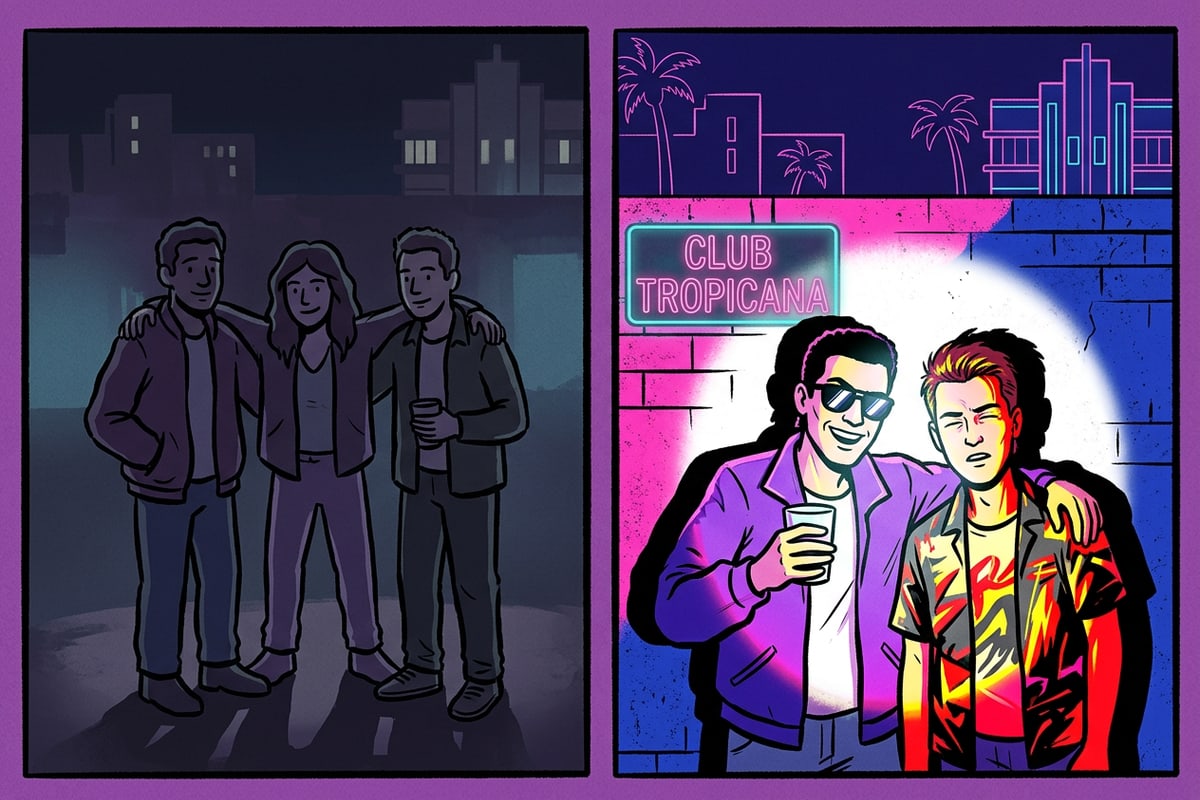
Step-by-Step: Recreating the 2016 Flash Look in CARA Agent
A straightforward iOS workflow using conversational prompts to turn dim night photos into high-contrast 2016 flash portraits.
Transforming a flat low-light iPhone photo into an authentic retro flash portrait requires no manual masking or complex photo editing expertise.
In CARA Agent on iOS, creators describe the precise lighting direction and shadow depth using everyday language in a chat prompt.
- Open CARA Agent on iOS
Launch the CARA app on your iPhone or iPad and tap into the Agent chat interface from the home screen.
- Select and Upload Your Night Photo
Tap the photo attachment button and choose a dim portrait, street photo, or party shot from your camera roll.
- Submit a Direct Flash Lighting Prompt
Enter a conversational request specifying sharp frontal flash lighting, deep dark background shadows, high dynamic contrast, and 2016 digicam vibes.
- Review the Cloud-Relit Image
Send the message and let cloud generation recalculate the directional light beam and shadow fall-off in your photo.
Copy-Paste Conversational Prompts for Every Night Scene
Ready-to-use conversational prompt formulas tailored for outdoor street portraits, indoor party shots, and group photos in CARA Agent.
Constructing an effective relighting request requires four key descriptors: beam angle, shadow depth, contrast intensity, and overall aesthetic texture.
These tailored prompt recipes give CARA Agent clear instructions to reproduce authentic 2016 point-and-shoot camera lighting across different environments.
- Outdoor Street Portrait: 'Relight this photo with a sharp 2016 direct frontal camera flash beam, crushed pitch-black background shadows, high contrast, warm vivid skin tones, and subtle 2010s compact camera texture.'
- Indoor Party Crowd: 'Apply intense direct on-camera flash illumination onto the subjects, casting crisp dark shadows onto the wall behind them with punchy retro highlights and rich color saturation.'
- Nighttime Group Shot: 'Transform this nighttime group shot with strong direct point-and-shoot flash lighting, dimming ambient background exposure, with high contrast foreground subjects.'
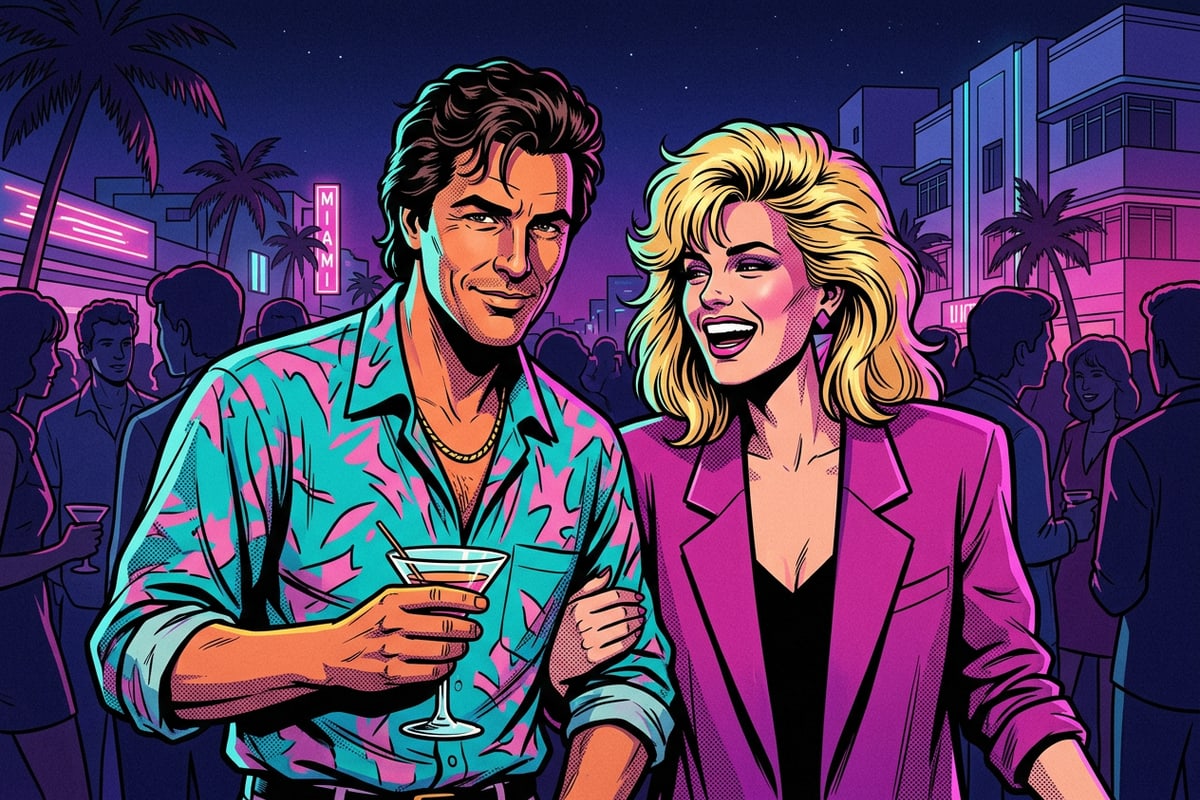
Pro Workflows: Canvas Expansion and Background Cleanup
Prepare direct flash edits for 9:16 social media stories using Image Extender and clean up background distractions with AI Eraser.
Formatting high-contrast direct flash photos for Instagram Stories or TikTok often requires aspect ratio adjustments and background refinement.
When working with standard 4:3 or 1:1 photos, CARA's Image Extender (Outpainting) expands image borders into a 9:16 vertical canvas without cropping subjects or creating artificial blurred sidebars.
If your low-light party or street shot includes stray background objects or photobombers, CARA's AI Eraser lets you remove unwanted elements with AI assistance to keep focus on your main portrait.
- Expand square or landscape photos into full 9:16 story formats using Image Extender.
- Remove photobombers and background clutter seamlessly using AI Eraser.
- Combine chat-based flash relighting with border extension for ready-to-post social content.