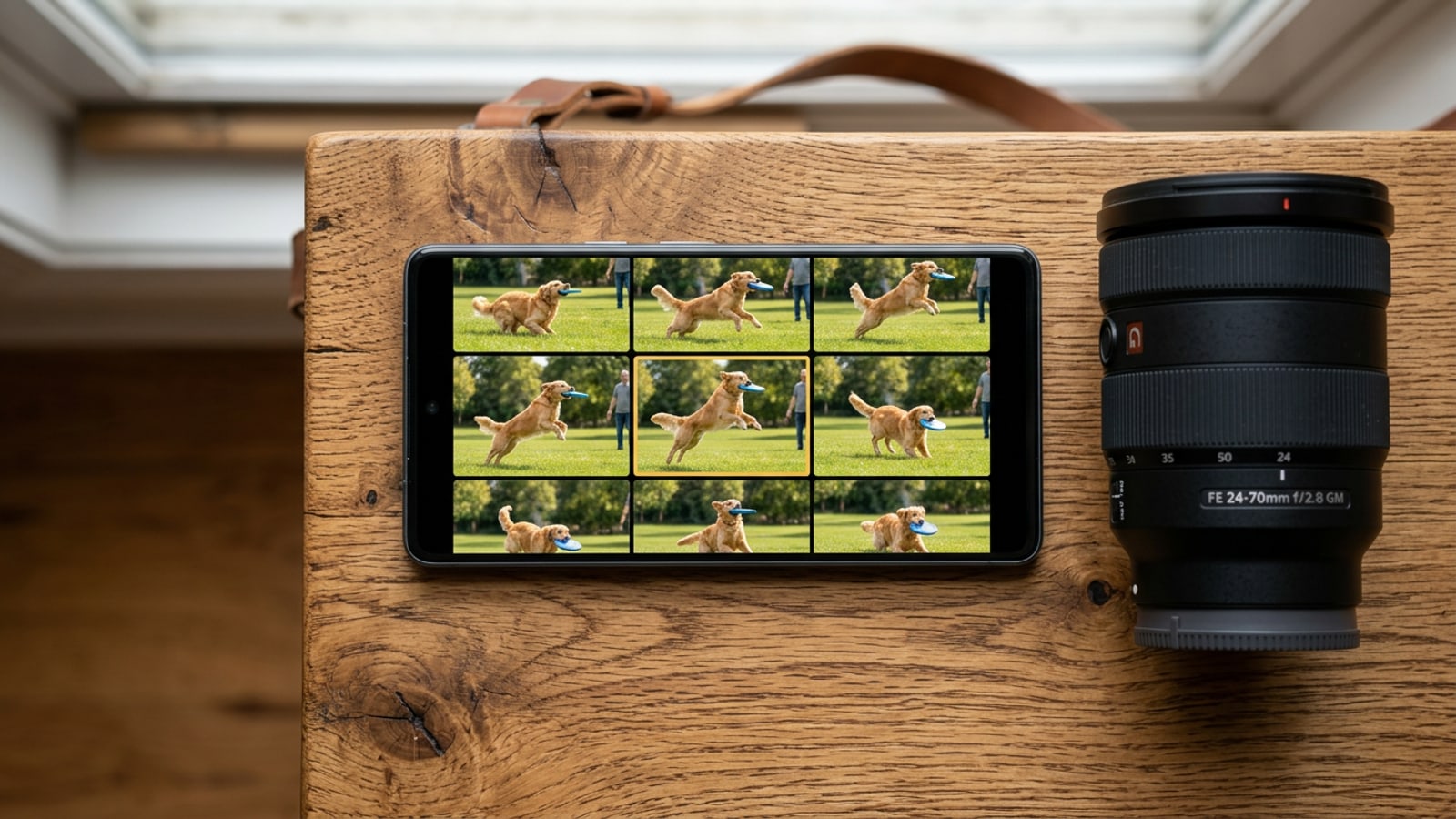
The Burst Photo Dilemma: Why Manual Culling Drains Storage and Patience
Continuous burst shooting captures high-speed motion but quickly fills iPhone storage with redundant, imperfect duplicates.
Capturing fast-moving pets, kids at play, or sweeping travel vistas often demands continuous burst shooting on iPhone. Native iOS Camera records continuous high-speed action at 10 frames per second, ensuring creators do not miss key moments of a sequence.[1]
However, high-frequency continuous capture introduces significant storage overhead. A single 5-second burst sequence captures 50 full-resolution images, accumulating between 50 and 200 MB of local storage space. Across an afternoon session, un-culled burst stacks drain gigabytes of capacity and build overwhelming camera roll clutter.[2]
Apple Photos attempts to streamline manual frame selection by placing a gray-dot recommendation on automated top picks. Unfortunately, these native suggestions rely on rapid edge-contrast sharpness algorithms rather than holistic facial expression scoring, frequently picking frames where subjects are blinking or speaking mid-frame.[1]
Step 1: Capture Action and Portraits with Fast On-Device Guidance
Setting up proper camera techniques and real-time guidance ensures cleaner candidate frames before burst culling even begins.
To capture action effectively on iPhone, drag the native shutter button to the left in Photo mode to trigger continuous 10 frames per second capture. This ensures fluid coverage across sports, outdoor pets, and dynamic candid portraits.[1]
While high frame rates guarantee complete action coverage, setting up strong framing before tapping the shutter reduces downstream culling fatigue. Relying on real-time framing feedback ensures proper subject centering and horizon balance across every frame in the stack.
CARA's AI Camera feature integrates fast on-device guidance during capture across portraits, landscapes, food, products, pets, street scenes, events, and night photography. Real-time feedback assists mobile creators in establishing optimal angles prior to frame evaluation.
- Activate iOS Burst Shooting
Drag the native shutter button to the left to record high-speed motion at 10 frames per second.[1]
- Utilize Real-Time Framing Guidance
Align your subject using on-device framing cues in CARA AI Camera to maintain composition balance across the burst.
- Verify Frame Sequence Coverage
Ensure the continuous sequence begins slightly before peak motion and extends past subject follow-through.[1]
Step 2: Evaluate Burst Candidates Using Privacy-Preserving AI Ranking
Filter high-volume photo stacks down to top candidates using multi-criteria AI candidate evaluation with zero persistent cloud storage risks.
Manual scrubbing through 50 near-identical burst frames makes it difficult to detect subtle differences in eye openness, smile symmetry, or focal precision. Multimodal candidate ranking automates this by analyzing facial features and image clarity across selected key frames.
Creators often hesitate to use cloud-assisted photo tools due to privacy concerns regarding whole-library photo uploads. A targeted candidate evaluation workflow addresses this by processing only isolated, downscaled candidate images while guaranteeing data non-retention.
CARA's AI Camera optional deep review workflow submits 4 to 8 downscaled JPEG candidate photos for temporary Gemini analysis. Image bytes are not retained by the backend after analysis is completed. Free accounts receive 3 successful deep reviews per Taipei day (resetting specifically at midnight Asia/Taipei timezone), while Plus and Pro subscribers receive unlimited reviews subject to technical anti-abuse limits.
- Ranks candidate frames based on facial micro-expressions, open eyes, and crisp subject focus.
- Downscales 4 to 8 JPEG candidates for targeted review rather than transferring raw photo libraries.
- Free accounts receive 3 daily deep reviews that reset specifically at midnight Asia/Taipei timezone.
- Maintains user privacy through backend non-retention of candidate image bytes.
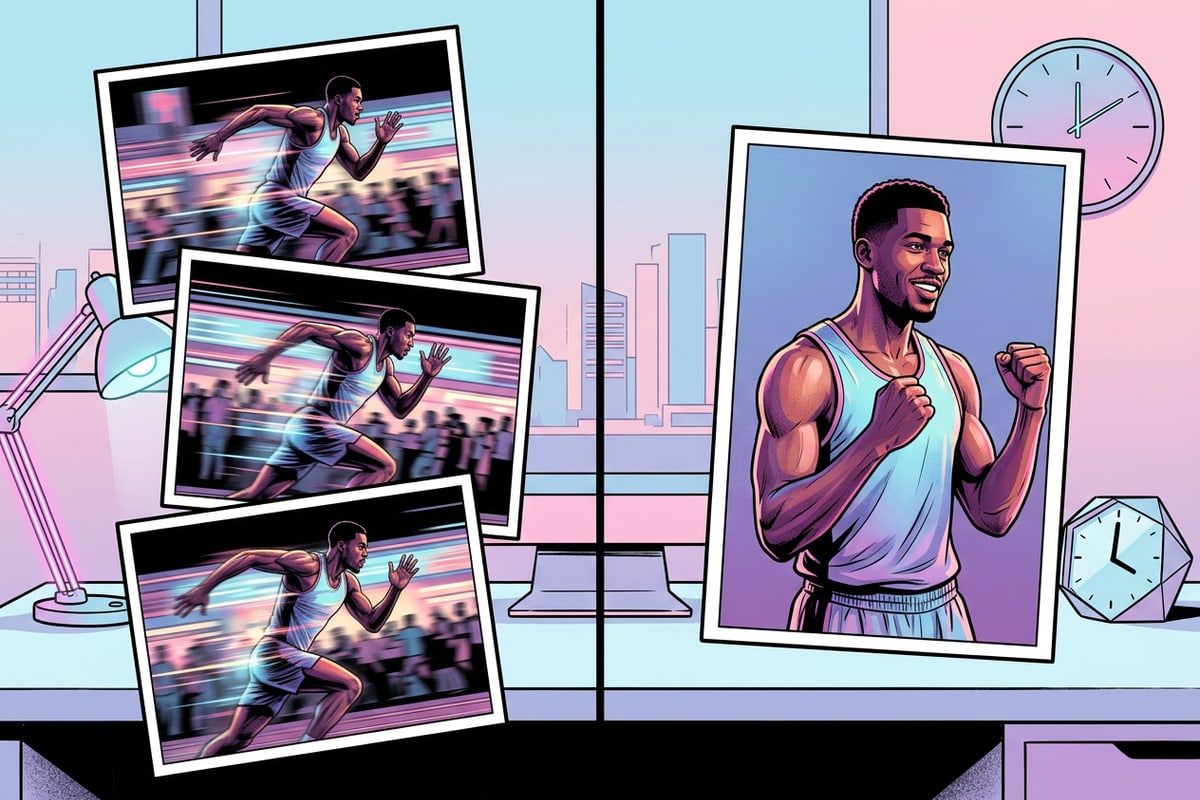
Step 3: Clean Up Gallery Clutter and Create Share-Ready Visual Highlights
Purge unwanted burst duplicates, protect bystander privacy, and consolidate top picks into shareable visual collages.
After identifying winning frames, complete the culling process in iOS Photos by opening the burst stack, marking your top picks, and selecting 'Keep Only Favorites'. Purging unselected frames instantly reclaims hundreds of megabytes of local storage.[1][2]
When shooting outdoor events or street scenes, winning burst photos frequently capture unintended background bystanders. Applying privacy safeguards locally ensures public images remain ethical before sharing.
CARA provides Face Mosaic as a free on-device privacy tool that automatically detects and mosaics multiple faces in photos. For vacation photo dumps, CARA's Journey in One Page feature evaluates 3 to 50 trip photos, eliminates duplicate clutter, and compiles a polished single-page visual highlight. Creators can also build custom arrangements using CARA's Free Creative Canvas on-device visual tools.
- Purge redundant burst stills in iOS Photos to recover up to 200 MB per 5-second stack.[1][2]
- Apply Face Mosaic to blur multiple bystander faces directly on your device for free.
- Transform 3 to 50 raw vacation photos into a single-page visual story with Journey in One Page.
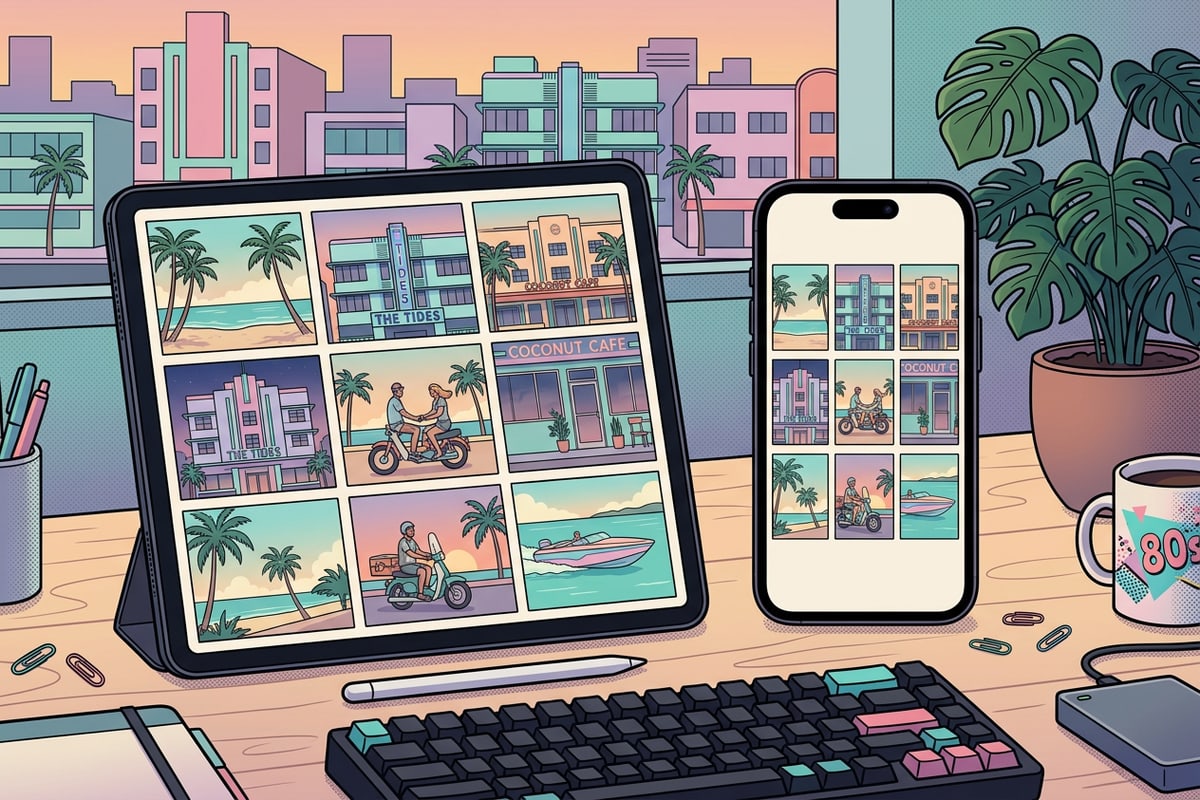
Hybrid Workflow Decision Matrix: Native iOS vs. AI Candidate Evaluation
Compare continuous native burst capture against targeted AI candidate evaluation to select the best methodology for your shooting scenario.
Deciding between native iOS burst tools and AI-assisted candidate ranking depends on your shooting context. Native continuous capture is indispensable for recording raw physical action at 10 frames per second.[1]
However, for critical portrait selection, group shots, and storage management, pairing native capture with targeted candidate evaluation delivers superior frame accuracy while eliminating storage bloat.[2]
- Native Burst Capture: 10 fps continuous capture speed; best for raw action sequence recording.[1]
- Storage Reclamation: 50-200 MB savings per 5-second stack when unneeded duplicate frames are purged.[2]
- AI Candidate Evaluation: Evaluates 4-8 reduced JPEGs for eyes-open focus with zero backend byte retention.
- Daily Usage Limits: 3 free deep reviews per day resetting at midnight Asia/Taipei timezone.
- Gallery Highlights: Combines winning frames into single-page highlights using Journey in One Page.