The Viral Couple Eye Selfie Trend: Why Micro-Intimacy Is Dominating Mobile Feeds
Tight, eye-focused couple macro portraits are replacing traditional posed photos on social media feeds by highlighting micro-details and emotional intensity.
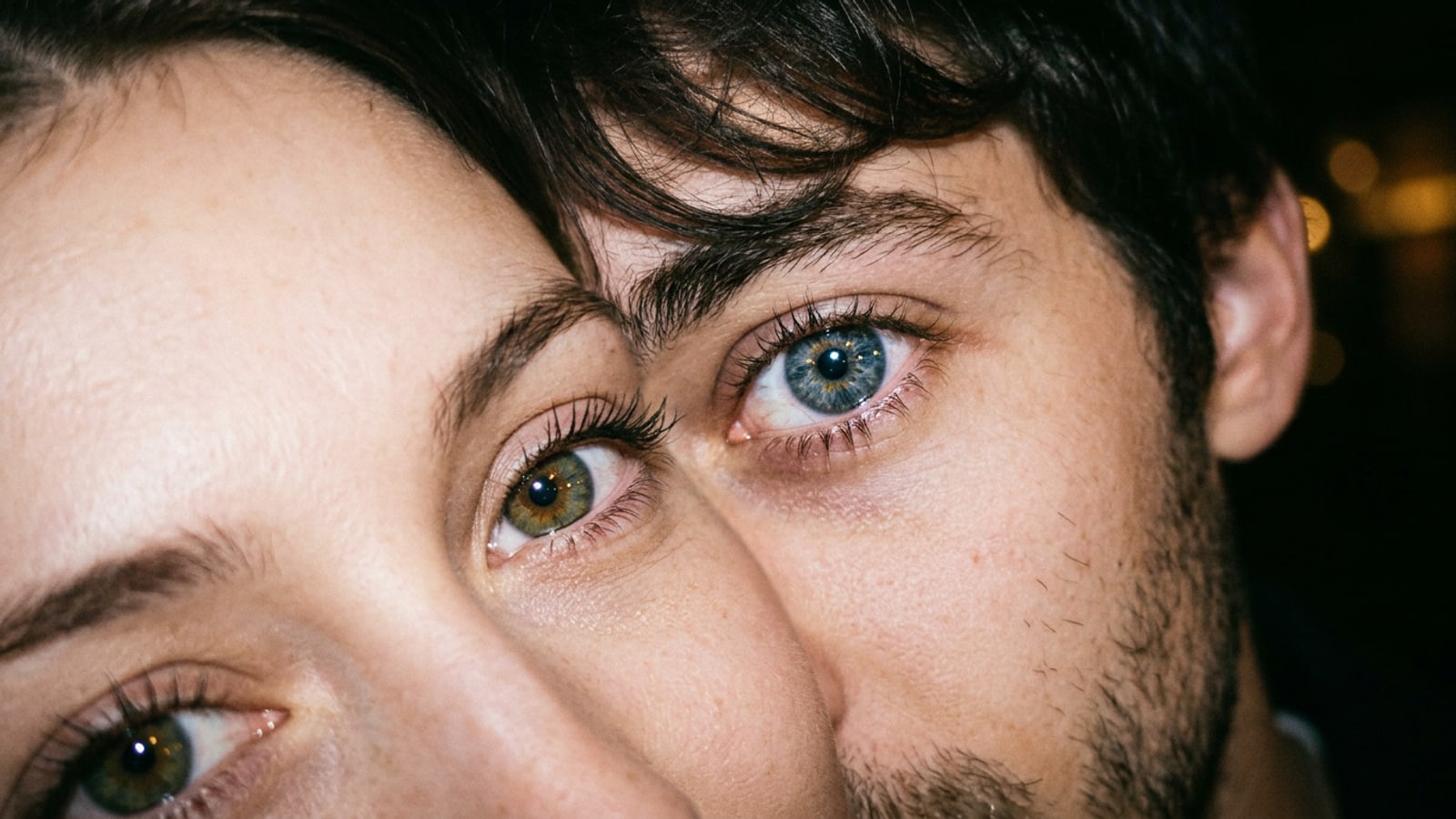
Mobile portraiture on social feeds has underwent a noticeable shift from wide environmental shots to ultra-close, micro-intimate photography. The couple eye selfie trend centers on extreme macro framing where two faces press cheek-to-cheek, capturing both subjects' eyes side-by-side in hyper-detailed optical clarity.[3][4]
Unlike standard staged couple photos, macro eye edits generate immediate viewer stopping power on mobile feeds by emphasizing intricate iris fibers, glowing catchlight reflections, and contrasting eye colors in a single frame. This visual focus strips away background distractions, transforming a quick smartphone selfie into a cinematic visual statement of connection.[4][6]
- High color contrast between distinct iris tones creates an immediate visual anchor on vertical video feeds.[4]
- Shallow depth of field isolates the gaze, blurs ambient backgrounds, and elevates ordinary mobile snapshots into dramatic editorial portraits.[3][6]
Why Conversational AI Prompting Outperforms Manual Photoshop Layer Editing
CARA Agent replaces tedious layer masking and feathering with cloud-processed natural language instructions that unify focus and lighting.
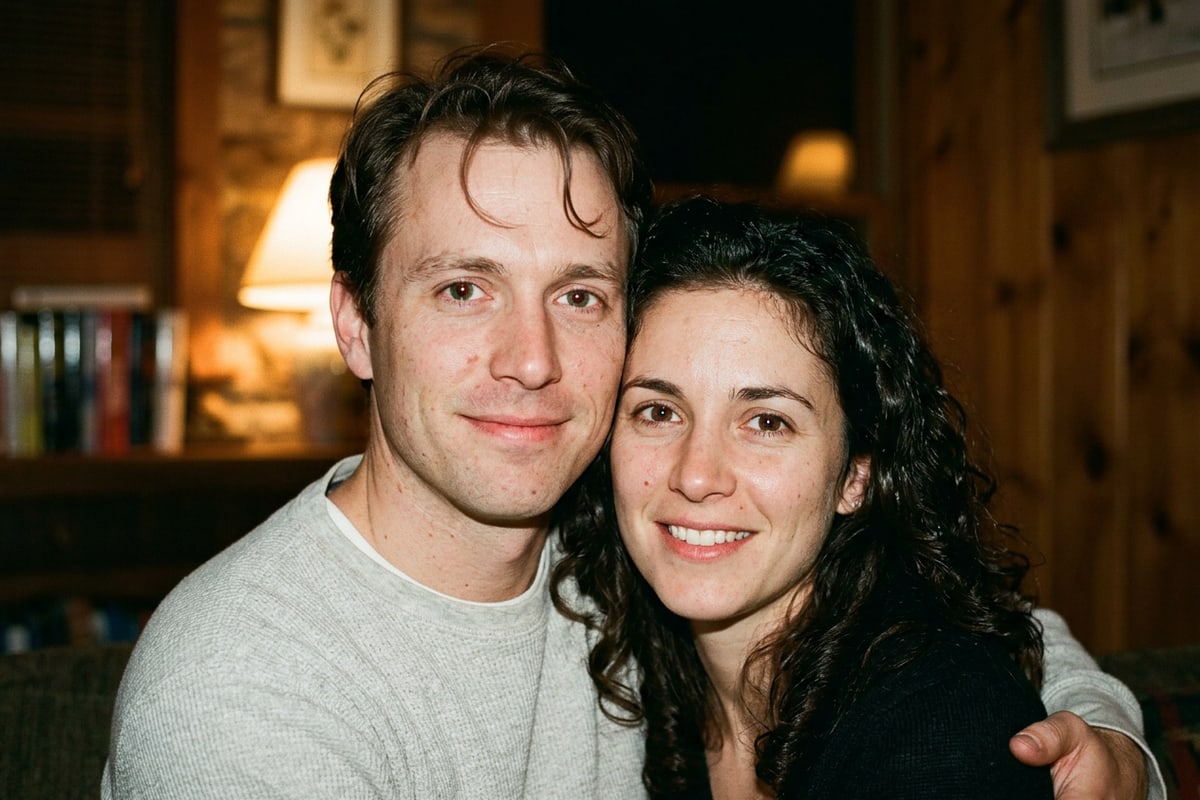
Achieving a professional macro eye edit traditionally required desktop image editing software, precise lasso selections, manual edge feathering, and complex multi-layer opacity blending to join two separate close-up portraits seamlessly.[2]
With CARA Agent on iOS, mobile creators eliminate manual software friction entirely. By executing natural language instructions, the conversational AI editor adjusts iris clarity, pupil catchlights, skin texture, and lighting falloff holistically across both faces in a single processing pass.[1][2]
Step-by-Step Workflow: Creating Close-Up Couple Eye Edits in CARA Agent
A practical 4-step iOS workflow from initial phone camera capture to final conversational prompt processing in CARA Agent.
Starting with a sharp, well-lit base selfie ensures the highest quality generative output from cloud models. Frame your iPhone camera at eye level, ensuring natural ambient light or indoor lamps strike both subjects' pupils directly to establish clear iris detail.[1]
Once your base photo is captured, open CARA Agent on iOS to begin conversational editing. Upload your image and submit specific prompt instructions detailing distance, iris texture, specular reflections, and atmospheric depth.[1][2]
- Capture a Tight Base Selfie
Pose cheek-to-cheek in bright ambient lighting, keeping both pairs of eyes aligned and sharply focused on your iPhone screen.[1]
- Launch CARA Agent on iOS
Open CARA on your iPhone, navigate to the Agent tab from the home menu, and import your close-up couple selfie.[1]
- Clean Up Surrounding Visual Artifacts
If stray hair strands or distracting background elements overlap the framing, select AI Eraser to remove unwanted clutter cleanly.[1]
Copy-Ready AI Prompt Recipes for Couple Eye Selfies
Modular, copy-ready prompt syntax optimized for direct flash, dramatic chiaroscuro, and golden hour aesthetics in CARA Agent.
Generative prompt accuracy relies heavily on technical camera and lighting terminology rather than generic visual buzzwords. When editing intimate couple portraits, explicitly specifying physical illumination mechanics prevents cloud models from introducing synthetic over-smoothing across skin or blurring delicate iris fibers.[1][8][9]
Fine-tuning catchlight reflections within the pupil is critical for establishing believable photographic realism and depth. By specifying exact reflection shapes—such as 'sharp twin rectangular softbox catchlights' or 'subtle circular ring light specular highlights in both pupils'—you can tune how environmental light reflects off the wet surface of the cornea without distortion.[1][2]
Integrating these structural lighting parameters into natural language instructions allows creators to quickly transform plain mobile close-ups into high-impact editorial portraits. Creators can easily tailor lighting mood, shadow depth, and color balance to match their preferred social media aesthetic.[1]
- Retro Direct Flash Recipe: 'Extreme macro portrait of a couple side-by-side, focusing tightly on their eyes. Hard direct camera flash lighting, crisp specular catchlights in pupils, high-detail iris fibers, visible micro skin pores, subtle shadows behind cheeks, photorealistic 35mm aesthetic.'[1][8]
- Moody Chiaroscuro Recipe: 'Intimate macro close-up shot of two eyes pressed cheek-to-cheek, cinematic low key shadows, warm side rim light highlighting detailed iris patterns, visible skin texture, deep dark atmospheric background, moody portrait lighting.'[1][9]
- Golden Hour Glow Recipe: 'Macro couple eye selfie bathed in soft golden hour sunlight, warm optical lens flare across corner, glowing hazel and blue irises, detailed eyelashes, natural skin tones, smooth shallow bokeh, high detail photographic render.'[1][8]
Troubleshooting AI Eye Artifacts and Preparing Vertical Lock Screen Wallpapers
Fix pupil asymmetry and expand top canvas boundaries using Image Extender to keep your iPhone lock screen clock unobscured.
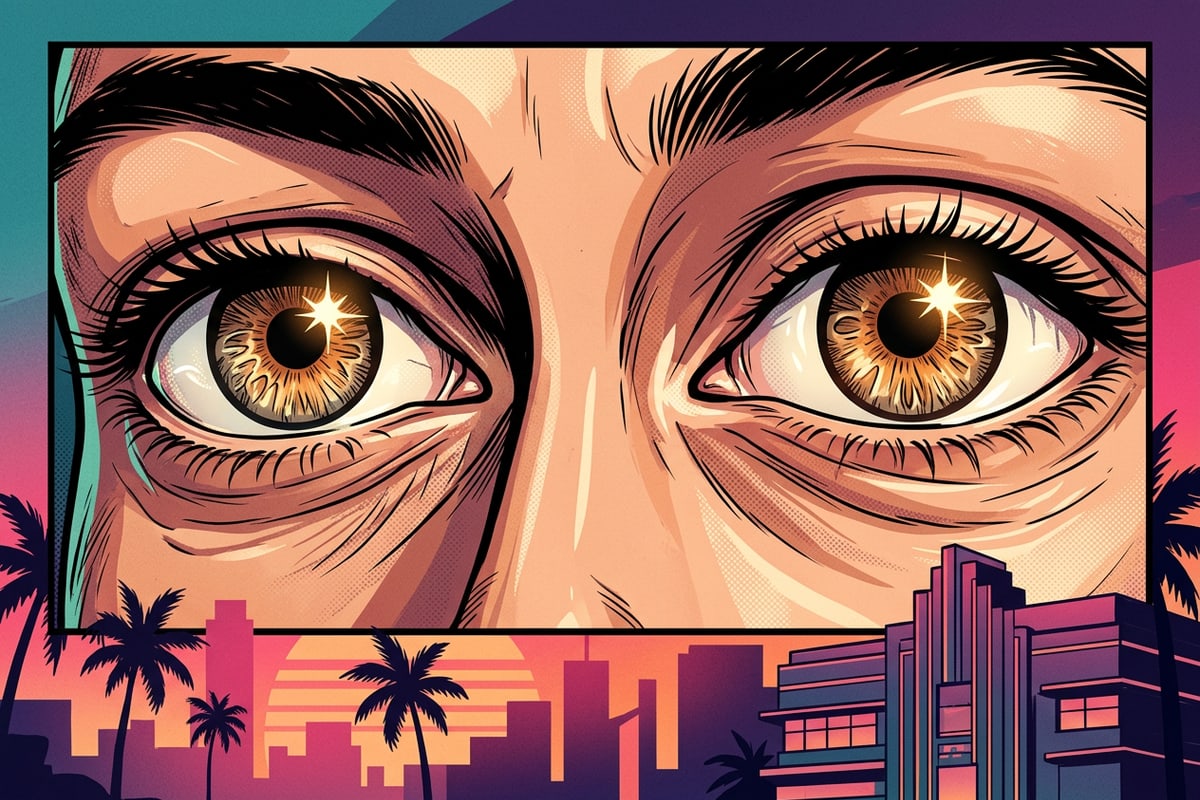
Cloud-based generative processing can occasionally produce mismatched pupil sizes or unnatural smoothing across skin. Modifying your text request to explicitly state 'symmetrical round pupils and matching specular catchlights' before re-submitting in CARA Agent generally resolves alignment artifacts.[1][2]
Extreme macro eye edits often feature tight vertical crops that leave zero canvas space at the top of the frame. When set as an iOS lock screen wallpaper, the iPhone clock overlay often obscures the eyes. Using Image Extender in CARA allows you to expand the top boundary beyond the original photo edge, creating ample headroom so the iOS lock screen clock sits neatly above the subject's forehead while enabling full 3D depth effect separation.[1]
- Fixing Asymmetry: Re-prompt CARA Agent emphasizing 'symmetrical pupil shape, matching iris diameter, and crisp catchlight reflections' if generative output appears warped.[1][2]
- Lock Screen Outpainting: Use Image Extender to expand the top boundary of 9:16 vertical edits, creating clean canvas space above the hairline for unobscured iPhone lock screen clock placement.[1]