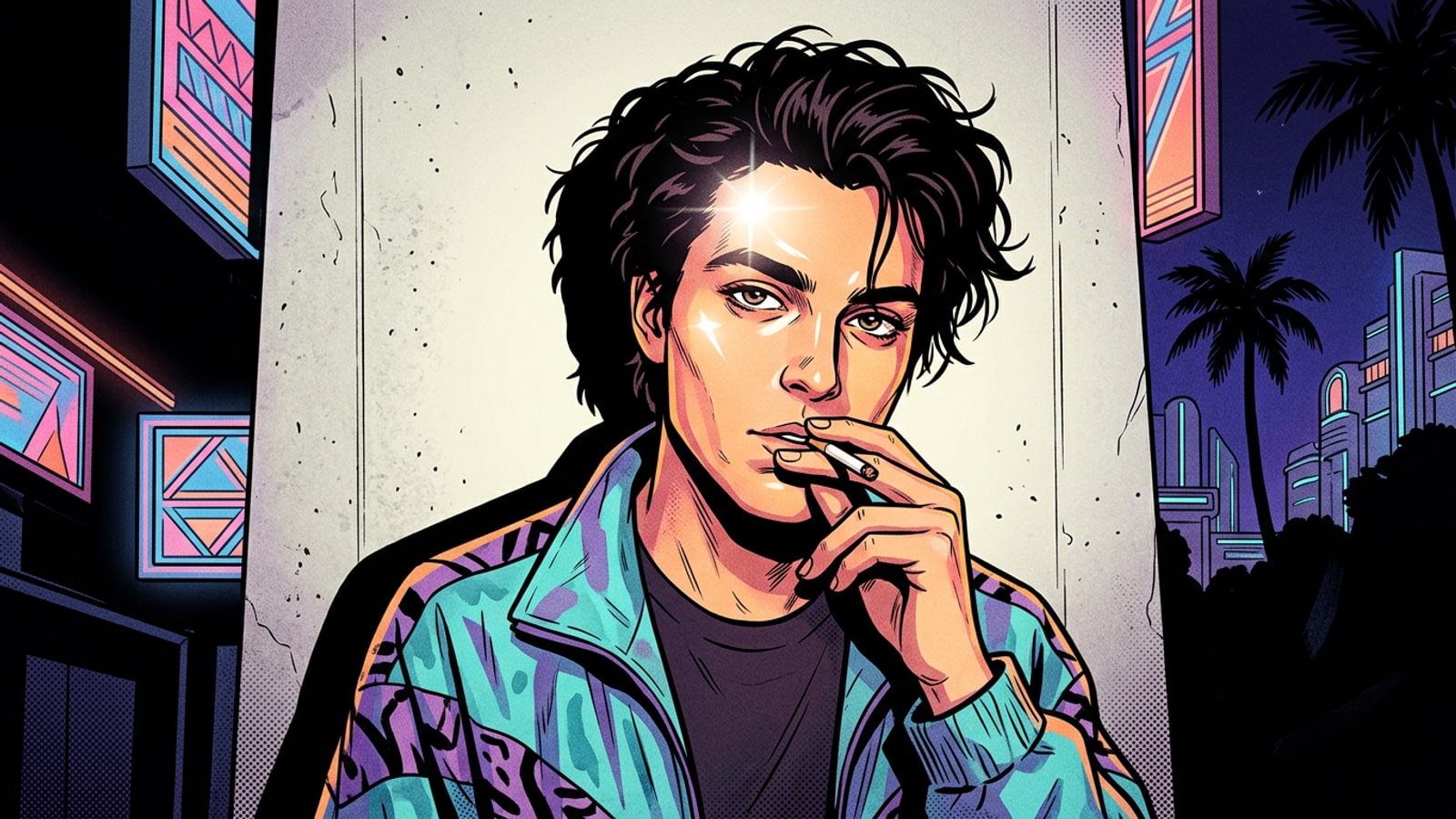
The Y2K Digicam Revival: Why Direct Flash is Trending
Gen Z and millennial mobile creators are moving away from hyper-processed smartphone HDR smoothing in favor of the unpolished, high-contrast charm of 90s disposable cameras and Y2K digicams.
For over a decade, smartphone camera pipelines focused on computational photography: multi-frame HDR image merging, noise reduction, and aggressive dynamic range smoothing. Modern mobile sensors actively work to shadow-lift dark backgrounds, smooth out skin textures, and prevent blown-out highlights. However, Gen Z and millennial creators are leading a counter-cultural visual shift back toward the deliberate hardware flaws of late-90s disposable cameras and early-2000s compact digital cameras.[2]
This nostalgic revival prioritizes raw authenticity over artificial perfection. Direct flash photography creates a distinct deer-in-headlights party look characterized by stark contrast, vivid color pop, and moody edge falloff. Rather than buying inflated vintage hardware or carrying dedicated point-and-shoot cameras on nights out, creators are using prompt-driven generative AI on iOS to recreate these exact optical dynamics on their iPhone shots.[2][3]
Deconstructing Direct Flash: 5 Optical Elements for AI Prompts
To recreate the Y2K aesthetic accurately with generative AI, prompts must incorporate five physical lighting mechanics derived from compact camera strobes.
Understanding the physical mechanics of 90s compact cameras allows you to write prompts that force AI models to render authentic lighting dynamics. Built-in strobe lights on single-use and early digital cameras differed fundamentally from modern studio lighting setups or soft diffuse phone flashes.[1][2]
By translating these physical optical behaviors into specific descriptive phrases, you give generative AI models explicit instructions on light placement, shadow geometry, and surface reflection.[1][3]
- On-Axis Flash Offset (< 5cm): Because built-in flashes are positioned directly beside the lens axis, light hits the face head-on, eliminating lateral side shadows and flattening facial contours.[1][2]
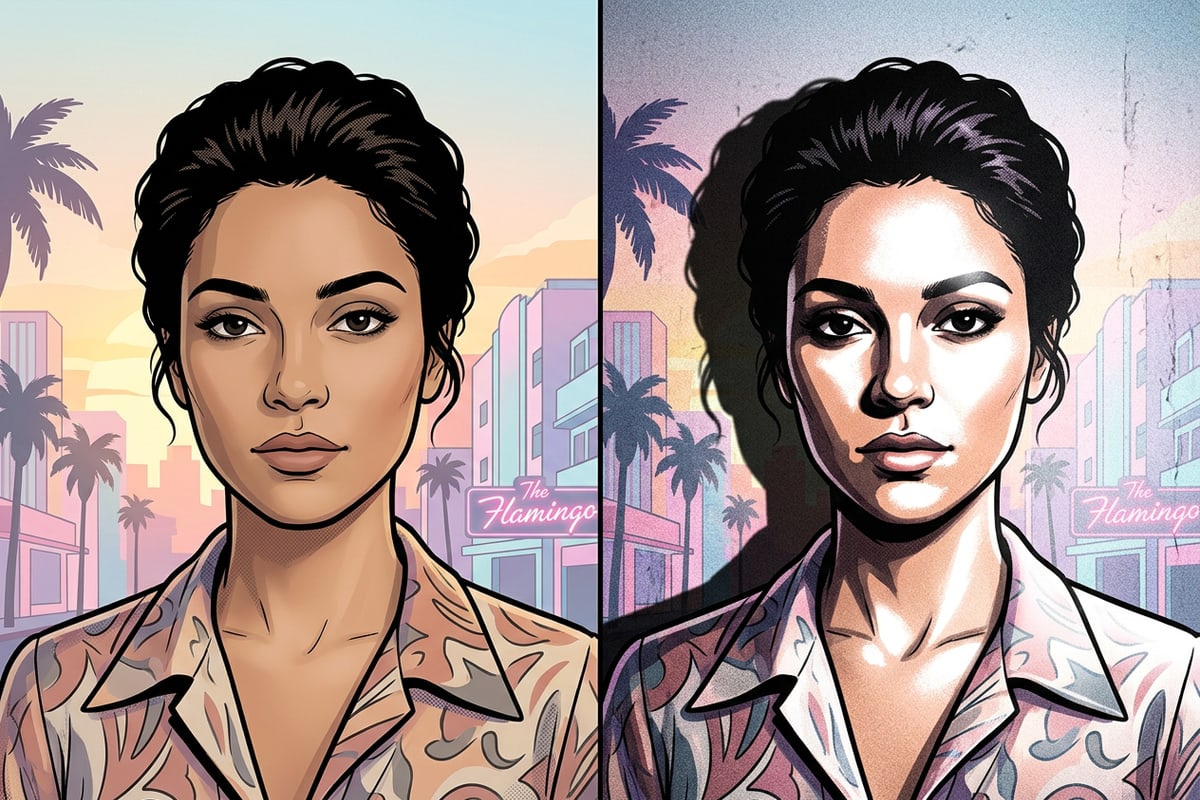
- Zero-Diffusion Strobe Dynamics: Compact camera strobes lack diffusers, casting harsh, un-softened light that produces intense specular highlights on skin surfaces.[1][2]
- Inverse-Square Light Falloff: Flash energy dissipates rapidly with distance. Subjects close to the lens are brightly lit, while background elements more than a few feet away collapse into deep shadow voids.[1]
- Tight Backdrop Drop Shadows: When a subject stands near a wall or surface, the direct frontal flash casts a sharp, crisp black drop shadow directly behind them.[1][3]
- Specular Highlight Blooming & Halation: Harsh frontal strobes blow out reflections on forehead, nose bridge, and cheekbones, creating subtle light halos around reflective textures.[3]
Copy-Paste AI Flash Prompt Recipes for iPhone
Use these ready-to-use prompt recipes in text-to-image AI generators or conversational photo relighting tools to instantly achieve the 90s direct flash look.
Here are three field-tested prompt formulas optimized for image creation and photo editing apps on iOS. You can copy and paste these directly into CARA's AI Photo mode or CARA Agent to transform your photo generation workflow.[1][4]
- 90s Disposable Party Snapshot: 'Candid late-90s night party portrait of a person, illuminated by an intense direct on-camera flash strobe. Zero-diffusion hard frontal light, bright specular highlights on forehead and cheekbones, sharp black drop shadow cast directly behind onto a pale indoor wall. Deep dark background void in room corners, authentic ISO 800 disposable camera film grain, warm highlights, high contrast, 4:3 aspect ratio.'[1][2][4]
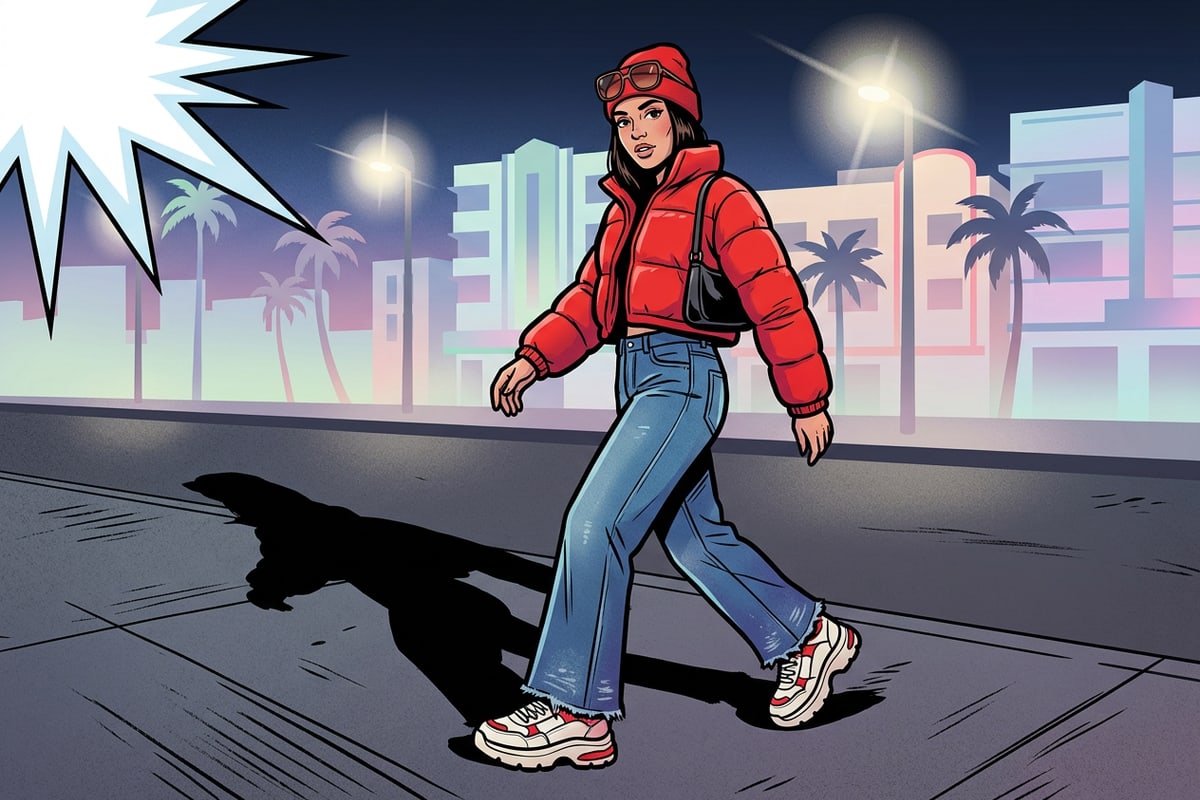
- Y2K Paparazzi Street Flash: 'Outdoor Y2K street fashion candid shot at night under harsh paparazzi camera flash burst. Subject wearing 2000s streetwear, high-contrast direct frontal lighting, dark crisp shadow cast on pavement behind, punchy red color saturation, subtle lens flare from background streetlights, fine digital CCD camera sensor noise, raw unpolished camera snapshot.'[1][3]
- Conversational Relighting Request (for CARA Agent): 'Relight this portrait using a harsh 90s direct camera flash. Flatten facial lighting with strong frontal brightness, add subtle specular glare on cheekbones, cast a sharp dark drop shadow on the wall directly behind the subject, and turn distant background corners into a dark falloff void while adding fine retro film grain.'[1]
Step-by-Step iPhone Workflow in CARA: Creation, Relighting, and Cleanup
Walk through generating new Y2K flash art via AI Photo, relighting uploaded portraits with CARA Agent, and removing clutter with AI Eraser on iOS.
CARA provides a powerful mobile suite on iOS and iPadOS for experimenting with visual trends. Whether you are generating fresh concept art from text or restyling photos in your camera roll, this workflow covers the full creative cycle.[1]
By combining conversational AI editing with localized cleanup tools, you maintain complete creative control over your final flash composition without complex desktop editing software.[1]
- Generation Models: For text-to-image creation in AI Photo, select models like Nano Banana (30 points) or GPT Image 2 (150 points for standard, up to 800 points for 4K) based on your budget.
- Daily Point Allocation: CARA offers daily free points with options to purchase additional credits for high-volume editing.
- Option A: Generate New Art in AI Photo
Open CARA on your iPhone, tap 'AI Photo', and select your preferred image model (such as Nano Banana or GPT Image 2). Paste one of the flash recipes above into the prompt box, choose your desired aspect ratio, and tap generate.[1]
- Option B: Relight Existing Shots in CARA Agent
Navigate to 'Home > Agent' to open Conversational Photo Editing. Upload a selfie or portrait from your camera roll and enter a natural language prompt instructing the agent to apply high-contrast frontal direct flash and dark drop shadows.[1]
- Clean Up Background Clutter with AI Eraser
If your photo contains background distractions or photobombers that disrupt the dark falloff void, open AI Eraser to remove unwanted background objects smoothly while preserving shadow contrast.
Pro Tips for Realistic Retro Textures and Skin Tones
Fine-tune prompt parameters to balance specular facial highlights, authentic sensor noise, and color temperature without over-exposing subject features.
Executing an authentic retro look requires a subtle balance between high contrast and preserved facial detail. Harsh frontal flash can easily lead to washed-out skin tones or cartoonish lighting if the prompt isn't calibrated properly.[3]
Pay close attention to color cast split-toning. 90s disposable film photos often feature warm, golden highlight casts with deep black shadows, while 2000s digicams tend toward cool blue shadow shifts with vivid primary color pops on clothing.[3][4]
- Cap Specular Over-exposure: Add 'controlled skin highlights, visible skin texture beneath flash glare' to prevent the AI from completely erasing facial features in white light.[3]
- Differentiate Grain Styles: Use 'coarse ISO 800 film grain' for 90s disposable looks, or 'fine digital CCD noise' for 2000s compact camera renders.[3][4]
- Balance Highlight Color: Include 'warm halogen strobe tint' or 'cool blue shadow split-tone' to anchor the photo in your chosen era.[3]