Virtual Wardrobe Swaps on iPhone: How Generative AI Outfit Swapping Works
Understand the difference between full-image generation and targeted inpainting to achieve realistic clothing swaps on mobile.
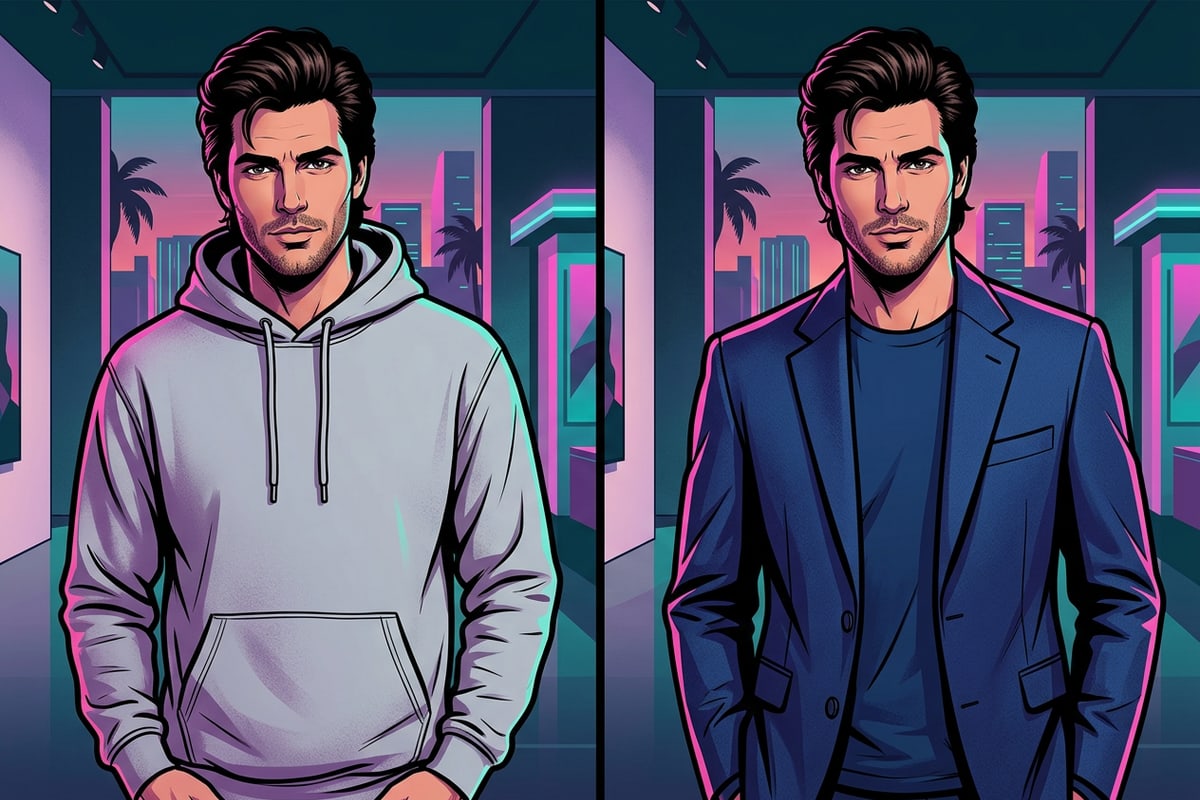
Swapping clothing in existing photos has evolved beyond complex desktop masking tools and full scene re-generation. On modern iOS devices, targeted AI outfit replacement uses generative inpainting models that re-render only the pixels you explicitly select with a brush tool.[1][2]
Full-image text-to-image models often alter facial proportions, skin texture, lighting setups, and background elements when tasked with changing clothes. In contrast, targeted generative inpainting isolates the garment pixels, reading the surrounding environmental lighting and skin tones to cast matching ambient light and shadows across the newly synthesized fabric.[1][6]
By directing generative AI to focus purely on the brushed clothing area, mobile creators can restyle casual outfits into business attire, seasonal wardrobes, or editorial haute couture while keeping the subject's true personal identity completely intact.[2][6]
- Generative Inpainting: Re-renders only the masked pixels of your clothing, preventing facial distortion or environment shifts.[1]
- Lighting Cohesion: Reads background intensity and color temperature to apply natural highlights and shadows to new garments.[6]
- Identity Preservation: Keeps original facial structure, hair silhouette, skin tone, and background context unmodified.[1][2]
The 3-Part Fashion Prompt Formula for Exact Style Swaps
Master the syntax structure required to generate realistic clothing drapes, authentic materials, and preserve subject features.
Writing an effective prompt for clothing replacement requires more than simply naming an item like 'a red dress.' Generative diffusion models interpret material textures, physical weight, and spatial boundaries based on descriptive cues.[2][3]
To achieve hyper-realistic results on mobile, follow the 3-Part Fashion Prompt Formula: [Garment Cut & Style] + [Fabric Physics & Texture] + [Identity Preservation Clause]. This structure tells the generative model what to build, how light interacts with the material, and what elements must remain untouched.[2][4][5]
- Part 1: Garment Cut & Style — Specify collar type, lapel design, sleeve length, fit silhouette, and color accents (e.g., 'tailored double-breasted navy blue blazer').[2][3]
- Part 2: Fabric Physics & Texture — Define material weave and light reflection characteristics such as 'heavyweight ribbed wool,' 'matte silk sheen,' or 'stonewashed denim with subtle fabric folds.'[2][5]
- Part 3: Preservation Clause — End with an explicit non-selection instruction: 'Keep original face, hair, posture, skin tone, and background completely unchanged.'[3][4]
Step-by-Step Tutorial: Swapping Outfits with CARA AI Replace on iOS
Follow this practical walkthrough to replace clothing in your iPhone photos using CARA AI Replace.
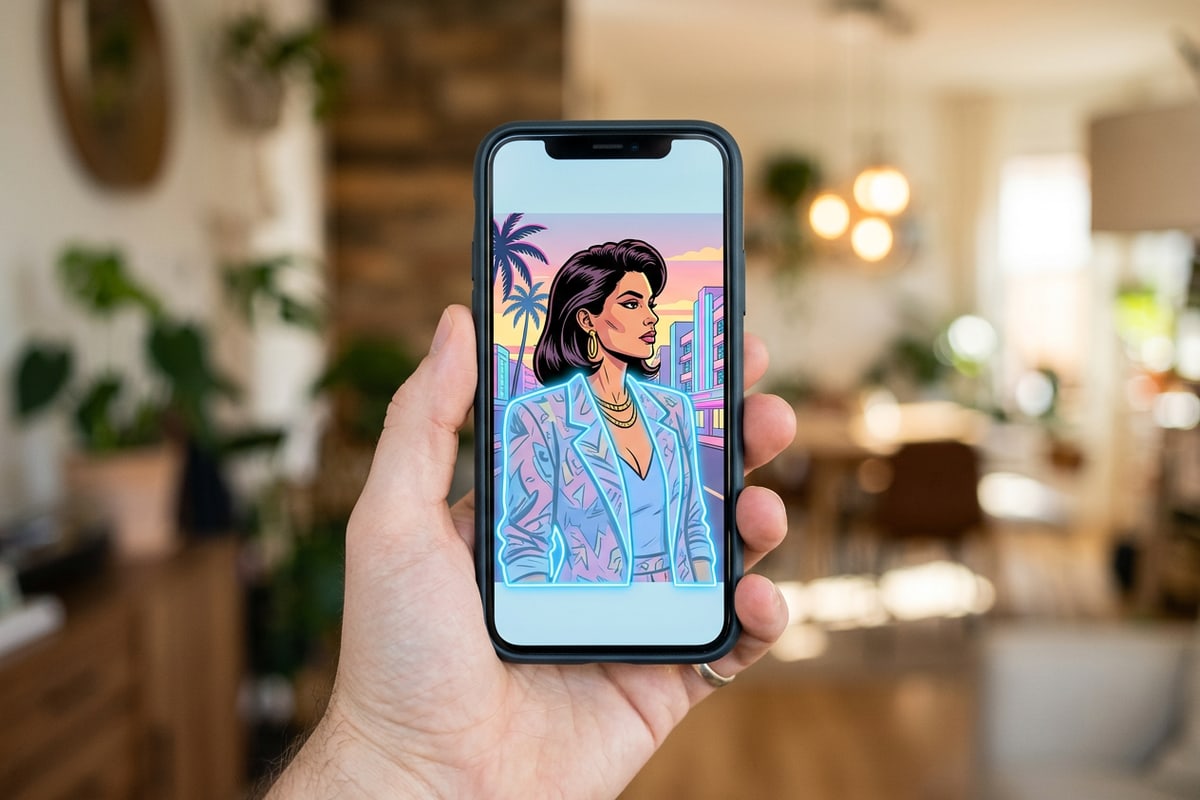
Executing a high-fidelity outfit swap on iOS takes less than a minute using CARA AI Replace. Located inside the app under Home > AI Editing > AI Replace, this feature lets you draw over existing clothing and prompt a complete fashion conversion for 30 points per attempt.
For complex edits that require conversational adjustments or multiple iterations, creators can also leverage CARA Agent (located at Home > Agent) for natural-language style updates using cloud processing. If your photo contains unwanted accessories like bags or straps before swapping, use CARA AI Eraser (Home > AI Editing > AI Eraser) to clean up details first.
- Open AI Replace in CARA
Launch CARA on your iPhone or iPad, navigate to Home > AI Editing > AI Replace, and select the portrait photo from your iOS library.
- Generate and Review
Tap generate (30 points per attempt). CARA will process the selection in the cloud and deliver the restyled photo directly to your editing view.
Troubleshooting & Frequently Asked Questions
Solutions for overlapping fingers, complex lighting shifts, and preserving facial features during clothing swaps.
Even with advanced generative models, edge conditions like stray hair, overlapping hands, or heavy shadows require careful masking strategies.[1][4]
- Overlapping Hair or Hands: Avoid brushing directly over fingers resting on the chest or long hair draped across shoulders. If small slivers of fabric remain unmasked between fingers, negative prompts and tight brush sizing ensure clean hand geometry.[1][4]
- Mismatched Environmental Lighting: If new fabric looks too flat or bright, add ambient lighting keywords in your prompt (e.g., 'soft golden hour sidelight matching background environment').[3][6]
5 Ready-to-Copy Fashion Prompts for Popular Outfit Styles
Copy and adapt these pre-tested 3-part prompts for instant fashion transformations on iOS.
These copyable prompt templates are engineered specifically for mobile inpainting engines, balancing garment structure with realistic drape and preservation rules.[3][5]
- Executive Chic Blazer: 'A tailored charcoal gray wool blazer with structured shoulders, fine pinstripe texture, and a crisp white cotton dress shirt underneath. Natural fabric weight and realistic lapel folds. Keep original face, hair, skin tone, posture, and background unchanged.'[3][5]
- Elevated Streetwear Hoodie: 'An oversized heavyweight beige cotton hoodie with ribbed cuffs, drop shoulders, and soft organic fabric folds. Matte texture under natural outdoor lighting. Keep face, hair silhouette, pose, and background untouched.'[3][5]
- Summer Linen Outfit: 'A relaxed-fit cream linen button-down shirt with subtle weave texture, open collar, and light summer creasing. Natural breathability and soft fabric drape. Preserve original face, posture, skin, and ambient background.'[3][5]
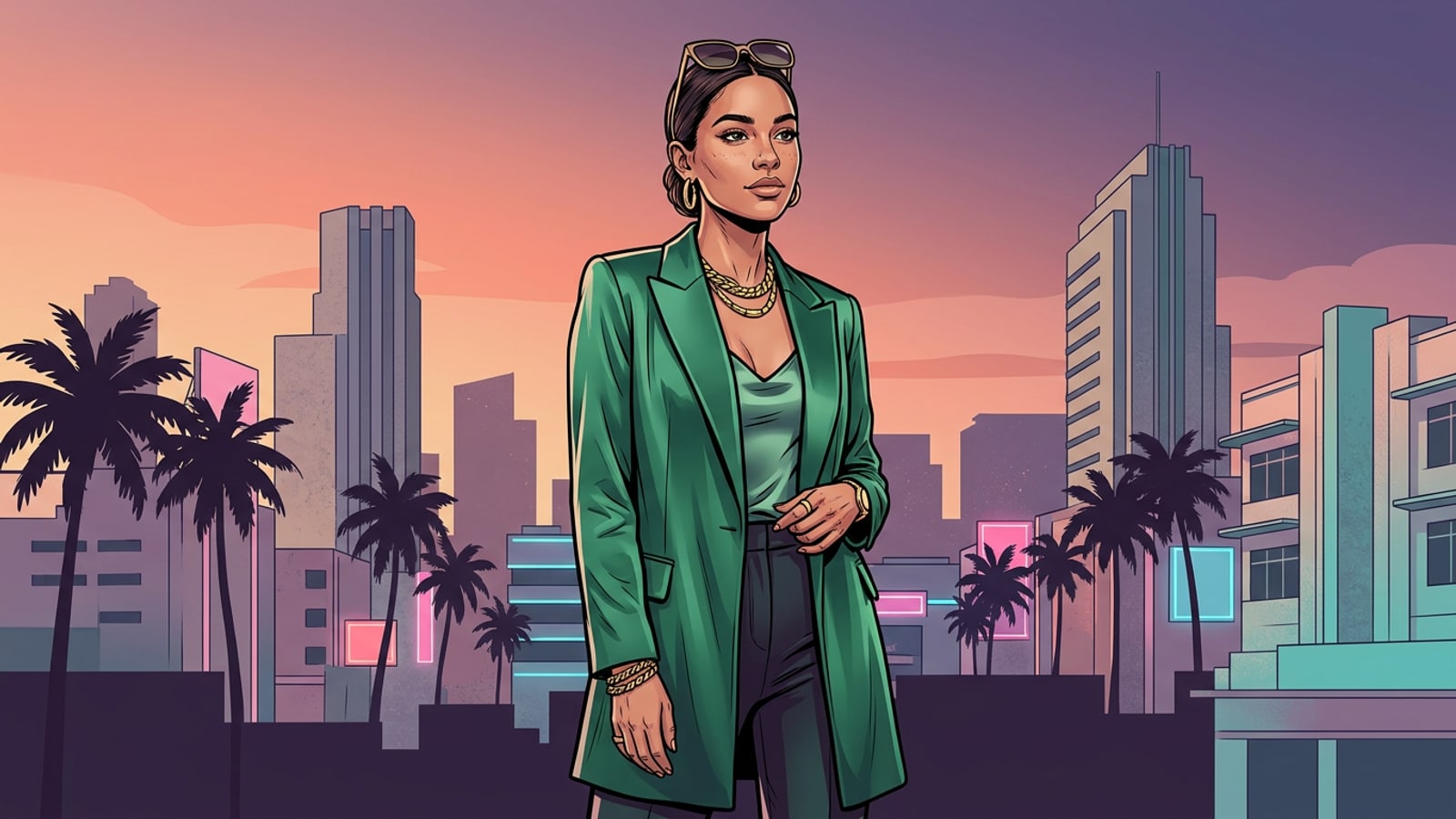
- High-Fashion Evening Satin: 'An elegant emerald green satin blouse with a soft fluid drape, subtle light reflections, and pleated shoulder details. Realistic silk sheen under warm indoor lighting. Keep face, hair, and background completely unchanged.'[3][5]
- Classic Denim Jacket: 'A vintage indigo blue denim jacket with yellow contrast stitching, silver metallic buttons, and realistic stonewashed fabric grain. Medium weight texture. Keep original facial features, skin tone, hands, and background untouched.'[3][5]