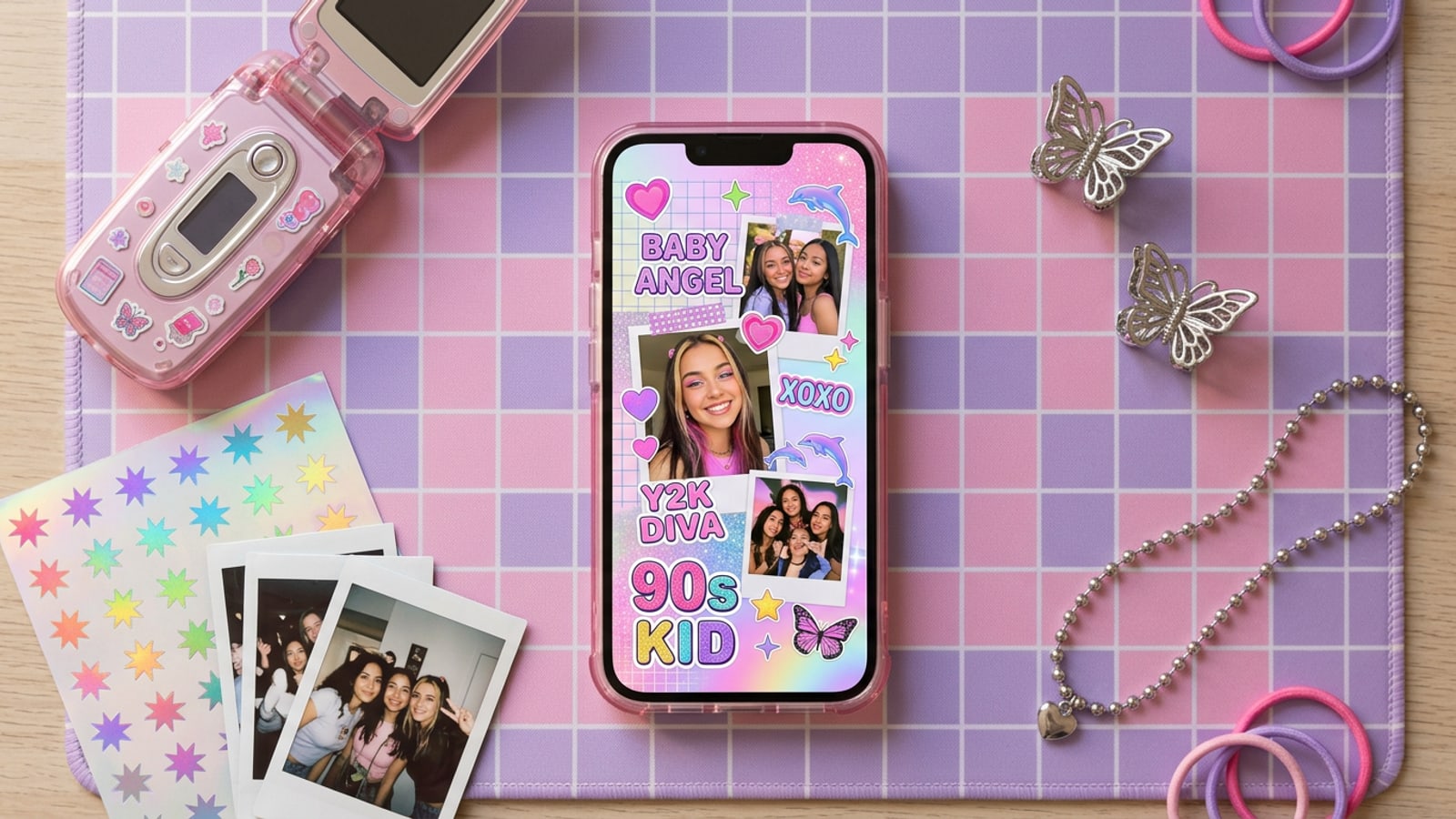
Quick Start: The 30-Second Y2K Scrapbook Layout on iPhone
Assemble a layered Y2K photo dump collage instantly on iOS by combining background cutouts with template grid frames.
The early 2000s visual resurgence has completely reshaped mobile visual storytelling, replacing hyper-polished feeds with candid, multi-layered Instagram photo dumps.[1][3]
Instead of spending 20 minutes manually cutting out stickers in complex desktop software, iOS creators can generate dynamic Y2K scrapbook collages in seconds using CARA on iPhone.[2]
By pairing CARA's Remove Background feature with built-in Photo Collage Maker templates, you can produce elevated layouts featuring floating outfit cutouts and retro tech frames in one seamless mobile workflow.[1][2]
- Isolate key subjects: Use Remove Background to strip away distractions and transform outfit shots into floating sticker cutouts.[2]
- Select a Y2K grid template: Load multi-photo layouts like Retro Music Player or Month in Review to group candid moments.[1]
- Refine retro mood: Use conversational AI prompts in CARA Agent to apply point-and-shoot direct flash lighting and soft bloom across the collage.[3]
Anatomy of an Aesthetic Y2K Scrapbook Collage
Deconstruct the visual ingredients and layering techniques that give 2000s scrapbooks their distinct nostalgia.
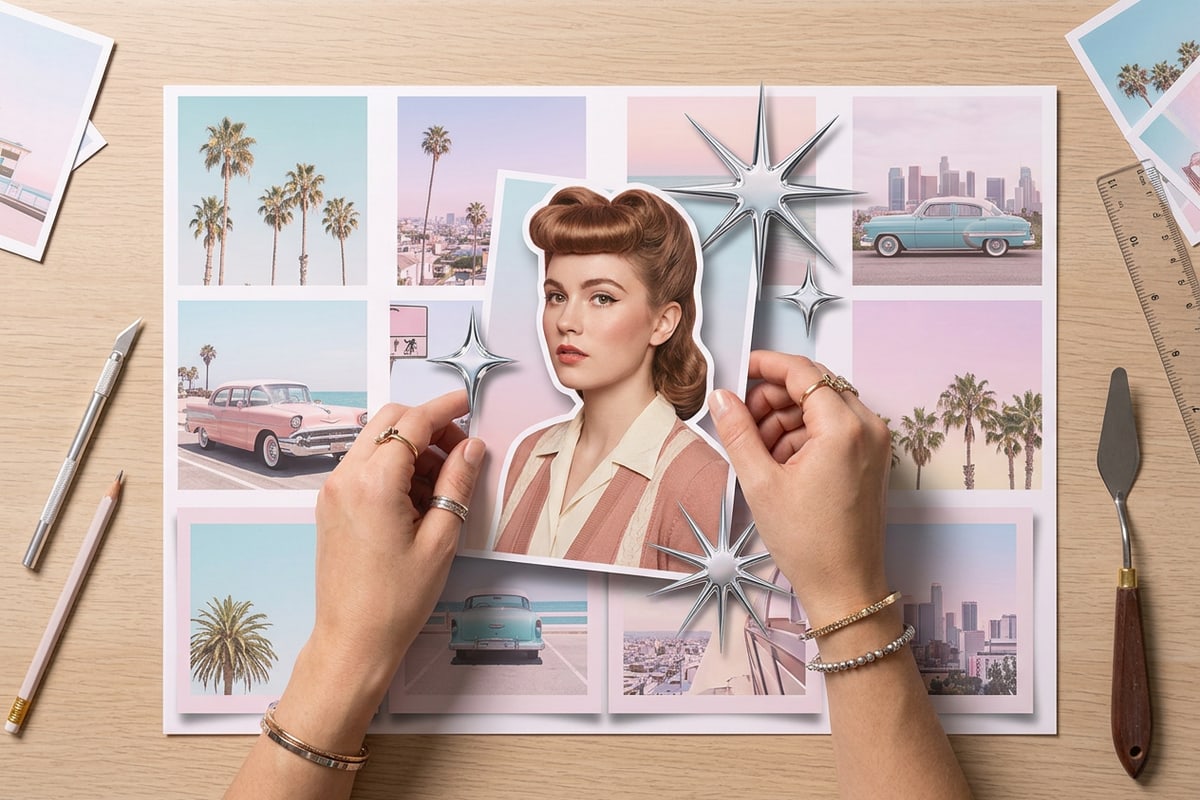
An authentic Y2K scrapbook layout relies on intentional visual contrast, mixing structured geometry with chaotic, tactile stickers and retro UI windows.[1][3]
Flat multi-photo grids can feel repetitive in social feeds. Superimposing an isolated subject cutout over traditional photo frames creates optical depth that makes content jump off screen.[1][2]
- Layered subject stickers: Floating outfit cutouts break standard grid borders to add dimensional pop.[2]
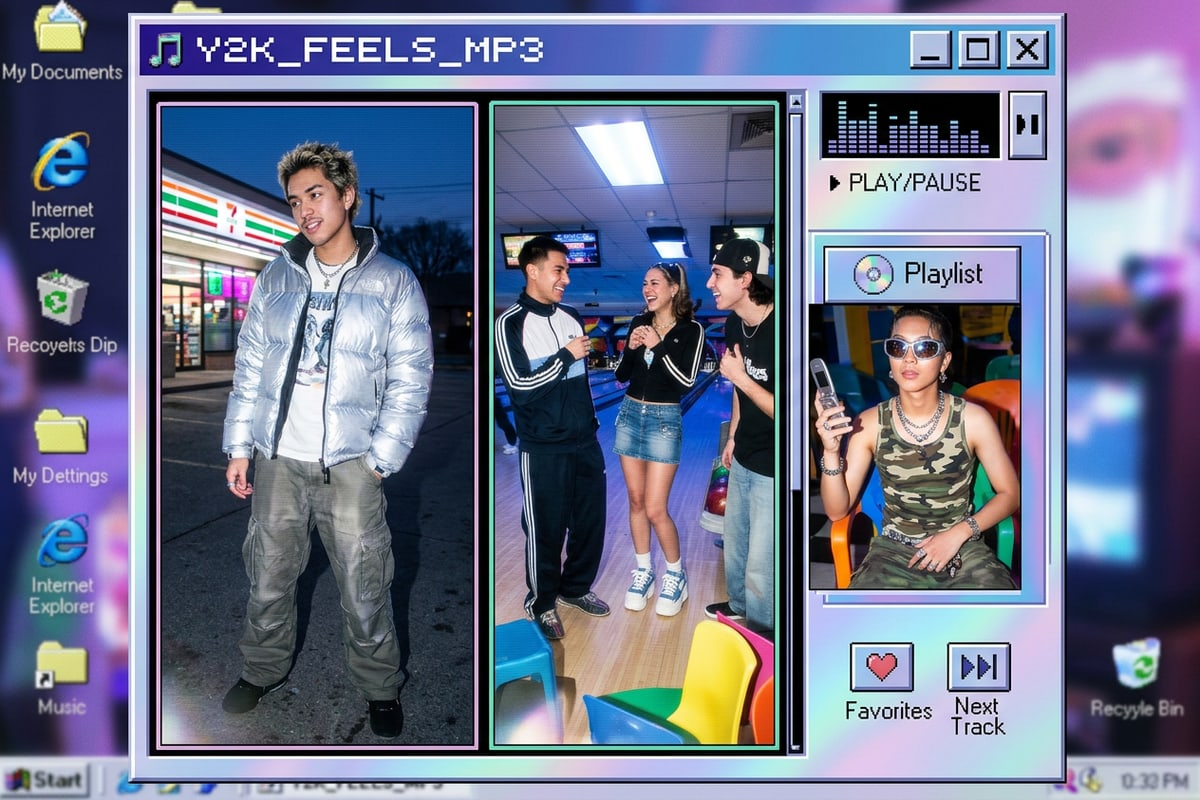
- Nostalgic UI frames: Pixelated media players and retro software windows signal early internet culture.[1]
- Direct-flash lighting: Crisp foreground highlights with subtle lens bloom recreate authentic digicam aesthetics.[3]
Curated Y2K Scrapbook Catalog & Style Recipes
Match CARA photo collage templates with tailored cutout strategies and natural language prompts for specific aesthetic styles.
Choosing the right grid template sets the foundation for your photo dump. CARA offers several flexible layout templates designed specifically for nostalgic storytelling.[1]
Whether you are aiming for a Cyber-Tech vibe, a Soft Pastel theme, or a comprehensive Monthly Recap, follow these curated aesthetic recipes.[1][3]
- Cyber-Tech MP3 Player: Select the Retro Music Player template (3 photos). Add direct flash portraits and prompt CARA Agent with 'Add cool cyan tint, direct flash glow, and subtle digital noise'.[1][3]
- Soft Pastel Floral Scrapbook: Choose the Pink Floral Collage template (6 photos) or Spring Memories (9 photos). Combine lifestyle candid shots with isolated outfit stickers.[1]
- Monthly Memory Dump: Use the Month in Review or Trio Split template. Combine wide landscape shots with tight detail cutouts for varied carousel pacing.[1][2]
Step-by-Step Mobile Workflow in CARA
Master the complete iOS editing process from background removal to collage placement and conversational AI relighting.
Creating high-performing Y2K photo dumps on iPhone does not require complex layers or desktop editing suites. Follow this streamlined 4-step mobile workflow in CARA.[2]
- Isolate Subject Cutouts with Remove Background
Open CARA on your iPhone and tap Remove Background. Upload your outfit or full-body photo to instantly isolate the subject from the original background. Note that photos with intricate edges like fine lace or loose hair may require a secondary attempt for ideal edge precision.[2]
- Select a Photo Collage Maker Template
Navigate to Photo Collage Maker and select a template that matches your target photo count, such as Retro Music Player for 3 photos or Month in Review for 4 photos.[1]
- Refine Mood & Lighting in CARA Agent
Open the compiled layout in CARA Agent and use natural conversational prompts like 'Apply soft 2000s direct flash lighting with warm vintage glow' to unify all collage elements under cohesive lighting.[3]
Pro Tips for High-Engagement Instagram Carousel Dumps
Optimize layout ratios and visual balance to maximize scroll-stop engagement on mobile feeds.
Formatting your scrapbook collages correctly ensures maximum visual real estate when users scroll through Instagram carousels.[3]
Aim for a 4:5 vertical canvas aspect ratio to maximize screen presence on mobile devices. Pair complex collage cover slides with simpler full-bleed photos inside the carousel to maintain viewer momentum.[3]
To achieve authentic point-and-shoot camera lighting across your entire photo dump, check out our tutorial on recreating 90s digicam flash lighting with AI prompts.[3]
- Optimize aspect ratio: Use vertical 4:5 frame ratios to fill mobile screens completely.[3]
- Maintain visual balance: Avoid placing heavy cutout stickers over essential details in your background grid photos.[2]
- Unify collage color schemes: Use natural prompt relighting to ensure cutouts match the ambient tone of underlying grid photos.[3]