Deconstructing the TikTok Office Siren Aesthetic: Core Visual Pillars
Understand the key visual components that define early-2000s corporate glamour before starting your AI photo editing workflow.
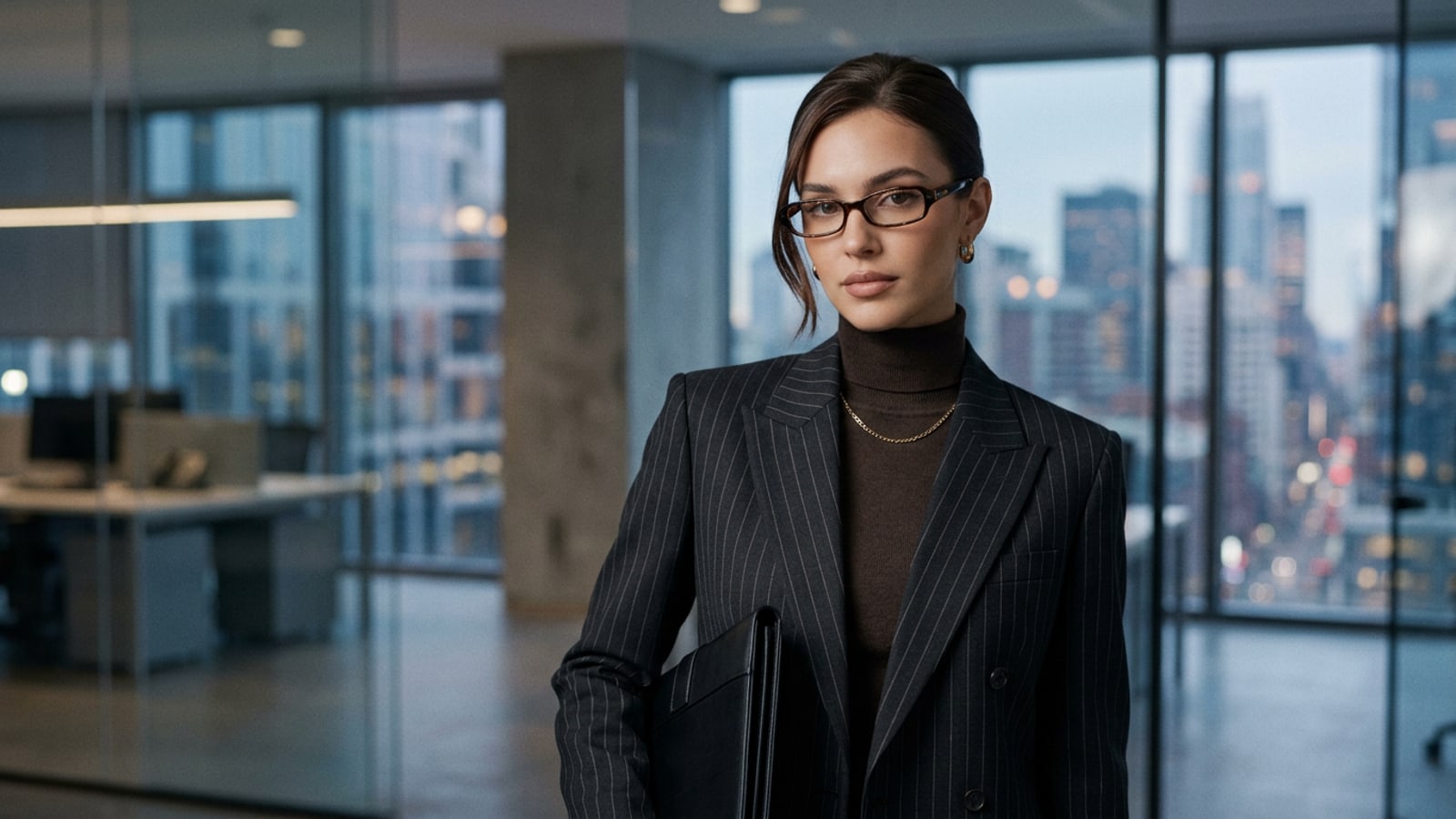
The TikTok Office Siren trend draws heavy inspiration from late-1990s and early-2000s runway corporate fashion, redefining traditional workplace attire into a sleek, stylized subversion of executive dressing.[1][3]
Rather than relying on modern casual workplace fashion, the aesthetic requires very specific visual anchors that evoke retro corporate glamour directly in portrait shots.[1][2]
- Bayonetta Micro-Eyewear: Slim rectangular or narrow cat-eye frames in dark tortoiseshell or metallic finishes perched low on the nose bridge.[2][5]
- Structured Y2K Tailoring: Charcoal pinstripe blazers, dark tailored waistcoats, high-neck turtlenecks, and crisp collared shirts in espresso, slate gray, and taupe tones.[1][7]
- Cool Office Ambiance: Overhead fluorescent specular lighting paired with desaturated, cool-toned backgrounds and subtle digicam film texture.[1][8]
Step 1: Targeted Garment & Eyewear Swaps with AI Replace
Replace everyday casual attire with structured pinstripe blazers and add Bayonetta micro-frames using targeted generative brushes.
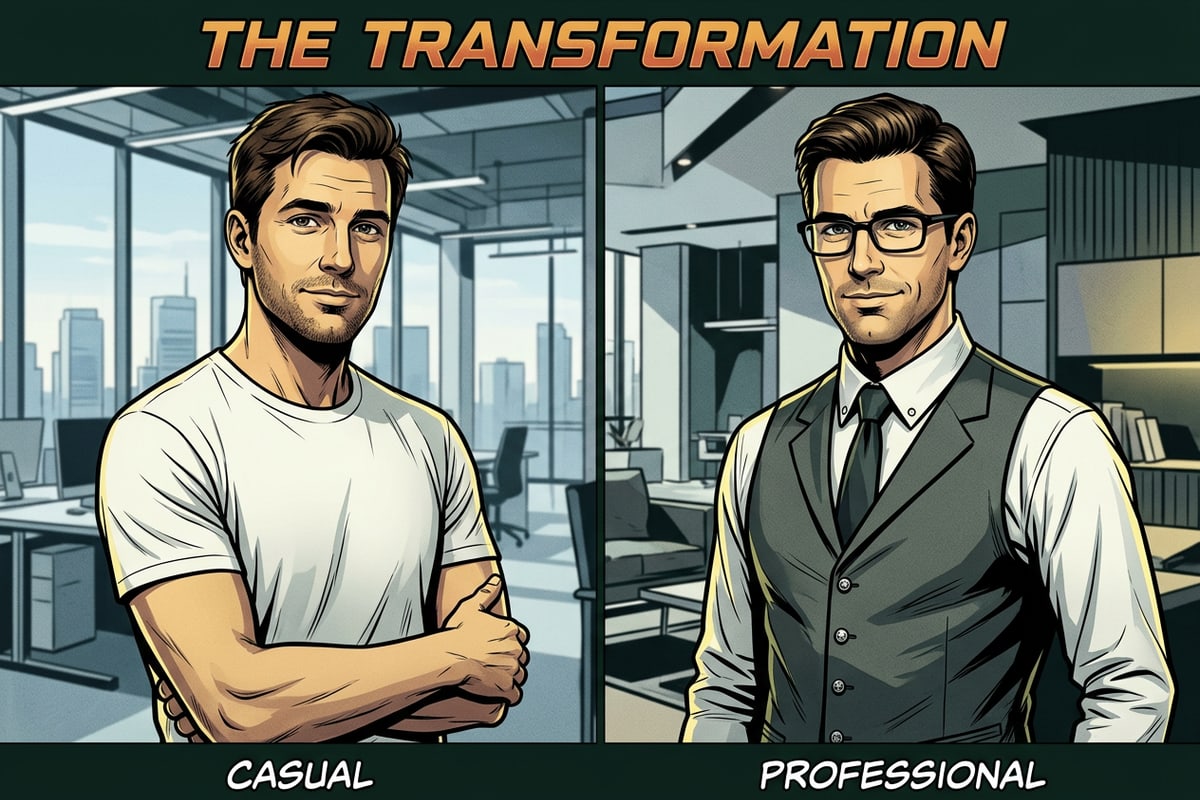
Achieving an authentic Office Siren look starts with swapping modern casual clothing for structured early-2000s silhouettes. Attempting to overhaul an entire photo in one pass can alter facial features, whereas targeted item replacement preserves your natural identity.[2]
Using AI Replace in CARA on iPhone, you can select specific regions of your photo—such as a casual t-shirt or eye area—and describe the precise garment or eyewear you want to insert.
- Brush Over the Target Clothing Area
Open CARA on iOS, navigate to AI Replace from the main tools menu, and brush over your existing top or casual shirt.
- Enter Precise Garment Descriptors
Type a focused text prompt like 'a fitted dark charcoal pinstripe blazer with structured shoulders over an espresso turtleneck' and tap replace.[1]
- Add Bayonetta Micro-Frames
Brush a thin horizontal selection across the bridge of your nose, then prompt for 'narrow tortoiseshell rectangular Bayonetta glasses sitting low on the nose bridge'.[2]
Step 2: Conversational Atmospheric & Color Grading Shifts via Cara Agent
Shift photo lighting and color balance to cool 2000s digicam tones using natural language chat instructions.
Once structural garments and accessories are in place, the entire image must be brought together under a cohesive atmosphere. Early-2000s corporate glamour relies heavily on cool fluorescent office hues, soft steel blue shadows, and muted espresso highlights.[1][8]
Rather than relying on fixed presets, you can communicate directly with Cara Agent using natural-language chat commands to dynamically re-grade lighting and texture across the entire photo.
- Adjusting Color Palette: Instruct the agent to 'apply cool slate gray and muted charcoal tones while cooling down warm indoor lighting'.[1]
- Simulating Workplace Ambiance: Request 'overhead cool fluorescent lighting with soft specular highlights on the glasses frames'.[2]
- Injecting Digicam Texture: Prompt 'add fine digicam film grain and subtle background bokeh for an early-2000s editorial aesthetic'.[1]
Step 3: Canvas Extension & Environment Cleanup with AI Eraser & Extender
Uncrop tight vertical portraits and erase modern background distractions to complete the corporate studio environment.
Tight selfie framing and casual domestic backgrounds can break the vintage corporate narrative. Recreating a high-fashion editorial look often requires setting your subject inside a spacious, minimal executive setting.[3]
You can use Image Extender in CARA to broaden close-cropped portraits into wide horizontal or vertical frames. The extender generates surrounding context such as frosted glass partitions, sleek conference tables, or architectural shadows.
If your original shot contains modern clutter like phone cords or distracting home furniture, pass the photo through AI Eraser to clean up the background before completing your edit.
Copyable Office Siren AI Prompt Library
Ready-to-use text prompt blocks optimized for CARA's AI Replace and Cara Agent conversational editing.
To help you quickly capture the TikTok Office Siren aesthetic, we have compiled structured prompt formulas designed for iOS photo editing workflows. Copy these prompts and swap bracketed terms like [COLOR] or [FRAME STYLE] to customize your shot.[1][2]
- AI Replace Blazer Prompt: 'A sharply tailored [charcoal / dark navy / espresso] pinstripe suit jacket with structured shoulder pads over a dark high-collar shirt.'[1]
- AI Replace Glasses Prompt: 'Narrow rectangular [dark tortoiseshell / rimless silver / black metal] Bayonetta glasses perched low on the nose bridge with subtle lens glare.'[2]
- Cara Agent Global Style Prompt: 'Transform this portrait into an early-2000s corporate glamour editorial shot. Apply cool fluorescent office lighting, muted slate and charcoal color grading, and fine digicam film grain.'[1][8]
- Y2K Direct Flash Prompt: 'Apply direct camera flash with crisp specular reflections, deep cool shadows, and high-contrast Y2K magazine tone.'[2]