The Evolution of AI Photo Editing: From Tools to Partners
How artificial intelligence has transformed mobile photo editing from manual adjustments to collaborative creation.
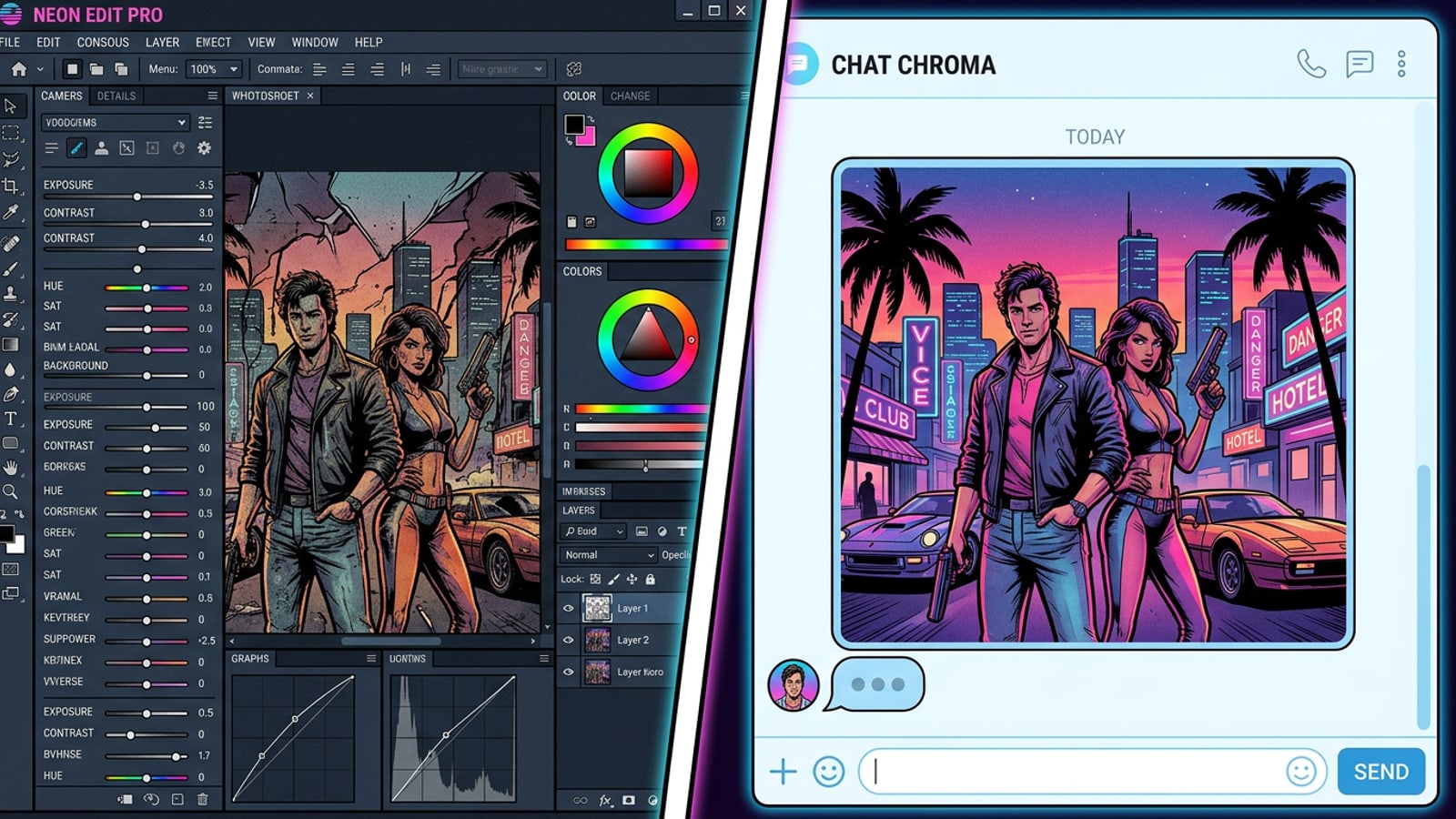
Finding the best AI photo editor used to mean looking for the mobile application with the most sliders, brushes, and layer management tools. Today, the landscape has shifted entirely. Artificial intelligence has transformed photo editing from a tedious manual process into a collaborative dialogue between the user and the software.
As you evaluate the current market, the deciding factor is no longer just about which app has the most features, but rather how those features are delivered to the user. Some applications still cater to the traditional editor who wants total control over every pixel, while others act as a creative partner that does the heavy lifting for you.
This shift has created distinct categories within the app ecosystem. You now have to choose between template-heavy applications designed for rapid social media posting, complex creative suites that mirror desktop software, and entirely new conversational interfaces that require absolutely no prior editing knowledge to achieve professional-looking results.
UI Philosophy: The Agent vs. The Toolbar
Comparing the user experience of conversational interfaces against traditional editing suites and template galleries.
The most striking difference between top AI photo editing apps is their foundational user interface philosophy. Picsart leans heavily into a professional, toolbar-driven design that provides extensive manual editing capabilities. While it has recently introduced its AI Aura conversational assistant to help users navigate its robust toolset, the core experience still revolves around traditional menus and manual adjustments.[2]
Photo Lab takes a completely different approach, relying on a massive library of over 800 templates and effects. This design is built for quick, predefined transformations where the user simply selects a look and applies it to their image.[1]
Cara completely reimagines the workspace by prioritizing a conversational-first user experience. Instead of hunting through nested menus or scrolling through endless static templates, users interact directly with the Cara Agent. By using natural-language requests, you can edit or generate images simply by describing what you want. This zero-skill approach removes the anxiety of learning complex software, allowing you to focus entirely on your creative vision.[3]
- Picsart is best for users who want granular control and do not mind navigating complex menus to fine-tune their edits.[2]
- Photo Lab is ideal for quick, pre-made aesthetic changes using a vast, easily accessible template gallery.[1]
- Cara is designed for intuitive, conversational editing where you describe your desired outcome rather than manually adjusting sliders.[3]
Feature Showdown: Object Removal, Extension, and Replacement
A detailed comparison of how the top apps handle core AI tasks like erasing unwanted objects, expanding image borders, and replacing elements.
Core AI capabilities like object removal and outpainting have become standard benchmarks for any serious AI photo editing app. Cara's AI Eraser allows users to remove unwanted objects from a photo with AI assistance. While it is highly effective for everyday photobombers or stray power lines, it is worth noting that highly complex backgrounds may require a second attempt to get a seamless result.[3]
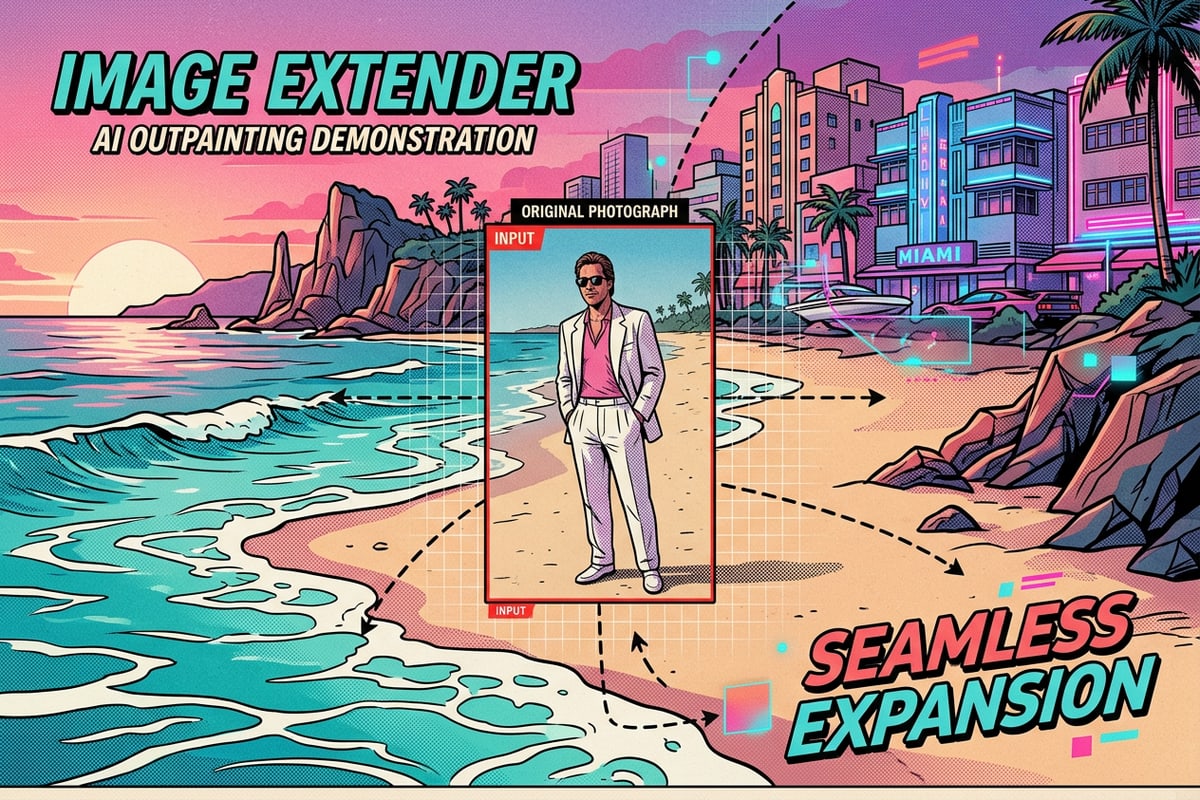
For expanding photos, Cara's Image Extender generates surrounding content beyond the original borders of an image. This outpainting technology is incredibly useful for adapting photos to different social media aspect ratios, though the generated edge content may occasionally differ slightly from the original scene.[3]
Beyond basic removal and extension, Cara offers advanced generative features like AI Replace. This tool allows you to select a specific area of a photo and use a text instruction to replace it entirely. Whether you want to swap a coffee cup for a bouquet of flowers or change the color of a car, the replacement result depends directly on your selection and the detail of your prompt. This provides a level of creative flexibility that goes far beyond traditional cloning tools.[3]
Additionally, Cara includes a Photo Colorize feature that adds estimated color to supported black-and-white photos. While the generated colors are estimates rather than historical proof, it breathes new life into old memories with a single tap, bypassing the need for complex manual color grading.[3]
In contrast, Picsart offers robust manual and AI-assisted editing tools for these specific tasks, giving users the ability to fine-tune the AI's output with traditional healing brushes and layer masks if the initial generation is not flawless. This makes Picsart a stronger choice for users who demand pixel-perfect manual intervention.[2]
- Clean the image first
Before extending the borders of your photo, use the AI Eraser to remove any distracting elements near the edges to ensure a cleaner outpainting result.[3]
- Be specific with replacements
When using AI Replace, provide clear and descriptive text prompts to guide the AI toward the exact object or texture you want to generate.[3]
Unique Creative Workflows: Video to Manga
Exploring specialized features that set apps apart, such as Cara's automated comic creation from video clips.
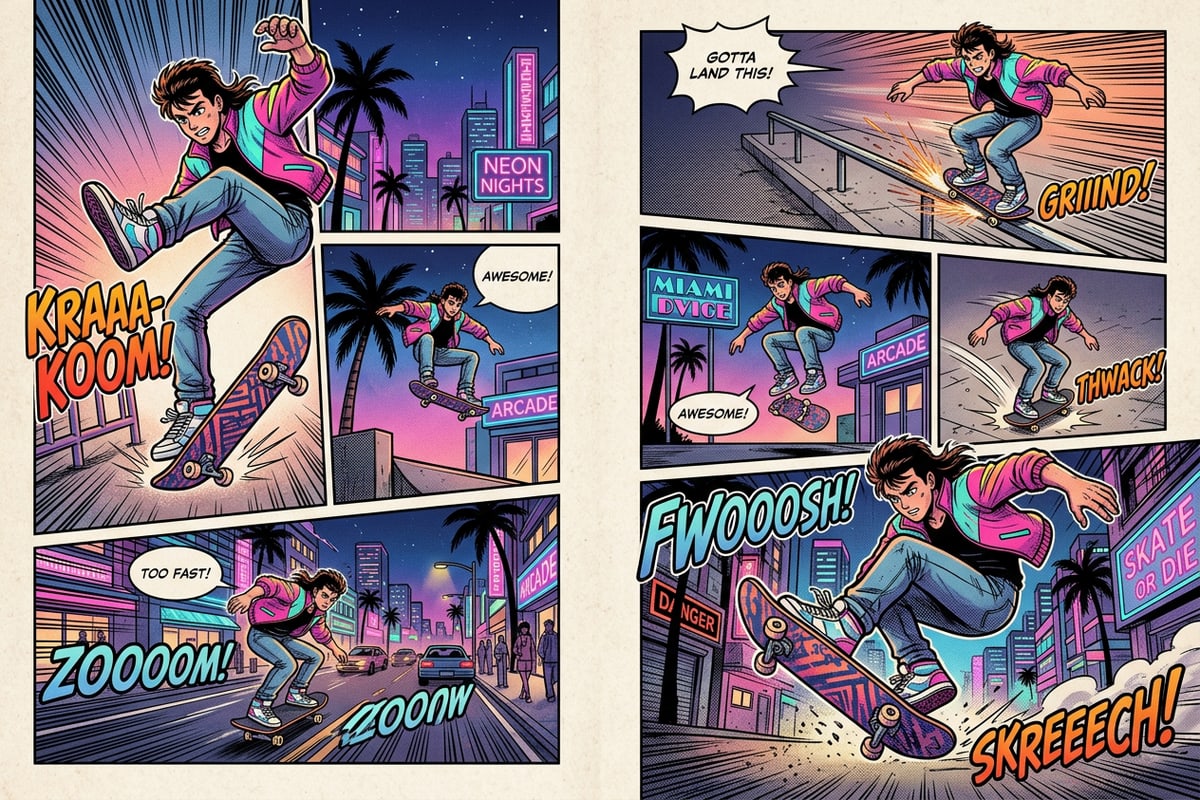
While many applications like ARTA AI offer basic anime filters or static AI avatars, Cara differentiates itself with highly specialized storytelling tools like Video to Manga. This feature automates panel layouts and turns supported video clips into comic-style pages based on selected key moments.[3]
This capability transforms a standard video into a dynamic, multi-panel visual narrative without requiring the user to possess any layout, illustration, or graphic design skills. It is a prime example of how AI can create entirely new formats of content rather than just enhancing existing photos.[3]
It is important to note that Video to Manga is not a general-purpose manual video timeline editor. Instead, it is a streamlined, automated workflow designed to produce a specific, highly stylized output. Users looking to manually splice clips, add custom audio tracks, or adjust frame rates will need to look toward dedicated video editing software.[3]
Pricing and Accessibility: Credits vs. Subscriptions
A breakdown of how different AI photo editors charge for their services and which platforms they support.
Accessibility and cost are major factors when choosing an app to integrate into your daily routine. Photo Lab utilizes a traditional subscription model to gate its premium templates and high-end features, which is a common approach for apps with massive asset libraries.[1]
Similarly, ARTA AI employs an aggressive weekly subscription model, typically ranging from $4.99 to $9.99 per week, which is standard in the AI avatar niche but can quickly become expensive for casual users.[3]
Cara uses a flexible credit-based system. The app is free to download and provides limited free generations. After exhausting the daily free allowance, users spend points for additional edits or generations, with the option to purchase more credits via in-app purchases. This allows users to pay based on their actual usage rather than committing to a recurring fee.[3]
Platform availability is also a critical differentiator in the current market. Picsart is widely available across multiple operating systems, including mobile devices and web browsers, making it highly accessible for users who switch between devices.[2]
In contrast, Cara is currently an iOS and iPadOS exclusive. This means that Android users, or those looking for a desktop web application, will need to look to alternatives like Picsart or Photo Lab for the time being.[3]
- Assess your editing frequency
If you edit dozens of photos daily and require unlimited access to premium assets, a flat subscription like Photo Lab's might be the most cost-effective route.[1]
- Consider a credit system for occasional use
If you only edit occasionally or want to experiment with high-end AI generation without a monthly commitment, Cara's point system allows you to manage costs based on your actual creative output.[3]
The Verdict: Which AI Photo Editor Should You Choose?
Final recommendations based on your creative goals, technical skill level, and device preferences.
The best AI photo editor ultimately depends on your specific workflow, technical comfort level, and the devices you own. If you need a cross-platform application with deep manual controls and do not mind a steeper learning curve, Picsart remains a versatile powerhouse for both mobile and web users.[2]
If you prefer browsing hundreds of pre-made looks and applying them with a single tap for quick social media updates, Photo Lab's extensive template library is highly capable and incredibly fast.[1]
However, if you are an iOS user looking for a true creative partner—an app that replaces complex toolbars with a natural conversational interface and offers unique outputs like Video to Manga and generative AI Replace—Cara provides a uniquely streamlined and powerful experience. It bridges the gap between high-end AI capabilities and zero-skill accessibility.[3]