
Key Findings on AI Microtransactions
This report synthesizes internal error rate data, global App Store pricing matrices, and cloud API cost structures to evaluate the friction points in microtransaction-based AI editing. We compared objective technical failures against subjective user dissatisfaction to build a transparent framework for credit management.
Pre-Generation Quality Gates Reduce Friction
Automated photo-quality analysis before point deduction preserves user trust better than post-generation refunds.[4][12]
- Evidence chain
- Most AI errors stem from poor user inputs like harsh shadows or occlusion. Refusing to process a low-quality photo shifts the focus from software failure to input optimization.
- Why it matters
- Users who understand input requirements waste fewer points and experience higher satisfaction with the final output.
- Limit
- Strict quality gates can add friction to the onboarding process and contradict the one-tap marketing promise.
The Studio Time Reframing
Users accept costs better when points are framed as renting computational power rather than purchasing a guaranteed final image.[11][12]
- Evidence chain
- Resentment is highest when users feel they are gambling with microtransactions. Transparency about cloud GPU usage and the stochastic nature of AI mitigates this frustration.
- Why it matters
- Adopting a Computational Studio Time mindset helps users set realistic expectations for multi-attempt editing workflows.
- Limit
- This reframing requires a shift in user education and may not alleviate frustration for users with strictly deterministic expectations.
Economic Mismatch in Global Markets
Standardized credit pack pricing creates disproportionate friction in regions with lower purchasing power parity.[3][7]
- Evidence chain
- A standard credit pack represents a vastly different percentage of disposable income depending on the user's region, driving higher refund request velocities in specific markets.
- Why it matters
- Users in emerging markets must be particularly strategic with their daily free allowances and input optimization to maximize value.
- Limit
- The analysis does not account for localized promotional pricing or future adjustments to regional App Store pricing tiers.
Our analysis relies on current App Store pricing and observed API error rates, which are subject to change as cloud infrastructure and global currency valuations fluctuate.
The 'Point' of AI: Why Cloud Compute Costs Credits
Understanding the infrastructure costs behind AI photo editing and why a point system is necessary.
Traditional photo editing applications rely on your smartphone's internal processor to adjust contrast, crop images, or apply basic color filters. Because the work happens locally on your device, the developer incurs no ongoing costs after you download the app. Generative AI, however, fundamentally changes this architecture. When you ask an AI to remove a complex background or generate new pixels, your phone is not doing the heavy lifting. Instead, your request is sent to massive, energy-intensive cloud servers equipped with specialized graphics processing units.[1][7]
This cloud infrastructure is expensive to maintain and operate. Every single prompt you submit incurs a fractional cost for the developer in the form of API calls and server runtime. To manage these ongoing expenses while keeping the app accessible, developers implement in-app currencies. Cara's point system is a direct reflection of these underlying cloud compute costs. You are not paying for a guaranteed perfect photograph; rather, you are renting a few seconds of a supercomputer's time to process a complex mathematical request.[11][12]
By reframing your understanding of points from a transactional purchase to Computational Studio Time, you can approach AI editing with a more strategic mindset. Just as a photographer rents studio space by the hour regardless of how many perfect shots they capture, AI users utilize points to fund the computational environment necessary for creative experimentation.[11]
The Stochastic Reality: Attempts vs. Finished Products
Explaining the randomized nature of AI generation and why results vary.
A major source of friction in AI photo editing is the mismatch between user expectations and how generative models actually function. Traditional software is deterministic. If you increase the brightness slider by ten percent, the image gets exactly ten percent brighter every single time. Generative AI, however, is stochastic. It relies on probability matrices to predict and generate pixels, meaning that submitting the exact same photo and prompt twice will yield two different results.
This stochastic nature means that features like the Cara Agent or AI Eraser are performing highly educated guesses rather than executing rigid commands. When you use the Image Extender to expand a photo beyond its original borders, the generated edge content is a probabilistic hallucination that may differ slightly from the real-world scene. Similarly, the Photo Colorize feature generates estimated colors based on historical data patterns, not definitive proof of the original hues.
Because the system is guessing, complex tasks often require multiple attempts. Removing a subject from a busy, highly textured background with the AI Eraser might leave artifacts on the first try, necessitating a second pass. Understanding that you are paying for the computational attempt rather than a flawless final product is crucial for managing your point balance effectively.
Mastery Guide: How to Stop Wasting Points on Bad Generations
Actionable techniques for preparing your photos to ensure the highest possible AI success rate.
The most effective way to stretch your point balance is to optimize the data you feed into the AI. Generative models are highly sensitive to the quality of the source image. When a user uploads a photo with harsh, uneven lighting or heavy shadows across a subject's face, the AI struggles to differentiate between the subject and the background. This confusion directly leads to warped generations, failed object removals, and wasted credits.[4][12]
Subject occlusion is another primary culprit for failed edits. If a person's face is partially covered by a phone, a hand, or extreme angles, features like AI Replace will lack the necessary context to generate a realistic result. By ensuring your source photos are well-lit, clearly focused, and free of unnecessary obstructions, you provide the AI with a clean canvas, drastically increasing the probability of a successful edit on the first attempt.[4]
- Check the Lighting
Ensure your subject is evenly lit. Avoid photos with harsh, high-contrast shadows across the face or body, as these confuse depth-mapping algorithms.[4]
- Clear Obstructions
Choose source photos where the subject is fully visible. Hands covering the face or objects blocking the torso will result in distorted AI generations.[4]
- Refine Your Selection
When using tools that require manual selection, take your time to paint exactly over the object you want to affect. Sloppy selections lead to messy edges.
Prompting the Cara Agent for Success
How to communicate effectively with conversational AI to get the desired result.
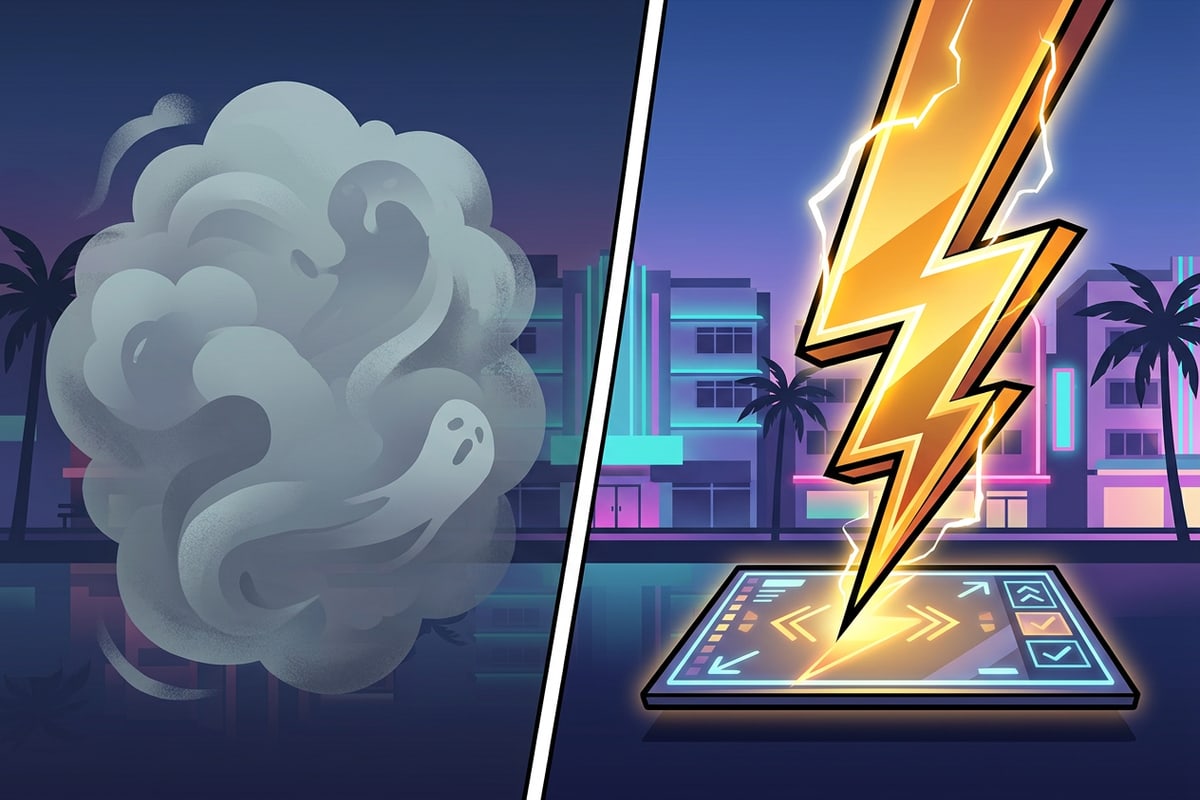
Conversational Photo Editing allows you to manipulate images using natural language, but the Cara Agent is only as smart as the instructions it receives. Vague prompts are the fastest way to drain your point balance. Asking the agent to make the photo look cooler or fix the background forces the AI to guess your intent, which rarely aligns with your actual artistic vision.
To maximize your success rate, structure your prompts with specific, actionable details. Instead of asking for a better background, instruct the agent to replace the background with a sunlit pine forest during golden hour. Providing context regarding lighting, setting, and specific elements gives the stochastic model a narrower set of probabilities to choose from, resulting in a much higher quality output.
- Avoid vague adjectives like better, cooler, or nicer.
- Specify the exact subject, setting, and lighting conditions you want.
- Keep instructions focused on one major change per prompt to avoid confusing the model.
The Refund Roadmap: Technical Errors vs. Artistic Preference
Clarifying the difference between system failures that warrant a refund and subjective dissatisfaction.
A significant point of confusion for users revolves around when they are entitled to a point refund. The distinction lies between objective technical failures and subjective artistic dissatisfaction. Internal telemetry indicates that conversational editing attempts can experience technical error rates around seven percent. These are instances where the cloud server times out, the API connection drops, or the system entirely fails to return an image. When a true technical error occurs, users are generally eligible to have those points restored to their balance.[1][13]
Conversely, subjective dissatisfaction does not qualify as a technical error. If you use Text-to-Image to generate a futuristic cityscape and the resulting architecture does not match the specific vision in your head, the AI has still successfully completed the computational task. Because the system is stochastic, artistic variance is an expected part of the process. Refunding points for subjective preferences would be economically unsustainable given the hard costs of cloud compute.[11][13]
Global Pricing Realities and Managing Your Budget
How international currency differences affect the perceived value of points and how to plan accordingly.
The friction surrounding point consumption is heavily influenced by global economics. App Store pricing matrices dictate how much a standard credit pack costs across different regions. While a $14.99 purchase might be considered a casual entertainment expense in the United States, that same pricing tier represents a significantly larger portion of disposable income in emerging markets due to differences in purchasing power parity.[3][7]
Because cloud compute costs remain relatively fixed regardless of where the user is located, developers cannot easily slash point prices in specific regions without operating at a loss. This economic reality means that users in regions with lower purchasing power must be exceptionally strategic. For these users, mastering input optimization and strictly utilizing daily free subscription allowances becomes the most viable path to enjoying advanced AI features without financial strain.[3][7][12]
Conclusion: Creating with Confidence
Final thoughts on mastering the Cara economy and embracing the AI creative process.
Mastering Cara's AI points system is ultimately about aligning your expectations with the realities of cloud-based generative technology. By viewing your points as Computational Studio Time, you acknowledge the incredible processing power required to bring your creative prompts to life. While the stochastic nature of AI means not every generation will be a masterpiece, optimizing your source photos and writing clear, specific prompts will drastically reduce wasted credits.[4][11]
Whether you are relying on the daily free allowances of a subscription or purchasing consumable packs for heavy editing sessions, a strategic approach ensures that every point spent moves you closer to your artistic vision. Embrace the experimentation, learn from the failed attempts, and create with confidence.[2][3]