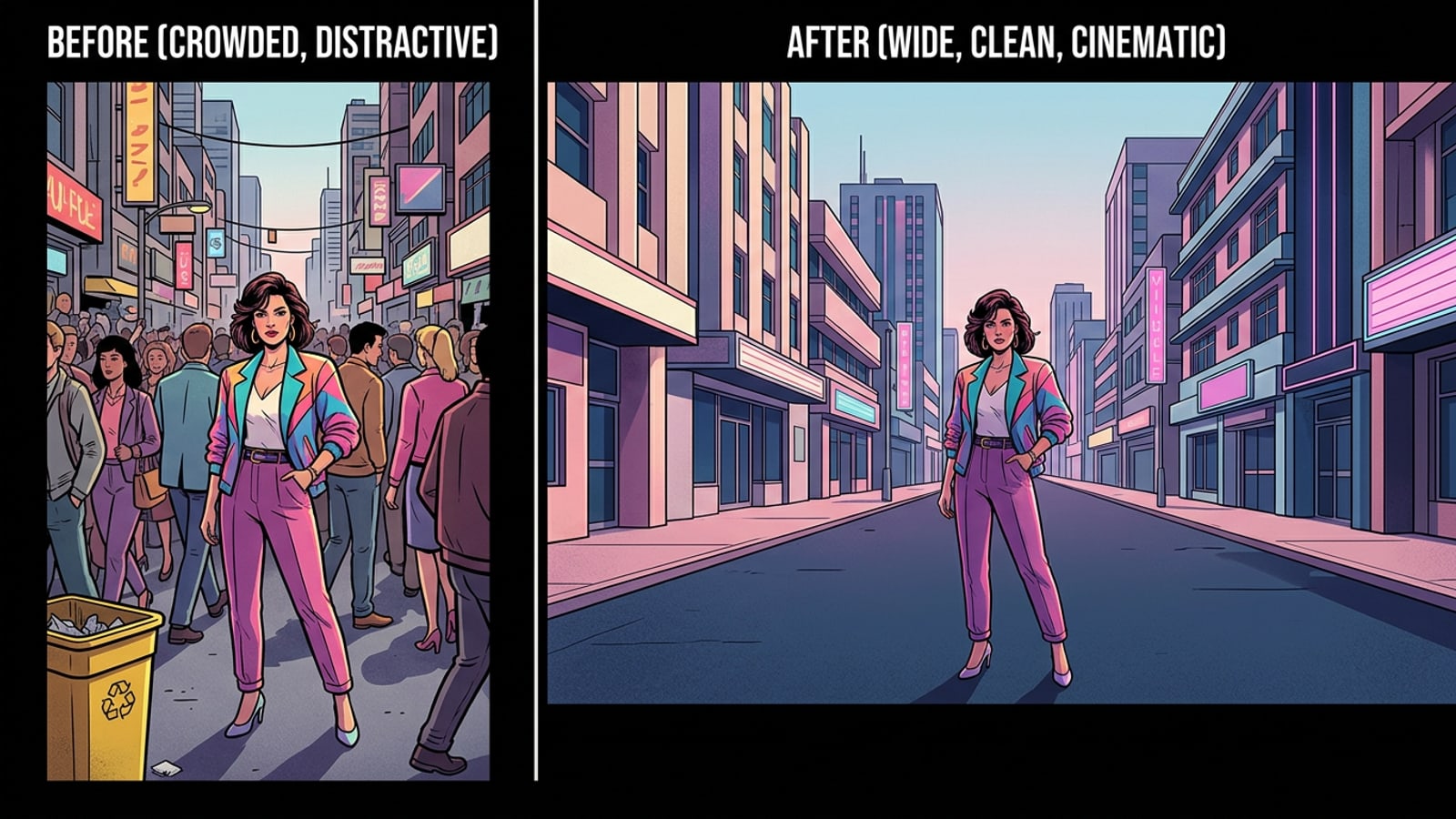
The Almost Perfect Photo: Why Traditional Cropping Fails
Traditional cropping forces you to sacrifice the environment to remove a distraction, but AI tools offer a way to keep the context while fixing the frame.
Every photographer knows the profound frustration of capturing a beautiful, fleeting moment, only to realize later that a stray trash can, a brightly colored traffic cone, or a wandering tourist completely ruined the composition. Historically, the only viable solution to this problem was traditional cropping. You would take your digital scissors and cut away the edges of your photo to remove the distraction, hoping the remaining image still held its magic.
However, traditional cropping is inherently destructive. It forces you to sacrifice the environment that gave the image its atmosphere in the first place. When you crop out a photobomber on the edge of a sweeping mountain landscape, you lose the majestic peaks and the sense of scale that made the photo special. You are left with a claustrophobic, tightly framed subject that lacks the breathing room of the original vision.
Today, AI object removal and generative expansion offer a fundamentally better way to approach photo manipulation. Instead of cutting your photo down to hide flaws, you can digitally erase the photobomber and even expand the borders to give your subject more space. With Cara available on iOS and iPadOS, you can achieve these professional-grade edits using simple, natural language requests, preserving the integrity of your original shot while perfecting its contents.[1]
The Art of Disappearing: Using Cara's AI Eraser
Learn how to use the AI Eraser to remove unwanted objects seamlessly, understanding its generative mechanics and how to manage your in-app points.
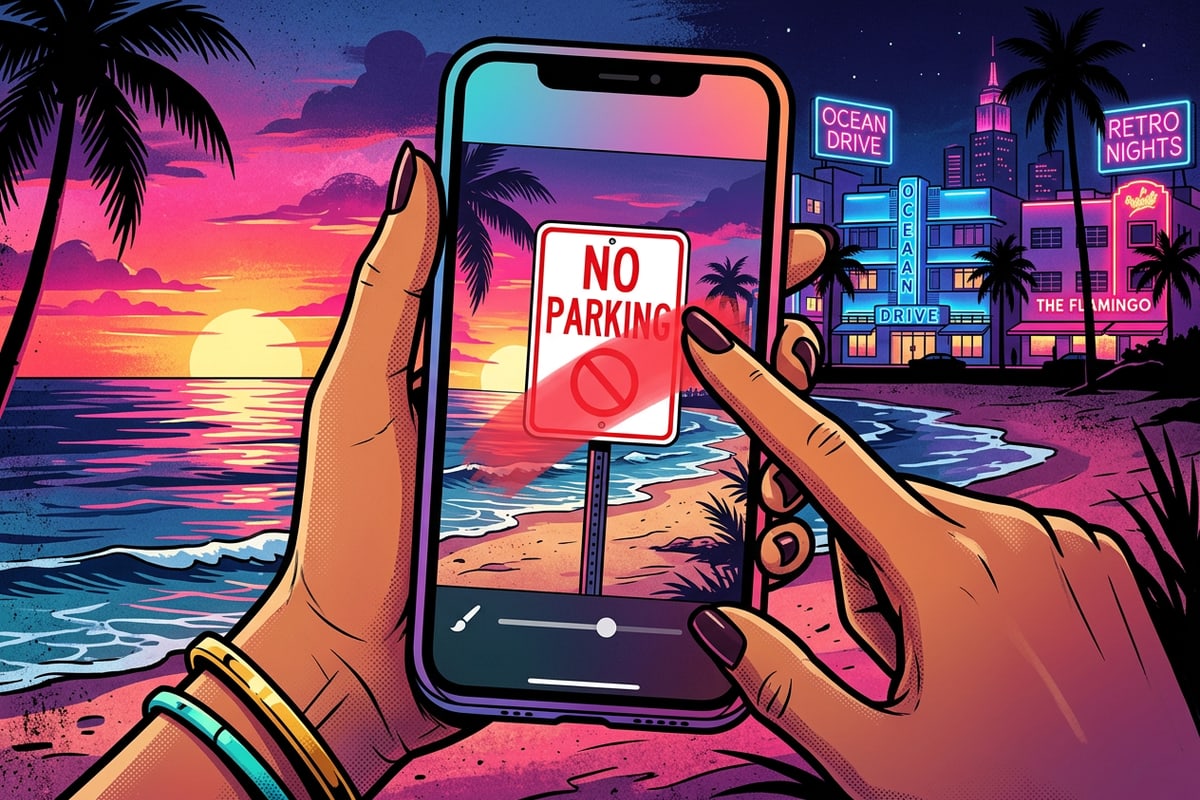
The Cara AI Eraser is designed to help you remove unwanted objects seamlessly without leaving a glaring hole in your image. By simply identifying the distraction, the AI assistance works to reconstruct the background behind the removed item. This tool is ideal for cleaning up street signs, stray coffee cups, or people walking through your background. It analyzes the surrounding pixels and generates a highly educated estimate of what should exist in that empty space.[1]
It is important to note that the AI is providing an estimate of the missing textures, not a historical record of what was actually there. If you are working with highly complex backgrounds—such as a dense forest canopy, intricate architectural details, or a crowd of people—you may need to run the tool a second time to get a flawless result. The AI might need another pass to blend the lighting and textures perfectly with the surrounding environment.[1]
Because iterative editing is sometimes necessary, understanding the app's economy is crucial for a smooth workflow. Each successful use of the AI Eraser costs 30 points. If you are tackling a difficult photo that requires multiple erasure attempts, those points can add up. To optimize your edits, manage your cloud compute costs, and avoid running out of credits mid-project, we highly recommend reviewing our comprehensive guide on the Cara AI points system.[1]
Thinking Outside the Box: Expanding Borders with Image Extender
Use the Image Extender to generate new surrounding content, turning tight square photos into wide cinematic landscapes.
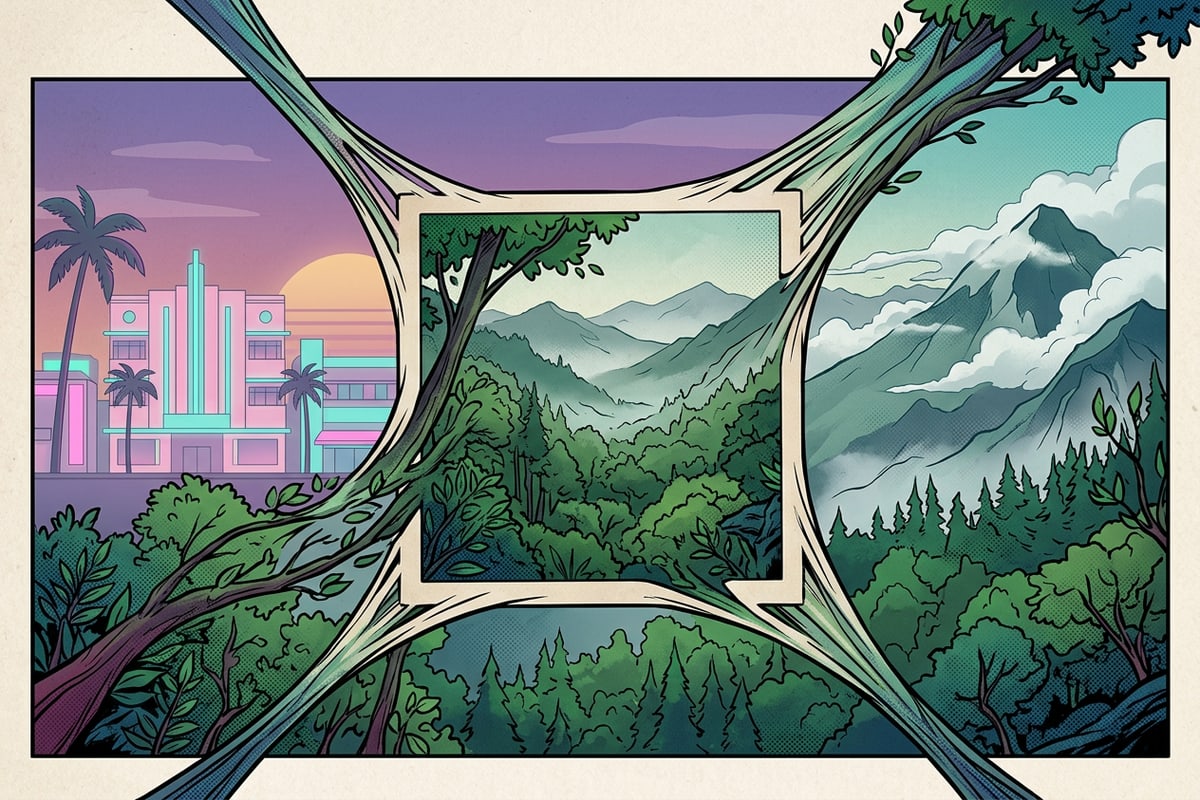
Sometimes your photo is perfectly clean and free of distractions, but the framing is just too tight. Perhaps you shot a vertical portrait for a smartphone screen, but now you want to use it as a wide desktop wallpaper or a cinematic YouTube thumbnail. This is where outpainting, known in the app as the Image Extender, becomes an invaluable asset in your creative toolkit.[1][3]
The Image Extender feature extends an image beyond its original borders, generating entirely new surrounding content to fill the expanded canvas. When you use this tool, the AI analyzes the existing pixels at the very edge of your photo. It uses these edge pixels as a seed to hallucinate new scenery that matches the lighting, color palette, and texture of your original shot, allowing a cramped square photo to organically grow into a wide landscape.[1][3]
Because the generated edge content is entirely synthesized by the AI, it may differ from the actual real-world scene you photographed. A brick wall might continue with a slightly different mortar pattern, or a tree branch might extend in a new direction. Therefore, the Image Extender is best used for creative editing and aesthetic enhancement rather than documentary evidence. Like the eraser tool, each successful use of the Image Extender costs 30 points.[1]
The Pro Workflow: Why You Should Clean Before You Expand
Prevent the AI from hallucinating unwanted objects into your new borders by utilizing the strategic Clean-then-Expand workflow.
The biggest mistake casual editors make is attempting to expand a photo before they have cleaned up the existing frame. It is vital to understand that 'Clean-then-Expand' is not a single button or automated feature within the Cara app. Rather, it is a deliberate editorial strategy and a sequence of actions that professional editors use to guide the AI toward the best possible result.
Outpainting models rely heavily on the pixels at the very edge of your image to serve as the foundational seed for generating new content. If a photobomber, a bright orange traffic cone, or a distracting piece of litter is sitting on that edge, the AI will assume that object is an important part of the environment and use it as a reference point for the expansion.[3]
This leads to what industry professionals call the artifact replication trap. The AI might hallucinate extra limbs, duplicate the unwanted person, or stretch the distracting texture across your newly generated canvas. To prevent this chaotic result, you must manually enforce the Clean-then-Expand workflow by erasing distractions first.[2][3]
Because Cara features Conversational Photo Editing, executing this strategy is incredibly intuitive. You don't need to navigate complex layers or masking menus; you simply talk to the Cara Agent in a specific sequence. For the first step, you might upload your photo and type a prompt like: 'Remove the yellow trash can on the bottom left and the person walking in the background.' The Agent processes this request using the AI Eraser. Once you review the clean image and are satisfied, you move to the second step. You then prompt the Agent with the newly cleaned image: 'Expand this photo into a wide 16:9 landscape format, adding more of the empty street and buildings on both sides.' By separating these prompts, you ensure the Agent's Image Extender only uses the clean street as its reference, rather than hallucinating more trash cans into your new cinematic borders.[1]
- Step 1: Sanitize the Scene
Use the Cara Agent to request the removal of any distracting elements, paying special attention to objects near the edges of your frame.[1]
- Step 2: Verify the Background
Check that the AI has naturally filled in the erased area. If the background is complex and looks smudged, ask the Agent to refine the erasure before moving on.[1]
- Step 3: Expand the Borders
Once the canvas is completely clean, submit a new prompt asking the Image Extender to generate new, distraction-free scenery around your subject.[1]
Cara vs. Template Editors: Precision Over Presets
Understand why Cara's generative approach offers superior control for original photography compared to the rigid figure segmentation used by template-heavy competitors.
Many popular photo editing apps on the market rely heavily on rigid, pre-fabricated templates to achieve dramatic edits. Competitors like Photo Lab often highlight background replacement features that utilize a technology called figure segmentation. This process identifies the human subject in a photo, cuts them out like a digital paper doll, and pastes them onto a completely new, pre-made background template.[2][4]
While figure segmentation is highly efficient for creating quick, playful, or surreal social media posts, it has severe limitations for serious photo manipulation. The primary issue is that it destroys the original context of your photography. Furthermore, the lighting, shadows, and color temperature of your original subject rarely match the artificial lighting of the template background, resulting in an edit that looks distinctly fake and pasted-together.[2][4]
Cara takes a fundamentally different, tool-based approach through its generative AI models. Instead of forcing your photo into a rigid template, Cara analyzes the existing pixels and generates new content that respects the original lighting and textures. When you use the AI Eraser or Image Extender, you are not cutting your subject out; you are organically modifying the environment around them. This preserves the authentic atmosphere of your original photography while giving you the surgical precision to fix exactly what is wrong, without altering what is already perfect.[1]
- Template editors rely on figure segmentation, which cuts out your subject and discards your original background entirely.[2][4]
- Segmentation often results in lighting mismatches between the subject and the new, pre-made background.[2][4]
- Cara's generative approach analyzes your specific photo to create custom, lighting-accurate extensions and erasures.[1]