The 2026 Summer Hair Forecast: Architectural and Low-Maintenance
Before diving into virtual try-ons, it helps to know what styles are dominating the upcoming season. 2026 is all about bold, structural cuts and effortless maintenance.
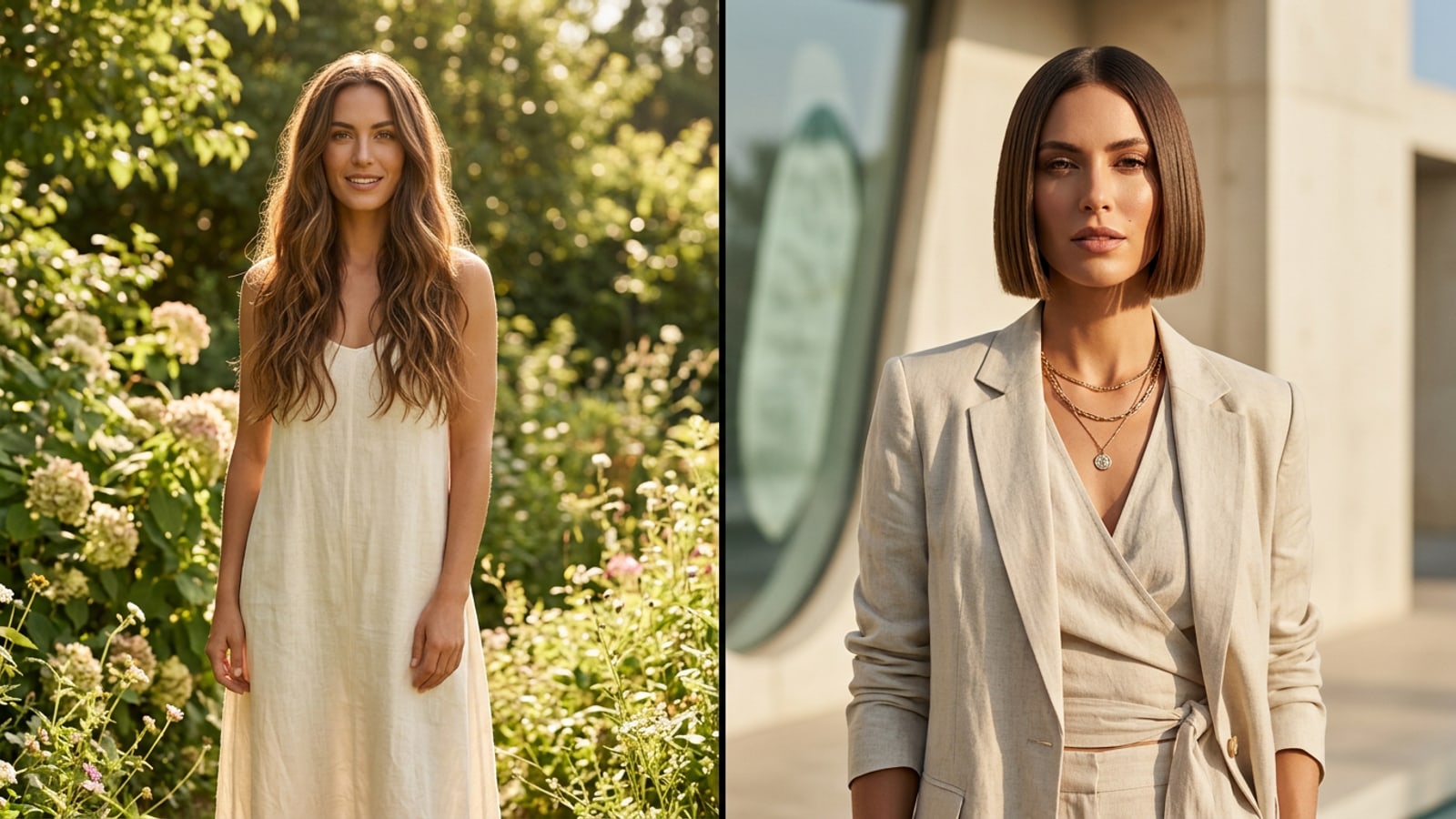
Fashion forecasts for 2026 are pointing toward a major shift away from soft, blended layers into extreme, architectural forms. The standout look of the season is the Micro-Bob 2.0. Often referred to as the little black dress of haircuts, this minimalist and high-impact style sits precisely between the cheekbone and jawline, completely clearing the nape of the neck. Because it relies entirely on sharp, deliberate lines, it requires a level of precision that leaves little room for error.[1]
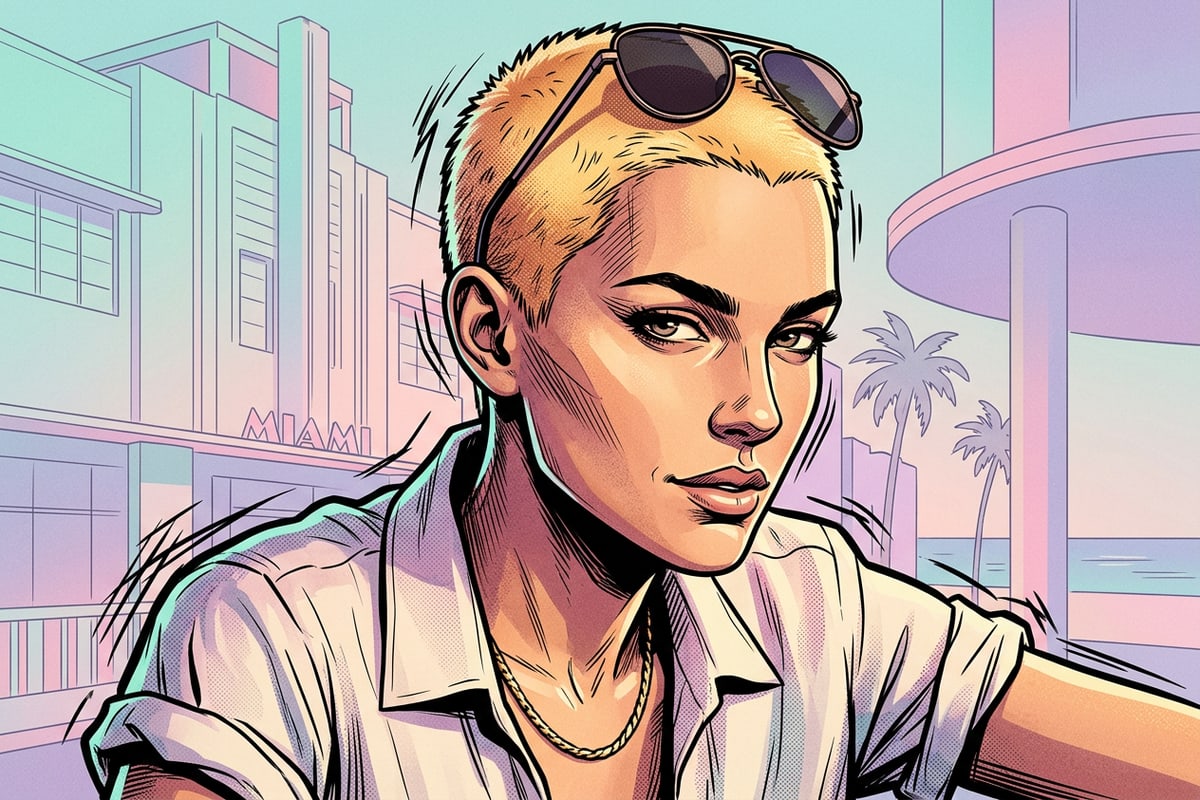
Alongside these sharp bobs, there is a distinct psychological shift toward peace-protecting beauty routines. Consumers are increasingly prioritizing ease and mental bandwidth over complex, time-consuming daily styling. This cultural shift has fueled the rise of the Sun-Bleached Buzz, a trend seeing ultra-short buzz cuts paired with luminous Sunrise or Honey blonde tones. It is the ultimate low-maintenance statement, offering a fresh, healthy look without the daily hassle of heat tools.[2]
Closing the 'Pinterest Gap' with AI Try-Ons
Bringing a celebrity photo to the salon often leads to disappointment. AI previews solve this by showing how a cut interacts with your unique features.
For years, salon clients have struggled with the Pinterest Gap—the frustrating disconnect between an aspirational photo of a celebrity's hair and how that same cut looks on a different person. We often fall in love with the lighting, the makeup, and the celebrity's face shape rather than the haircut itself. Because a style like the Micro-Bob relies entirely on where the hair hits the jawline, even a half-inch difference in length can change the entire aesthetic from chic to disproportionate.[1]
AI facial mapping addresses this fundamental problem by placing the desired length and shape directly onto your own facial structure. Instead of guessing if a sharp architectural cut will flatter your face, a virtual haircut preview provides an immediate, personalized visual. This technology isolates the haircut as the only changing variable, eliminating the anxiety of the big chop and helping you make a confident decision before the scissors ever come out.[1]
Choosing the Perfect Selfie for Accurate AI Mapping
The quality of your AI hairstyle preview depends entirely on the photo you provide. Preparing your selfie correctly ensures the AI can map your facial structure without interference.
Before you open any AI generation tool, you need a baseline photo that gives the software a blank canvas. If you upload a photo with your current hair falling across your face or obscuring your neck, the AI may struggle to determine where your jawline ends and the new hairstyle should begin. This is especially critical for 2026's architectural trends, which require precise mapping against your cheekbones and jaw.[1]
To get the most realistic and helpful result, you should treat this selfie like a relaxed passport photo. The goal is to provide the AI with clear, unobstructed geometry of your face so it can accurately apply the new hairstyle template.
- Tie your current hair back tightly into a low ponytail or bun so it does not interfere with the generated style.
- Face a window for even, natural lighting that illuminates your features without casting harsh shadows across your jawline.
- Look straight into the camera lens, keeping your head level rather than tilting it up or down, which can distort your face shape.
Step-by-Step: Previewing Your 2026 Look with CARA
Transforming your look digitally is a straightforward process. Here is exactly how to use the CARA app to visualize your summer hair transformation.
The CARA app is designed specifically for users who want high-quality AI portraits without needing to learn complex photo editing software. Because it relies on a one-tap template system, you do not have to worry about manually brushing in hair color or adjusting length sliders. The cloud-based AI handles the entire transformation in seconds.[3]
- Download and Open the App
Install CARA from the Apple App Store. Note that the platform is currently exclusive to iOS devices like the iPhone and iPad.[3]
- Select a Hairstyle Template
Browse the curated template library and choose a style that matches the 2026 trends, such as a sharp bob or a short blonde buzz cut. There are no manual editing tools, so picking the right template is your primary creative choice.[3]
- Upload Your Prepared Selfie
Select the clear, front-facing photo you took earlier. Ensure your face is clearly visible and your natural hair is pulled back.[3]
- Generate and Save
Tap to generate. Within seconds, the cloud AI will process the image. Once complete, you can save the high-quality portrait directly to your camera roll.[3]
Evaluating Your Virtual Makeover: What to Look For
Once you have your AI-generated portrait, it is important to analyze the results critically before making a salon appointment.
Seeing yourself with a radically different hairstyle can be a shock to the system. Take a moment to look past the initial surprise and evaluate the structural elements of the cut. For the Micro-Bob 2.0, check exactly where the hemline of the hair intersects with your face. Does it highlight your cheekbones, or does it widen your jaw in a way you dislike? Because the AI maps this precisely to your uploaded photo, this is the most accurate piece of data you can gather from the preview.[1]
If you are previewing the Sun-Bleached Buzz, pay attention to the color contrast. The luminous Sunrise and Honey blonde tones can dramatically change how your skin tone appears. While the AI provides an excellent vibe check for the overall aesthetic, remember that it is generating an idealized version of the style.[2]
From AI to Reality: Your Salon Consultation Guide
An AI portrait is a powerful communication tool, but it requires a practical conversation with your stylist to translate the digital image into a physical haircut.
Once you have generated a look you love and saved the high-quality image to your camera roll, you are ready for the salon. However, presenting an AI image to a stylist requires a slightly different approach than showing a standard celebrity photo.[3]
When presenting your AI preview, frame it as a guide for the length and overall shape rather than an exact blueprint. It is crucial to remember that AI-generated hair can sometimes appear unnaturally dense or glossy. Your stylist will need to assess your actual hair texture and density to determine how closely they can replicate the digital result in reality. They can tell you if your natural hair can support the architectural shape of a Micro-Bob, or what the maintenance reality of a high-lift Sunrise Blonde buzz cut will be for your specific hair history.[1][2]
- Use the AI image to agree on the exact length, pointing out specifically where the hair hits your jawline or cheekbones.[1]
- Ask your stylist if your natural hair density can support the sharp, architectural shape shown in the preview without excessive daily styling.[1]
- Discuss the chemical maintenance required for the color, particularly if you are transitioning to a high-lift shade for the first time.[2]