Meet Your Creative Assistant: What is the Cara AI Agent?
Understand the fundamentals of Cara's conversational photo editing feature and how it processes your creative requests.
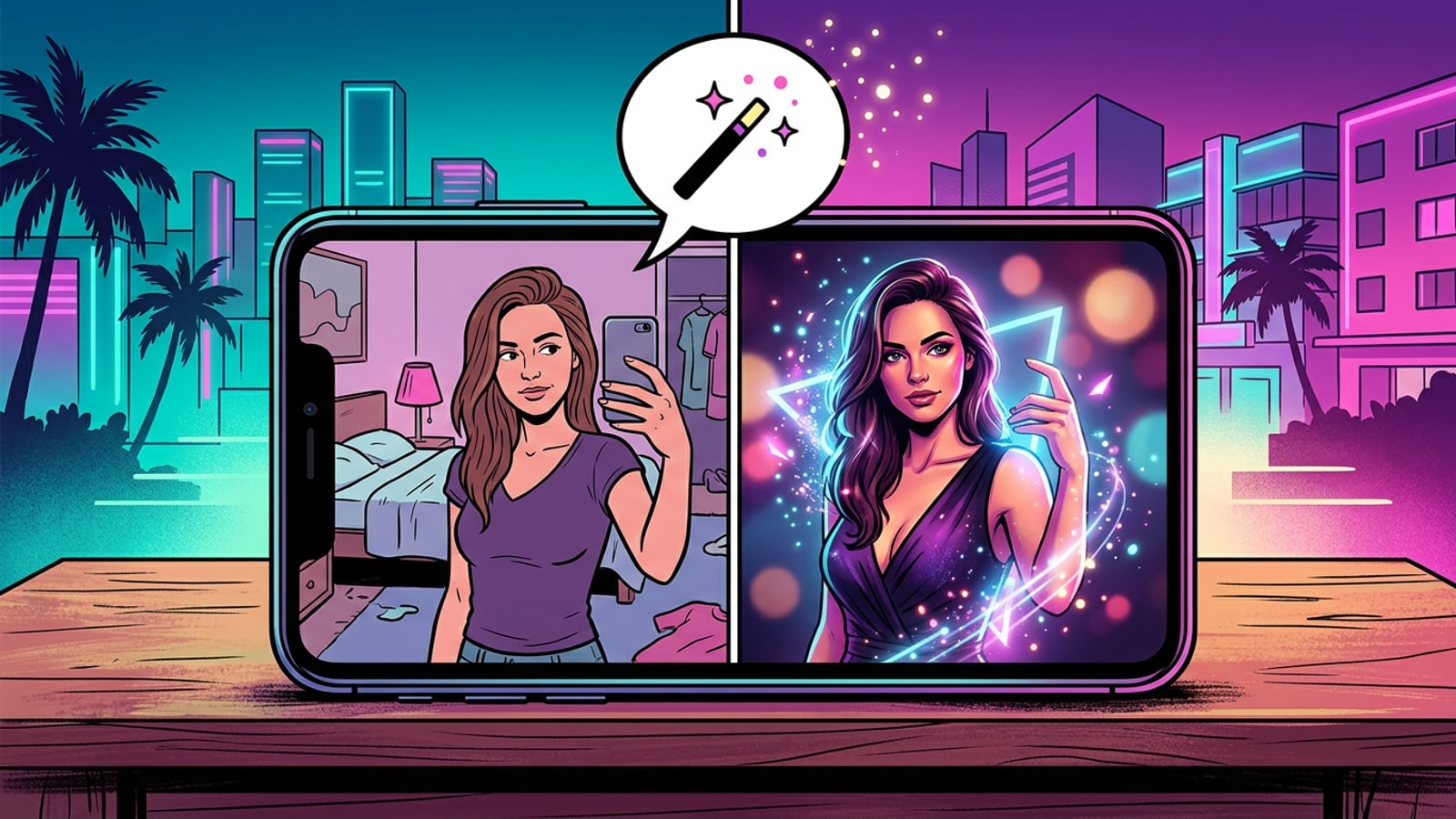
The Cara AI Agent represents a fundamental shift in how we approach digital creativity on mobile devices. Available exclusively on iOS and iPadOS, this conversational photo editing feature allows you to edit or generate images through natural-language requests in Cara's Agent experience.
However, this seamless experience relies heavily on cloud processing to handle the complex visual transformations required by generative AI. Because the heavy lifting happens on remote servers rather than your local device, the results can vary based on the clarity of your instructions and the current server load. During periods of heavy traffic, you might occasionally experience incomplete generations or timeouts.
The 'Perfect Prompt' Formula: Subject + Action + Style
Learn a highly effective, repeatable framework for writing prompts that the AI can interpret accurately every time.
To consistently achieve high-quality results and minimize errors, you need a structured approach to communication. The most effective method for interacting with the Cara AI Agent is the Subject + Action + Style framework. This formula ensures that the AI model knows exactly what element to target, what transformation to apply, and what aesthetic guidelines to follow for the final output.
Within the Style component of your prompt, the most powerful tools at your disposal are quality amplifiers. These are technical photography and art terms that act as anchors for the AI model. Incorporating phrases like 'shallow depth of field' or 'cinematic lighting' forces the model to prioritize pixel density and edge detection, significantly reducing fuzzy or amateur-looking results. However, keep in mind that the final output resolution is ultimately determined by the specific AI model selected, not just the prompt itself.
- Subject: Clearly identify the specific part of the photo you want to alter, such as the background, the lighting, or a specific object.
- Action: Use concrete, unambiguous verbs like remove, replace, illuminate, or generate to provide clear directives.
- Style: Include descriptive adjectives and technical photography terms to anchor the AI's output to a specific aesthetic.
- Identify the Subject
Look at your photo and determine exactly what element needs editing, such as the background or the subject's clothing.
- Choose the Action
Select a specific verb that describes your intended outcome, like 'replace' or 'add'.
- Apply the Style
Add descriptive terms to refine the aesthetic, such as 'warm golden-hour lighting' or 'cinematic bokeh'.

Mastering the Conversation: The Power of Iterative Editing
Discover why editing one element at a time yields vastly superior results compared to complex, multi-variable prompts.
One of the most powerful features of the Cara Agent is its context retention. The AI remembers the flow of your conversation within a specific memory window, allowing you to treat the editing process as a continuous dialogue. This means you can refine an image over multiple steps, adjusting and tweaking elements gradually rather than trying to achieve absolute perfection on the very first try.
A frequent mistake that leads to a notable error rate is the violation of the iteration principle. Users often attempt to change multiple variables in a single prompt, such as asking the AI to change the background, alter the subject's clothing, and adjust the lighting all at once. When an AI model attempts to satisfy all these constraints simultaneously, it struggles to maintain the integrity of the original image.
This overload of instructions forces the AI to hallucinate solutions to bridge the gaps between your requests, which is the primary cause of severe anatomical distortions and bizarre visual artifacts. By editing in layers and changing only one variable at a time, you drastically reduce the likelihood of these errors and maintain complete control over the creative process.
- Step 1: Establish the Environment
Begin your session by changing or removing the background. This sets the foundational context for the rest of the image.
- Step 2: Adjust the Lighting
Once the new background is in place, ask the Agent to modify the lighting on your subject so that it matches the new environment naturally.
- Step 3: Refine the Details
Make final adjustments to the subject, such as changing clothing colors or adding specific accessories, only after the broader context is fully established.
Troubleshooting Common Cara Agent Errors
Learn how to identify the root causes of common visual errors and apply systematic fixes to salvage your edits.
Even with a perfect understanding of prompting frameworks, you will occasionally encounter errors. While server-side infrastructure and cloud processing load play a role in timeouts, the vast majority of visual failures stem from a mismatch between user intent and the model's capabilities. AI models frequently struggle with complex physics, spatial relationships, and fine text rendering regardless of how well a prompt is written.
If your AI-edited photo looks heavily distorted, features extra limbs, or merges the subject with the environment, the issue is often a cluttered original image. Many of these severe anatomical distortions can be completely resolved by simplifying the background before applying complex stylistic changes. By removing distracting elements first, you give the AI a cleaner canvas to work with, which significantly improves its ability to render accurate anatomy and lighting.
When the Agent completely ignores your instructions, it is usually because the prompt lacked a definitive action verb, causing the AI to fall back on its default aesthetic preferences. Rewriting the prompt to be more direct will usually solve this issue.
- Issue: Anatomical distortion or merged objects. Fix: Revert to the previous step, simplify the background first, and ensure you are only changing one variable at a time.
- Issue: The AI ignored the prompt. Fix: Rewrite your request using the Subject + Action + Style formula, ensuring a strong, unambiguous verb is present.
- Issue: Incomplete generation or loading timeout. Fix: This is a cloud processing infrastructure issue during peak load. Wait a few moments and resubmit your exact prompt.
Agent vs. Tools: Choosing the Right Path for Your Edit
Optimize your workflow and manage your point balance by knowing when to use the Agent versus Cara's dedicated AI tools.
While the Cara AI Agent is an incredibly versatile and powerful feature, it is not always the most efficient choice for every single editing task. Because the Agent utilizes advanced conversational models, it costs 30 points for every successful image generation request and 5 points for each text-based conversational turn. Using the Agent for simple, single-step edits can drain your point balance unnecessarily.
For specific, targeted tasks, Cara offers dedicated tools that are often faster, more precise, and more cost-effective. For example, if you simply need to remove a photobomber or a distracting object from your background, the dedicated AI Eraser tool is specifically optimized for that exact task. While complex backgrounds may occasionally require a second attempt with the Eraser, it remains the most direct route for object removal.
Similarly, if you want to add estimated color to a supported black-and-white photo, the dedicated Photo Colorize tool is the direct path. Turning a supported video clip into comic-style pages is also best handled by the Video to Manga feature, rather than asking the Agent to process video frames. To ensure you are always making the most of your resources, refer to our [Cara AI Points Guide](cara-ai-points-system-a-transparent-guide-to-smart-editing-and-avoiding-wasted-credits.html) to manage costs effectively, or explore [Advanced Photo Collage Techniques](beyond-the-grid-mastering-advanced-photo-collages-with-cara-ai.html) for next-level edits.
- Use the AI Agent for: Complex stylistic transformations, generating entirely new elements from scratch, and iterative creative exploration that requires context.
- Use AI Eraser for: Quickly removing unwanted objects, blemishes, or distracting background elements without altering the rest of the image.
- Use Photo Colorize for: Adding estimated color to black-and-white photos instantly without needing a complex conversational prompt.
- Use Video to Manga for: Turning video clips into comic-style layouts automatically.