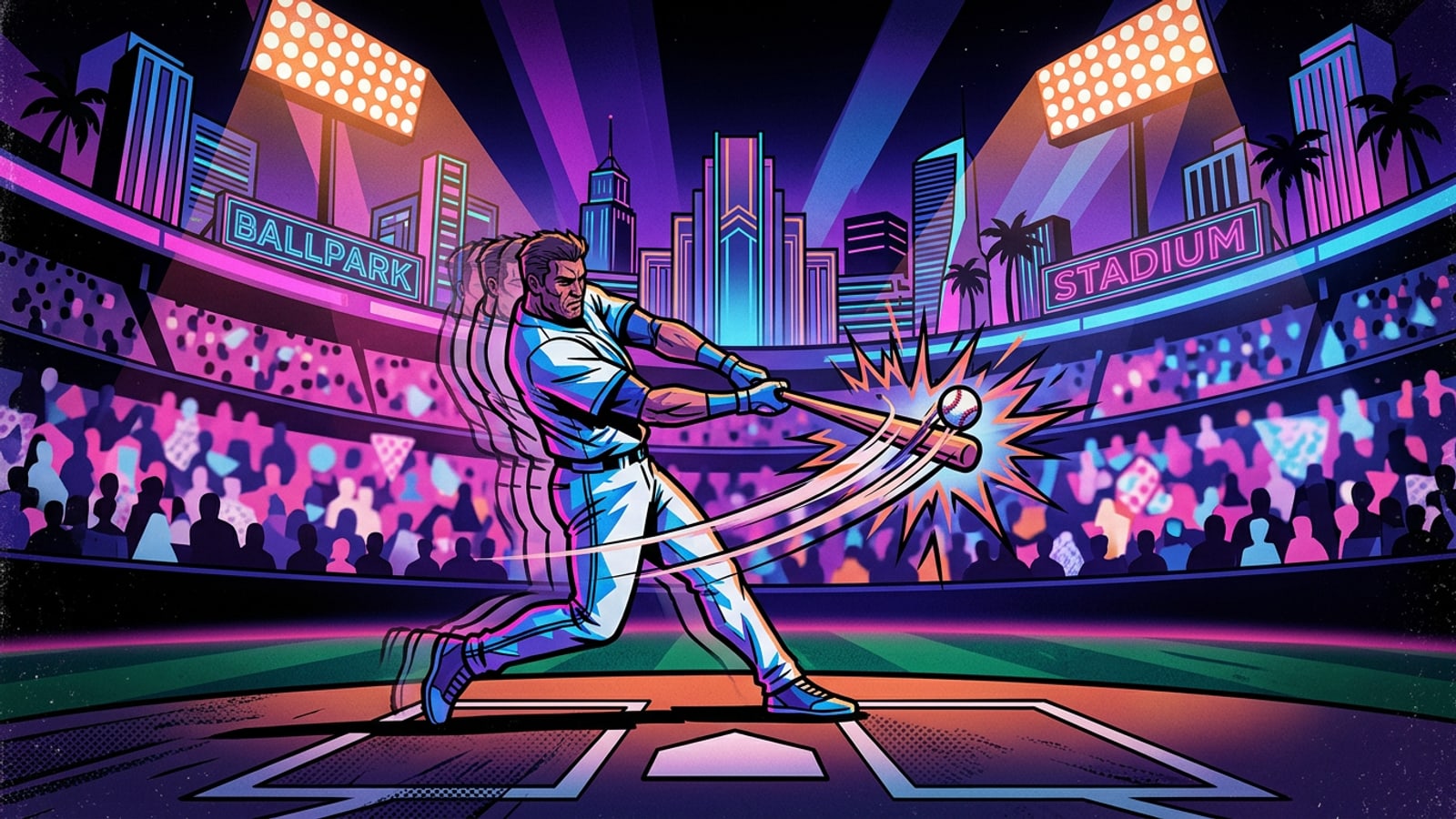
Game Breakdown: Mariners Edge Dodgers 7-6 in Stadium Thriller
Seattle used five home runs to overcome Los Angeles in a high-scoring series opener.
In a back-and-forth offensive shootout at Dodger Stadium, the Seattle Mariners launched a season-high five home runs to defeat the Los Angeles Dodgers 7-6 in the opening game of their three-game interleague series.[1][3]
Dominic Canzone delivered the game-winning hit in the top of the eighth inning, driving a two-run homer over the fence off Dodgers reliever Alex Vesia to erase a late deficit and hand Seattle the decisive advantage.[1][2]
Despite a stellar individual display from Shohei Ohtani—who finished 3-for-4 with a home run, a double, and three RBIs—the Dodgers bullpen could not preserve a temporary sixth-inning lead against Seattle's persistent power hitting.[1][3]
- Final Score: Seattle Mariners 7, Los Angeles Dodgers 6[1]
- Decisive Play: Dominic Canzone two-run home run in the 8th inning[2]
- Save: Andrés Muñoz shut down the 9th inning for his 19th save of the season[1]
- Ohtani Statline: 3-for-4, 1 HR (23rd overall), 1 2B, 3 RBI, 1 BB[3]

Inning Highlights & In-Game Momentum Shifts
A detailed chronological look at how the lead changed hands across nine innings.
Shohei Ohtani established early excitement by crushing a solo shot in the bottom of the first inning—his 10th leadoff home run of 2026—giving Los Angeles an immediate lead.[3]
Seattle quickly responded as Cal Raleigh, Julio Rodríguez, and Rob Refsnyder connected on long balls against Dodgers starter Justin Wrobleski, establishing a 4-3 lead for the visitors through five frames.[1][3]
The Dodgers rallied in the bottom of the sixth when Max Muncy homered and Ohtani singled in a run to put Los Angeles ahead 5-4. However, Seattle's relentless home run sequence culminated in Canzone's eighth-inning blast, setting up closer Andrés Muñoz to lock down the ninth inning for his 19th save.[1][2]
Player Analysis: Ohtani's Batting Power vs. Pitching Absence
Examining Ohtani's offensive contributions while tracking his pitching rehabilitation.
Ohtani's performance underscored his elite impact as a designated hitter. Reaching base four times with a home run, double, single, and walk, he raised his season total to 23 home runs while driving in three of the Dodgers' six runs.[3]
While Ohtani remains inactive on the mound due to ongoing elbow and lower-body health management, his designated hitter production continues to anchor the top of the Dodgers order without compromising his physical recovery timeline.[3]
Creator Corner: Turning Game-Day Highlights into Comic Layouts on iOS
How sports fans can transform live stadium footage and photo dumps into stylized visual stories.
Attending high-stakes games like Dodgers vs Mariners offers creators rich visual opportunities. Instead of posting basic photo dumps, sports content creators on iOS can turn action video clips into multi-panel manga pages or collage grids.
Using Video to Manga in CARA on iPhone or iPad, you can automatically convert key action frames into styled comic panels. To learn more about keyframe extraction and manga paneling workflows, check out our guide on how to turn action video clips into manga comic pages on iPhone.
For creators compiling stadium photos and scoreboards into nostalgia-driven visual layouts, explore our guide on how to create aesthetic Y2K scrapbook collages on iPhone in seconds using flexible grid templates and AI background removal.
- Capture High-FPS Action
Record 60fps video clips during dramatic moments such as swing sequences, home run celebrations, or bullpen entrances.
- Import Clip into Video to Manga
Open CARA on iOS, select Video to Manga, and load your video clip to automatically extract keyframes into stylized comic panels.
- Arrange Stadium Photo Grids
Use the Photo Collage Maker to organize stadium views, concessions, and scoreboards into structured social media layouts.