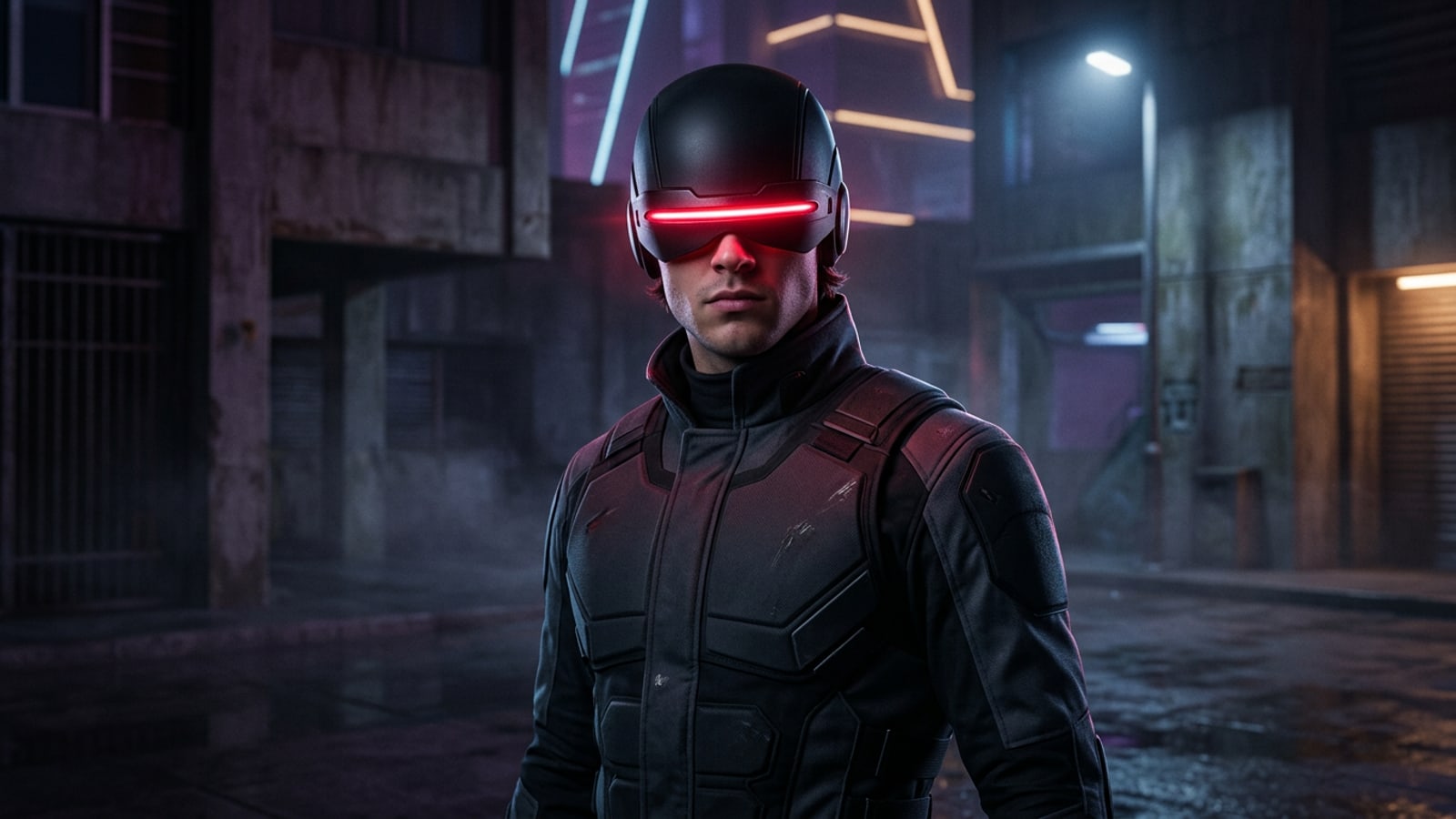
Kit Connor Cast as Cyclops: Key Takeaways from Marvel’s D23 Panel
Marvel Studios officially introduced Kit Connor as Scott Summers (Cyclops) during the D23 panel, anchoring the upcoming X-Men reboot with a fresh tactical leader.
At Marvel Studios' D23 presentation, official confirmation arrived that Kit Connor will portray Scott Summers, better known as Cyclops, in the upcoming X-Men reboot. The studio announced that director Jake Schreier will helm the project, working from a screenplay written by Lee Sung Jin and Joanna Calo based on a draft by Michael Lesslie.[1][2][3]
Targeted for a theatrical premiere on May 5, 2028, the film marks the formal arrival of mutant leadership into the Marvel Cinematic Universe. Alongside Connor, stage announcements revealed an ensemble featuring Sadie Sink as Jean Grey and Adam Driver as Mister Sinister, setting up high-stakes conflict for Phase 7.[1][3][4]
Why Kit Connor Fits Scott Summers: Character Dynamics and MCU Phase 7
Kit Connor's dramatic background provides the ideal foundation for Cyclops' complex burden as a disciplined young tactical leader.
Scott Summers has long been one of comic lore's most intricate leaders. Rather than presenting Cyclops as a distant figure of authority, Marvel Studios' choice of Kit Connor emphasizes grounded responsibility, emotional depth, and high-stakes decision-making under pressure.[1][2]
Pairing Connor's Scott Summers with Sadie Sink's Jean Grey anchors the core dynamic in youthful intensity. Facing off against formidable antagonists like Adam Driver's Mister Sinister reinforces the tactical weight required of Scott's early leadership arc.[1][3][4]
How to Design MCU-Style Mutant Fan Art on iPhone
Using natural-language prompts in CARA Agent, digital creators can add ruby optic visor glows and dramatic cinematic backdrops to portrait photos.
With excitement surrounding the casting decision, digital artists and fans can design superhero visual edits on iPhone using conversational AI editing in CARA. By describing targeted optical lighting changes in Cara Agent, you can turn crisp selfie portraits into cinematic mutant character shots.
- Capture a High-Contrast Base Portrait
Take a portrait with strong directional facial shadows. Clear lighting contrast allows AI lighting additions to integrate cleanly across the eyes and jawline.
- Apply Optic Glow Prompts in Cara Agent
Open your photo in Cara Agent and enter natural-language instructions such as: 'Add a matte-black tactical visor over the eyes with a glowing crimson optic beam line across the front and realistic red rim light on the shoulders.'
- Swap standard backgrounds with AI Replace
Select the surrounding background using AI Replace and prompt for atmospheric mutant locations like 'a dark misty futuristic high-tech courtyard with blue volumetric light.'
- Expand framing for mobile lock screens
Use Image Extender to uncrop tight upper borders so your character portrait fits 9:16 vertical displays without cutting off the top of the visor.
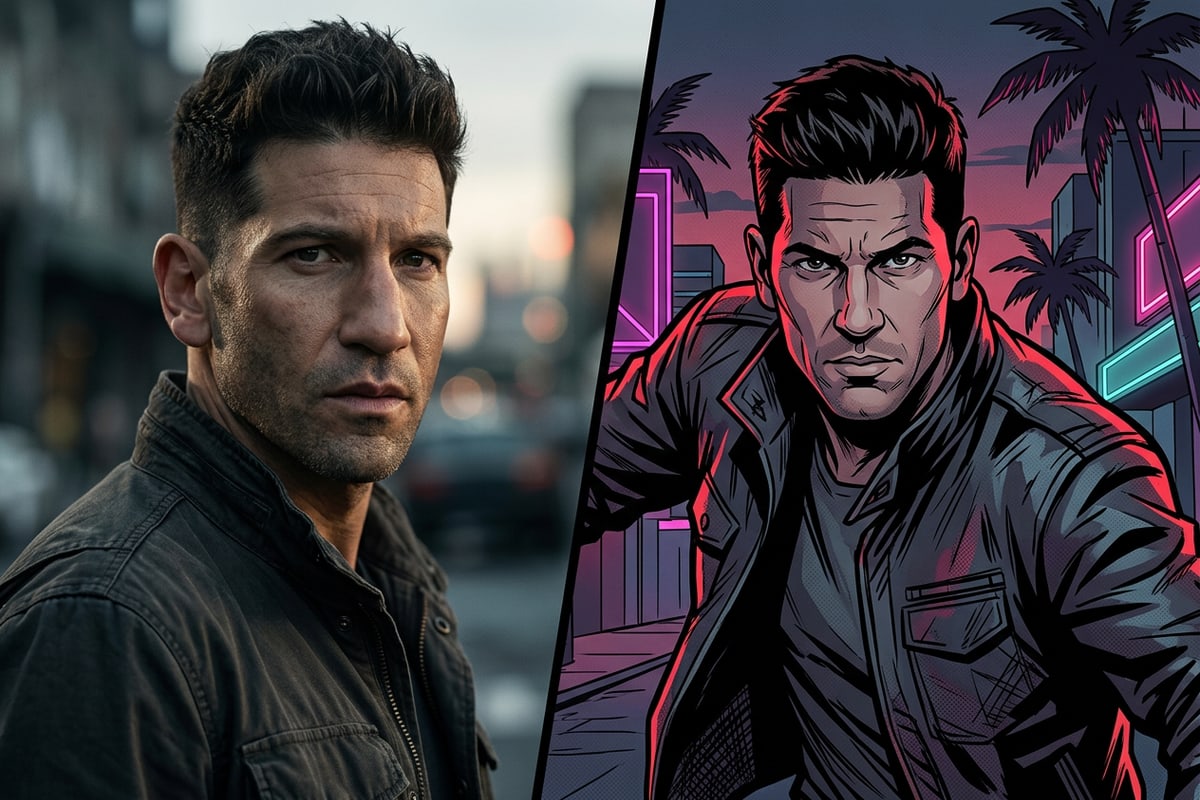
Creating Comic Panel Motion Edits for Social Media
Convert short video clips into stylized graphic comic layouts using Video to Manga for shareable social media posts.
Beyond static edits, creators looking to share short cosplay performance clips can transform mobile video into stylized graphic novel pages using CARA's Video to Manga tool.
Video to Manga automatically selects key motion moments from your clip and lays them out into structured comic panels, turning quick gestures into eye-catching graphic content suitable for social feeds.
- Automatically breaks short video clips into stylized comic panel spreads.
- Captures action timing without requiring manual video timeline editing.