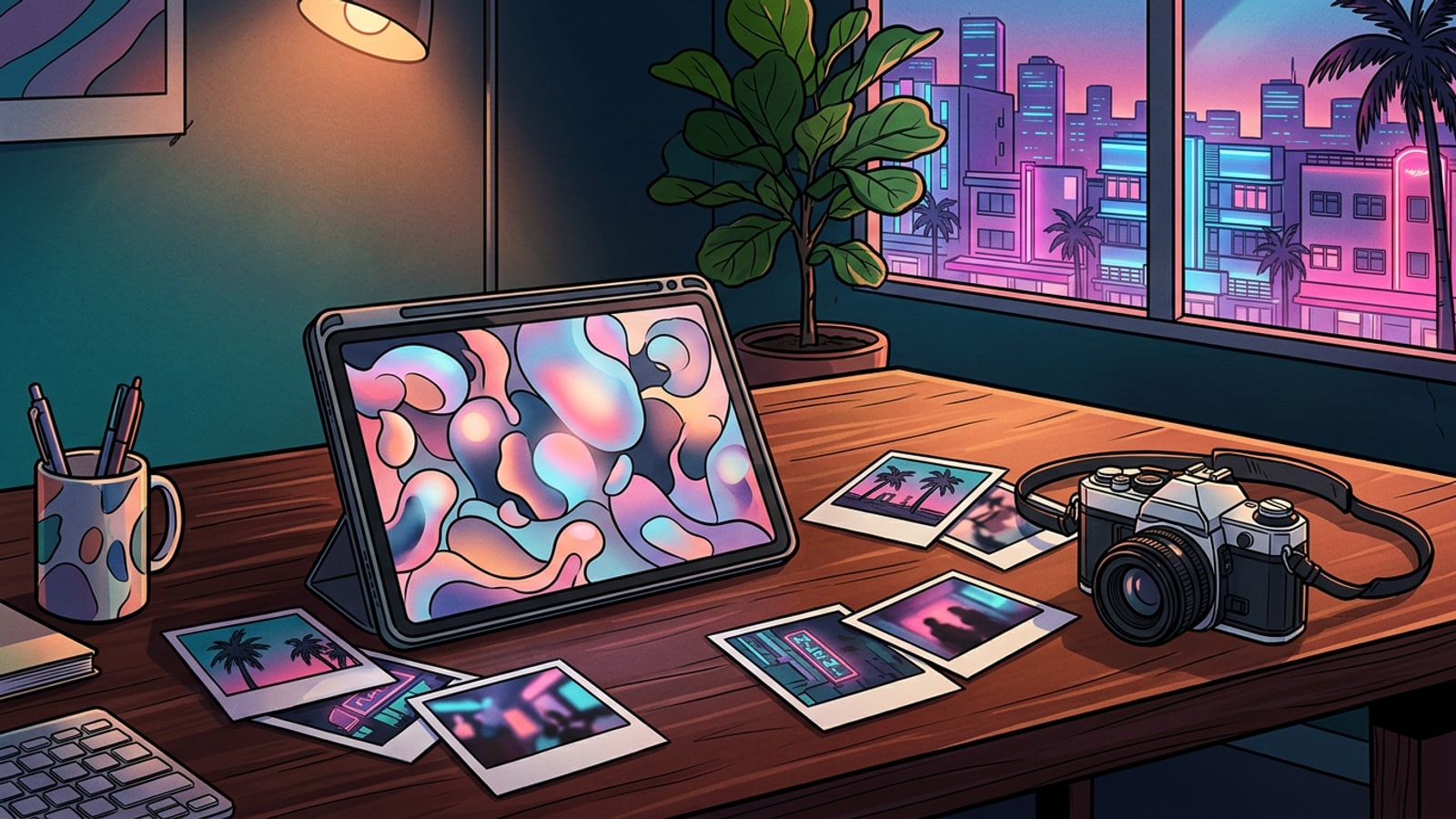
The Paradigm Shift: From Pixel-Pusher to Editor-in-Chief
How AI is redefining the role of digital artists from manual labor to high-level creative direction in 2026.
The digital landscape is undergoing a massive transformation. In 2026, the global photo editing software market has reached a valuation of USD 1.19 billion, while the specialized photo retouching services market has climbed to USD 4.1 billion. This growth highlights a massive industry shift toward automated and intelligent creative solutions.[1]
This growth is fueled by a fundamental shift in how we create. Approximately 74% of professional creators have now integrated at least one AI tool into their daily workflows, reporting up to a 90% reduction in time spent on repetitive technical tasks. This rapid adoption is changing the very nature of digital artistry.[4]
Rather than spending hours manually adjusting anchor points or masking fine details, creators are stepping into the role of an 'Editor-in-Chief.' The industry is rapidly transitioning toward conversational, prompt-based editing. Instead of executing manual pixel-level changes, artists now direct visual narratives using natural language, allowing AI to handle the heavy lifting while they focus on high-level creative direction.[1]
The Step-by-Step Mastery Framework for AI Workflows
A progressive workflow designed to help creators integrate AI tools systematically for clean, professional results.
To make the most of the future of creative tools, artists must move away from ad-hoc editing and adopt a structured, progressive workflow. The most effective approach is the 'Clean-then-Collage' paradigm, which prioritizes canvas preparation before applying stylistic or layout changes. By cleaning up the visual context first, you prevent AI tools from generating artifacts or misinterpreting cluttered backgrounds in later stages.[3][4]
This structured workflow also makes it incredibly simple to adapt a single image for multiple social media formats. Using generative expansion, creators can seamlessly stretch a portrait-oriented shot into a cinematic landscape without losing the core subject. This flexibility allows for rapid content scaling across diverse digital platforms.[3][4]
- Clean-Up
Remove distracting background objects or isolate your primary subject to create a clean visual canvas.[3]
- Expand & Replace
Use generative outpainting to extend your image borders or swap out specific elements using text instructions.[4]
- Smart Composition
Combine your refined assets into a cohesive layout, such as a modern bento grid or artistic photo collage.[3]
- Conversational Direction
Apply final stylistic adjustments or color grading by describing your desired aesthetic in plain English.[4]
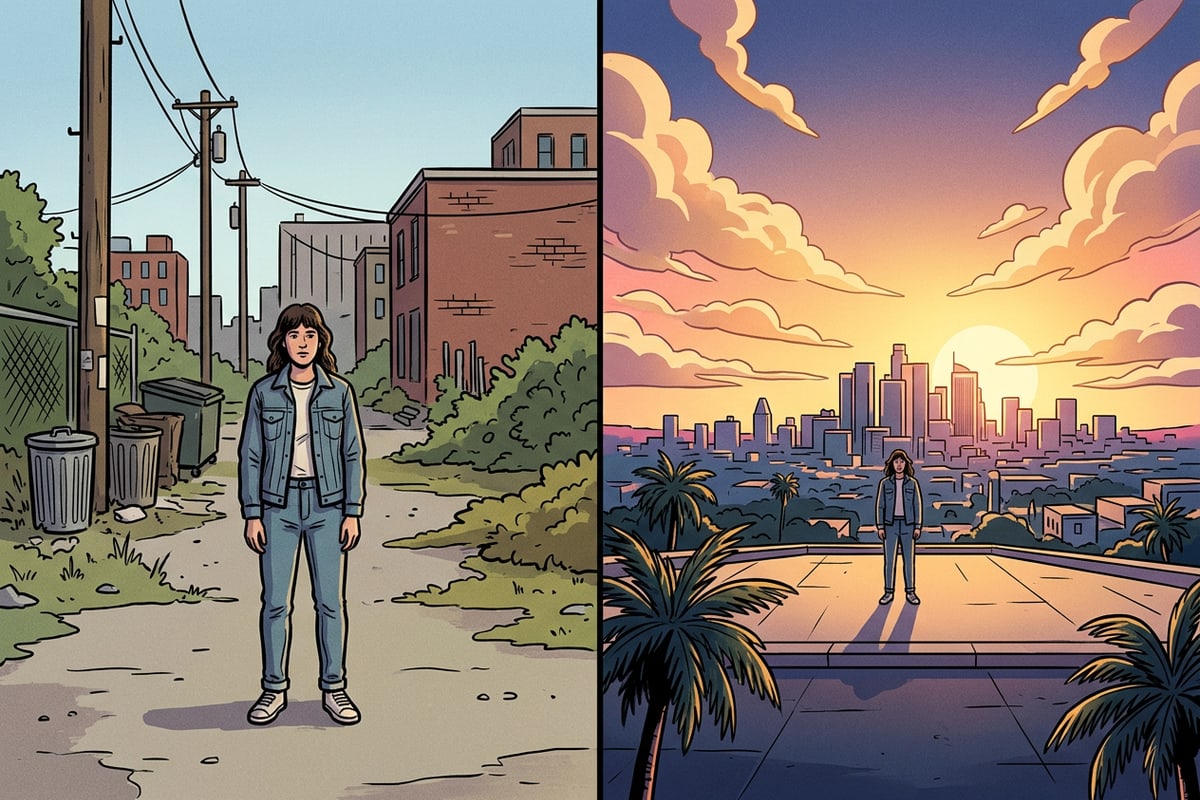
The Authenticity Backlash: Why Imperfection is the New Perfect
Why modern audiences are rejecting hyper-polished AI visuals in favor of organic textures and nostalgic styles.
As AI in photo editing becomes more ubiquitous, a distinct aesthetic backlash is emerging. Audiences are increasingly fatigued by the hyper-polished, plasticized look often associated with early AI image generation trends. The visual landscape is shifting away from clinical perfection toward something far more human.[1][3]
The demand for authentic, human-centric imagery has sparked a massive revival of organic textures, subtle imperfections, and nostalgic retro styles reminiscent of the '70s and '80s. To maintain authenticity while leveraging smart photo editing, creators are intentionally preserving natural skin textures and incorporating film grain.[1][3]
The goal is no longer flawless digital perfection, but rather an evocative, tactile aesthetic that feels grounded in reality. By using AI as an invisible assistant to remove objective distractions rather than rewrite the entire image, artists can strike a perfect balance between modern efficiency and classic, emotional resonance.[3]
Choosing Your Creative Toolkit: An AI Decision Matrix
An original decision framework to help you match your specific creative goals with the right AI capabilities.
With a vast array of tools flooding the market, choosing the right AI photo editor depends entirely on your creative goals and technical comfort level. For quick social media updates, creators should look for intuitive, mobile-first platforms that offer robust conversational AI capabilities. These tools democratize digital art, allowing beginners to achieve professional-grade results without a steep learning curve.[2]
- Quick Cleanup: Look for precise object removal and background isolation tools to quickly polish everyday snapshots.[2]
- Visual Storytelling: Prioritize text-to-image generation and generative expansion to build entirely new worlds from scratch.[2]
- Layout & Design: Choose editors that feature flexible grid templates and smart collage makers to easily organize multiple images.[2]
How CARA is Redefining Conversational Creativity
Positioning CARA as an intuitive leader in conversational mobile photo editing for iOS and iPadOS.
CARA is leading this shift toward intuitive, conversational digital artistry on iOS and iPadOS. By prioritizing ease of use, CARA allows you to bypass complex menus and edit or generate images through natural-language requests in its Conversational Photo Editing Agent experience. Whether you want to generate a brand-new visual using Text-to-Image Generation or breathe new life into an old memory, CARA makes it accessible to everyone.
The app offers a suite of focused creative tools designed to streamline your workflow. You can easily remove distracting power lines with the AI Eraser, swap out elements using AI Replace, or isolate subjects with the Remove Background tool. For formatting flexibility, the Image Extender lets you expand your borders, while the Photo Colorize tool adds estimated color to black-and-white photos. You can even transform video clips into comic-style layouts with Video to Manga, or arrange your favorite moments using the Photo Collage Maker.
While these cloud-processed tools offer incredible creative freedom, they do have natural limitations. Complex backgrounds may require a second attempt with the AI Eraser, fine edges or transparent subjects can occasionally challenge the background remover, and colorized outputs represent artistic estimates rather than historical proof. However, for creators seeking a zero-skill, highly expressive mobile editor, CARA provides a powerful playground to redefine your aesthetic.