Why Multi-Turn AI Editing Fails: The GPT Image 2.5 Dual-Model Solution
Understanding the limitations of traditional AI photo editing models and how GPT Image 2.5 Flare and Sunburst solve subject drift in conversational workflows.
When performing multi-turn generative AI photo edits on mobile devices, creators frequently face the frustrating issue of subject distortion. In earlier generative image systems like GPT Image 2.0, asking the AI agent to make a minor conversational correction—such as changing a mug to a glass bottle or adjusting a background element—often triggered a global re-interpretation of the entire image canvas. This unconstrained attention diffusion frequently altered the subject's facial features, distorted background geometry, or destroyed natural light distribution across untouched areas.[1][2]
To resolve this structural limitation, OpenAI introduced the dual-model GPT Image 2.5 architecture in September 2026. Integrated into version 1.5.2 of the Cara app for iOS and iPadOS, this release separates visual creation into two specialized cloud models: GPT Image 2.5 Flare and GPT Image 2.5 Sunburst. By decoupling initial conceptual drafting from granular conversational refinement, Cara enables creators to maintain rigid visual continuity across multiple editing iterations.[1][2]
- GPT Image 2.5 Flare: Engineered specifically for ultra-low latency sketch generation and structural composition testing, delivering image generation speeds up to 50% faster than previous models.[1]
- GPT Image 2.5 Sunburst: Purpose-built for localized multi-turn conversational edits, high-fidelity subject preservation, and accurate shadow and texture integration across selected image regions.[1]
Cara Dual-Model Matrix: 1K vs 2K Point Cost Breakdown
Compare point pricing, speed, and target creation phases across GPT Image 2.5 Flare and Sunburst resolution tiers in Cara iOS/iPadOS.
Managing cloud credit budgets effectively is critical for mobile creators producing high volumes of visual assets. In Cara's Agent experience, cloud point costs are tied directly to the selected model architecture and export resolution tier. Understanding the exact point differentials between 1K and 2K outputs across both Flare and Sunburst allows you to establish an optimal point-allocation strategy.[2][3]
GPT Image 2.5 Flare offers lower entry points, making it the ideal choice for open-ended prompt experimentation, framing adjustments, and mood board creation. Conversely, GPT Image 2.5 Sunburst carries a slightly higher point cost reflectively optimized for complex regional masking, generative object replacements, and final commercial production outputs where zero subject drift is allowed.[2][3]
- GPT Image 2.5 Flare (1K Resolution): Consumes 100 points per generation. Best for rapid trial-and-error prompt drafting, lighting exploration, and rough visual concepts.[2][3]
- GPT Image 2.5 Flare (2K Resolution): Consumes 300 points per generation. Designed for quick high-resolution layout framing and broad visual background exports.[2][3]
- GPT Image 2.5 Sunburst (1K Resolution): Consumes 150 points per generation. Optimized for intermediate conversational edits, precise object swaps, and localized photo modifications.[2][3]
- GPT Image 2.5 Sunburst (2K Resolution): Consumes 350 points per generation. Dedicated to final high-detail commercial rendering, intricate material textures, and micro-precision retouching.[2][3]
Advanced Prompting Strategies for GPT Image 2.5 Sunburst Precision
Mastering regional instructions, material definitions, and environmental light constraints for Sunburst conversational editing.
To maximize the spatial consistency of GPT Image 2.5 Sunburst during multi-turn conversational edits in Cara, prompt phrasing must extend beyond basic object descriptions. Sunburst utilizes spatial boundary recognition and attention locking; supplying clear material, lighting, and shadow parameters in your text instruction ensures that replacement elements blend seamlessly into existing photo geometry.[1][2]
When submitting a regional edit instruction inside Cara Agent, structure your natural language request around three core anchors: target object material, directional lighting behavior, and edge contact shadows. For example, instead of requesting 'add a coffee bottle on the desk', instruct Sunburst to 'replace the selected area with an amber glass bottle, matching the warm directional sunlight from the right and casting soft natural drop shadows onto the light gray concrete tabletop'.[1]
- Material Texture Anchoring: Explicitly define physical surface characteristics such as 'frosted glass with condensation droplets', 'brushed matte aluminum', or 'grained oak wood' to prevent generic synthetic rendering.[1]
- Environmental Light Matching: Direct Sunburst to match existing highlights and shadows by identifying source direction, color temperature (warm morning sun, cool studio light), and shadow softness.[1]
- Boundary Lock Verification: Use precise local selection brushing in Cara Agent to isolate only the target pixels, explicitly instructing the model to 'preserve all unselected surrounding background elements and background perspective unchanged'.[1][2]

Practical Workflow: 3-Stage Pipeline from Draft to Micro-Precision Polish
A step-by-step imperative guide to executing the Flare-to-Sunburst pipeline paired with local on-device canvas layout tools.
Executing a structured, multi-stage visual production workflow on mobile devices ensures maximum visual quality while keeping cloud point costs strictly disciplined. By combining OpenAI's dual-model generative architecture with Cara's local editing tools, you can move systematically from raw text concepts to production-ready graphic assets.[1][2][3]
Follow this three-stage creation process on iPhone or iPad to achieve professional visual results without unnecessary point depletion during trial-and-error phases.[2]
- Draft Initial Framing and Layout with Flare 1K
Open Cara Agent, set the active AI model to GPT Image 2.5 Flare, and choose 1K resolution. Input a descriptive structural prompt establishing subject positioning, camera angle, background scene, and main lighting. Re-run or adjust prompts rapidly at 100 points per generation until the overall composition and perspective meet your criteria.[1][2]
- Refine Details and Perform Local Edits with Sunburst
Switch the model selector in Cara Agent to GPT Image 2.5 Sunburst at 1K or 2K resolution depending on your final output requirements. Use the selection brush or touch interface to highlight specific regions needing modification. Enter natural language revision instructions specifying object details, surface textures, and shadow interactions to execute precise local replacements without altering untouched photo elements.[1][2]
- Assemble Graphics on On-Device Free Creative Canvas
Transfer your finalized Sunburst output to Cara's built-in Free Creative Canvas. Apply graphic overlays, typography, brand signatures, or hand-drawn highlights using Text Editing and Overlay and Drawing Tools. Because these creative editing tools run locally on your iOS or iPadOS device, you can adjust layouts, line work, and text layers endlessly without consuming any additional cloud credits.[2]
Advanced Mobile Workflow: On-Device Privacy and Multi-Image Layouts
Leveraging Cara's AI Camera, Face Mosaic, and Photo Collage Maker for complete post-processing efficiency.
Generative cloud editing is only one component of a complete mobile content creation pipeline. To streamline asset production for commercial catalogs, social media grids, and public sharing, integrate your generative AI images with Cara's suite of local device utilities.[2][3]
When creating content from street photography or real-world events that feature background bystanders, process your images through Cara's on-device Face Mosaic tool. Running locally on supported iOS and iPadOS devices, Face Mosaic automatically identifies and blurs multiple human faces to protect individual privacy before public distribution—operating with zero cloud processing latency and zero credit costs.[2]
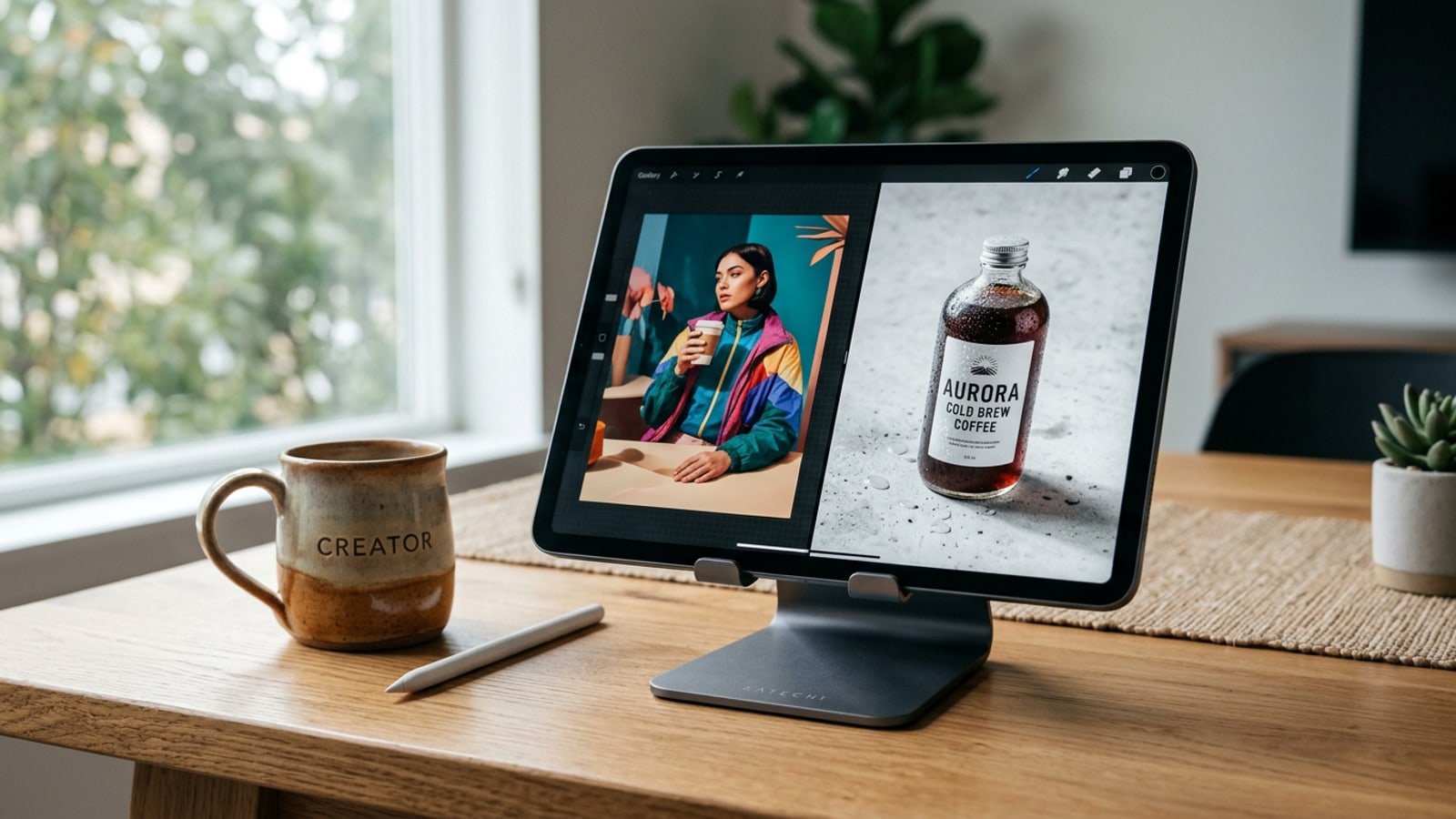
For e-commerce sellers or content creators building multi-angle product feature sets, combine your Sunburst-rendered photos using Cara's Photo Collage Maker or organize visual elements on the adaptive iPad canvas, which supports split-view multitasking across portrait and landscape screen orientations.[2]