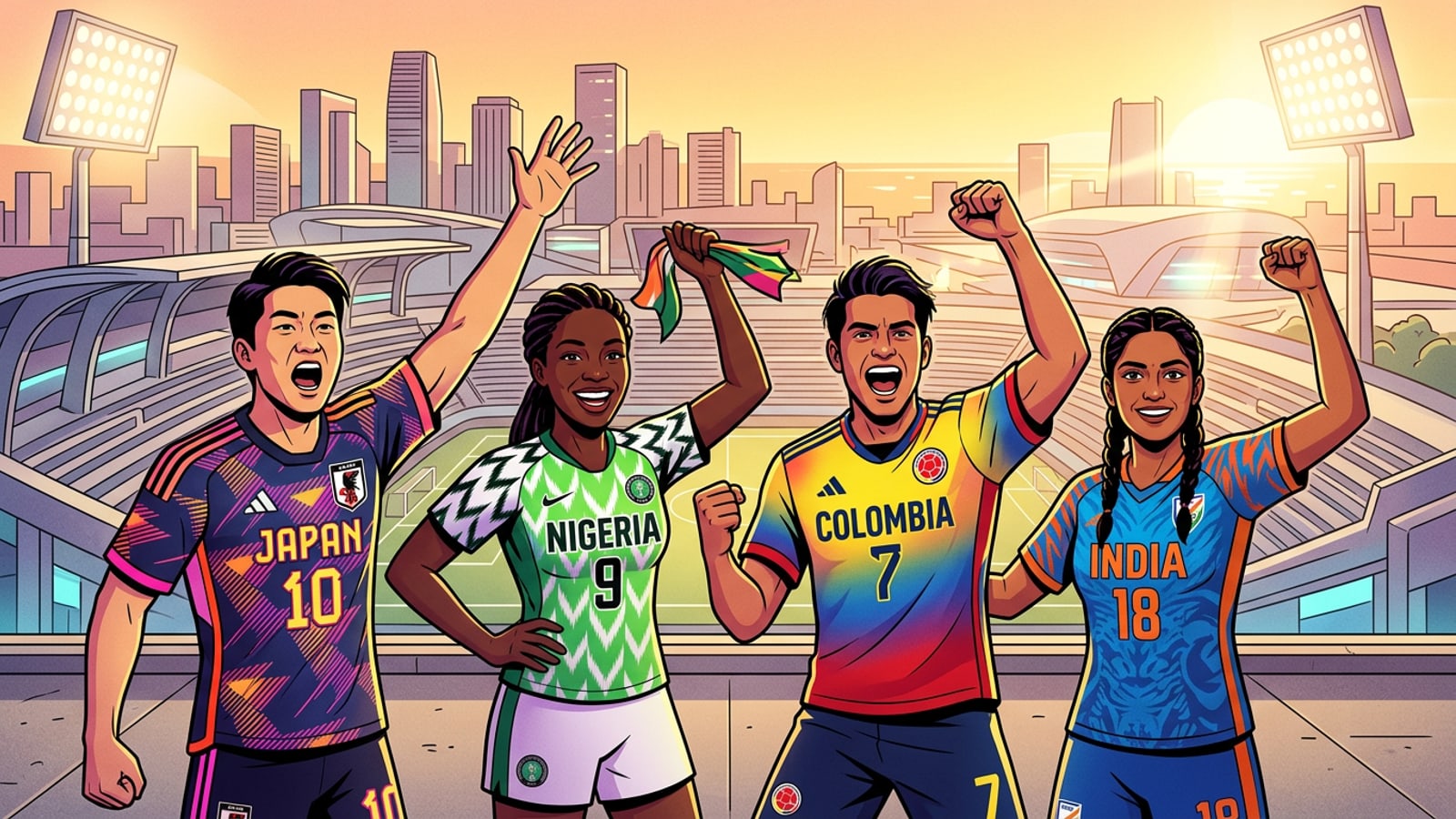
The Final Countdown: July 19, 2026
The globe is gearing up for the biggest sporting event of the decade, and digital fan art is taking over social media.
The globe is gearing up for the biggest sporting event of the decade. As the extensive match schedule narrows down to the ultimate showdown, the 2026 FIFA World Cup Final is officially set for July 19.[1][6]
The highly anticipated match will take place at the New York New Jersey host venue, widely recognized by fans as MetLife Stadium in East Rutherford. With a massive stadium capacity of 82,500, the atmosphere promises to be electric for the thousands of supporters attending in person.[2][4][5]
However, for the millions watching from home, the digital arena is where the real pre-game excitement is happening. As the date approaches, fans are already flooding social media with their national team colors. Digital fan art has become the ultimate way to show support, allowing fans from every timezone to participate in the excitement of the final.
The Rise of Digital Fan Identity in 2026
Digital fan art has become a primary method of expression for modern sports audiences.
The shift toward digital expression is not just a passing fad; it is a core part of how modern audiences consume sports. Recent data on sports trends highlights that younger demographics are increasingly prioritizing digital identity and virtual fan communities alongside traditional physical merchandise.[8]
Creating a soccer fan portrait AI image allows supporters to instantly participate in global conversations, regardless of their geographic location or access to official team gear. This democratization of fan expression means that anyone with a smartphone can generate high-quality FIFA 2026 fan art to use as profile pictures, story updates, or forum avatars during the tournament.[8]
Why Manual Jersey Swaps are "So 2022"
Traditional photo editing methods are time-consuming and often yield unrealistic results compared to modern AI templates.
In previous tournaments, creating custom digital fan art meant spending hours in complex photo editing software. If you wanted to see yourself in your national team's kit, you had to manually cut out logos, adjust lighting, and blend textures to make a selfie look authentic.
The most frustrating part of this traditional workflow was mesh warping. In professional editing software, mesh warping requires editors to manually drag a grid over a flat, 2D jersey graphic to simulate the 3D curves of a human torso and the natural folds of clothing. Getting this right takes significant skill, and getting it wrong results in a flat, unnatural image.
Today, dedicated AI applications have replaced these tedious workflows. Instead of wrestling with layers, crop tools, or complex prompt engineering, users can rely on cloud-based processing to handle the heavy lifting automatically. AI jersey swap technology understands the geometry of the human body, applying realistic fabric textures and stitching without any manual intervention.[7]
- Manual editing requires advanced software skills, specifically for complex tasks like mesh warping and texture blending.
- Traditional social media filters often look flat, lack realistic fabric textures, and fail to adapt to different body types.
- AI templates eliminate the need for manual sliders and brushes entirely, delivering professional-grade aesthetics instantly.
Tutorial: Your World Cup Portrait in 3 Steps
Learn how to use the CARA app to generate high-fidelity soccer fan art without any editing skills.
The CARA app offers a streamlined alternative for iPhone users looking to join the digital hype. The platform uses a one-tap generation workflow, meaning there are no complex UI elements to navigate.
By selecting from a curated library of seasonal and trending styles, you can transform a standard selfie into a cinematic soccer portrait in seconds. Because the app relies entirely on AI templates, you do not need to worry about writing prompts or adjusting manual sliders.
- Choose a Template
Open the CARA app and browse the template library for seasonal soccer and sports styles.
- Upload a Selfie
Select a clear, well-lit photo of your face from your iPhone camera roll.
- Generate and Share
Tap once to let the cloud AI process your image. Within seconds, your high-quality portrait will be ready to save or share directly to social media.
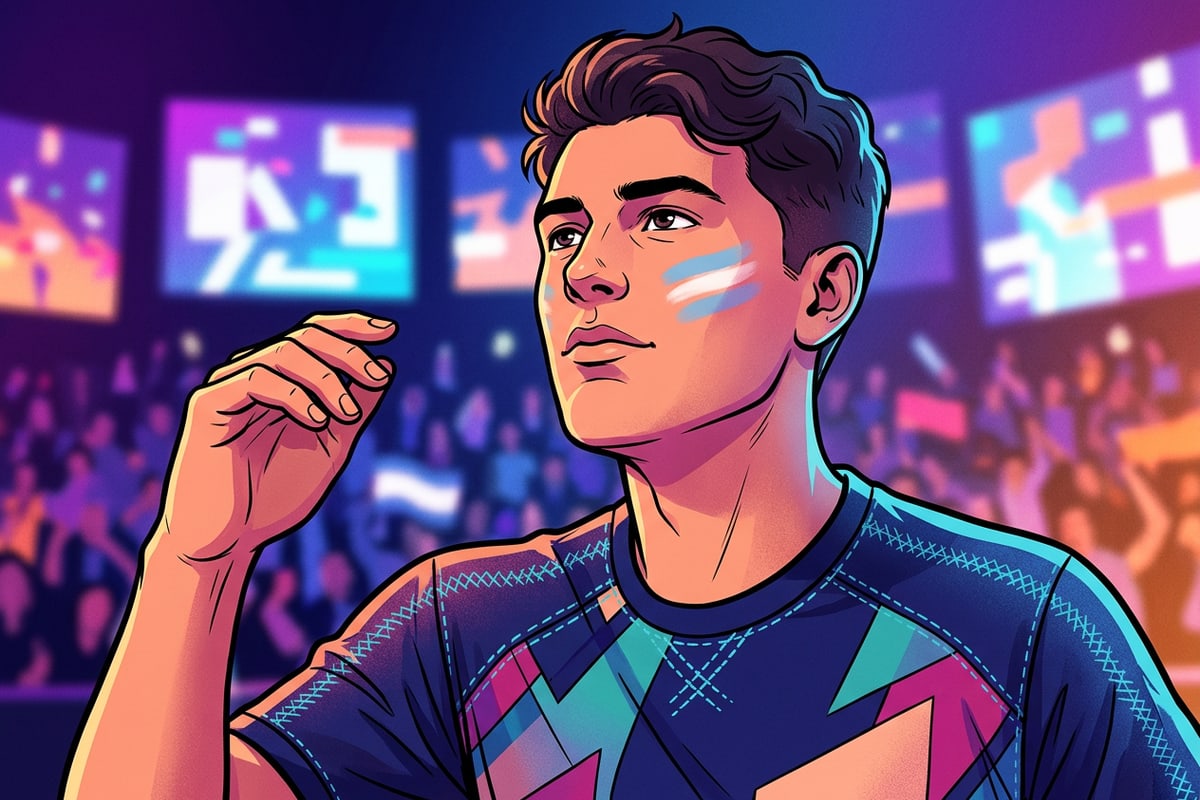
Beyond the Still Image: Video-2-Comic
Transform your watch party celebrations into stylized graphic novel animations.
Watch parties and live reactions are a massive part of the tournament experience. If you capture a great celebration clip when your team scores, CARA offers a way to stylize that footage as well.
The Video-2-Comic feature transforms supported video clips into graphic novel artwork. Because video stylization uses a multi-step generation workflow to ensure the animation remains stable, processing typically takes around five minutes.
The result is a highly stylized, shareable animation that captures the raw energy of the match without requiring any manual timeline editing or complex video software.
Join the Global Hype
Get ready for the final whistle by downloading CARA and creating your ultimate fan persona.
Whether you are celebrating a dramatic knockout round or gearing up for the final whistle at the MetLife Stadium World Cup Final, digital portraits let you participate in the global conversation.[5]
CARA is available exclusively on the App Store for iPhone and iPad. With an interface that supports over 14 languages, it is accessible to fans around the world who want to showcase their team pride.
Skip the complicated editing tools this tournament season. Let AI generate your match-day look so you can focus on the game.