Tutorial
Curioso sobre os recursos do Agent Gugu? Clique para ver detalhes e dominá-lo rapidamente!
Loading conversation...
Tutorial
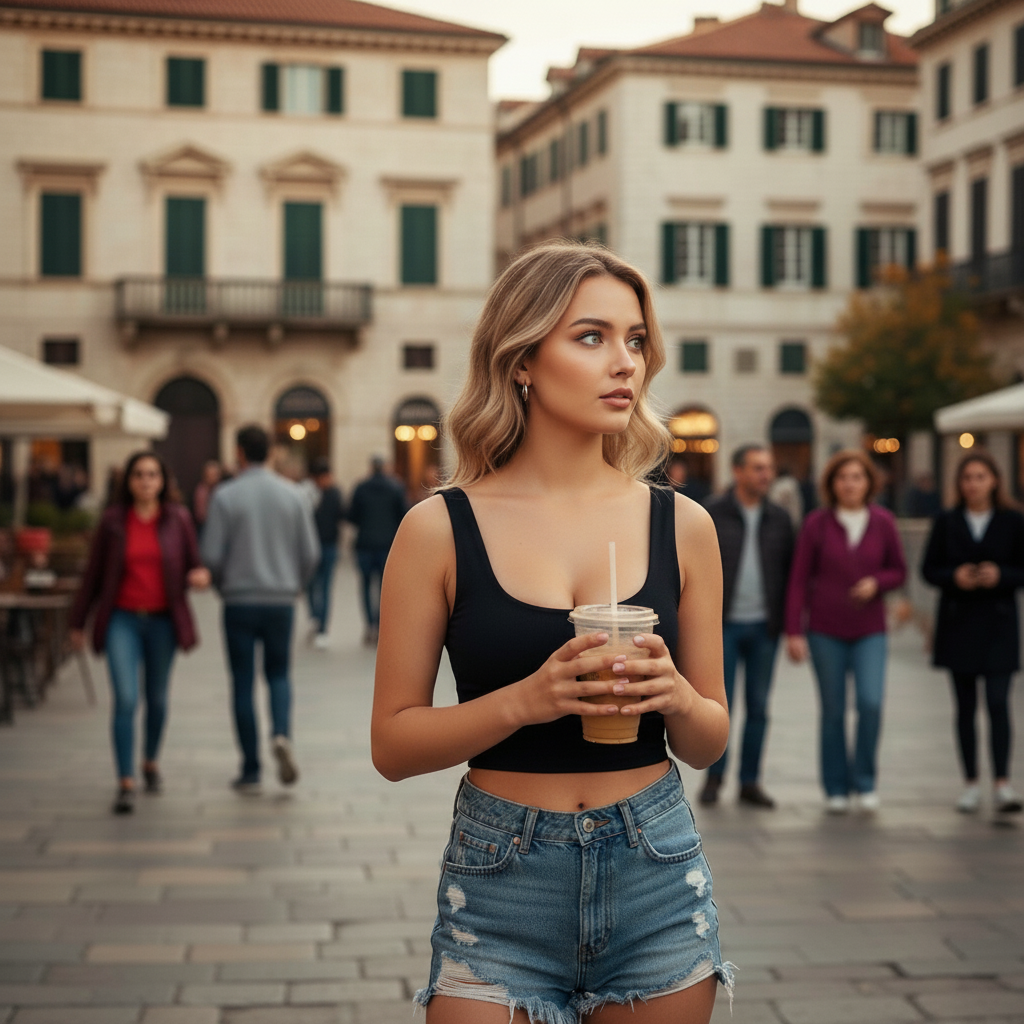
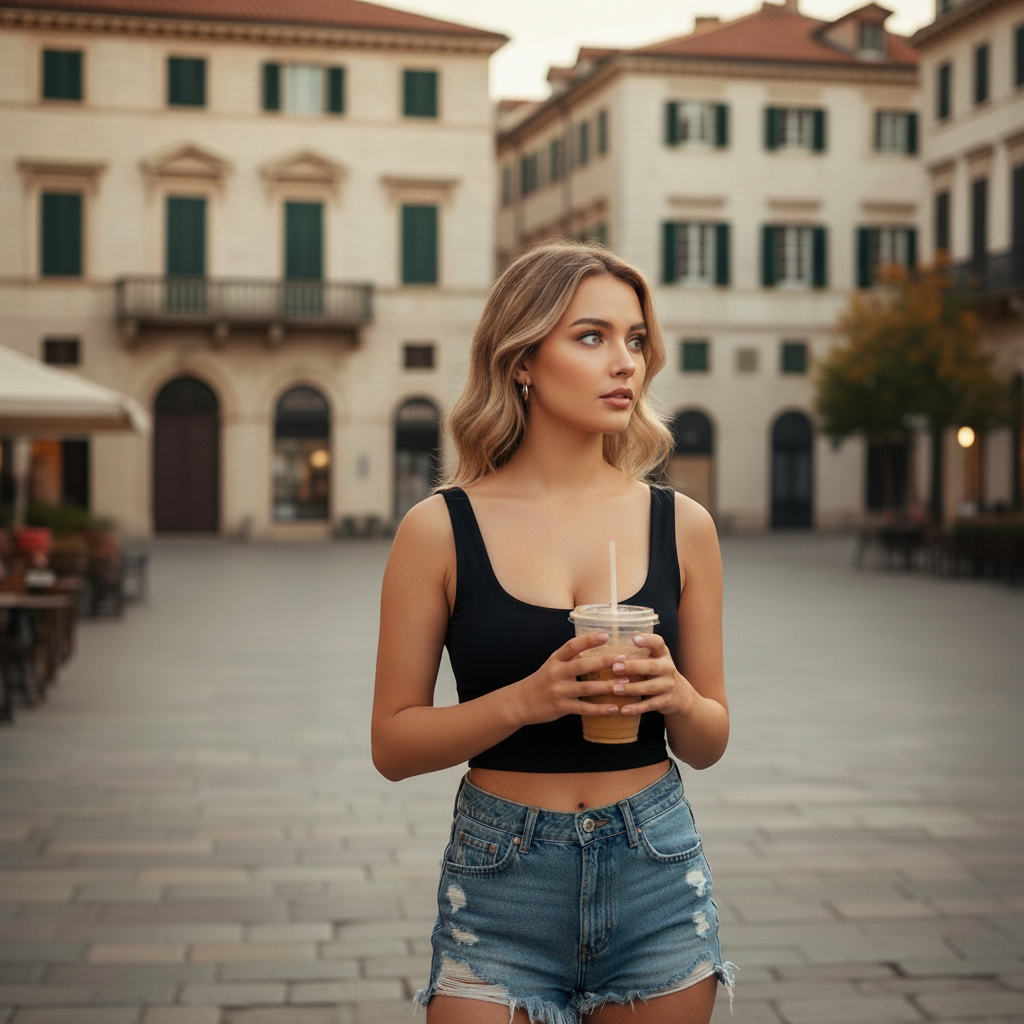
Remover Objetos e Pessoas
Remova perfeitamente objetos indesejados, pessoas, marcas d'água ou texto de suas fotos com precisão impulsionada por IA
Before removing objects
After removing objects
Remover todas as pessoas do fundo
Tentar Agora
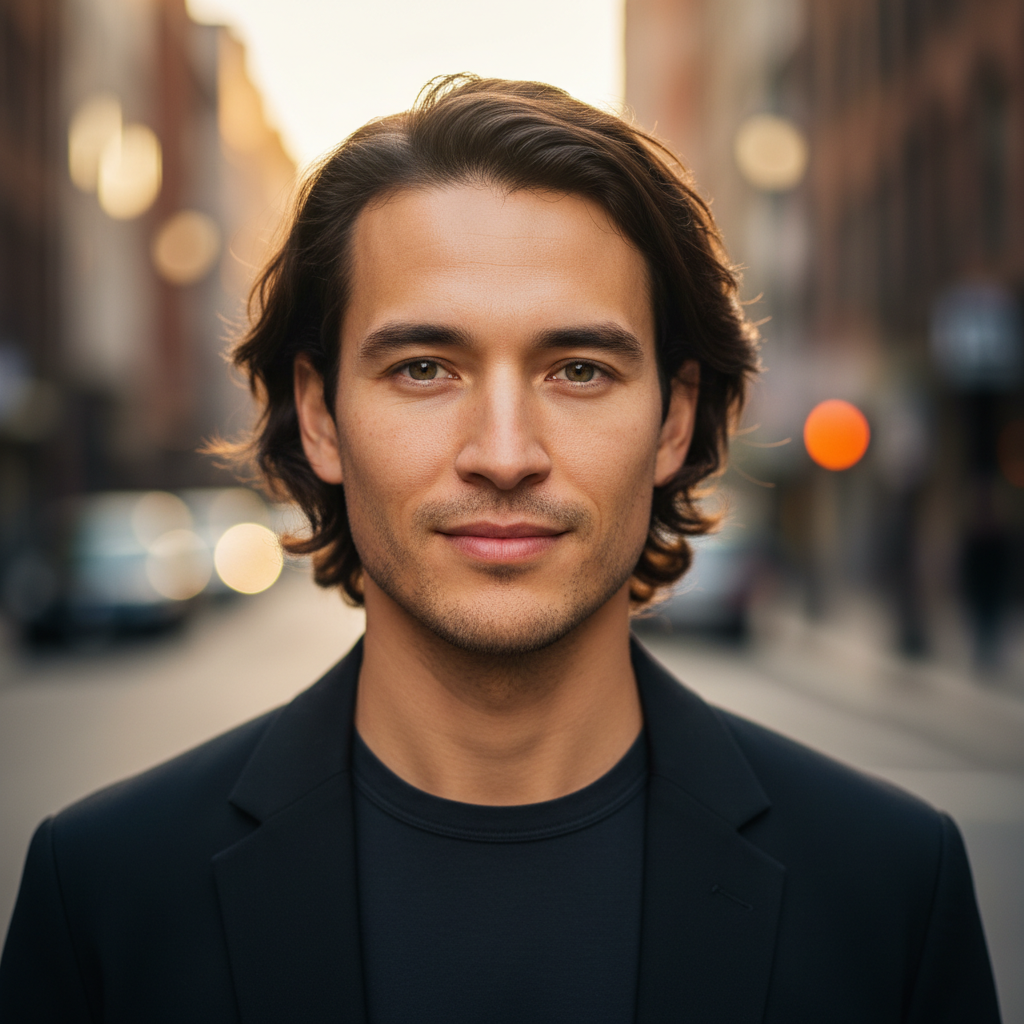
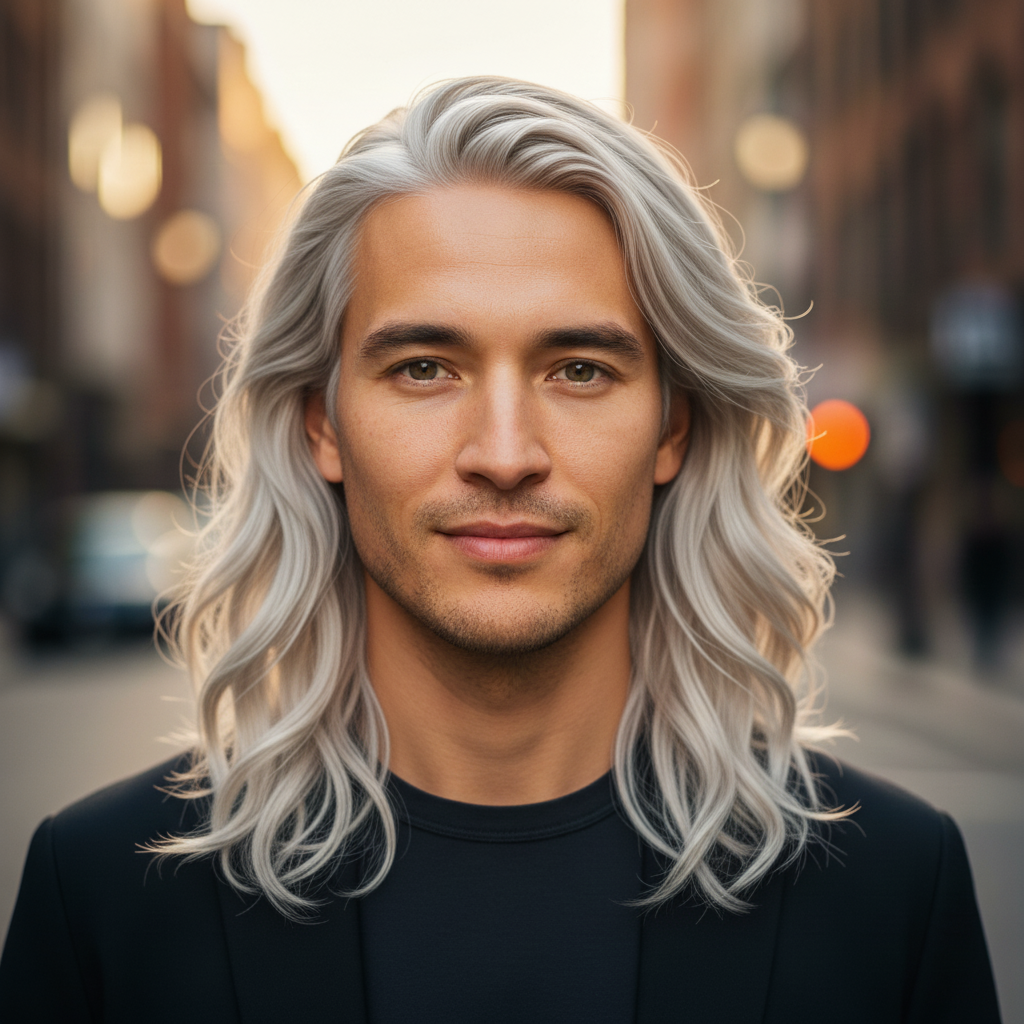
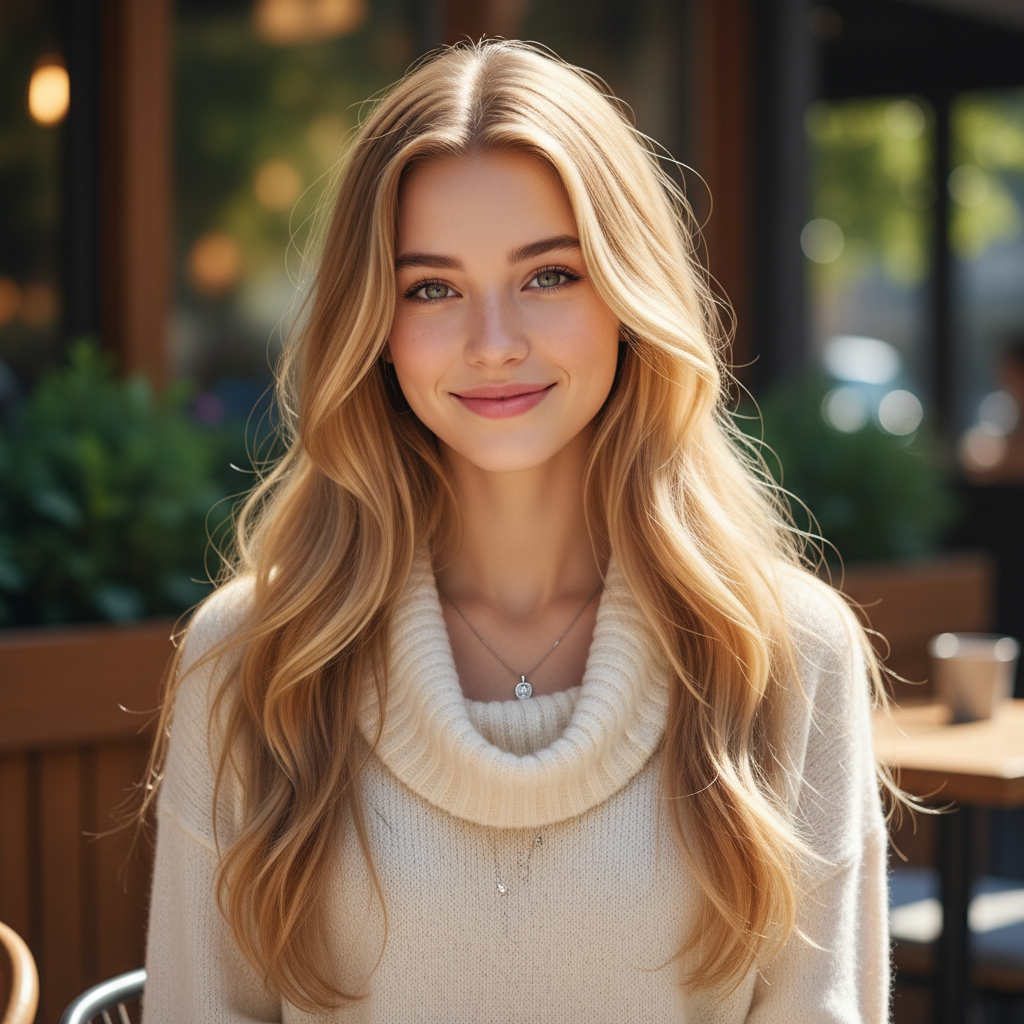
Mudança de Penteado e Cor de Cabelo
Transforme seu visual com diferentes penteados e cores de cabelo vibrantes, de tons naturais a cores de moda ousadas
Before hairstyle change
After hairstyle change
Mudar penteado e cor
Tentar Agora
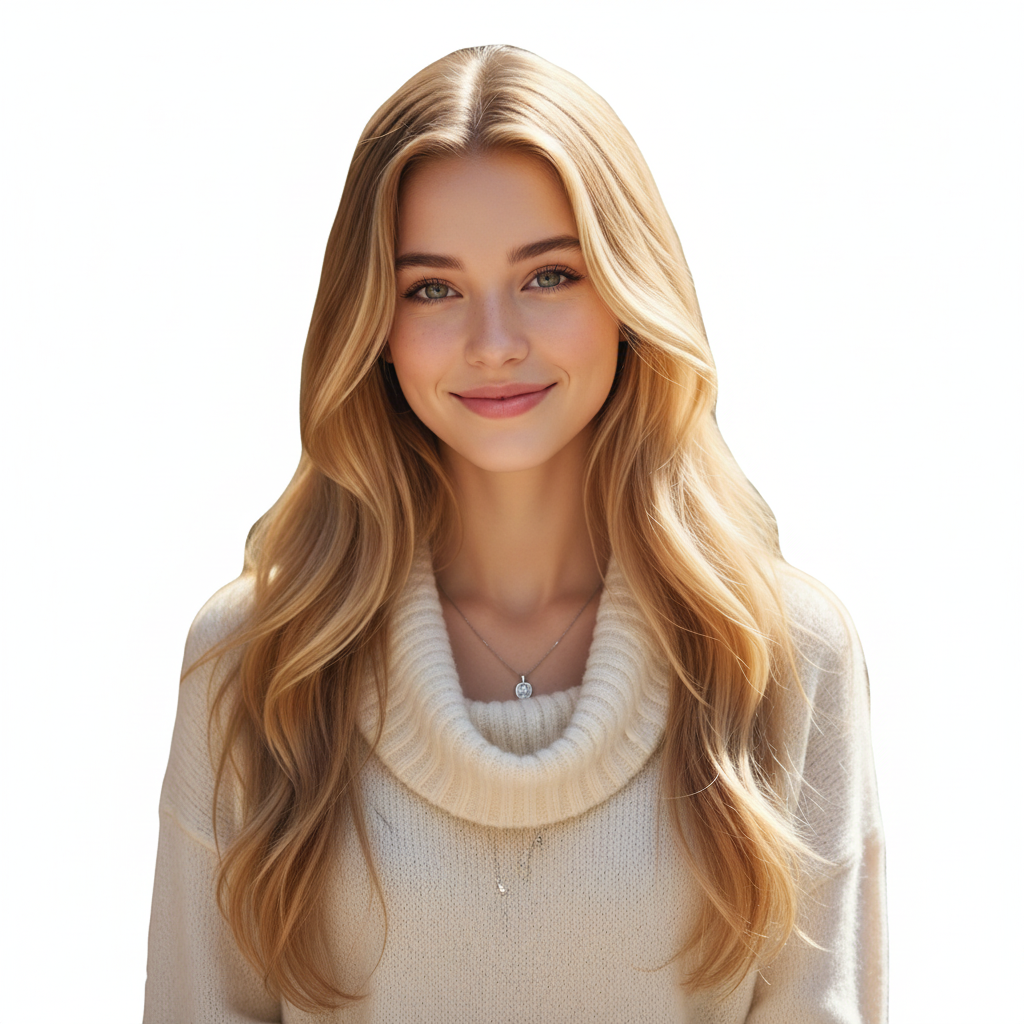
Remoção e Substituição de Fundo
Remova fundos completamente para imagens transparentes ou substitua com cenas personalizadas e efeitos de desfoque
Before background removal
After background removal
Tornar o fundo transparente
Tentar Agora
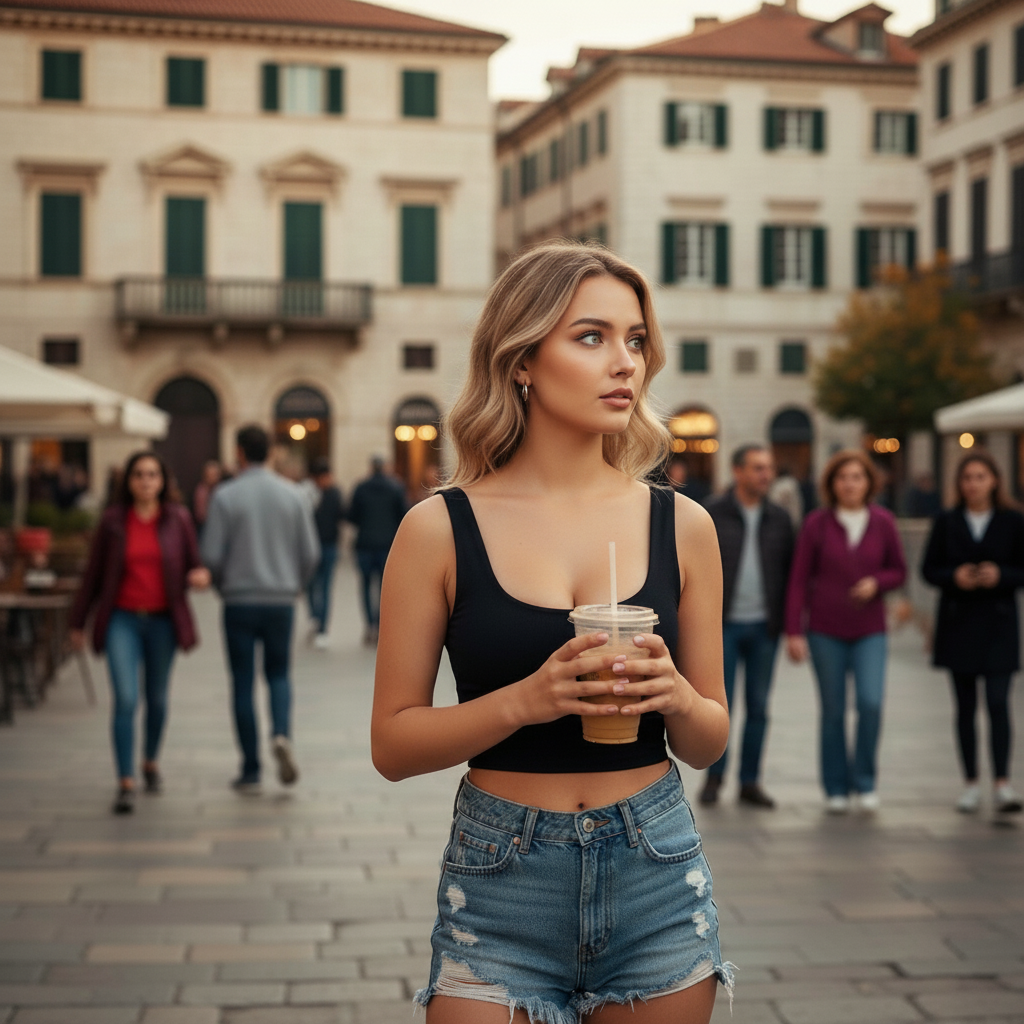
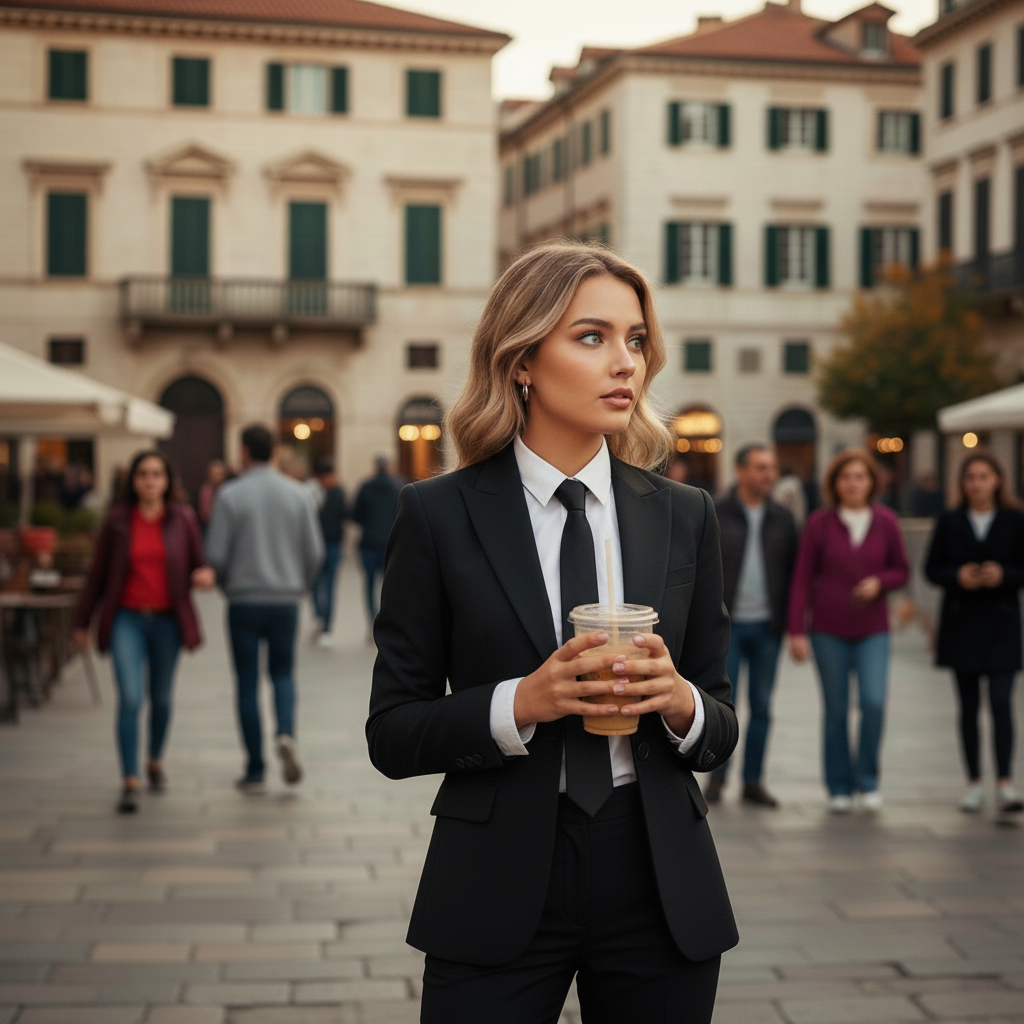
Mudança de Roupa e Traje
Experimente diferentes roupas e estilos, de casual a formal, transformando seu guarda-roupa digitalmente
Before clothing change
After clothing change
Mudar para traje formal
Tentar Agora
Filtros Artísticos e Efeitos
Aplique filtros vintage, efeitos bokeh, conversão para preto e branco e iluminação profissional às suas fotos
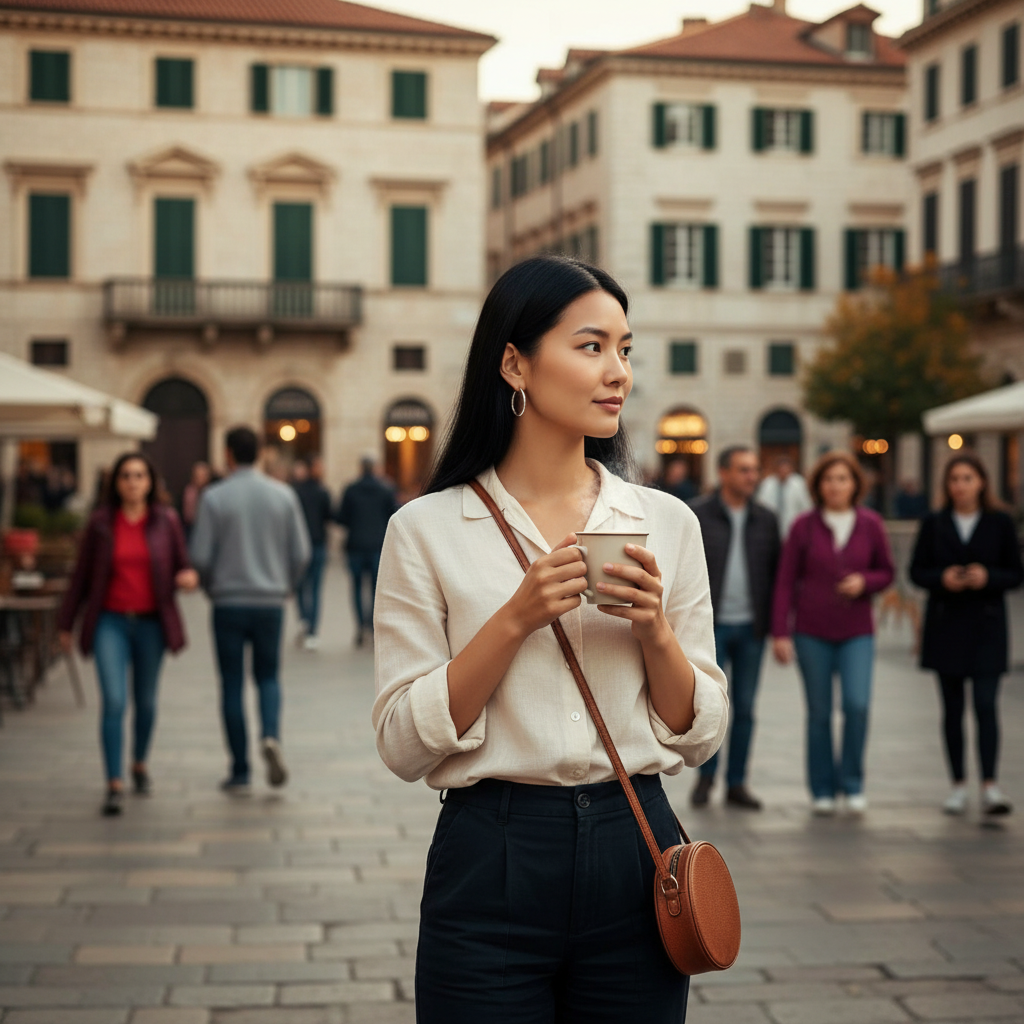
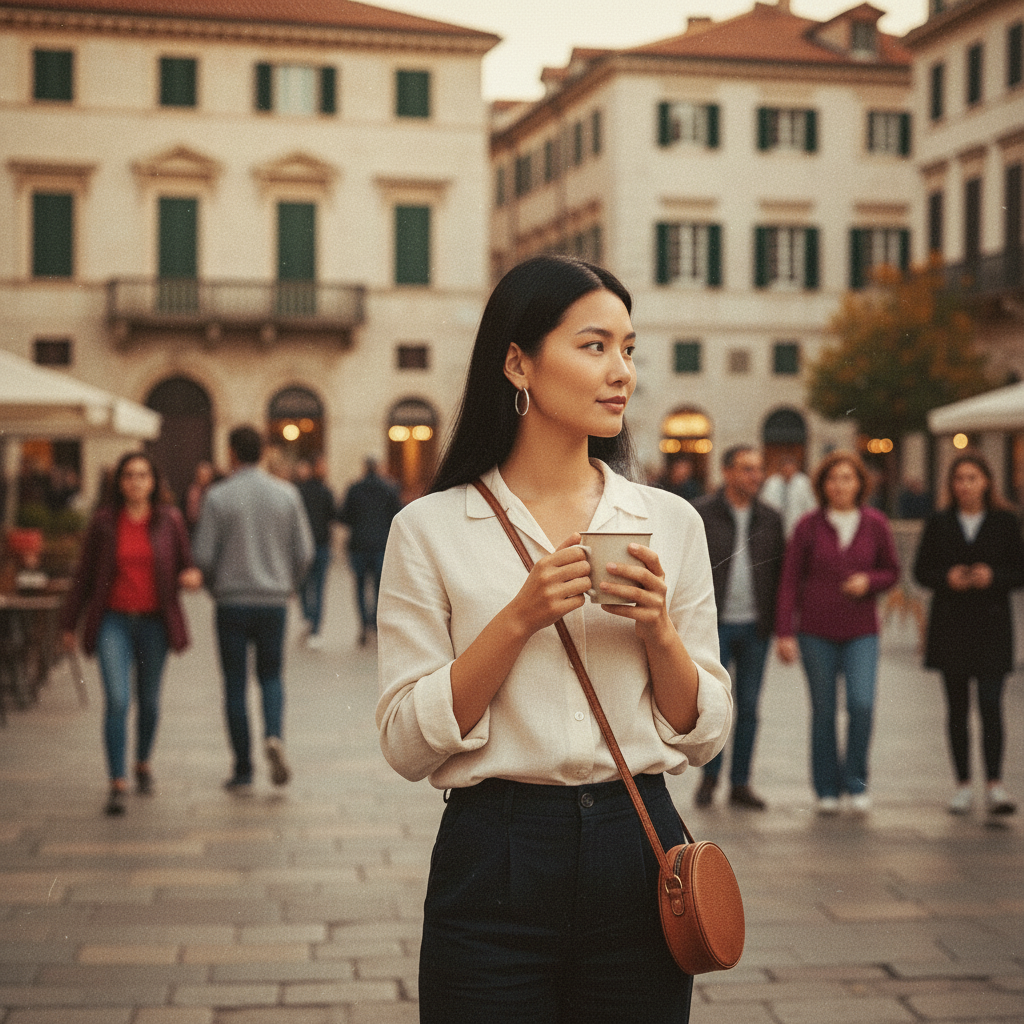
Before artistic filter
After artistic filter
Aplicar efeito de filme vintage
Tentar Agora
Substituição de Objetos
Substitua objetos em suas fotos por itens diferentes mantendo a perspectiva e iluminação natural
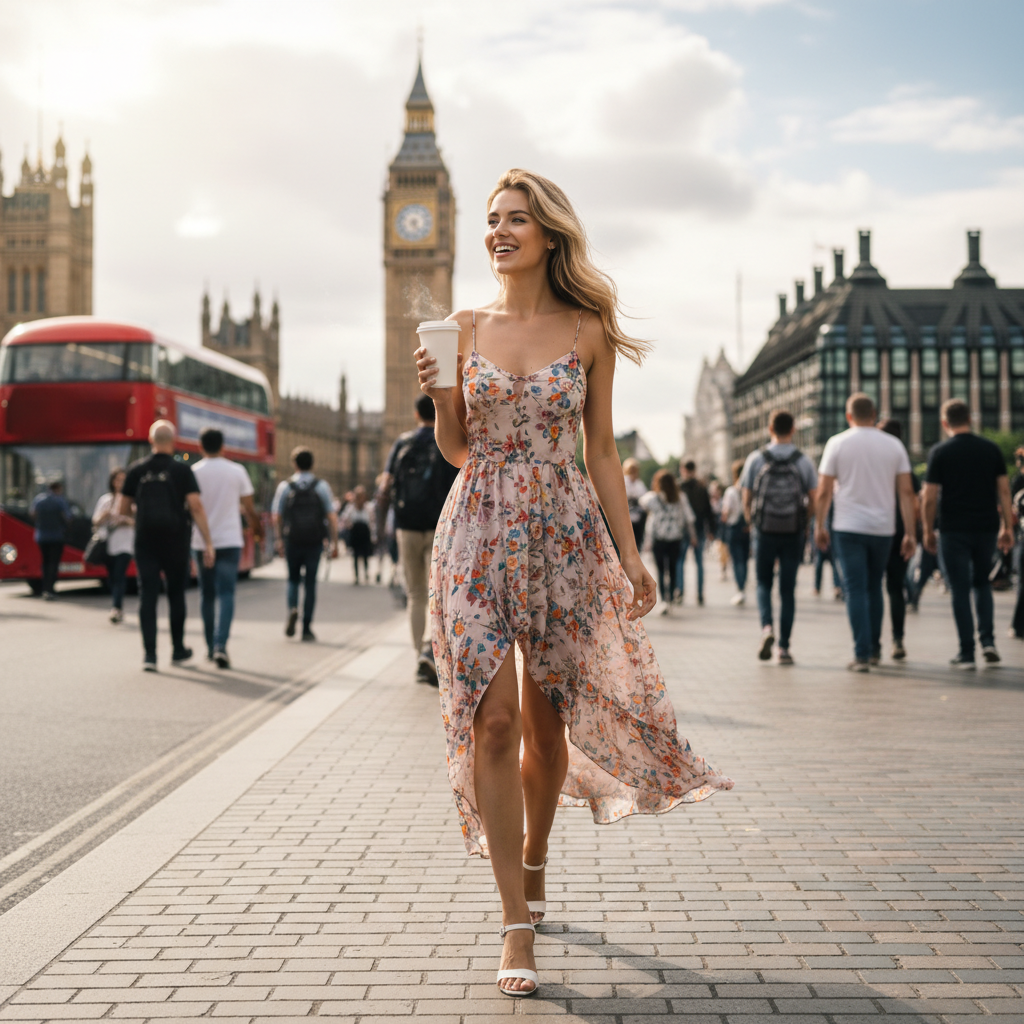
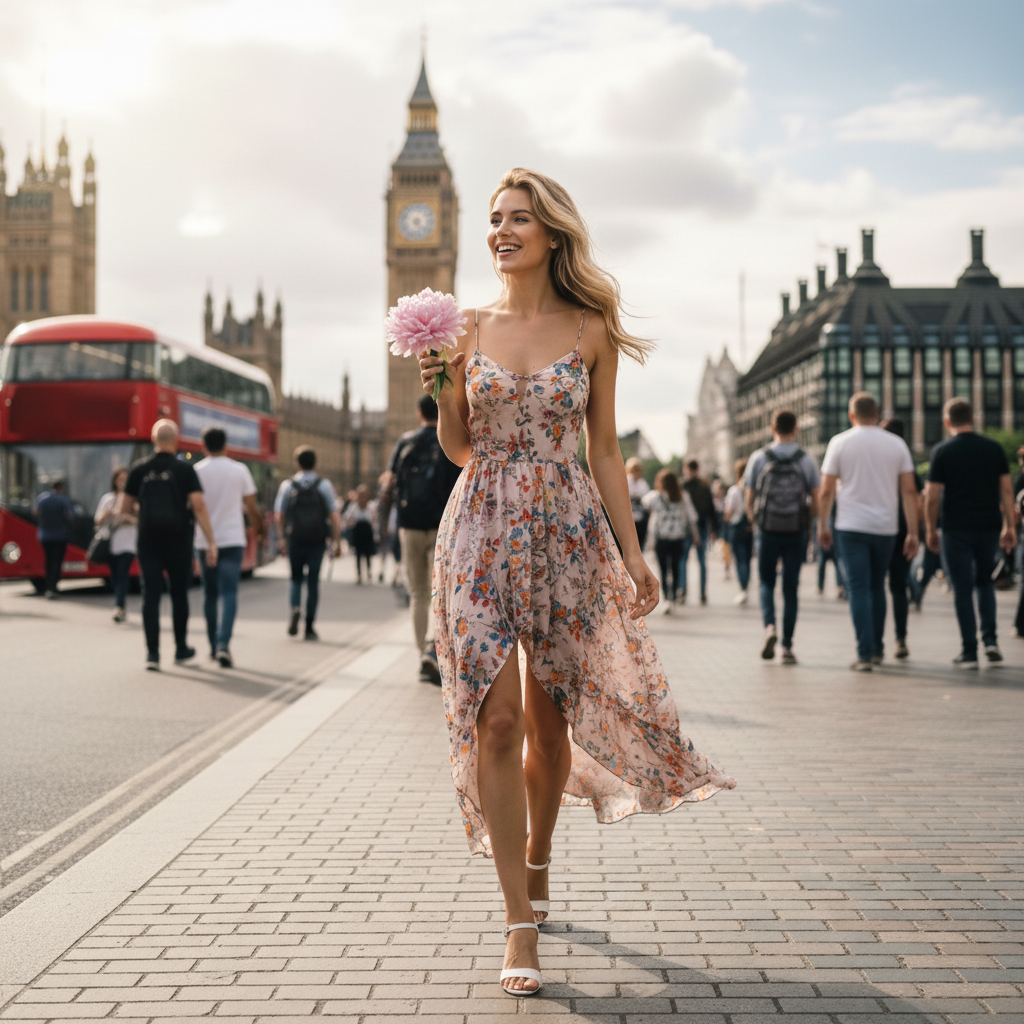
Before object replacement
After object replacement
Substituir objeto por novo item
Tentar Agora
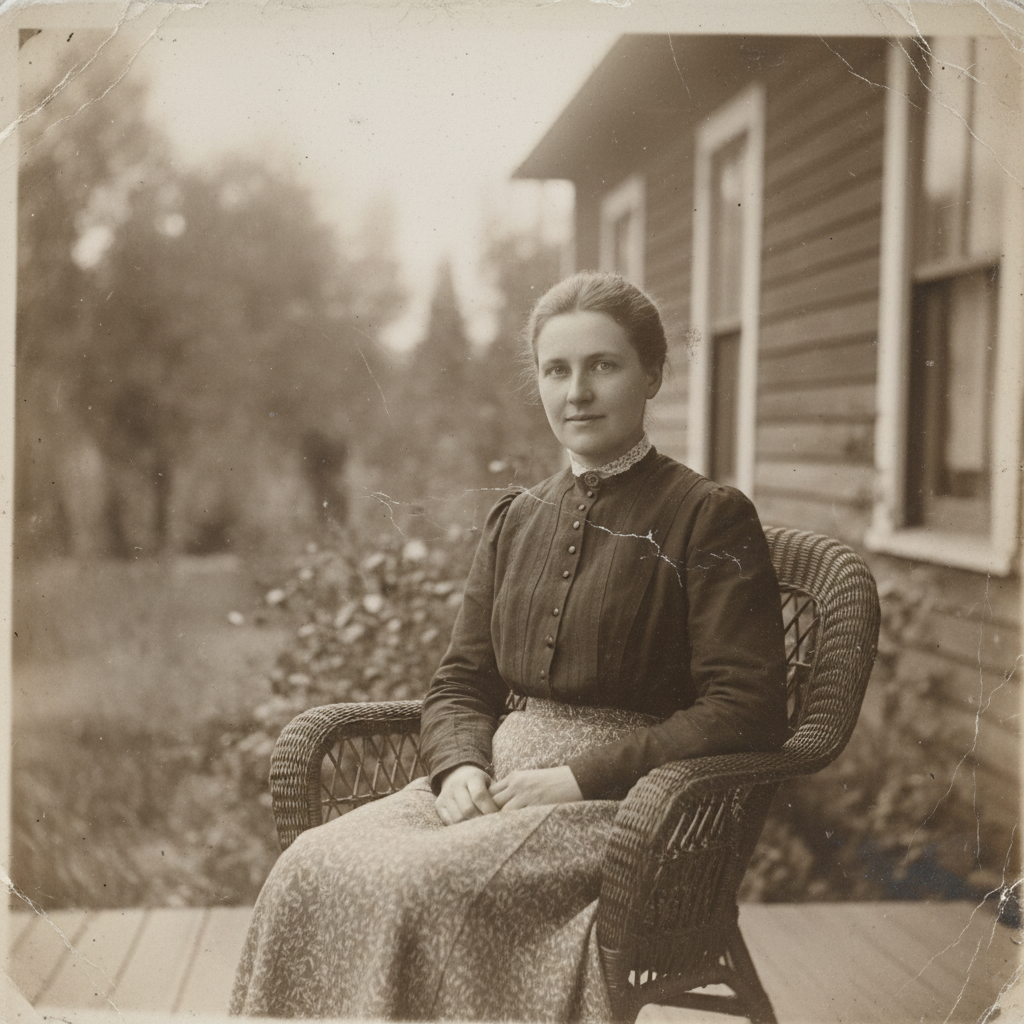
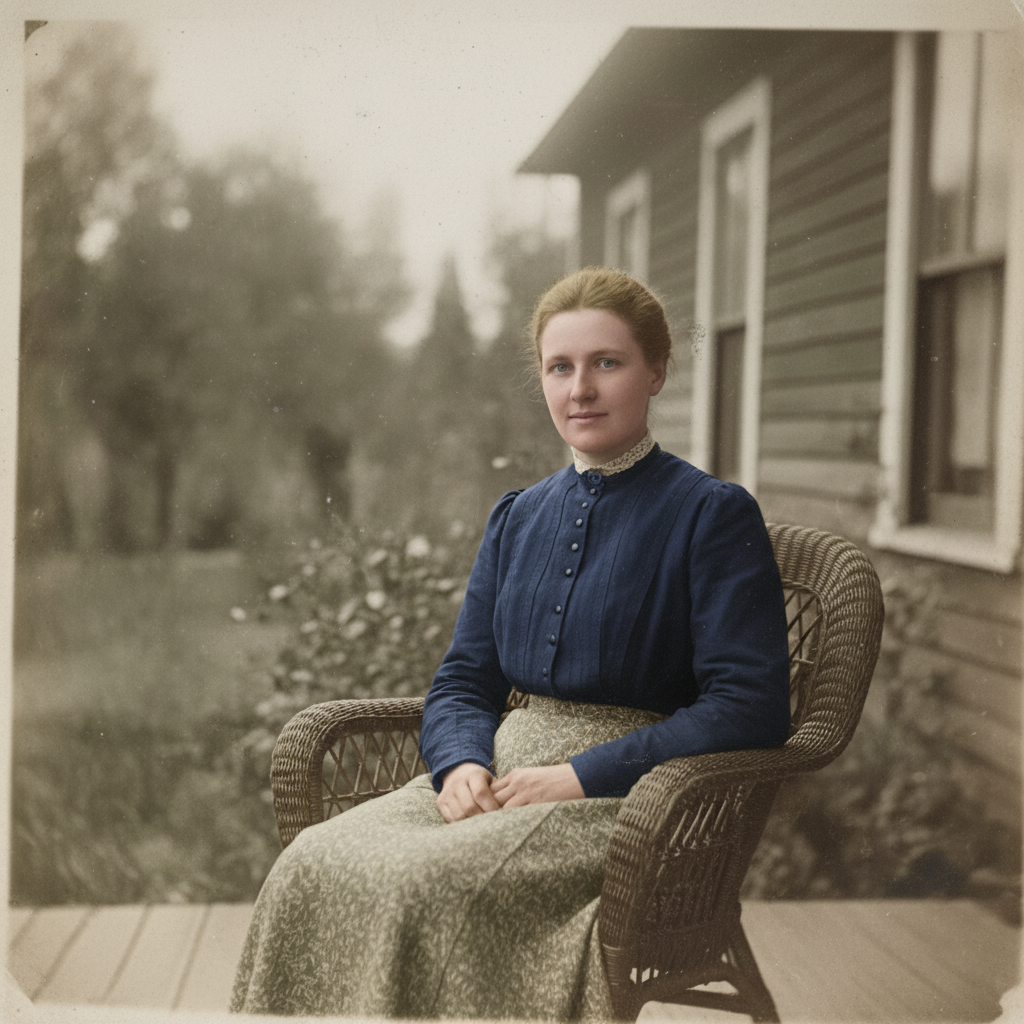
Restauração e Colorização de Fotos
Restaure fotos antigas, remova arranhões e danos, e colorize imagens em preto e branco com cores naturais
Before photo restoration
After photo restoration
Colorizar foto antiga em preto e branco
Tentar Agora
Tutorial

Olá, sou Gugu. Seu Gênio da Imagem ✨

Transforme suas imagens com comandos de texto simples. Apenas digite o que você quer e veja a mágica acontecer.

1:1
1:1
3:2
2:3
3:4
4:3
4:5
5:4
9:16
16:9
21:9
🔥Remove Passersby 🎭Realistic Portrait 🔥Remove Watermark ✨Enhance Quality 🏔️Fantasy Landscape 🎨Blur Background 📷Vintage Filter 🌃Cyberpunk City 📸Photo Booth Grid ✨Bokeh Effect 🎋Zen Garden 🏔️Portrait Lighting ⚫Black & White 🌌Space Odyssey 🎨Colorize Photo ☕Cozy Cafe

Upload your image to get started

Object Remove

Remove any distracting elements, such as people, logos, text, stickers, or emojis, from the image

Prompt Example: Remove people from the background

Animate this image

Turn your images into dynamic videos, adding motion to landscapes, portraits, selfies, and more

Prompt Example: Animate people in the image

Enhance the Photo

Instant low-light scenes with one tap, real-time and natural

Prompt Example: Enhance the photo's brightness

Change Pose

Adjust body posture in the image while keeping facial features and proportions natural

Prompt Example: Make the person in this image look like he is waving

AI Clothes

Instantly change clothes in your image and explore different styles

Prompt Example: Change the shirt to purple

Change the Weather

Transform image atmospheres naturally by adjusting light, color, and weather elements

Prompt Example: Adding snowfall effects and increasing snow coverage

AI Filter

Transform your regular image into specific art styles

Prompt Example: Turn the girl into a 3D cartoon style while keeping the real background

Bg Remover

Accurately remove the background and export a transparent or solid color image

Prompt Example: Remove the background of this image

Text to Image

Enter a prompt and generate an original AI image that meets your needs

Prompt Example: Populate the white sand beach with vintage VW camper vans and striped canvas tents under the sunset
Enlarged image

Precisa de Ajuda?

Tem alguma pergunta ou feedback? Sinta-se à vontade para entrar em contato conosco:

support@chatgpt-aibot.com
🎬 Video Generation
ℹ️ Only Veo 3.1 supports Reference Images
ℹ️ Duration locked to 8 seconds when using Last Frame or Reference Images
ℹ️ Aspect ratio locked to 16:9 when using Reference Images
+
+
+
+
+
Estimated Cost: 200 points
Select Image

Mask Painter

Paint the precise area you want to edit. Everything outside your strokes remains 100% unchanged.

Upload an image, choose “Mask”, and paint where you want the AI to edit.
Tools
80px

Masks count as a second upload. With a mask active you can keep one more reference image.