Tutorial
¿Curioso sobre las características de Agent Gugu? ¡Haz clic para ver detalles y dominarlo rápidamente!
Loading conversation...
Tutorial
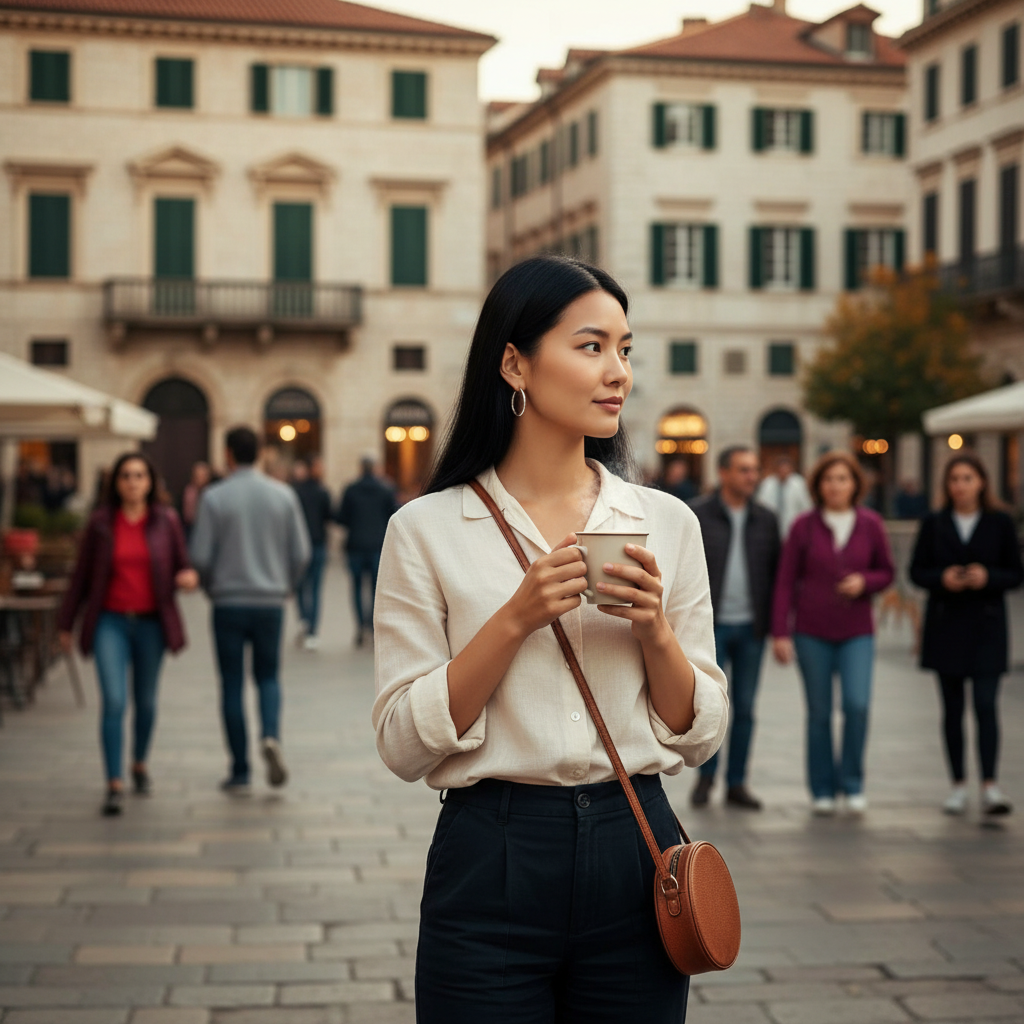
Eliminar Objetos y Personas
Elimina sin problemas objetos no deseados, personas, marcas de agua o texto de tus fotos con precisión impulsada por IA
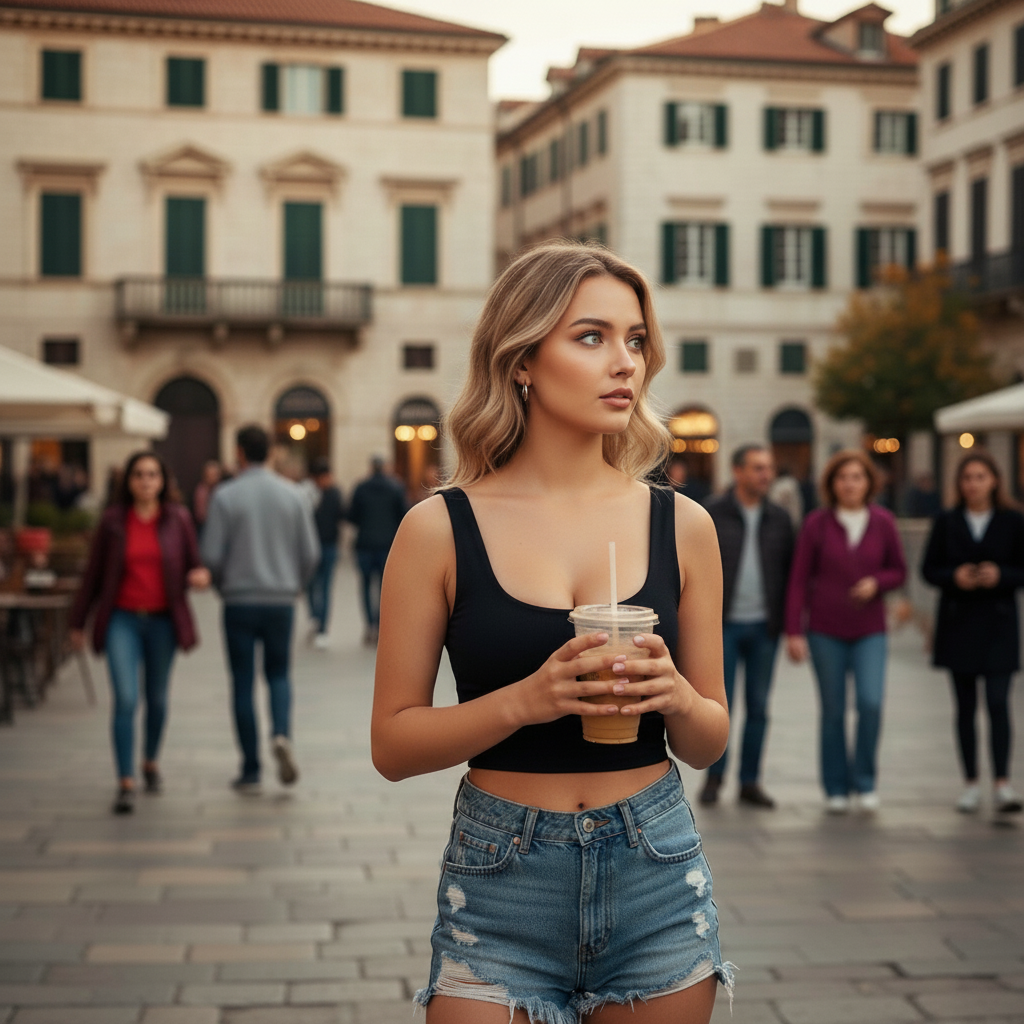
Before removing objects
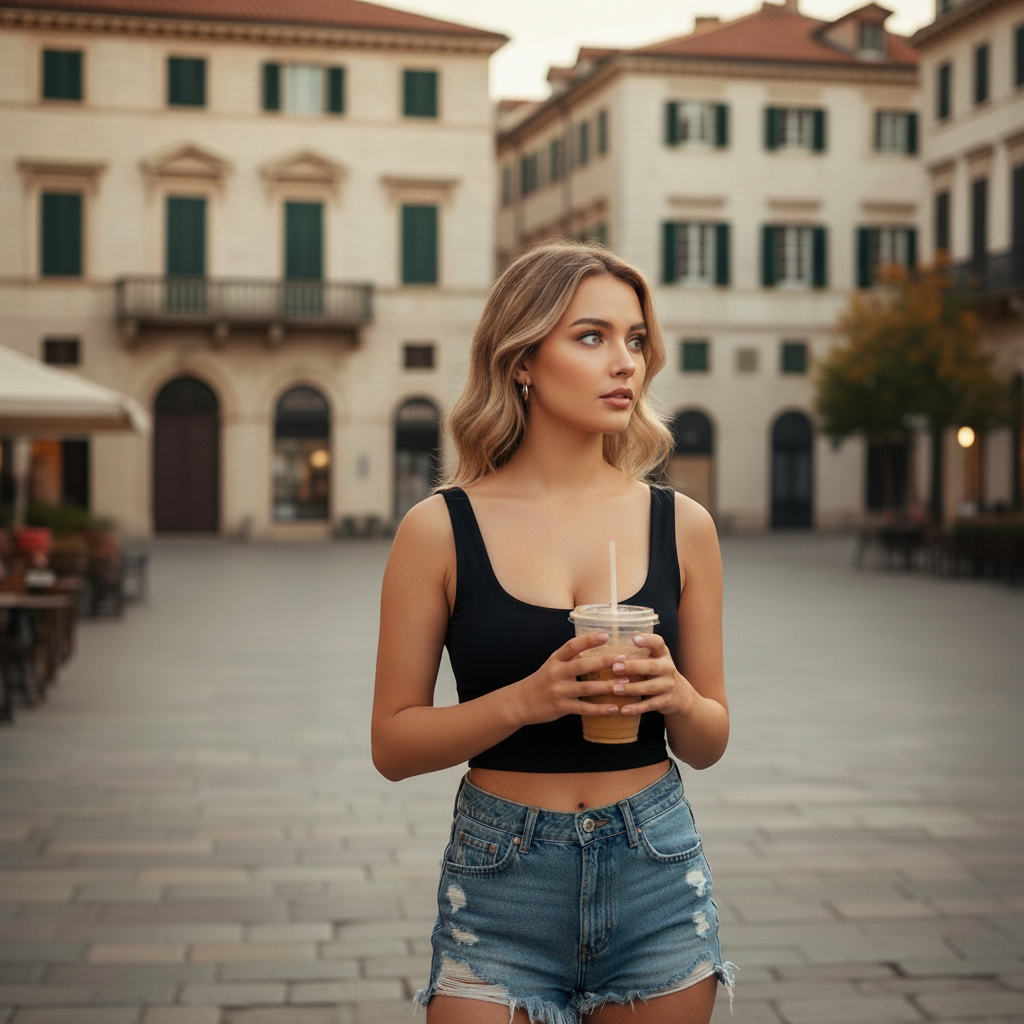
After removing objects
Eliminar a todas las personas del fondo
Probar Ahora
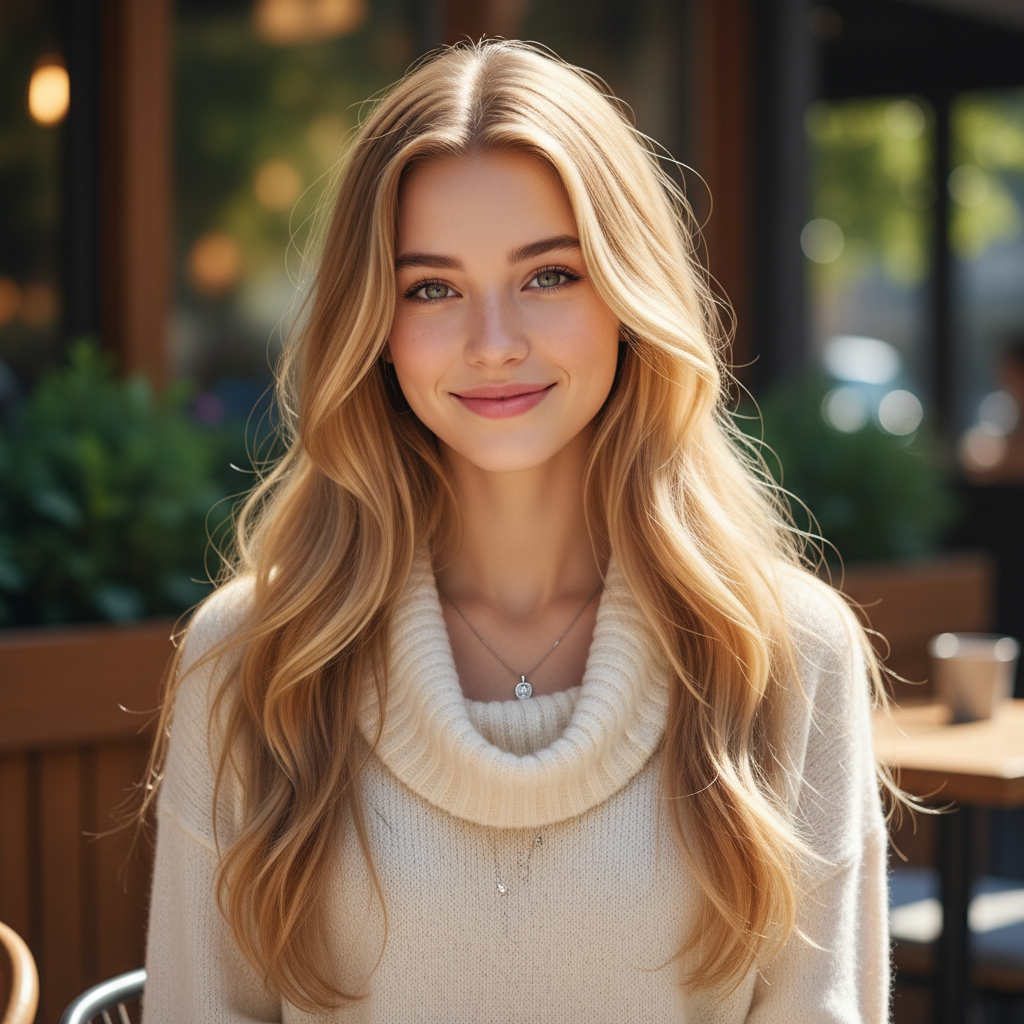
Cambio de Peinado y Color de Cabello
Transforma tu look con diferentes peinados y colores de cabello vibrantes, desde tonos naturales hasta colores de moda atrevidos
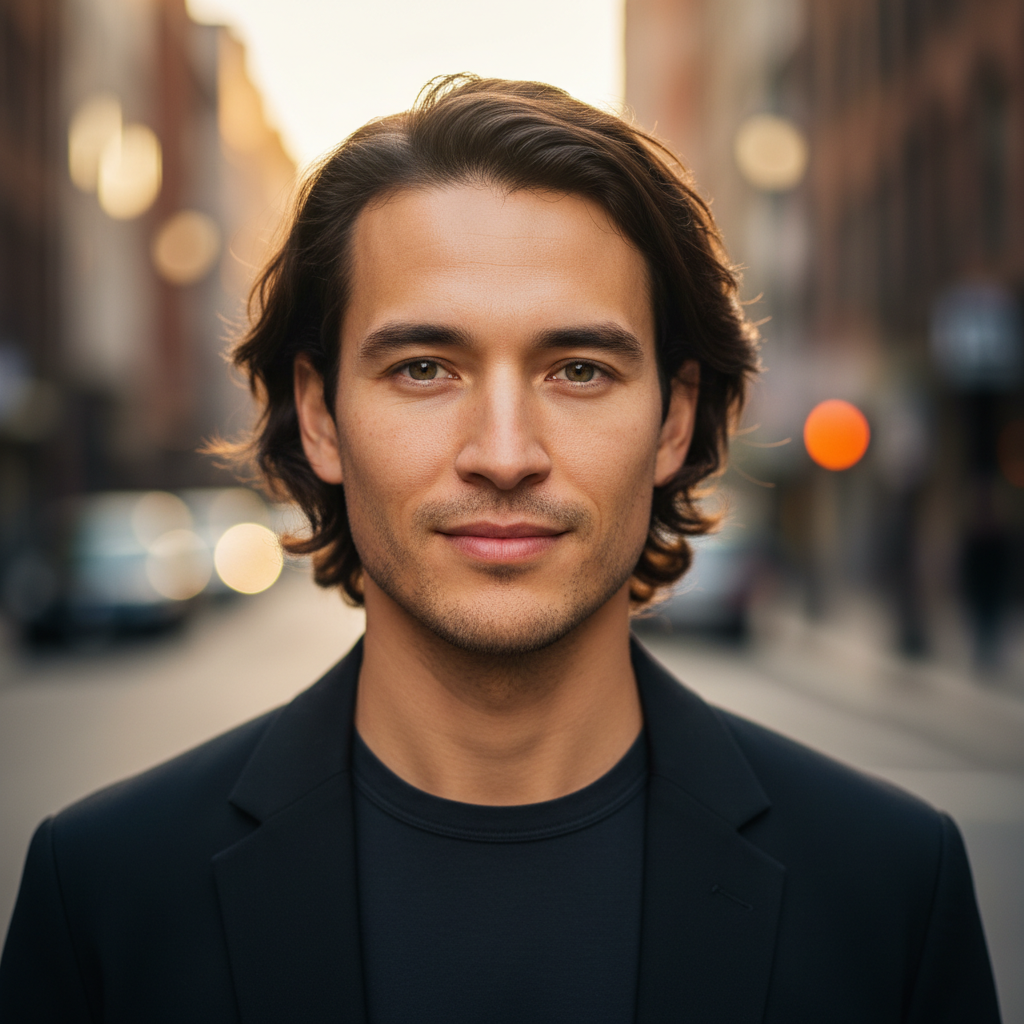
Before hairstyle change
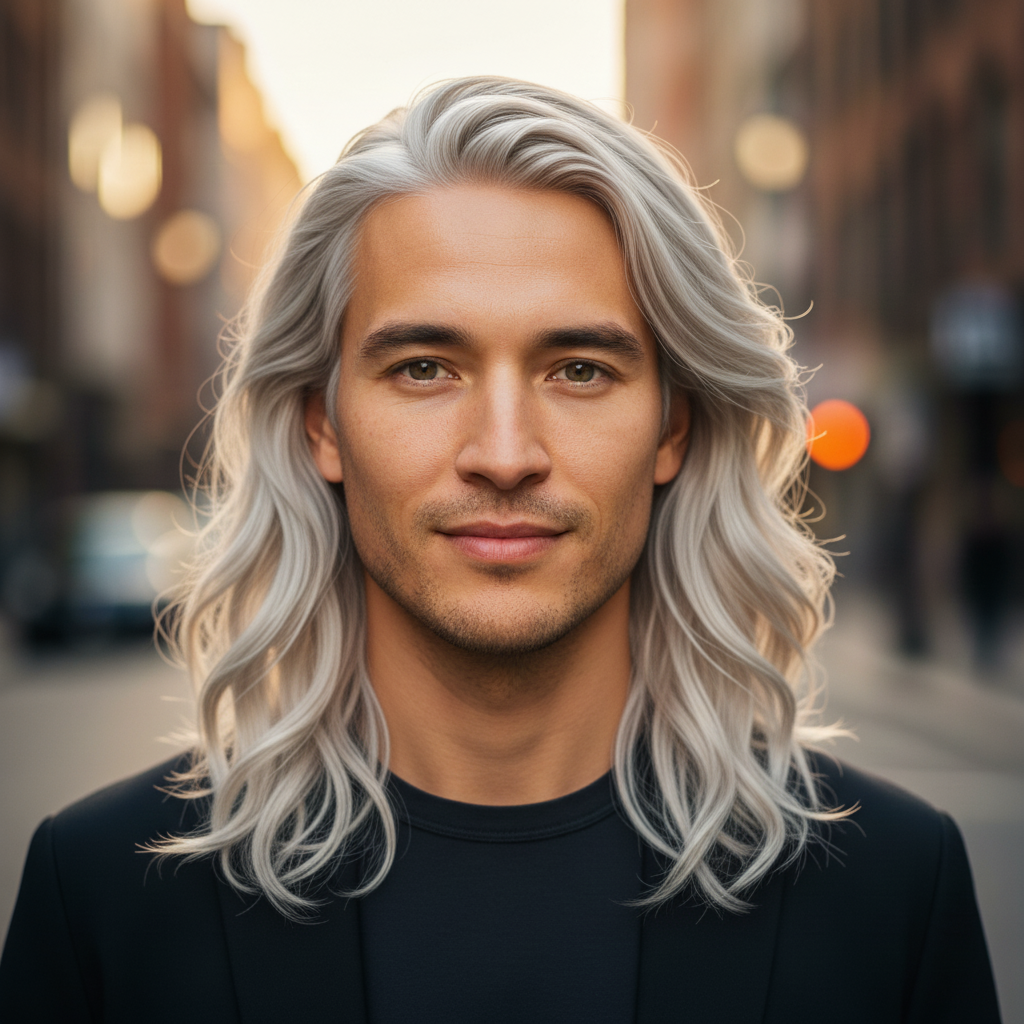
After hairstyle change
Cambiar peinado y color
Probar Ahora
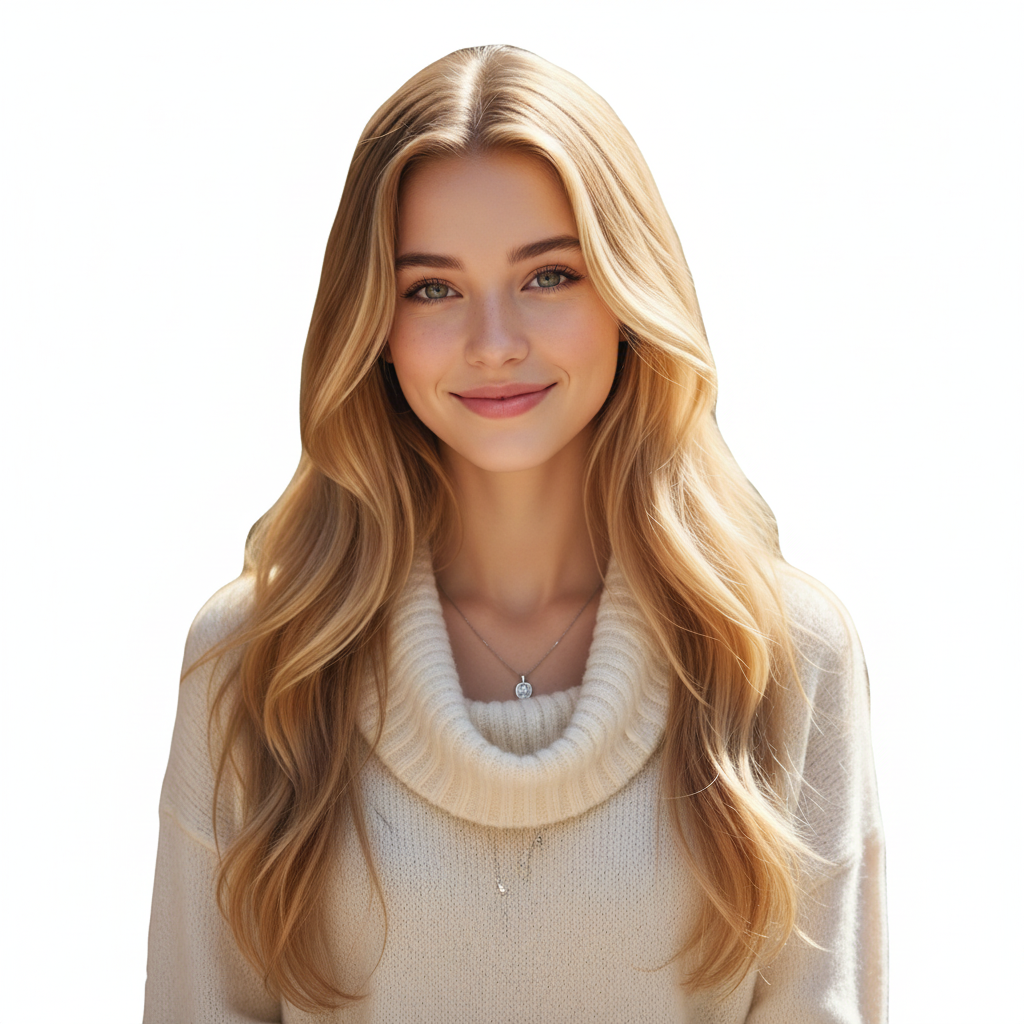
Eliminación y Reemplazo de Fondo
Elimina fondos completamente para imágenes transparentes o reemplázalos con escenas personalizadas y efectos de desenfoque
Before background removal
After background removal
Hacer el fondo transparente
Probar Ahora
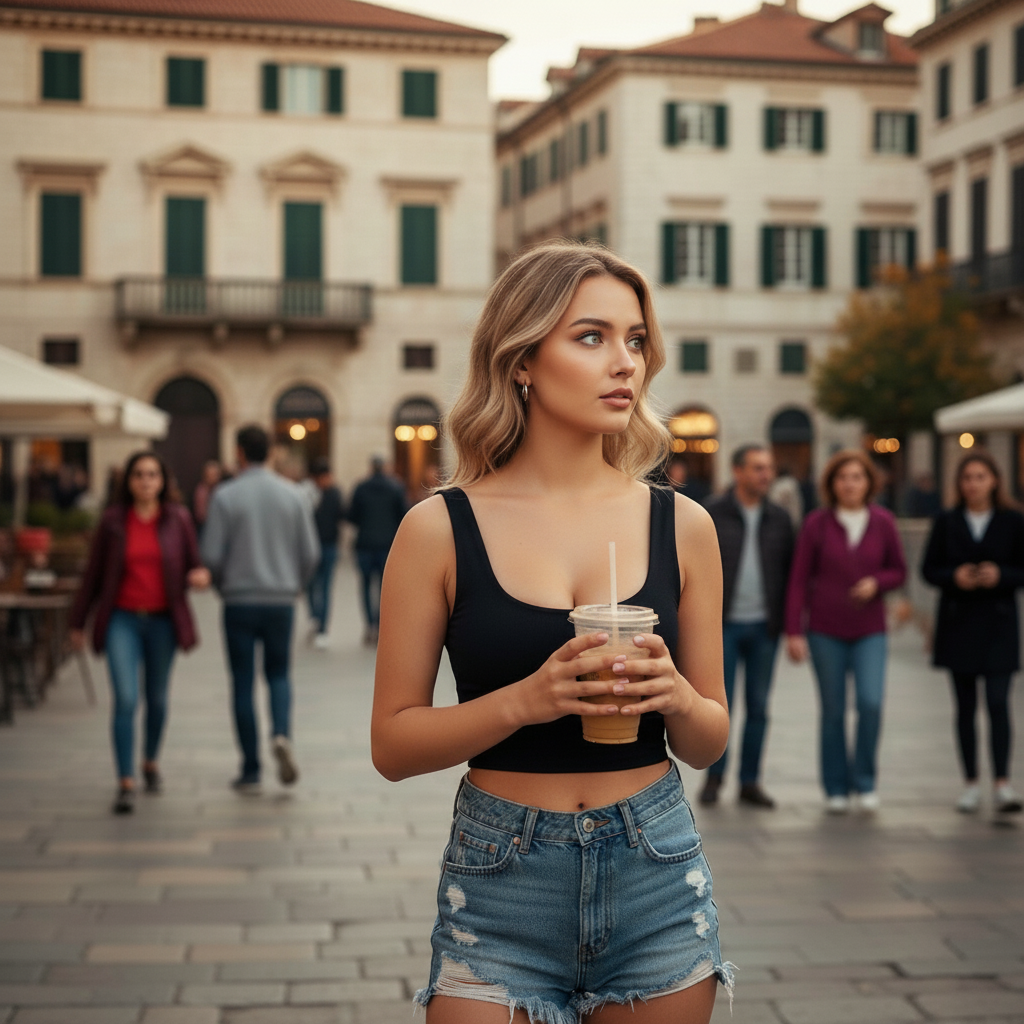
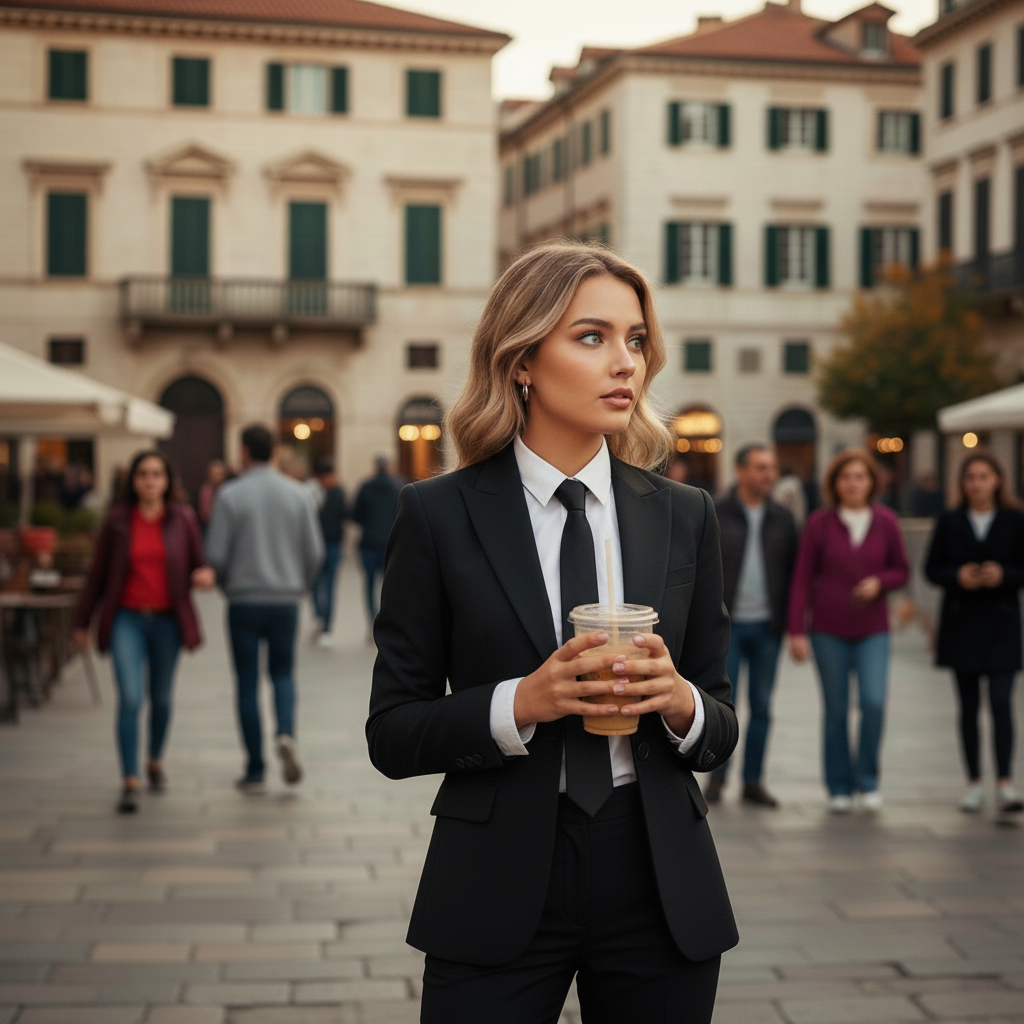
Cambio de Ropa y Vestimenta
Prueba diferentes atuendos y estilos, desde ropa casual hasta formal, transformando tu guardarropa digitalmente
Before clothing change
After clothing change
Cambiar a vestimenta formal
Probar Ahora
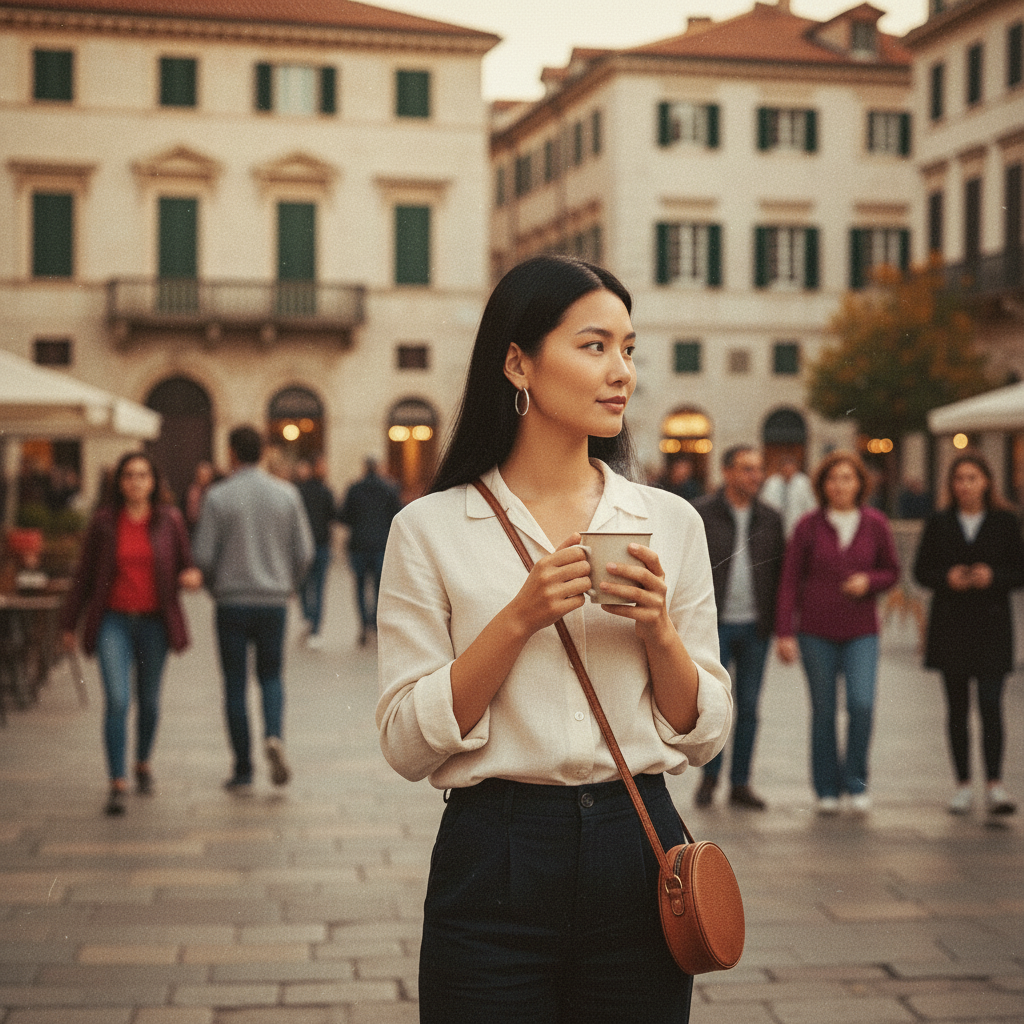
Filtros Artísticos y Efectos
Aplica filtros vintage, efectos bokeh, conversión a blanco y negro e iluminación profesional a tus fotos
Before artistic filter
After artistic filter
Aplicar efecto de película vintage
Probar Ahora
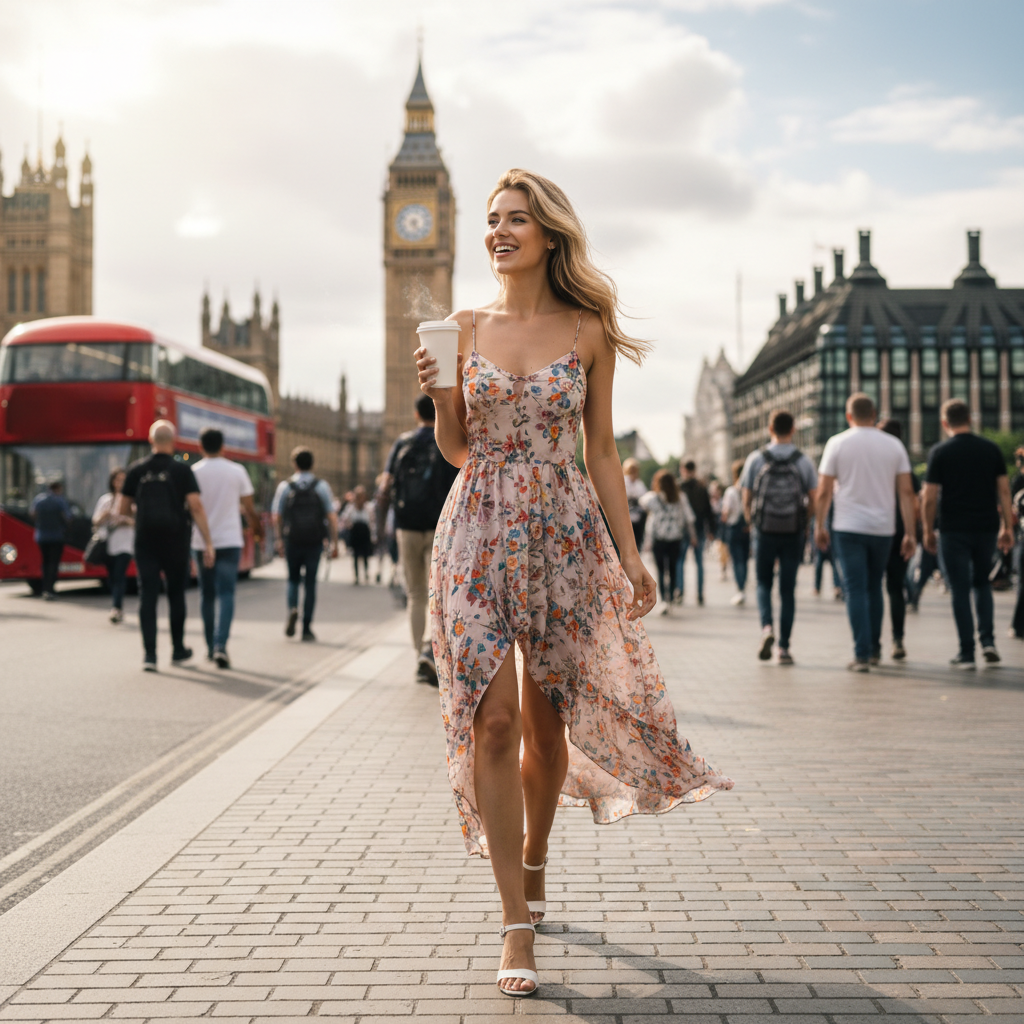
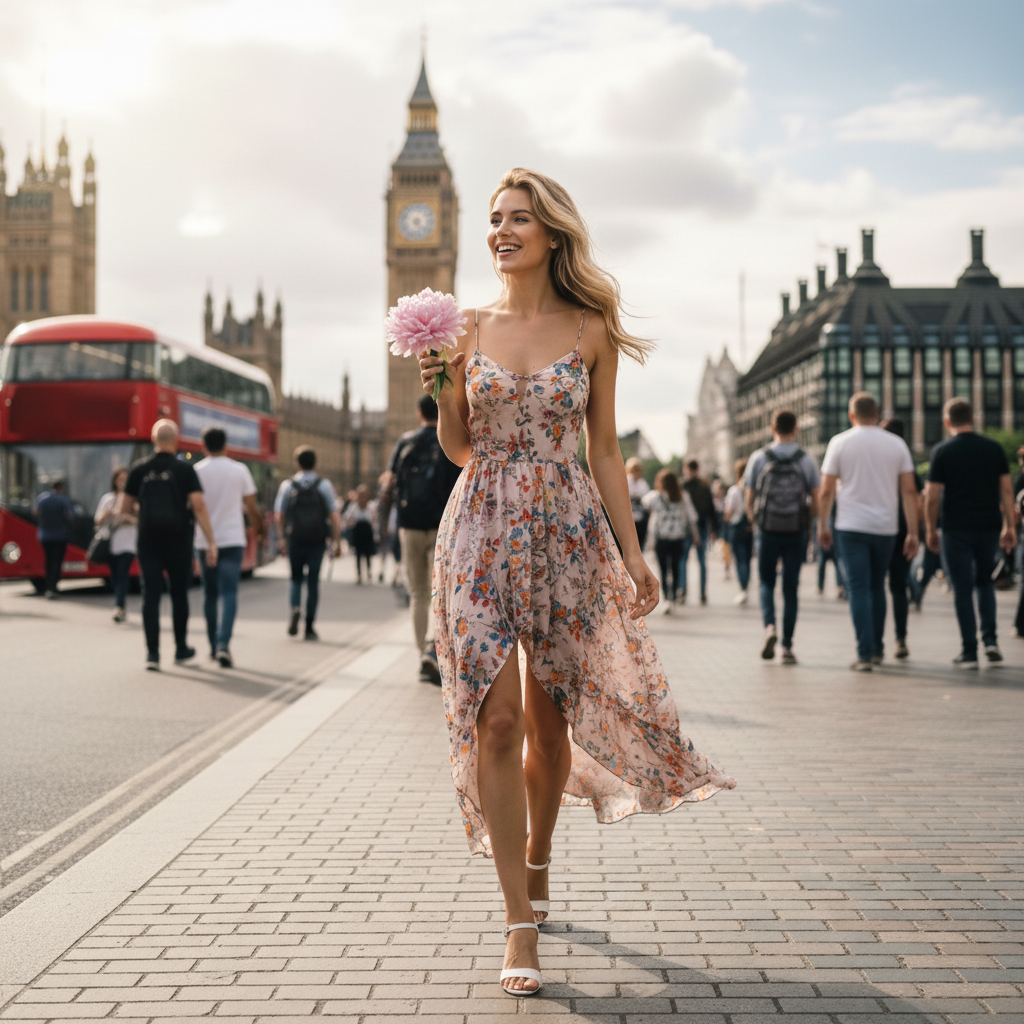
Reemplazo de Objetos
Reemplaza objetos en tus fotos con elementos diferentes manteniendo la perspectiva y la iluminación natural
Before object replacement
After object replacement
Reemplazar objeto con un nuevo elemento
Probar Ahora
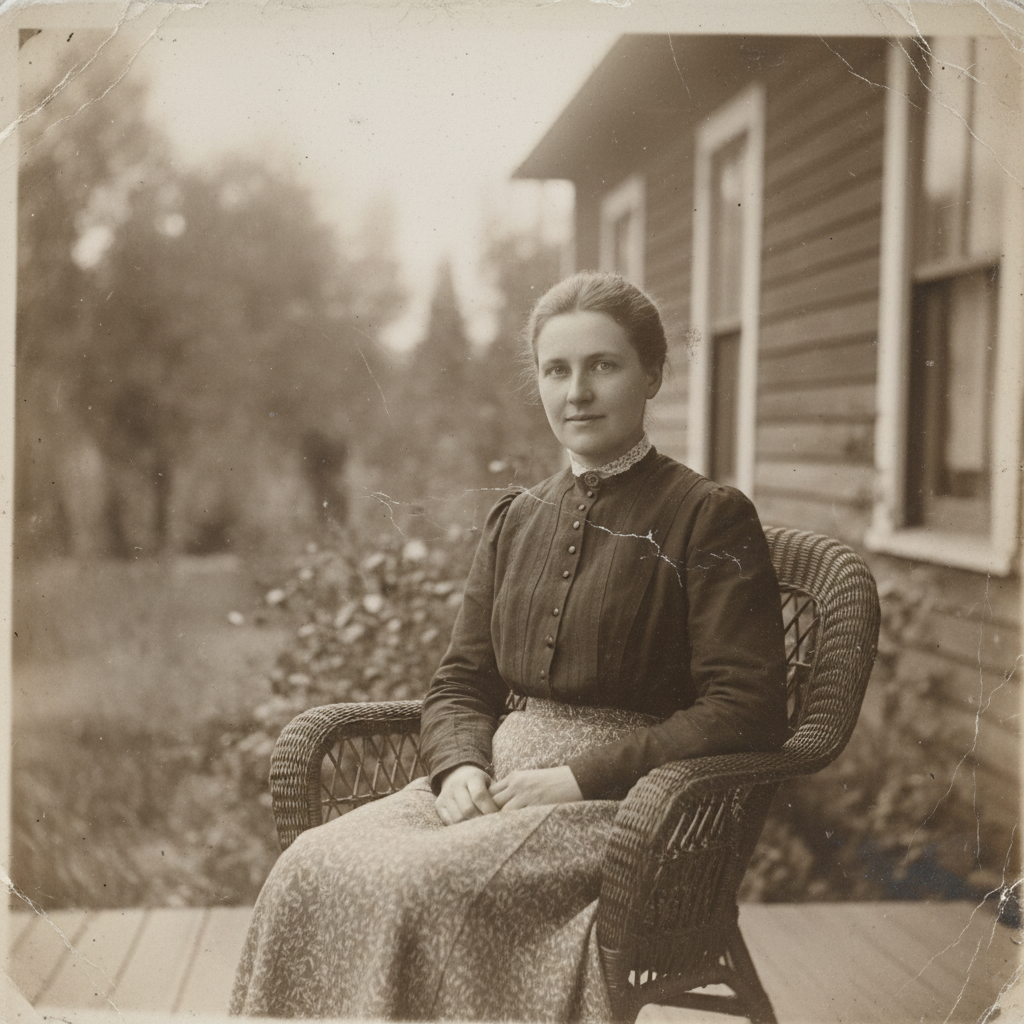
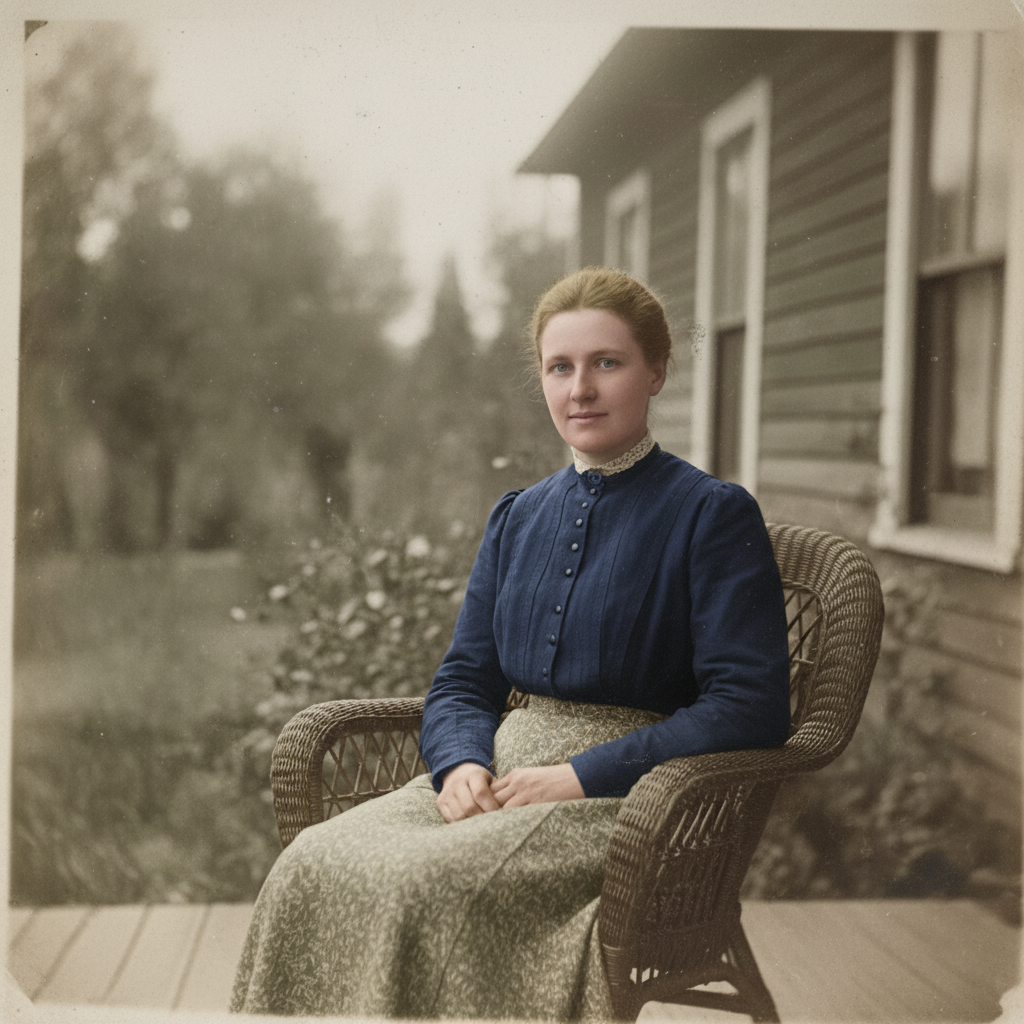
Restauración y Colorización de Fotos
Restaura fotos antiguas, elimina rayones y daños, y coloriza imágenes en blanco y negro con colores naturales
Before photo restoration
After photo restoration
Colorizar foto antigua en blanco y negro
Probar Ahora
Tutorial

Hola, soy Gugu. Tu Genio de la Imagen ✨

Transforma tus imágenes con simples comandos de texto. Solo escribe lo que quieres y mira cómo ocurre la magia.

1:1
1:1
3:2
2:3
3:4
4:3
4:5
5:4
9:16
16:9
21:9
🔥Remove Passersby 🎭Realistic Portrait 🔥Remove Watermark ✨Enhance Quality 🏔️Fantasy Landscape 🎨Blur Background 📷Vintage Filter 🌃Cyberpunk City 📸Photo Booth Grid ✨Bokeh Effect 🎋Zen Garden 🏔️Portrait Lighting ⚫Black & White 🌌Space Odyssey 🎨Colorize Photo ☕Cozy Cafe

Upload your image to get started

Object Remove

Remove any distracting elements, such as people, logos, text, stickers, or emojis, from the image

Prompt Example: Remove people from the background

Animate this image

Turn your images into dynamic videos, adding motion to landscapes, portraits, selfies, and more

Prompt Example: Animate people in the image

Enhance the Photo

Instant low-light scenes with one tap, real-time and natural

Prompt Example: Enhance the photo's brightness

Change Pose

Adjust body posture in the image while keeping facial features and proportions natural

Prompt Example: Make the person in this image look like he is waving

AI Clothes

Instantly change clothes in your image and explore different styles

Prompt Example: Change the shirt to purple

Change the Weather

Transform image atmospheres naturally by adjusting light, color, and weather elements

Prompt Example: Adding snowfall effects and increasing snow coverage

AI Filter

Transform your regular image into specific art styles

Prompt Example: Turn the girl into a 3D cartoon style while keeping the real background

Bg Remover

Accurately remove the background and export a transparent or solid color image

Prompt Example: Remove the background of this image

Text to Image

Enter a prompt and generate an original AI image that meets your needs

Prompt Example: Populate the white sand beach with vintage VW camper vans and striped canvas tents under the sunset
Enlarged image

¿Necesitas Ayuda?

¿Tienes alguna pregunta o comentario? No dudes en contactarnos:

support@chatgpt-aibot.com
🎬 Video Generation
ℹ️ Only Veo 3.1 supports Reference Images
ℹ️ Duration locked to 8 seconds when using Last Frame or Reference Images
ℹ️ Aspect ratio locked to 16:9 when using Reference Images
+
+
+
+
+
Estimated Cost: 200 points
Select Image

Mask Painter

Paint the precise area you want to edit. Everything outside your strokes remains 100% unchanged.

Upload an image, choose “Mask”, and paint where you want the AI to edit.
Tools
80px

Masks count as a second upload. With a mask active you can keep one more reference image.