Tutorial
Curious about Agent Gugu's features? Click for details and master it quickly!
Loading conversation...
Tutorial
Remove Objects & People
Seamlessly remove unwanted objects, people, watermarks, or text from your photos with AI-powered precision
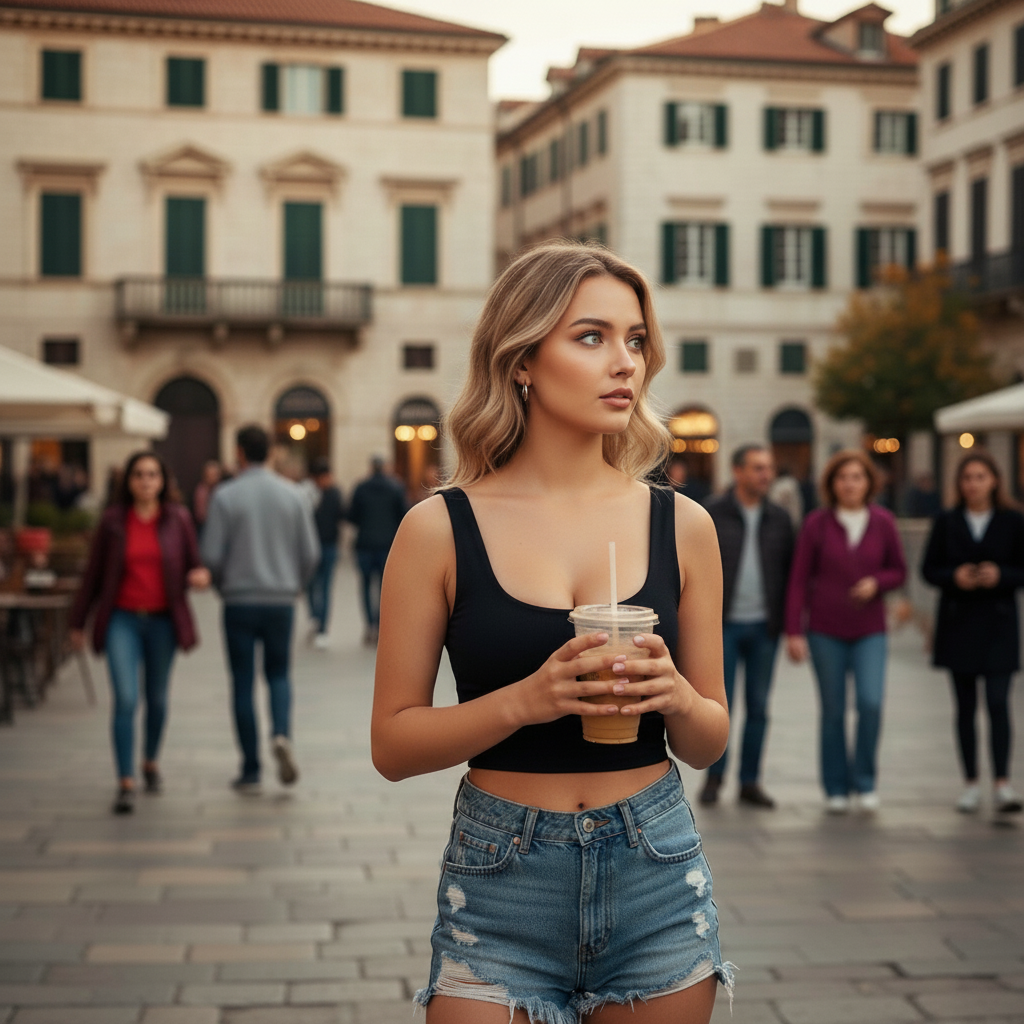
Before removing objects
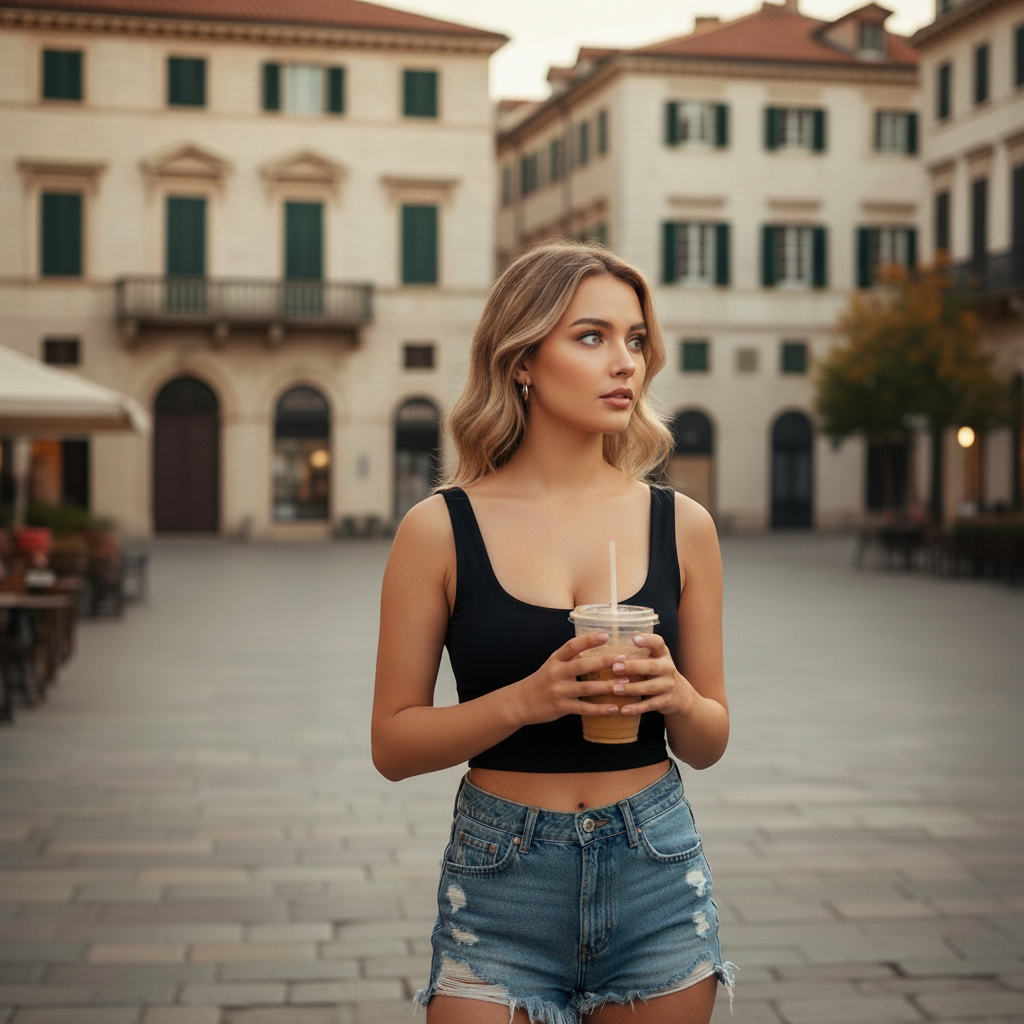
After removing objects
Remove all people in the background
Try Now
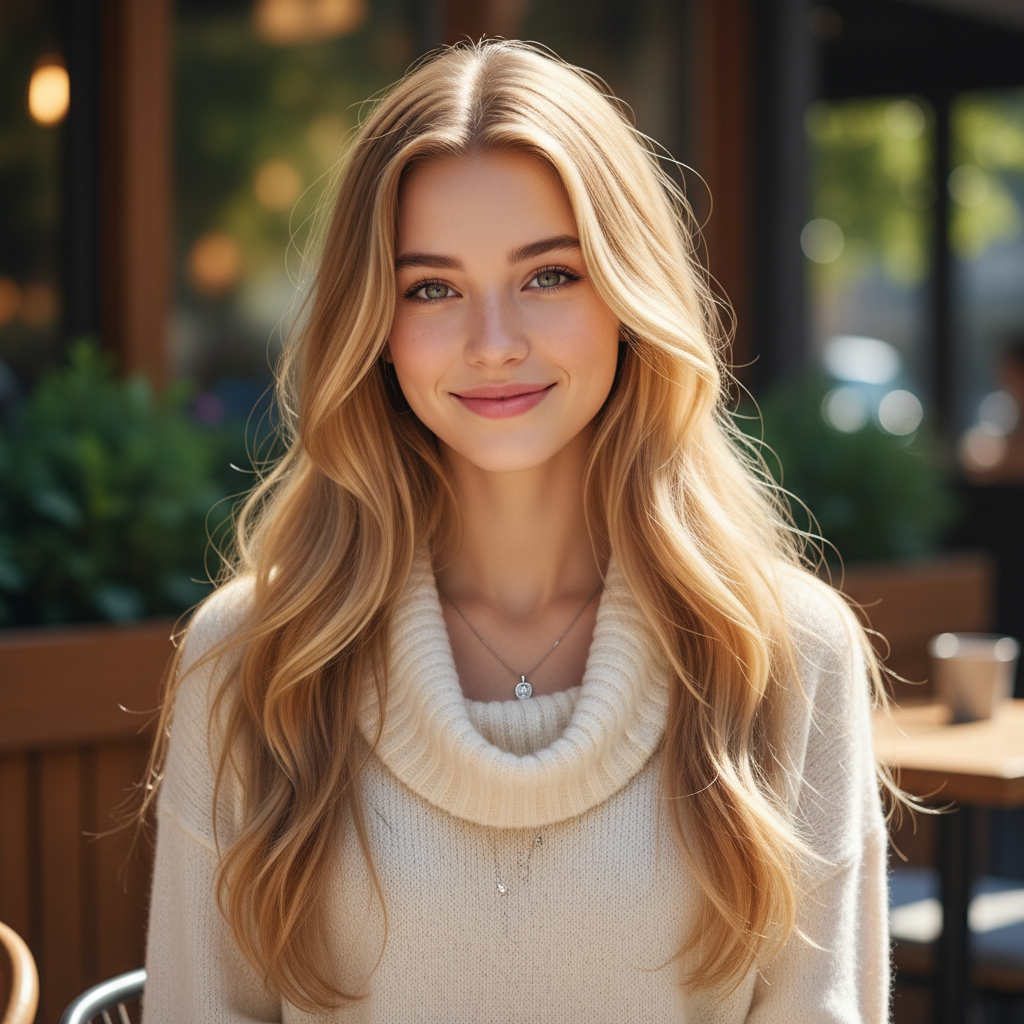
Hairstyle & Hair Color Change
Transform your look with different hairstyles and vibrant hair colors, from natural tones to bold fashion colors
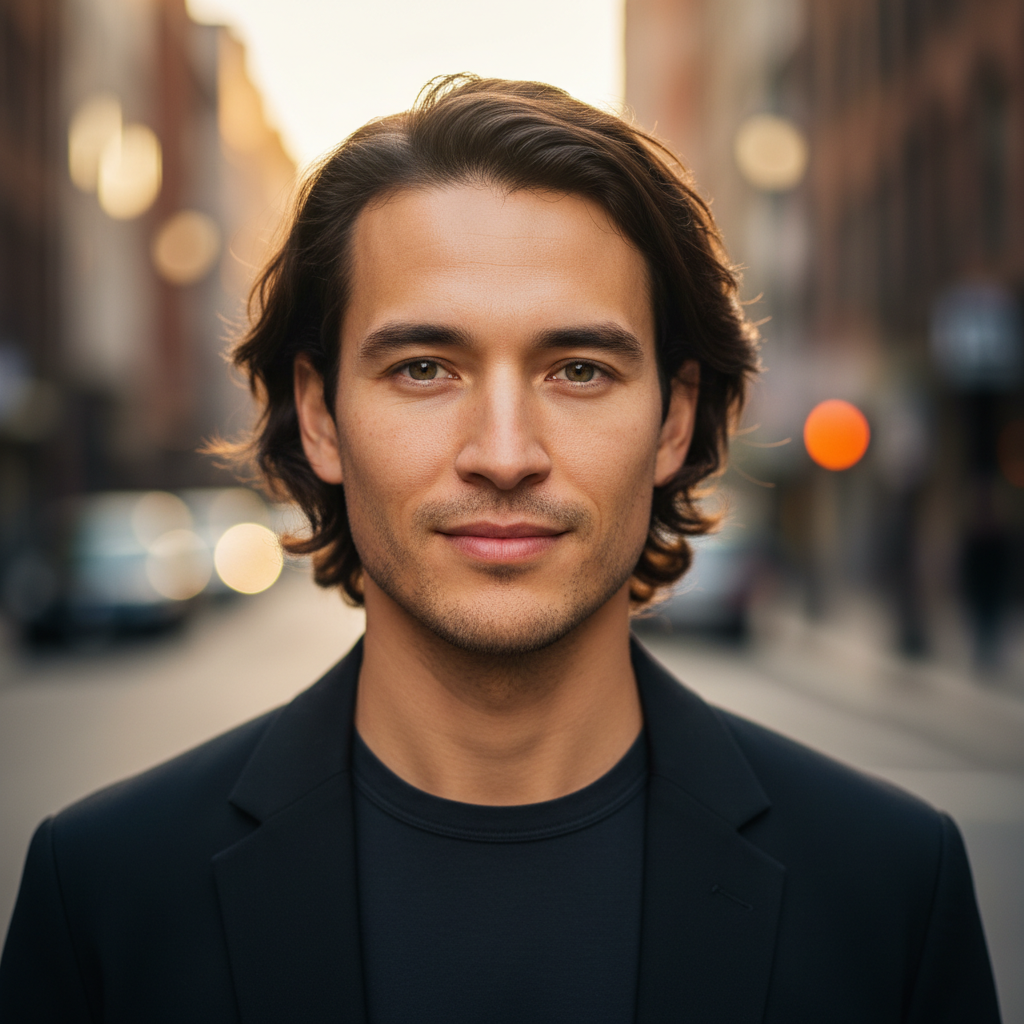
Before hairstyle change
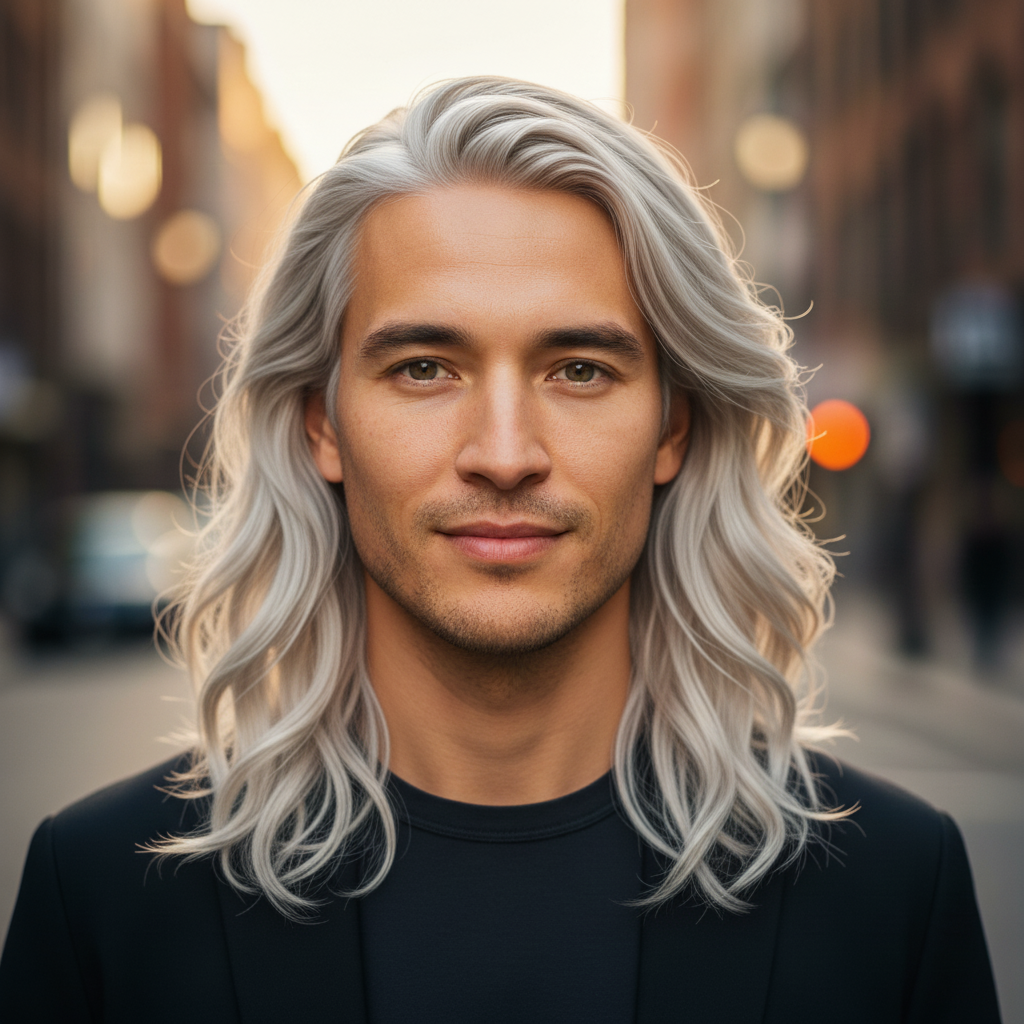
After hairstyle change
Change hairstyle & color
Try Now
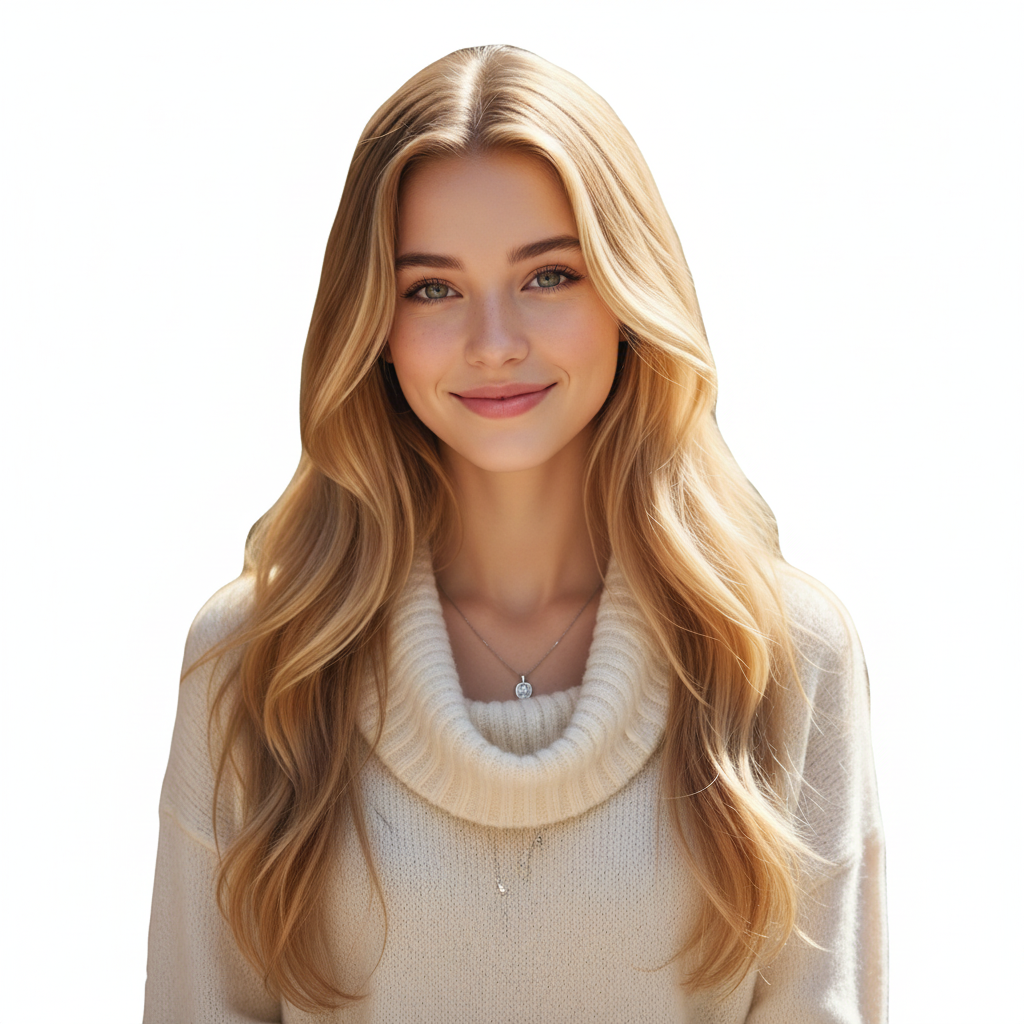
Background Removal & Replacement
Remove backgrounds completely for transparent images or replace with custom scenes and blur effects
Before background removal
After background removal
Make background transparent
Try Now
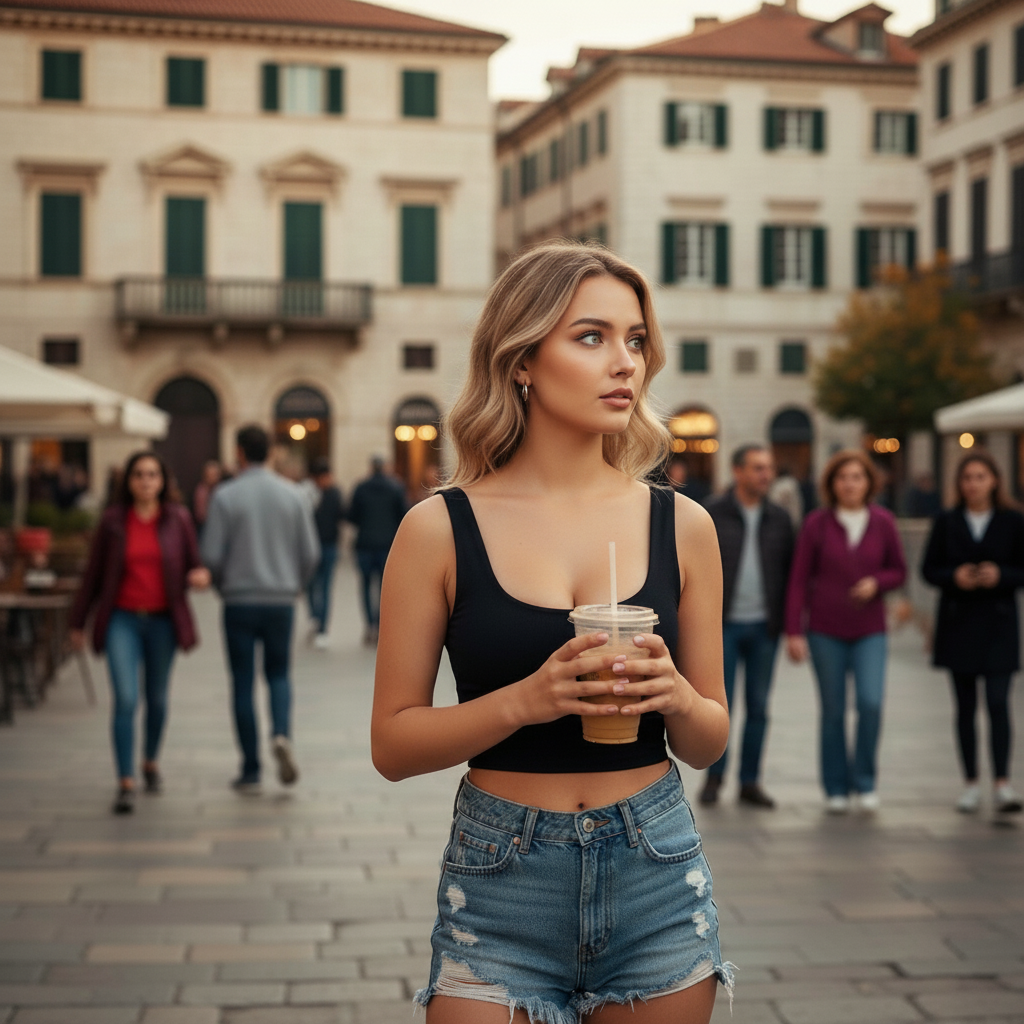
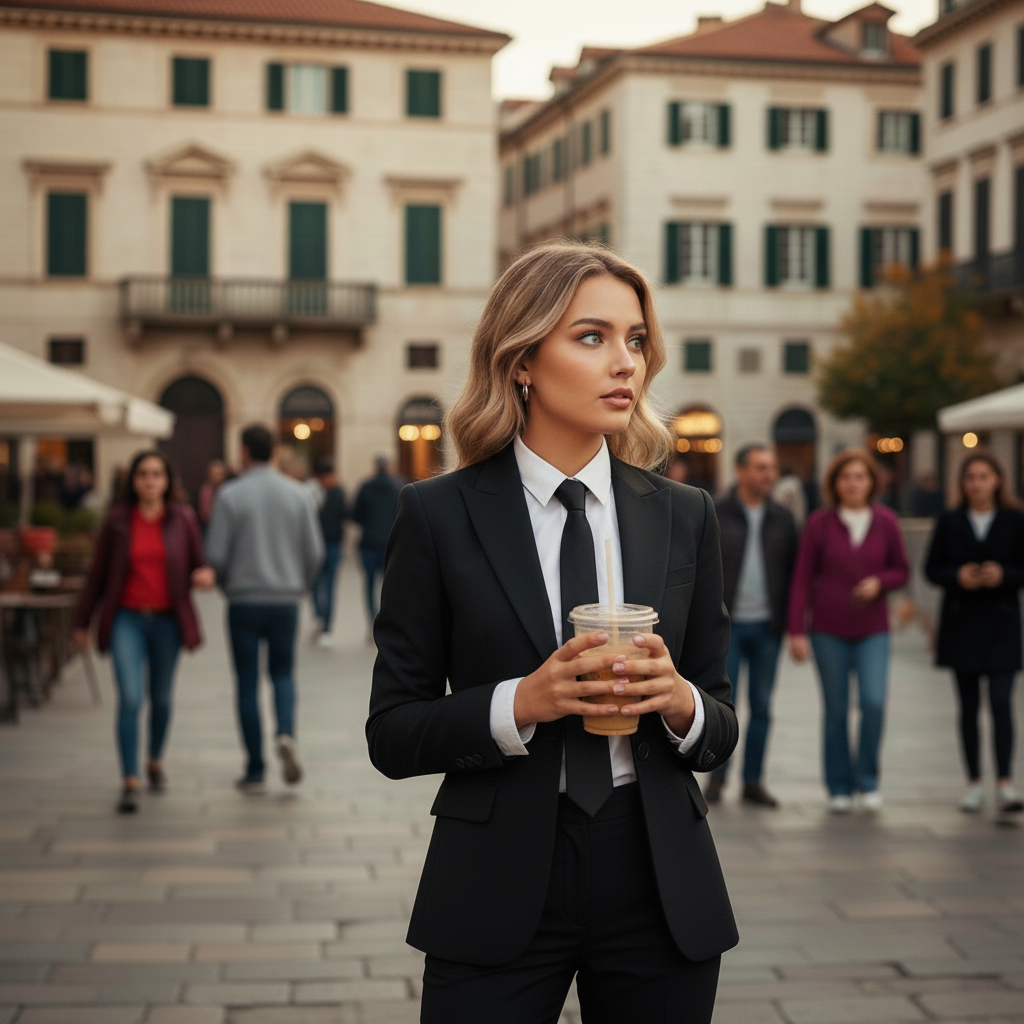
Clothing & Outfit Change
Try on different outfits and styles, from casual to formal wear, transforming your wardrobe digitally
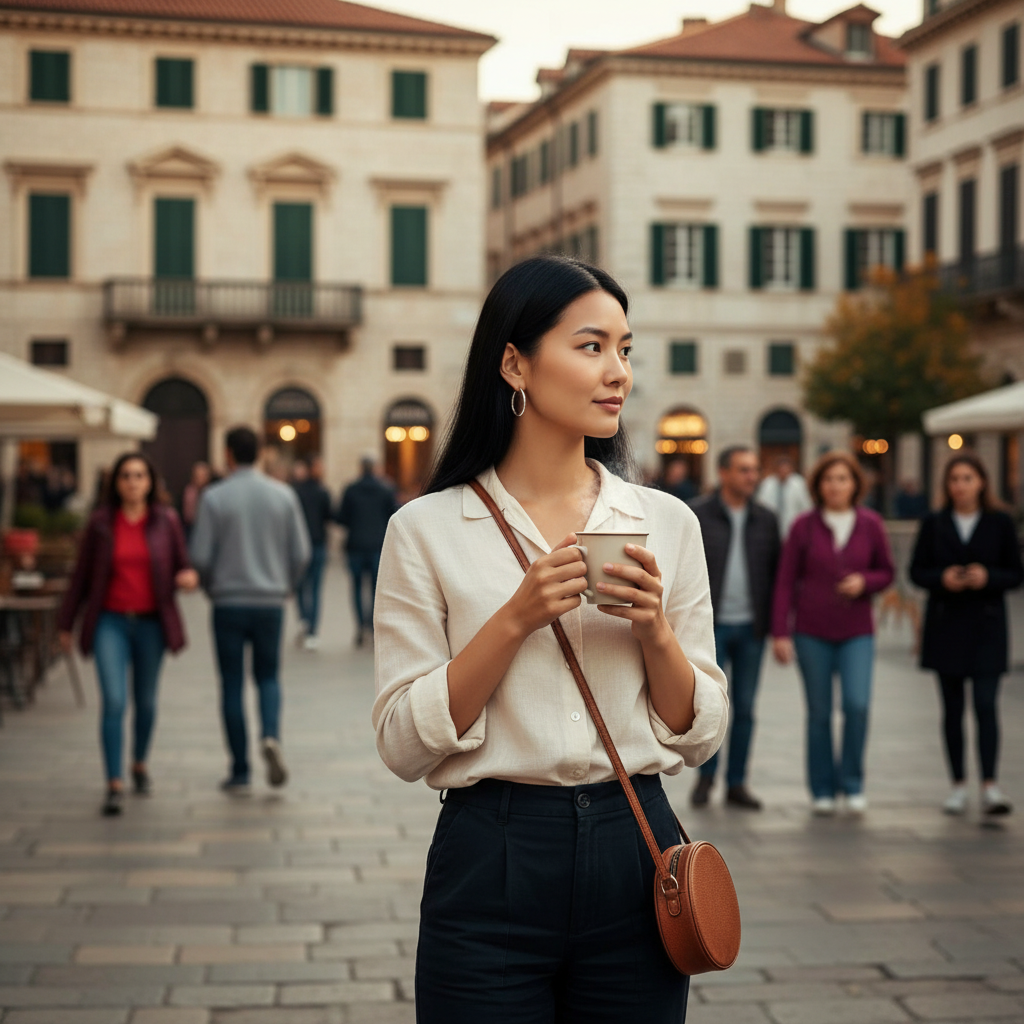
Before clothing change
After clothing change
Change to formal attire
Try Now
Artistic Filters & Effects
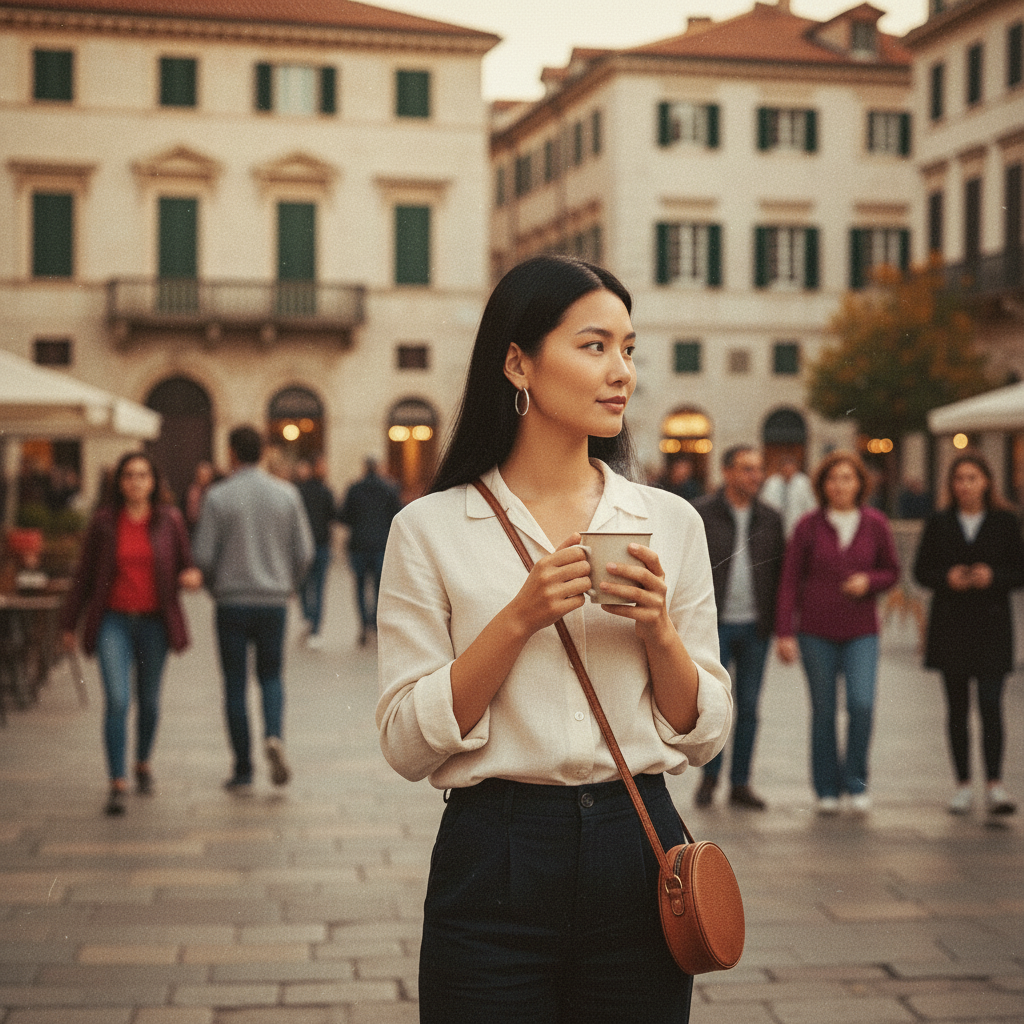
Apply vintage filters, bokeh effects, black & white conversion, and professional lighting to your photos
Before artistic filter
After artistic filter
Apply vintage film effect
Try Now
Object Replacement
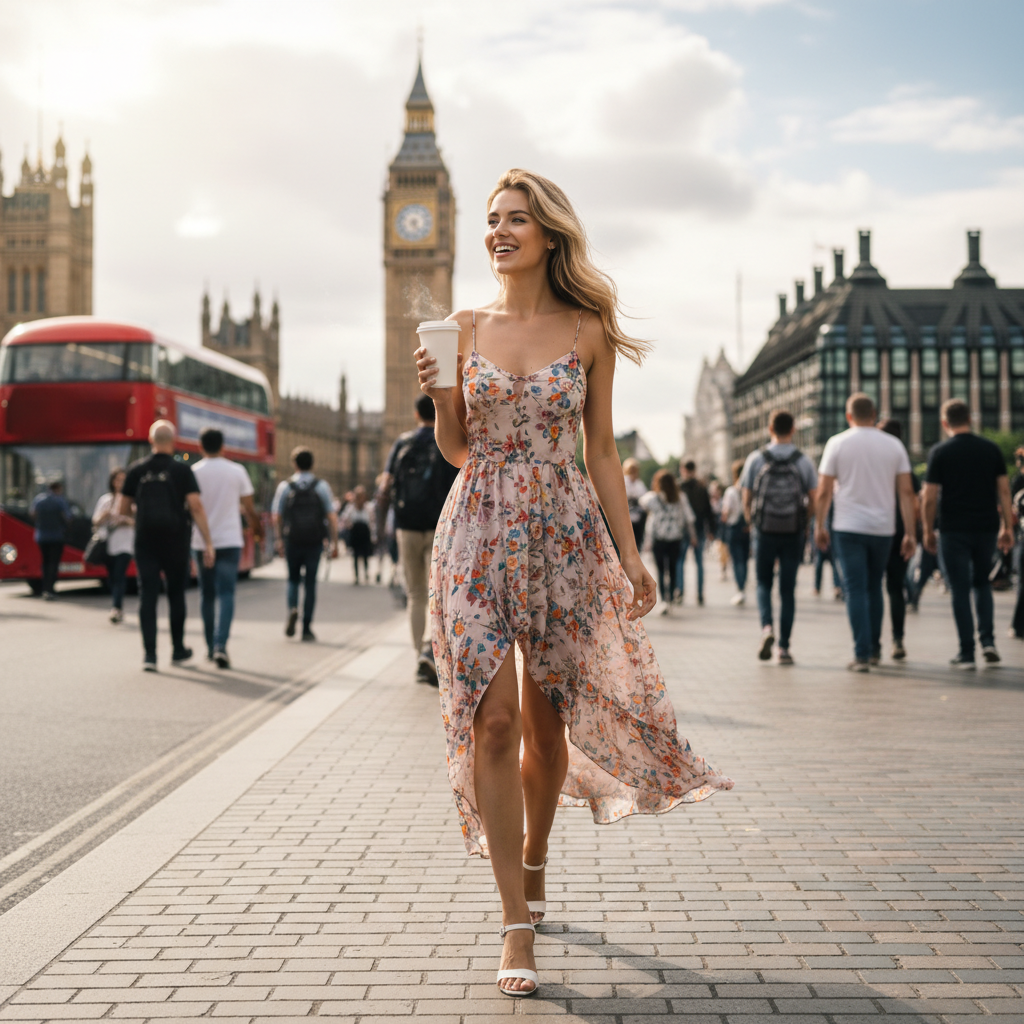
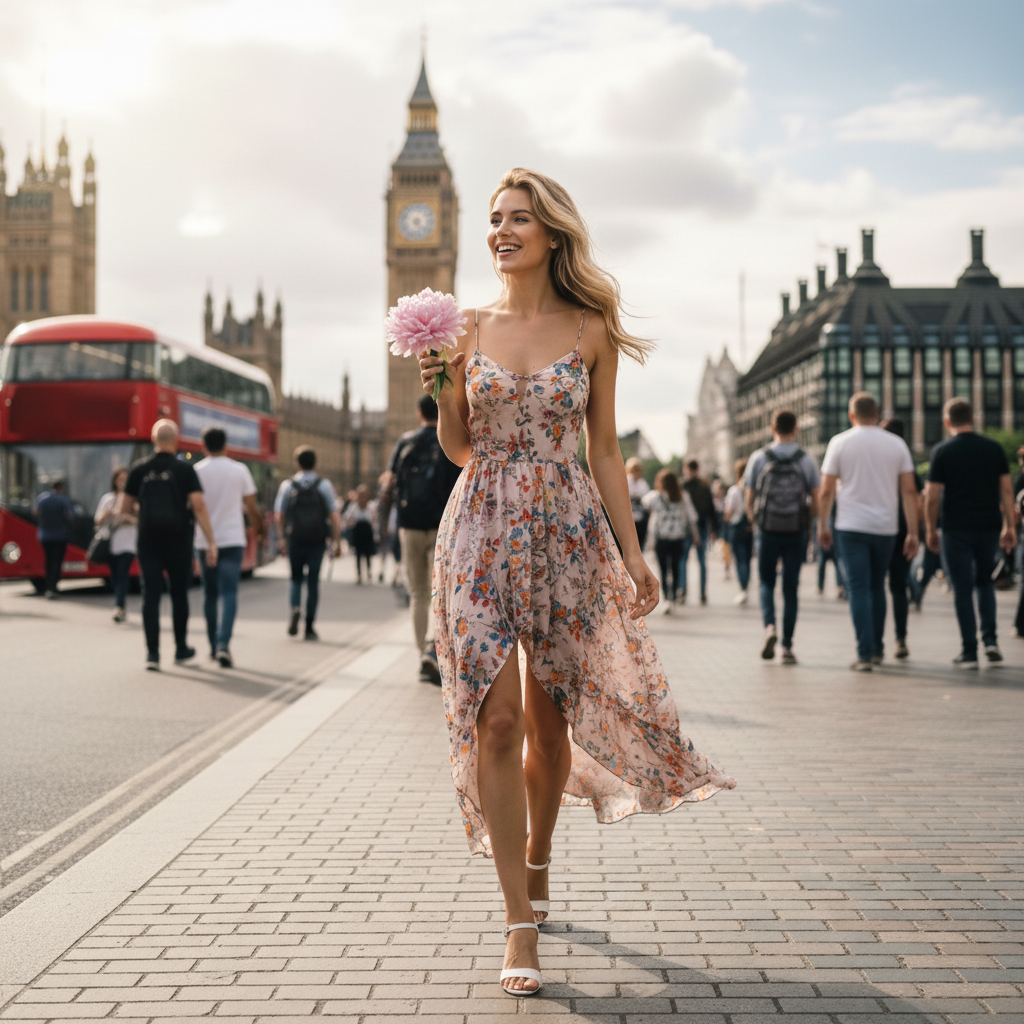
Replace objects in your photos with different items while maintaining natural perspective and lighting
Before object replacement
After object replacement
Replace object with new item
Try Now
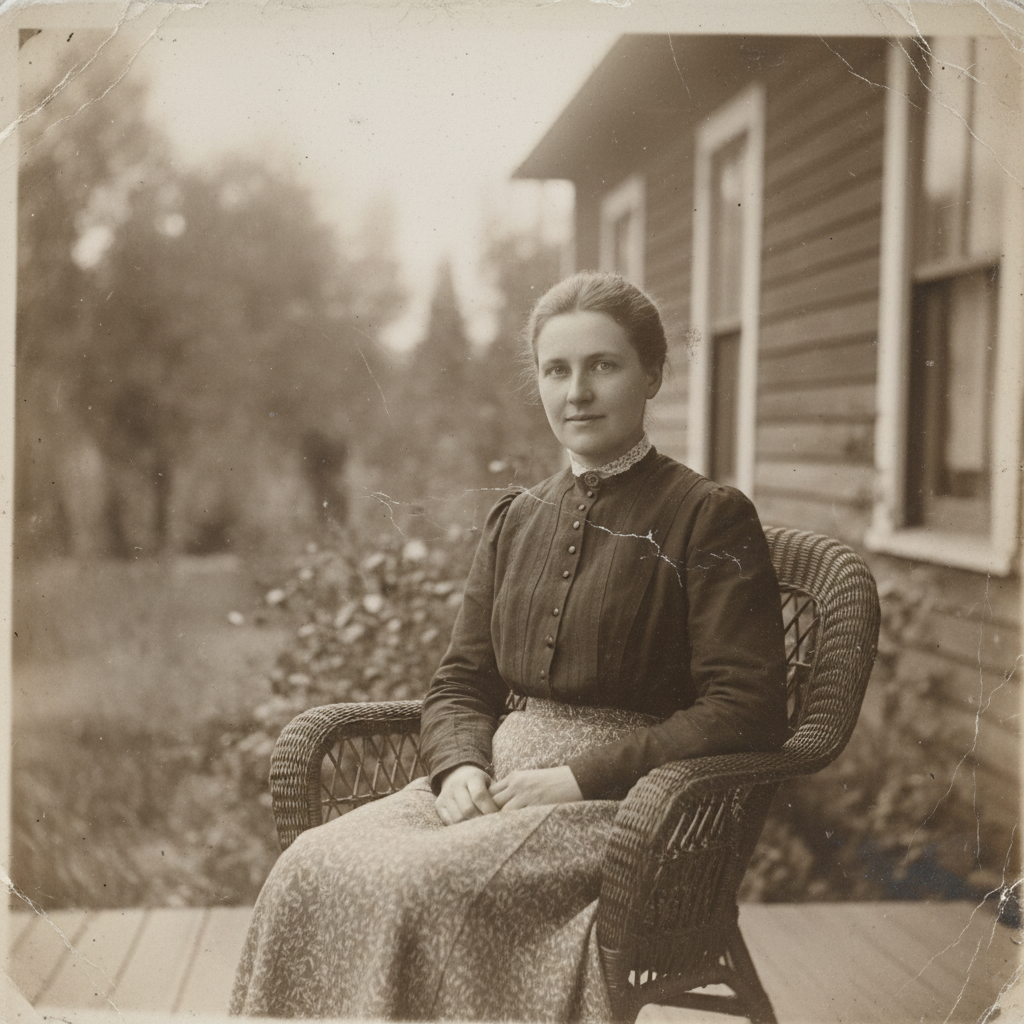
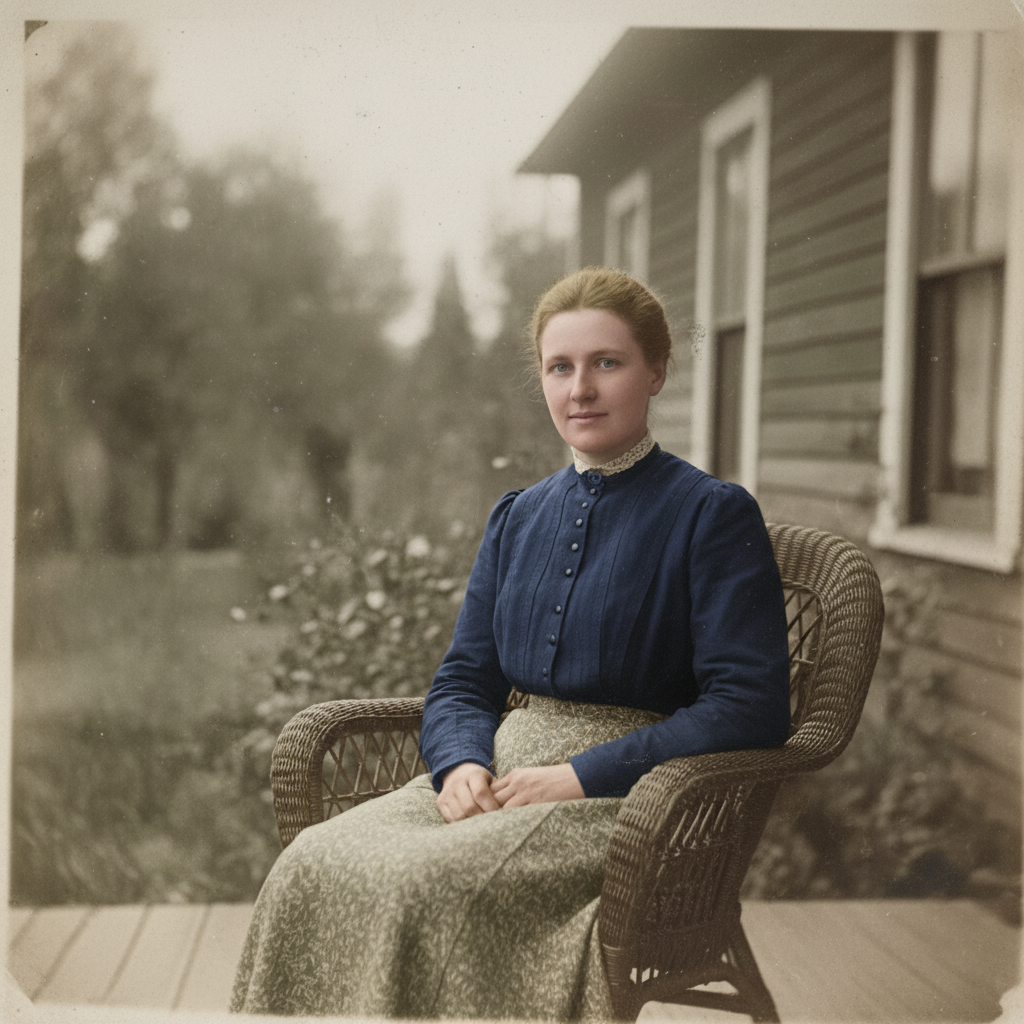
Photo Restoration & Colorization
Restore old photos, remove scratches and damage, and colorize black & white images with natural colors
Before photo restoration
After photo restoration
Colorize old black & white photo
Try Now
Tutorial

Hi, I'm Gugu. Your Image Genie ✨

Transform your images with simple text commands. Just type what you want, and watch the magic happen.

1:1
1:1
3:2
2:3
3:4
4:3
4:5
5:4
9:16
16:9
21:9
🔥Remove Passersby 🎭Realistic Portrait 🔥Remove Watermark ✨Enhance Quality 🏔️Fantasy Landscape 🎨Blur Background 📷Vintage Filter 🌃Cyberpunk City 📸Photo Booth Grid ✨Bokeh Effect 🎋Zen Garden 🏔️Portrait Lighting ⚫Black & White 🌌Space Odyssey 🎨Colorize Photo ☕Cozy Cafe

Upload your image to get started

Object Remove

Remove any distracting elements, such as people, logos, text, stickers, or emojis, from the image

Prompt Example: Remove people from the background

Animate this image

Turn your images into dynamic videos, adding motion to landscapes, portraits, selfies, and more

Prompt Example: Animate people in the image

Enhance the Photo

Instant low-light scenes with one tap, real-time and natural

Prompt Example: Enhance the photo's brightness

Change Pose

Adjust body posture in the image while keeping facial features and proportions natural

Prompt Example: Make the person in this image look like he is waving

AI Clothes

Instantly change clothes in your image and explore different styles

Prompt Example: Change the shirt to purple

Change the Weather

Transform image atmospheres naturally by adjusting light, color, and weather elements

Prompt Example: Adding snowfall effects and increasing snow coverage

AI Filter

Transform your regular image into specific art styles

Prompt Example: Turn the girl into a 3D cartoon style while keeping the real background

Bg Remover

Accurately remove the background and export a transparent or solid color image

Prompt Example: Remove the background of this image

Text to Image

Enter a prompt and generate an original AI image that meets your needs

Prompt Example: Populate the white sand beach with vintage VW camper vans and striped canvas tents under the sunset
Enlarged image

Need Help?

Have any questions or feedback? Feel free to reach out to us:

support@chatgpt-aibot.com
🎬 Video Generation
ℹ️ Only Veo 3.1 supports Reference Images
ℹ️ Duration locked to 8 seconds when using Last Frame or Reference Images
ℹ️ Aspect ratio locked to 16:9 when using Reference Images
+
+
+
+
+
Estimated Cost: 200 points
Select Image

Mask Painter

Paint the precise area you want to edit. Everything outside your strokes remains 100% unchanged.

Upload an image, choose “Mask”, and paint where you want the AI to edit.
Tools
80px

Masks count as a second upload. With a mask active you can keep one more reference image.