 Scan to Download
Turn Viral Moments intoEpic AI Comics
Obsessed with the Karina & Faker ad? Use CARA's Video-2-Comic templates to transform your selfies and videos into cinematic manga panels in seconds.
Who This Playbook Is For
Join the K-Pop and Esports crossover fever
Capturing the 'PLAY ON PLAY' Magic
The recent Google Play 'PLAY ON PLAY' campaign featuring aespa's Karina and the legendary Faker (Lee Sang-hyeok) has set the internet on fire. It's the ultimate 'K-Pop meets Esports' moment that shifted from a fake romantic drama to a hilarious, high-octane comedy. If you've been scrolling through Threads, PTT, or X and seen the memes of Faker's tactical rolls or Karina's shocked expressions, you know the power of this visual style.
This playbook is designed for creators, K-Pop fans (MYs), and T1 supporters who want to recreate that high-quality, cinematic comic aesthetic without needing professional illustration skills. Whether you want to turn a gaming highlight into a manga panel or transform a casual library study session into a romantic manhwa scene, CARA for iOS provides the exact templates you need to bridge that reality-to-art gap.
Note: CARA's Video-2-Comic feature is a sophisticated AI mechanism that takes about 5 minutes to process, ensuring every detail of the viral aesthetic is captured perfectly.
Creative Mapping: From Reality to Comic
How to use CARA for your social media content
🌸 Romantic Encounters
Use the Cherry Blossom template to recreate the 'fate' meeting in the park, perfect for couple photos or solo 'main character' vibes.
🎮 Gaming Memes
Convert your PC room or gaming setup shots into dramatic 'God-tier' gaming panels, just like Faker's legendary cameos.
📚 Library Romance
Turn a boring study session into a classic Shoujo manga scene with soft lighting and detailed book-lined backgrounds.
🚇 Action Commutes
Transform your subway or bus commute into a high-stakes action comic sequence with speed lines and dramatic shading.
☕ Cafe Vibe
Style your brunch photos with the 'Coffee Shop' template for that aesthetic webtoon look that's perfect for Instagram Stories.
Step-by-Step AI Comic Recipe
The easiest way to generate high-quality AI portraits
Choose Your Template
Open CARA on your iPhone and browse the curated template library. Look for styles like 'K-Drama Comic' or 'Manga Action' to match the Karina-Faker aesthetic.
Upload Your Media
Select a clear selfie or a short video clip from your camera roll. Ensure your face is well-lit for the best AI conversion results.
Wait for AI Magic
For the Video-2-Comic feature, the AI takes about 5 minutes to process complex layers. Grab a coffee while CARA paints your story.
Save & Share
Once generated, download your high-resolution portrait or comic clip directly to your camera roll and upload it to social media.
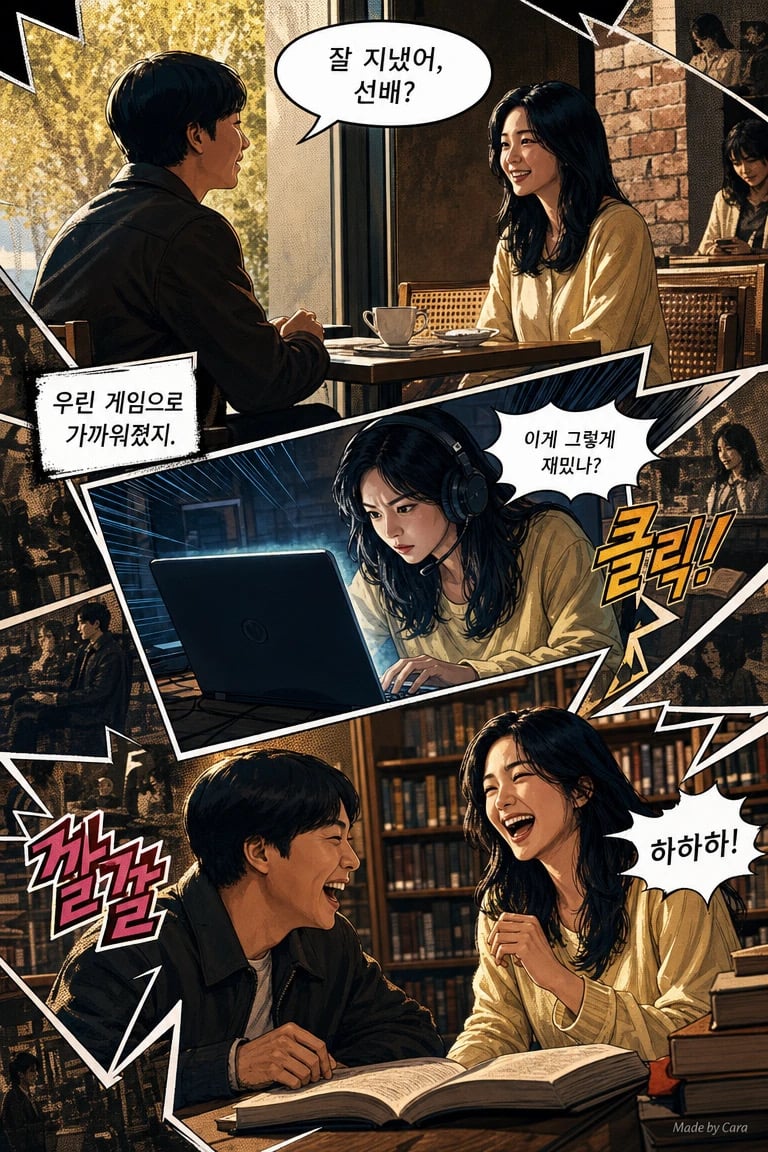
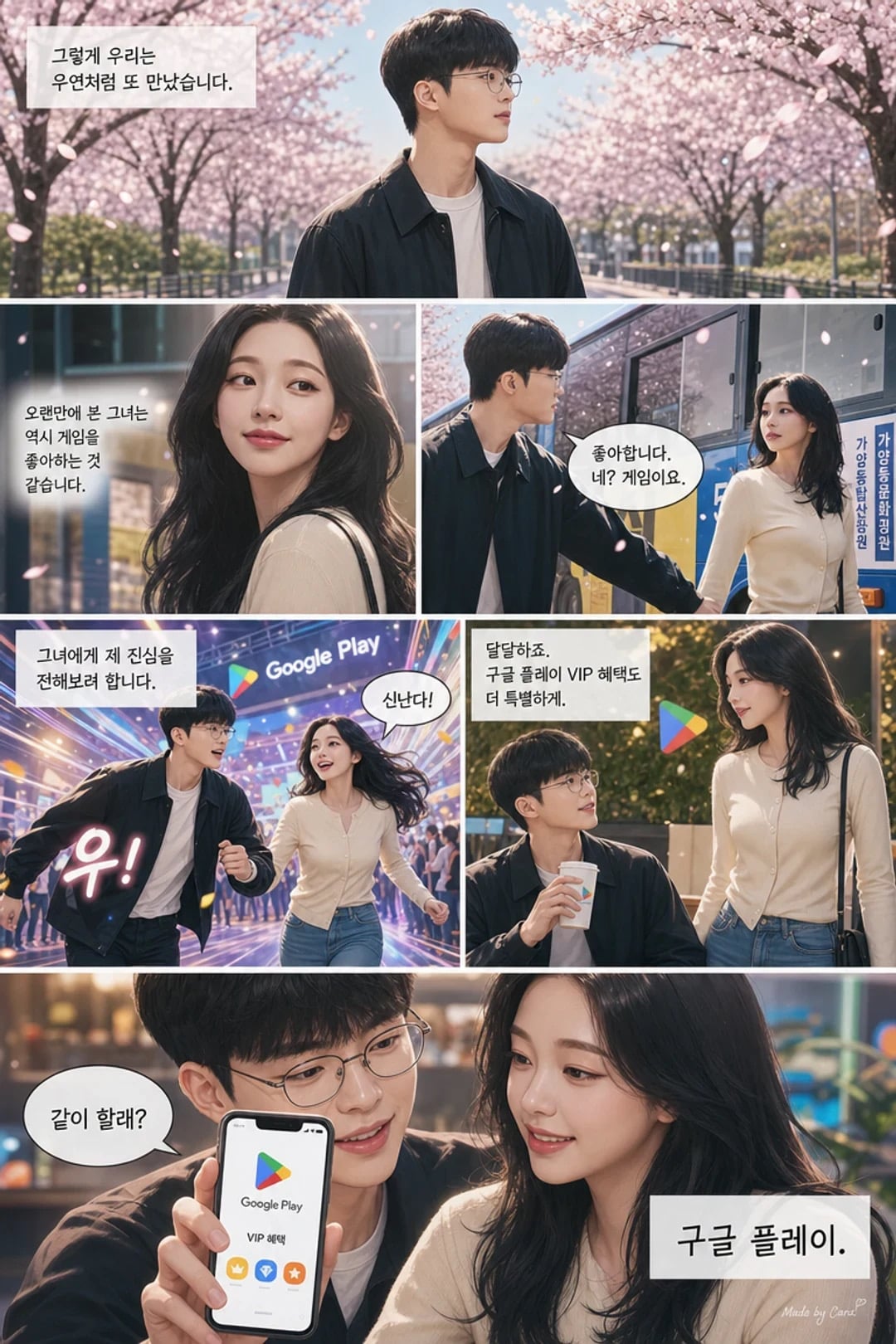
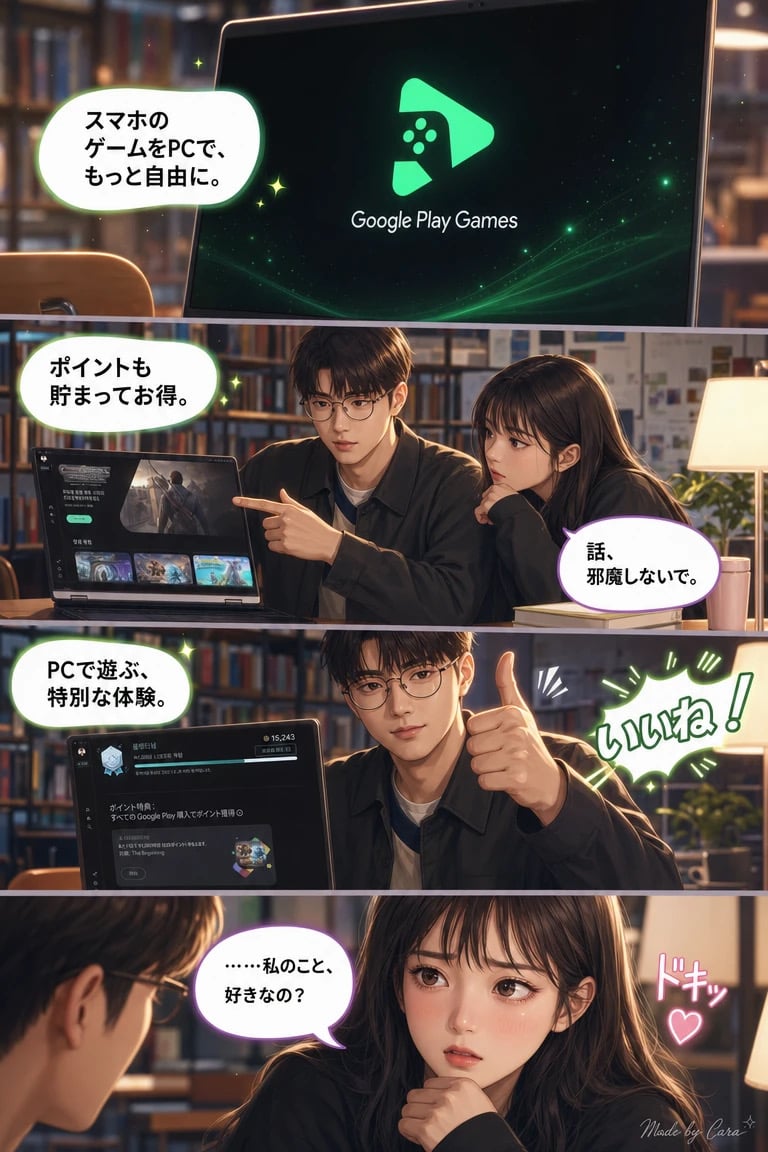
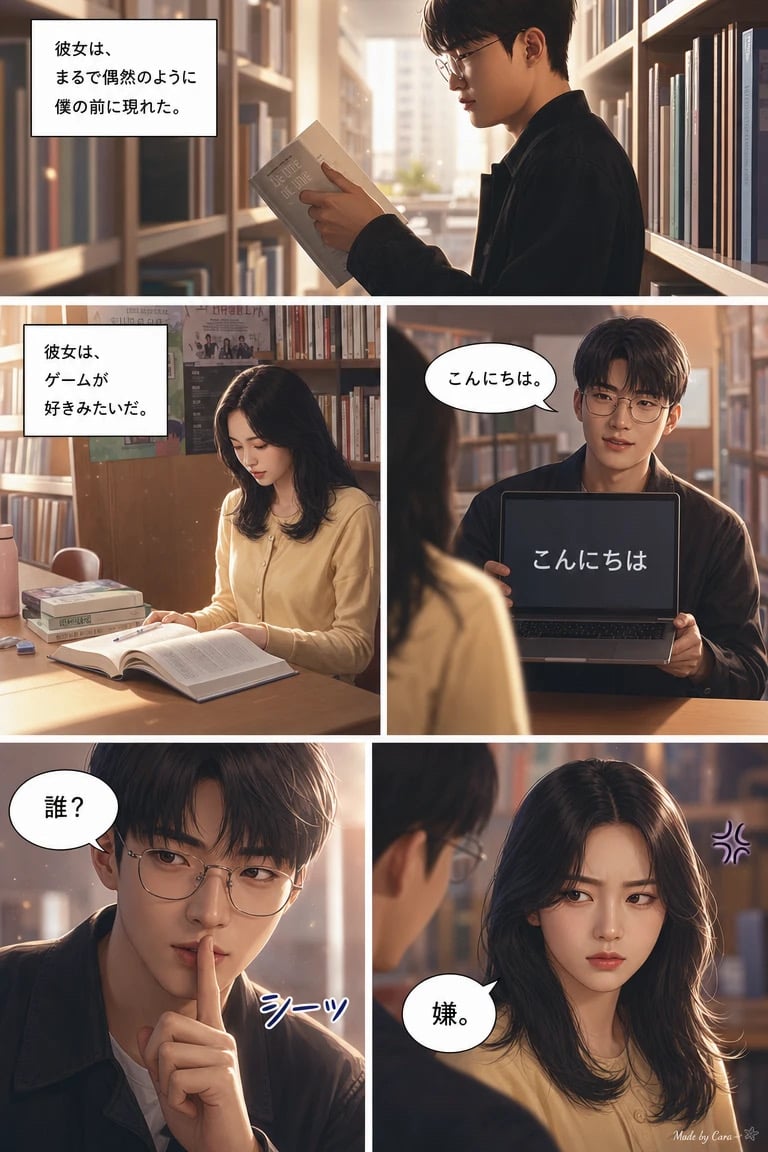
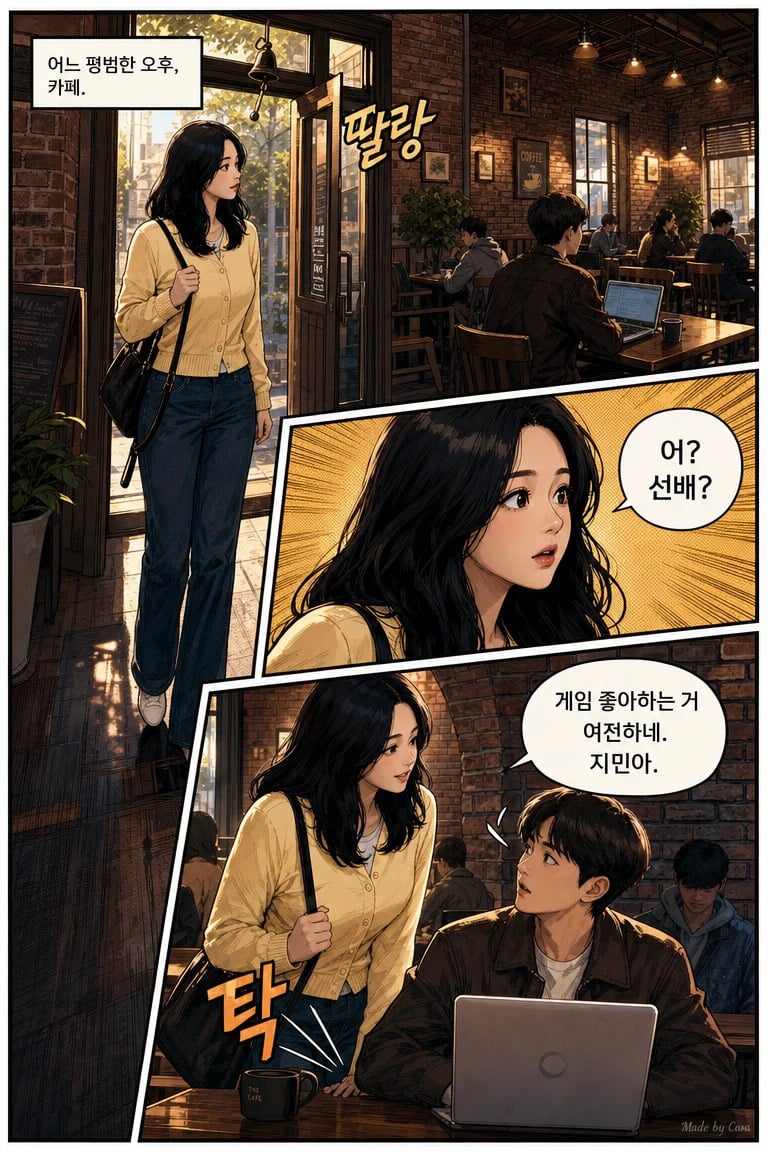
The 'PLAY ON PLAY' Visual Results
Actual AI outputs generated using CARA's comic-style templates
Tailored Advice for Creators
How to get the most out of your AI generation
For K-Pop Fans
Focus on templates that enhance soft features and glowing skin. The 'Idol' filter variants in CARA help achieve that perfect Karina-esque look. Use neutral backgrounds to let your facial expressions pop.
For Gamers
Take advantage of the 'Dark Mode' or 'Neon' comic templates. These mimic the atmosphere of a PC Bang (Korean internet cafe) and highlight the intensity of your gaming sessions. Don't be afraid to try dynamic poses!
For Social Media Marketers
The Video-2-Comic output is a perfect scroll-stopper. Use it for teaser clips or unique profile pictures to stand out from the standard photo-filtered competition.
Checklist for Perfect AI Comics
Ensure your output looks professional every time
Lighting is King
AI works best with clear, even lighting. Avoid heavy shadows across the face unless you want a very dramatic, dark comic effect.
Simplify Your Background
While CARA's AI can handle complex scenes, a cleaner background helps the AI focus its detail on your character's clothing and hair textures.
Express Yourself
The 'Karina and Faker' ad was all about expressions—from shock to determination. Over-exaggerate your facial expressions for a more authentic 'manga' feel.
Frequently Asked Questions
Everything you need to know about CARA
Is CARA available on Android?
Currently, CARA is exclusively available for iPhone and iPad users on the App Store. There is no Android version at this time.
How long does the Video-2-Comic take?
Due to the high-quality rendering and complex AI processing required to convert motion into consistent comic art, it takes about 5 minutes per clip.
Do I need photo editing skills?
Not at all! CARA is designed for one-tap generation. You simply pick a template and upload; the AI handles all the lighting, shading, and artistic styling.
Are the generations free?
The app is free to download and offers limited free generations. You can use a credit/points system for more creations, available via in-app purchases.
Can I add my own text to the images?
No, CARA does not currently have manual text overlay or typography tools. It focuses on generating the highest quality AI visual art possible.
Can I export to PDF?
No, images are exported in high-quality JPG or PNG formats, perfect for social media sharing and saving to your camera roll.
Ready to Start Your Comic Story?
Download CARA on the App Store today and turn your videos into viral AI comics with just one tap.
Download CARA for iOS