The Rise of the 90s Revival in 2026
Why the retro look is dominating 2026 and reshaping modern visual culture.
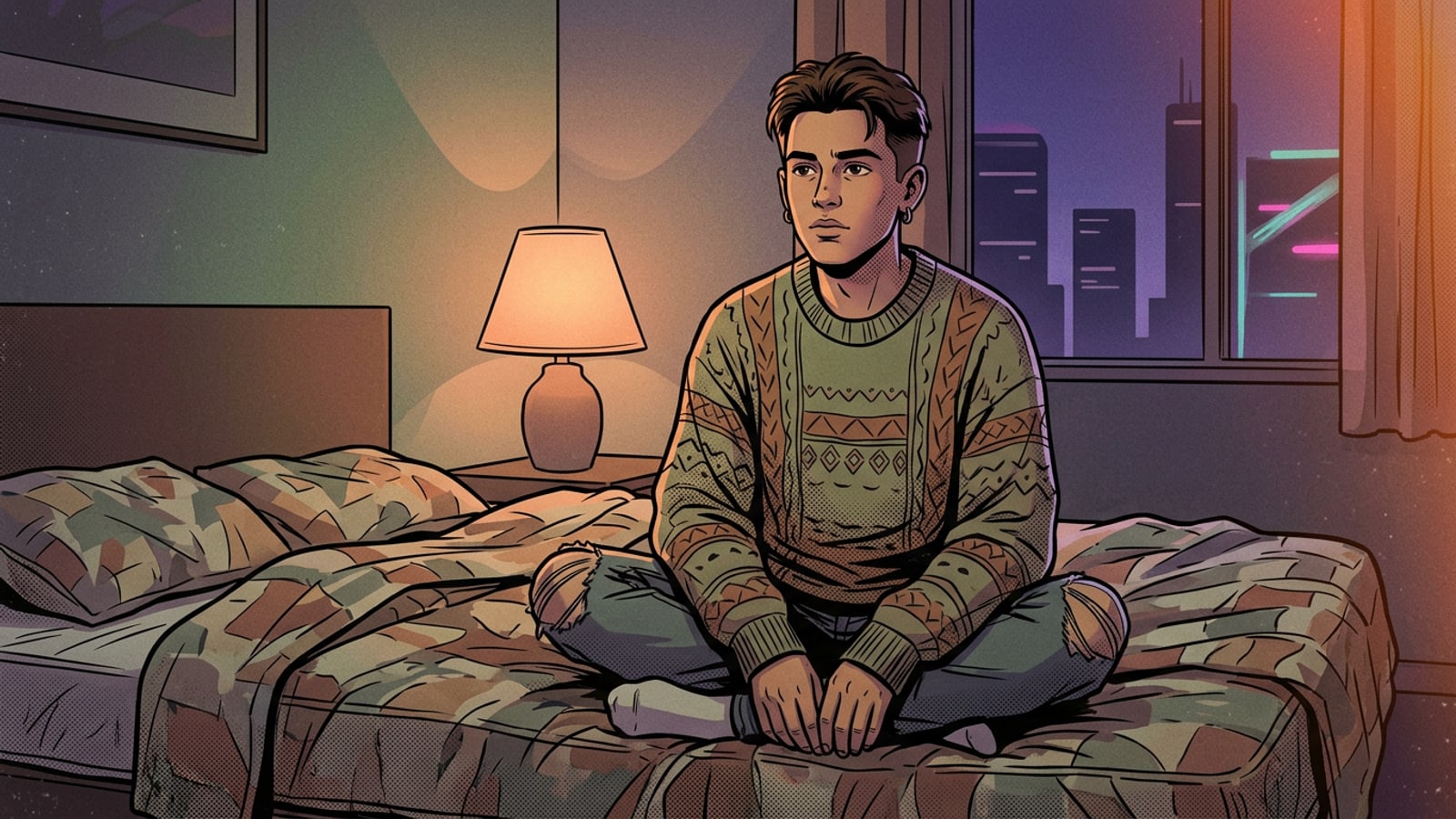
Cultural longing for the past has reached an all-time high in 2026, bringing the distinct, unpolished aesthetic of the 1990s back into the mainstream visual vocabulary. After years of chasing hyper-realistic, ultra-high-definition digital perfection, modern creators are experiencing a profound fatigue with flawless imagery. Instead, there is a massive cultural pivot toward authenticity, warmth, and the human element found in analog media.[1]
This revival is evident across multiple creative industries, with late 90s fashion trends heavily influencing fall 2026 runway shows and trickling down into everyday social media feeds. The visual language of the era—characterized by muted tones, heavy contrast, and unpredictable artifacts—has become the defining look for a new generation of digital creators who value mood over megapixel counts.[9]
At the heart of this movement is a concept known as Sustainable Nostalgia. It is important to note that in this specific context, the term refers to the cultural longevity and enduring emotional resonance of the aesthetic itself. It highlights how certain visual styles remain emotionally precise and relevant across decades, fueling modern visual storytelling despite their inherent technical imperfections.[7]
Instead of seeking out flawless imagery, modern creators are actively looking for ways to add character through imperfection. They are replicating the warmth of the past via digital editing, using advanced tools to intentionally degrade pristine digital photos into something that feels lived-in, nostalgic, and deeply personal.[5]
Anatomy of the 90s Look: Grain, Light, and Color
The technical elements that define authentic vintage film photography and give it a soulful edge.
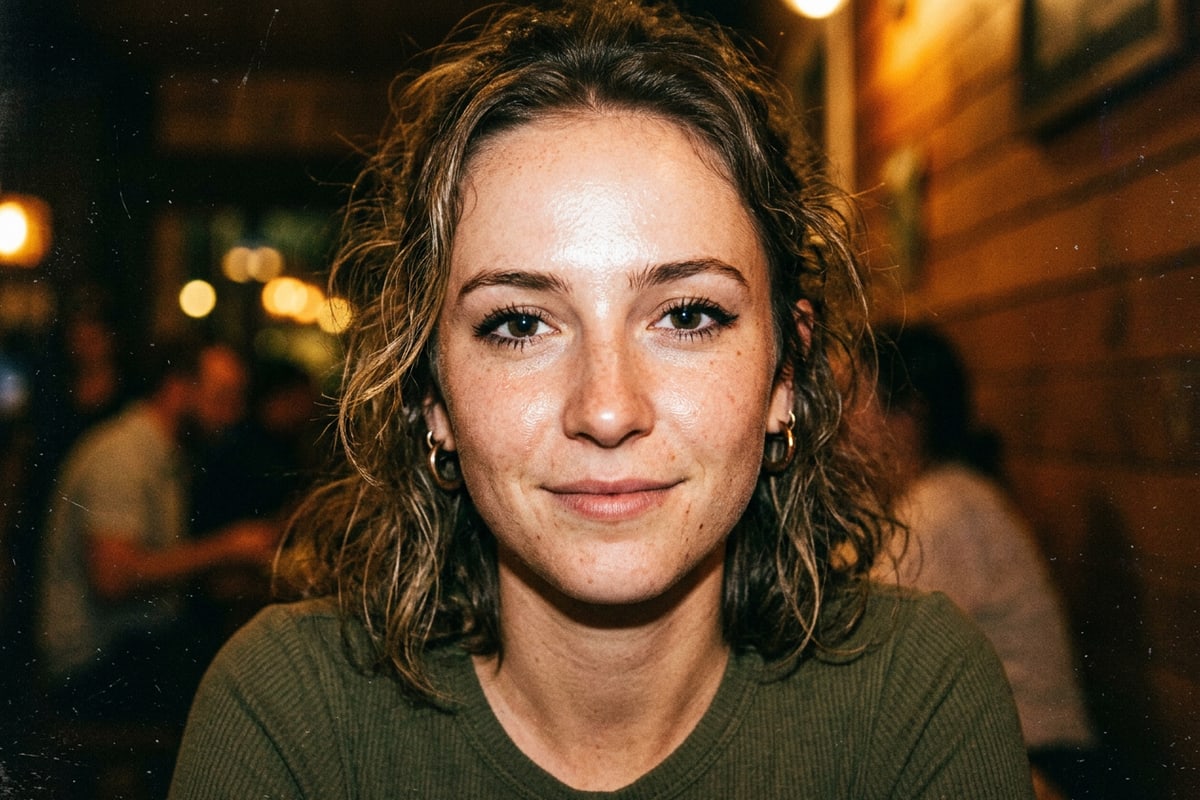
To accurately replicate a vintage portrait, it is essential to understand the physical characteristics of analog film that define the era. The most prominent feature is film grain, which is physically created by silver halide crystals suspended in the film emulsion reacting to light. Depending on the film's sensitivity, these crystals cluster together in unique patterns, creating a textured overlay that digital sensors simply do not produce naturally.[2]
Rather than being seen as a flaw or a limitation of older technology, this grain now acts as an artistic tool. It adds history, texture, and emotion to an otherwise flat digital image, providing a tactile quality that makes the viewer feel as though they are holding a physical photograph from three decades ago.[2]
Another hallmark of the retro aesthetic is the light leak. This phenomenon occurs when extra light accidentally exposes the film inside the camera body, often due to worn-out light seals or opening the camera back prematurely during the development process. These leaks typically manifest as striking streaks of orange, red, or yellow across the edge of the frame.[6]
Today, these unpredictable bursts of warm color are highly sought after as a special element of film photography. They provide a sense of serendipity and happy accidents that modern smartphone cameras, with their computational perfection, naturally eliminate. Recreating these specific color casts and artifacts is the key to mastering the 90s aesthetic.[6]
How to Create 90s AI Portraits with CARA
A simple workflow for generating vintage film looks using CARA's one-tap templates.
Achieving the retro aesthetic no longer requires complex editing software, a deep understanding of color theory, or manual grain adjustment sliders. The CARA app for iOS simplifies the process entirely, serving as a powerful 90s ai filter through template-based photo generation. Designed exclusively for still-image processing, the app allows users to achieve authentic vintage styles without navigating complex interfaces.
Built specifically for users without professional photo editing skills, CARA relies on one-tap generation to deliver photorealistic portraits with authentic-looking grain and light leaks. There are no custom brushes or complicated layers to manage; the app's architecture is built around ease of use and immediate visual gratification.
Users simply browse a regularly updated library of trending styles, select their preferred vintage look, and let the AI handle the complex color grading and texture mapping. The cloud-based processing ensures that the heavy computational lifting is done off-device, returning a fully stylized portrait directly to your iPhone.
- Select a Vintage Template
Open the CARA app on your iOS device and browse the regularly updated Template Library. Look for styles categorized under vintage, retro, or 90s film to find an aesthetic that matches your vision.
- Upload Your Selfie
Choose a clear, well-lit photo from your iPhone camera roll. You do not need to pre-edit the image, crop it, or apply any basic filters beforehand, as the AI will completely reimagine the lighting and texture.
- Generate and Share
Tap to generate. CARA's cloud AI processes the still image rapidly, applying the vintage styling automatically. Once complete, you can save the high-quality JPG/PNG result to your device or share it directly to your social media feeds.
Pro Tips: Lighting and Composition for Vintage Templates
Maximize the quality of your AI-generated portraits by starting with the right base photo.
While AI is excellent at recovering details through grain and emulating classic film stocks, the quality of your final portrait heavily depends on the selfie you provide as a base. The AI uses your original photo as a structural map, meaning the lighting and contrast you capture will dictate how the vintage effects are applied.[4]
To avoid a result that looks artificially perfect or overly processed, you need to provide a base image that feels grounded, human, and natural. Flat, front-facing lighting—like the kind produced by modern ring lights—often results in a flat AI generation. Instead, you want lighting that creates natural depth and dimension on the face.
Directional lighting is your best friend when preparing a photo for a 90s ai filter. By allowing shadows to fall naturally across one side of your face, you give the AI a rich contrast map to work with. When the AI applies the vintage color grading and heavy film grain, these shadows will deepen beautifully, mimicking the limited dynamic range of actual 35mm film.
- Use natural, directional lighting to help the AI accurately map shadows and highlights before it applies the vintage color grading.
- Avoid using modern digital beauty filters or heavy smoothing on your base photo, as this removes the natural skin texture the AI needs to blend with the film grain.
- Ensure your face is clearly visible and not obscured by heavy shadows, as the AI needs clear facial landmarks to generate a photorealistic portrait.
Pro Tips: Managing Color Casts and Expressions
How styling and posing choices impact the authenticity of your retro AI portrait.
Beyond lighting, the way you style yourself and pose in your base photo significantly influences the final output. The 90s aesthetic is defined by a sense of casual indifference and candid realism. Highly staged, overly manicured selfies often clash with the raw, gritty texture of vintage film templates.
When selecting a photo, consider your clothing and makeup. Solid colors, denim, and minimalist 90s fashion staples tend to process better through AI filters than complex modern patterns or hyper-trendy contemporary outfits. The AI will adapt the colors of your clothing to fit the vintage color palette, often muting bright neons and enhancing earthy tones.
Expression is equally critical. The most convincing vintage portraits capture a fleeting moment rather than a posed stance. Relaxed facial expressions, slight movement, or looking slightly off-camera can trick the eye into believing the image was captured on a disposable camera at a 1996 house party, rather than generated by a cloud server in 2026.
- Choose expressive, candid poses rather than stiff, formal selfies to capture the emotional precision of analog photography.
- Opt for minimalist makeup; heavy contouring can confuse the AI's shadow mapping and result in an overly dramatic, unnatural generation.
- Wear clothing with simple textures and solid colors to allow the AI to focus its processing power on rendering realistic film grain and light leaks.
Reviewing and Curating Your AI Results
Understanding how to select the best outputs from your AI generations.
Because AI generation involves a degree of unpredictability—much like developing actual film—not every result will be a masterpiece. Curating your outputs is a vital part of the modern digital workflow. When you receive your generated portraits from CARA, take the time to analyze how the AI interpreted your base photo.
Look closely at how the film grain interacts with the highlights and shadows. In a successful generation, the grain should feel integrated into the image, appearing heavier in the dark areas and softer in the bright spots, exactly as silver halide crystals behave in physical film.
Pay attention to the placement of light leaks. The best results feature light leaks that feel organic, perhaps bleeding in from the edge of the frame or washing softly over a non-essential part of the background. If a light leak completely obscures your face in an unflattering way, it is worth using another credit to generate a fresh variation with a different template.
The Speed of Modern Nostalgia
How cloud AI enables rapid experimentation with vintage styles without the wait.
One of the most significant advantages of using AI for vintage aesthetics is the sheer speed of the transformation. In the 90s, achieving these looks required shooting a roll of 36 exposures, dropping it off at a photo lab, and waiting days to see if the lighting and focus were correct. Today, standard portrait templates generate results rapidly via cloud AI, delivering fully realized images in seconds.
This rapid turnaround encourages a new kind of creative experimentation. Users can try multiple vintage styles, swap between warm Kodak-style emulations and cool, high-contrast black-and-white looks, all in a single sitting. If a particular selfie does not work well with a heavy grain template, you can immediately upload a different photo and try again.
This frictionless experience aligns with the broader industry push toward instantaneous creative tools, a shift explored further in our coverage of Nano Banana 2 Lite: The 2-Second AI Photo Revolution. Ultimately, CARA bridges the gap between the deliberate, soulful nature of analog photography and the fast-paced demands of modern social media, allowing anyone to participate in the 90s revival.